Sort Learning as a Learner
To assist leaners find learning, the learning eportfolio can be sorted.
📘 Instructions
Follow these steps to sort learning content as a learner role …
Log in as learner
Go to Learning (button on the toolbar if not loaded in automatically).
Access the Sort button just above the list of learning tiles.
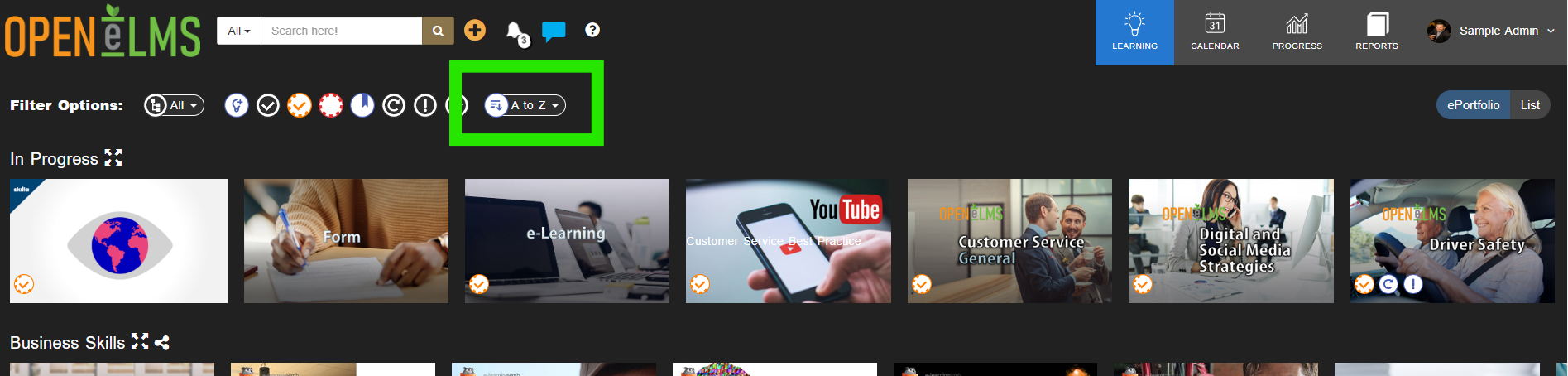
Sort alphabetically Ascending
Sort alphabetically Descending
Sort by date Ascending
Sort by date Descending
Sorting may be removed - contact your system administrator if you have any questions as they would have removed it. Usually this is because the library of learning is not large.
📋 Related articles
- Page:
- Page:
- Page:
- Page:
- Page: