Adding the Zoom App to An Event
The Zoom app can be added to any event. The app will be used to schedule meetings/learning sessions and record them where appropriate.
📘 Instructions
Follow these instructions.
Create an event in the usual way - see
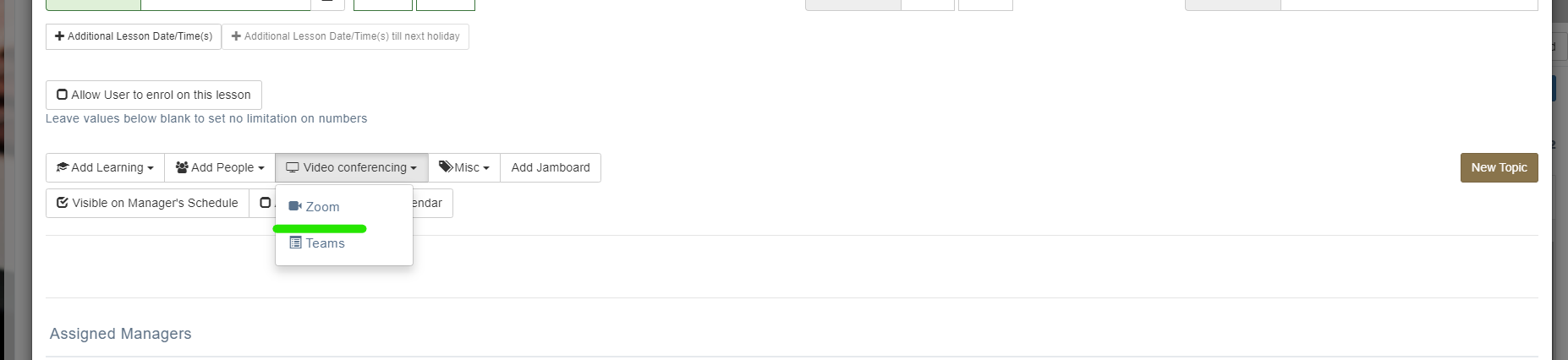
Select Video Conferencing > Zoom from the drop down menu.
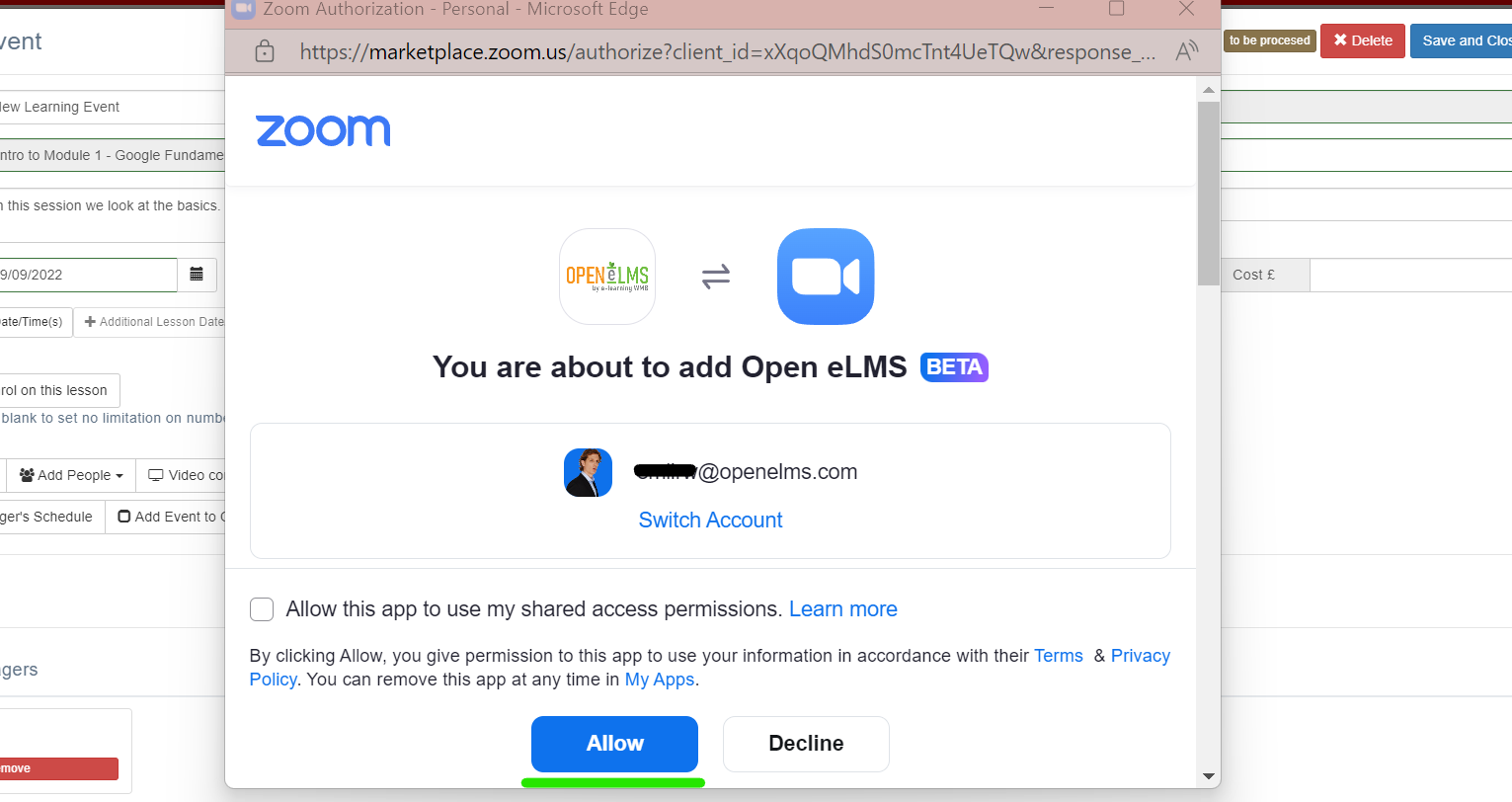
Select the Allow option to give permission to this app to use your information.
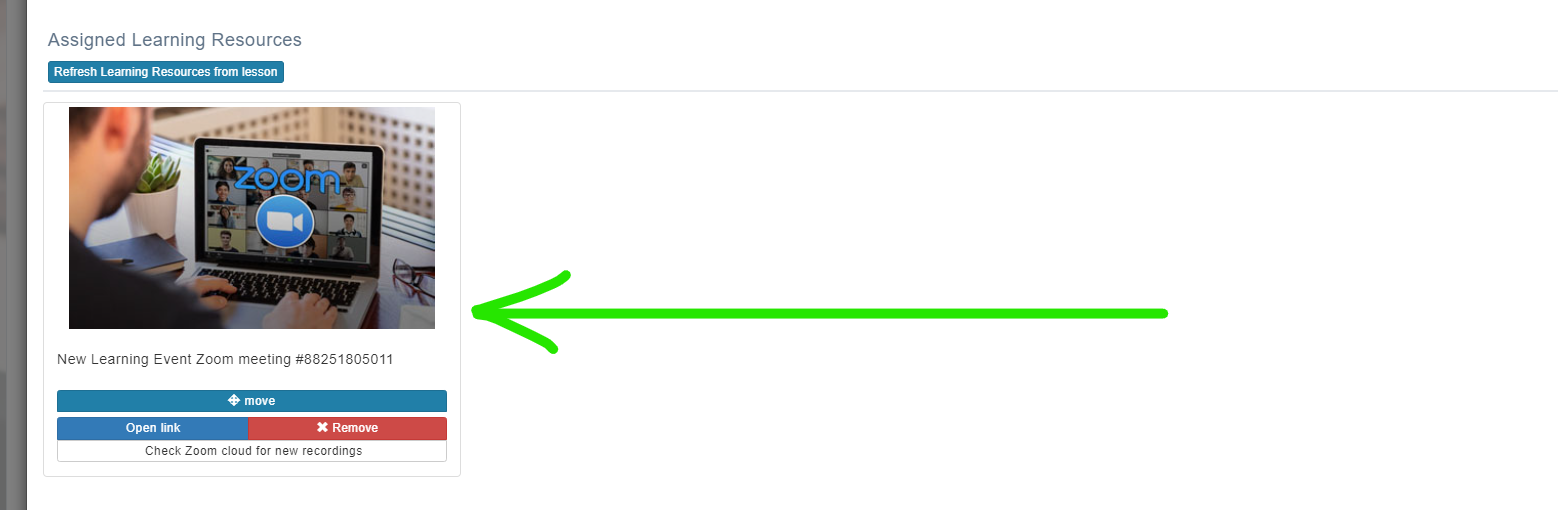
A Zoom meeting will then be created - attached the meeting and available as an attached learning resource.
Highlight important information in a panel like this one. To edit this panel's color or style, select one of the options in the menu.
📋 Related articles
- Page:
- Page:
- Page:
- Page:
- Page: