How to Add/Edit Companies
Open eLMS allows administrators to manage different organizations or business entities within the platform using the Companies section. This feature enables the assignment of users, courses, and resources based on company affiliations, ensuring a streamlined and efficient management process. This guide will walk you through the process of adding and editing company information in Open eLMS.
📘 Instructions
Navigate to the Companies section of the Open eLMS platform.
System Setup - Organisation - Companies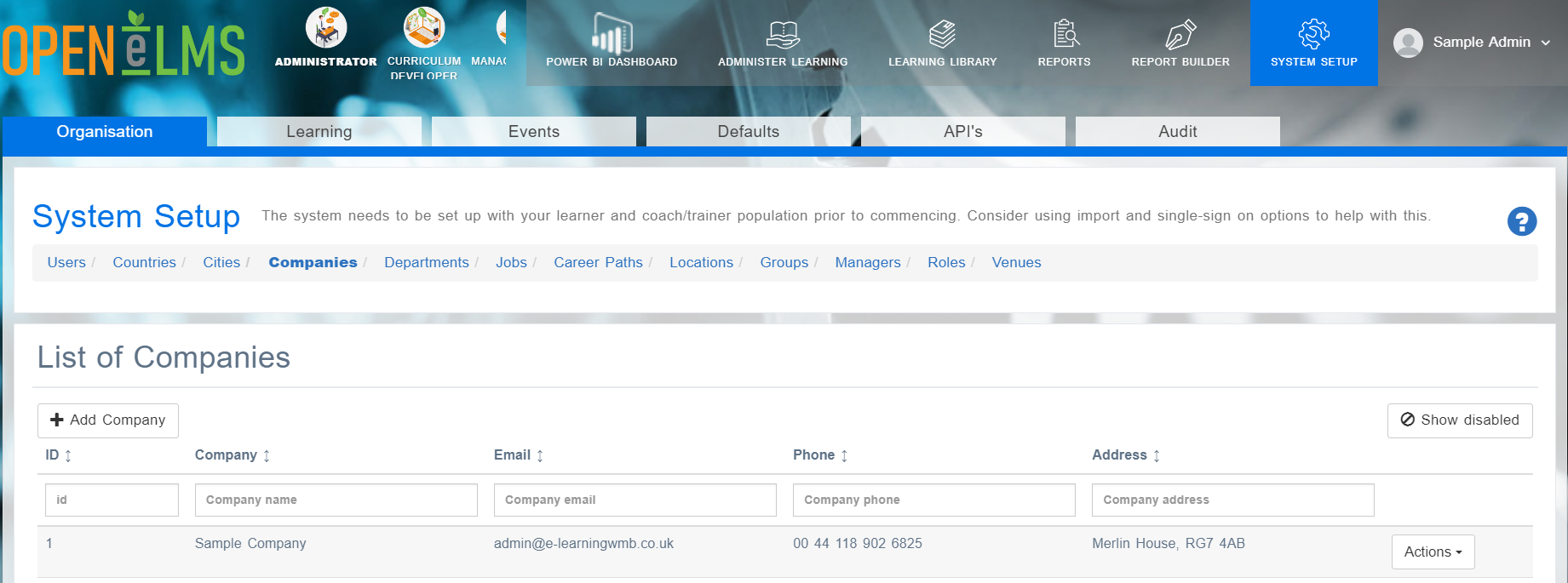
Click on the "Add Company" button.
Fill in the required fields, including the company name and any other relevant information.
Add any optional information, such as contact details, maximum number of users allowed, discount percentage, main contact, attachments, or custom branding options.
Click "Save" to create the new company.
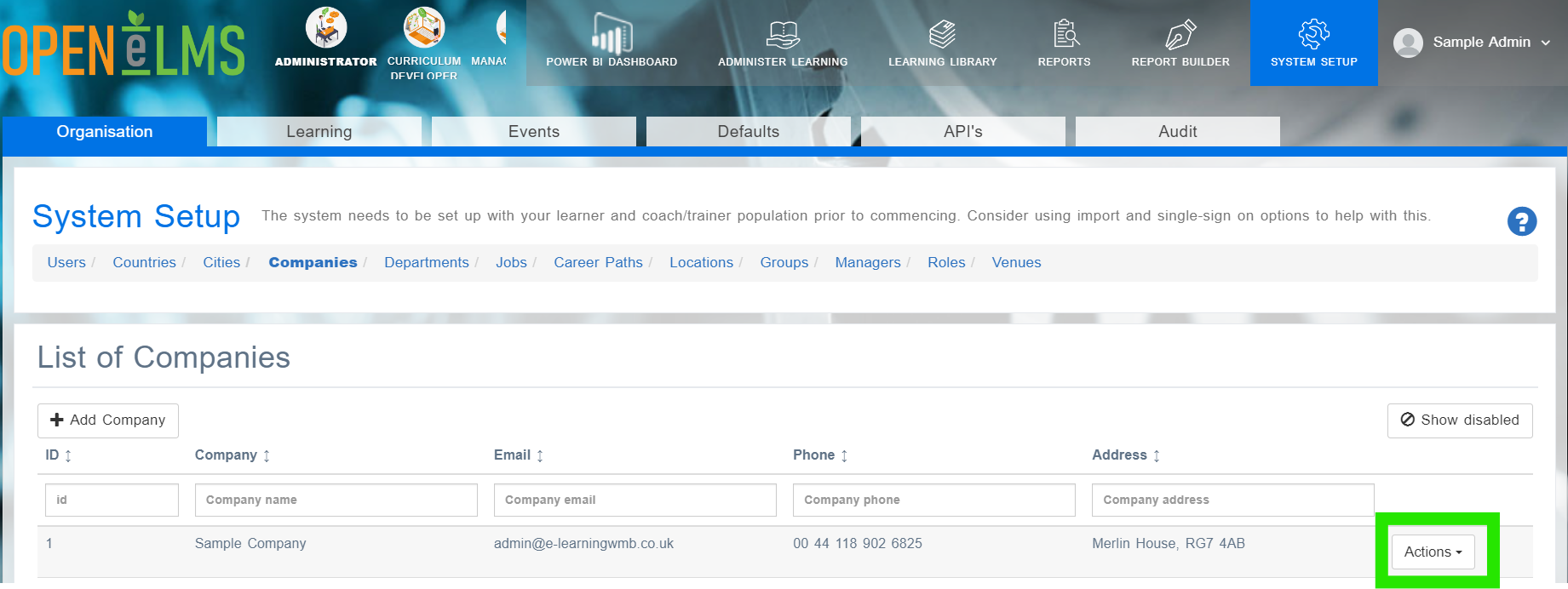
Once company is created, you can edit the information at any time by using the Actions button
📋 Related articles
- Page:
- Page:
- Page:
- Page:
- Page: