Skills Monitoring
Managers can effortlessly monitor personnel skills and link them directly to associated training. Skills get automatically refreshed upon completion of relevant training modules, ensuring your team is always prepared for action.
📘 Instructions
Follow these instructions
Log in as a Manager
Go to Skills Monitoring
Select filters to view skills in the desired department/location etc.
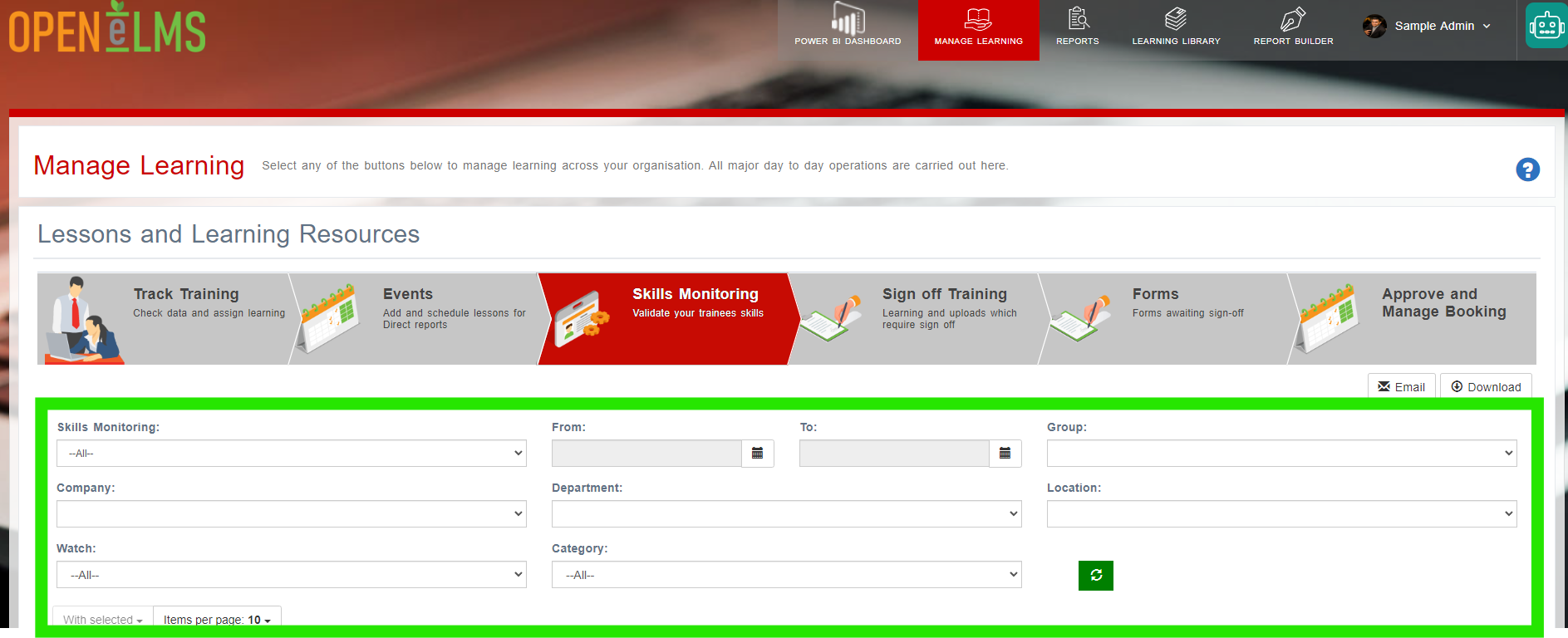
Select one or many people and press the With Selected button.
Sign Off the personnel and leave a reason why the skill(s) should be signed off
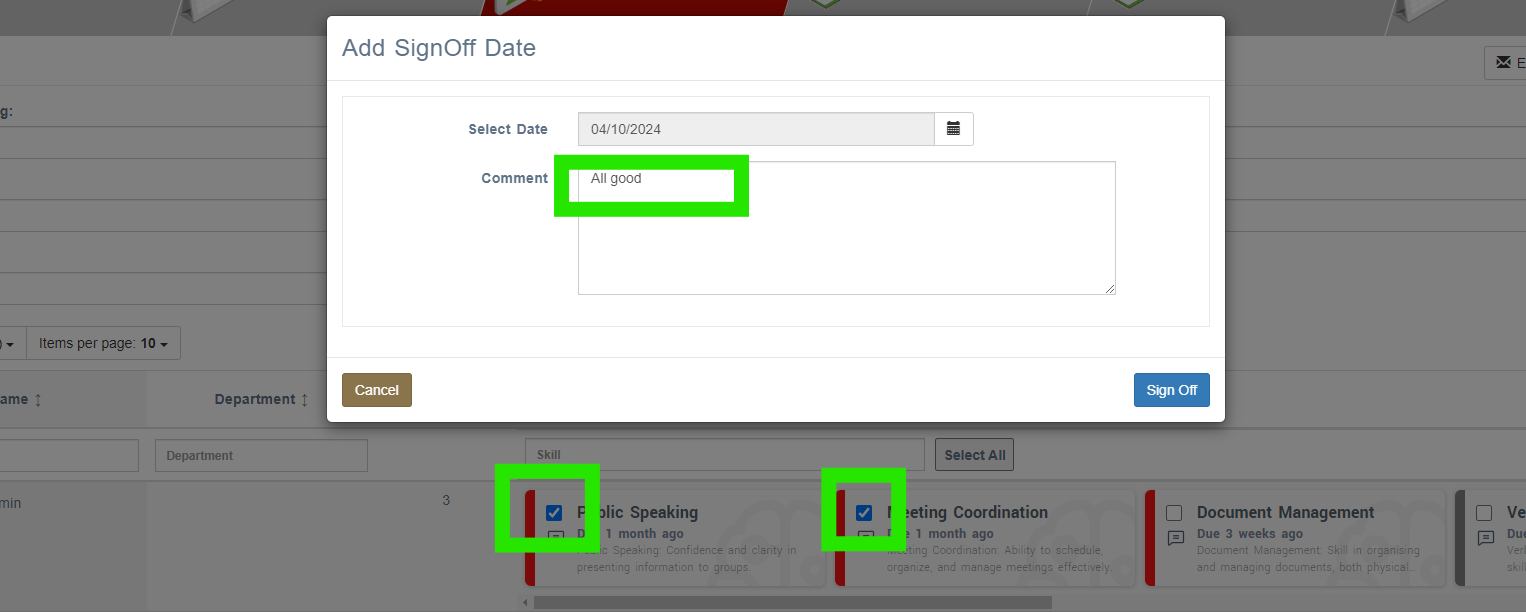
Skill statuses will be reset and the next due date put forward in line with the repetition frequency for each skill.
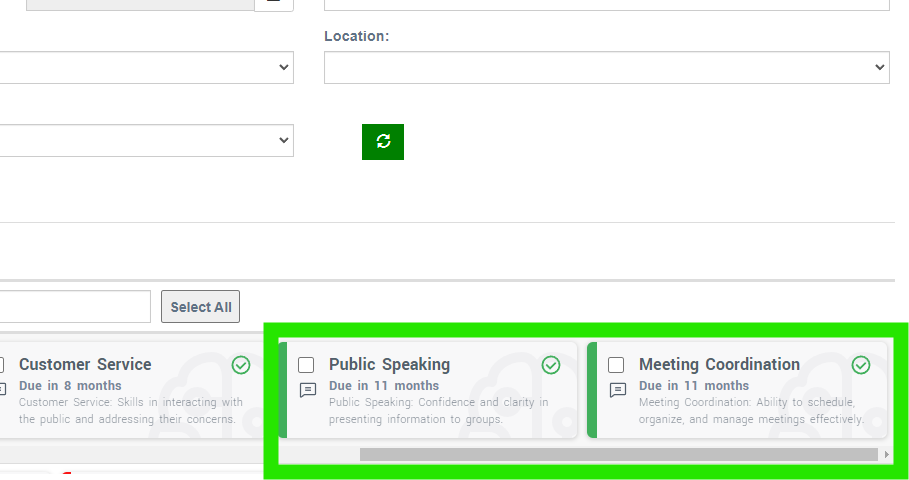
Note skills do not have to be signed off manually in this way. Some skills will have training attached to them and the training just needs to be completed to automatically complete the skill for each learner.
📋 Related articles
- Page:
- Page:
- Page:
- Page:
- Page: