Import User Data
Importing data from a spreadsheet is easy to do using Open eLMS.
Instructions
Log in as an Administrator
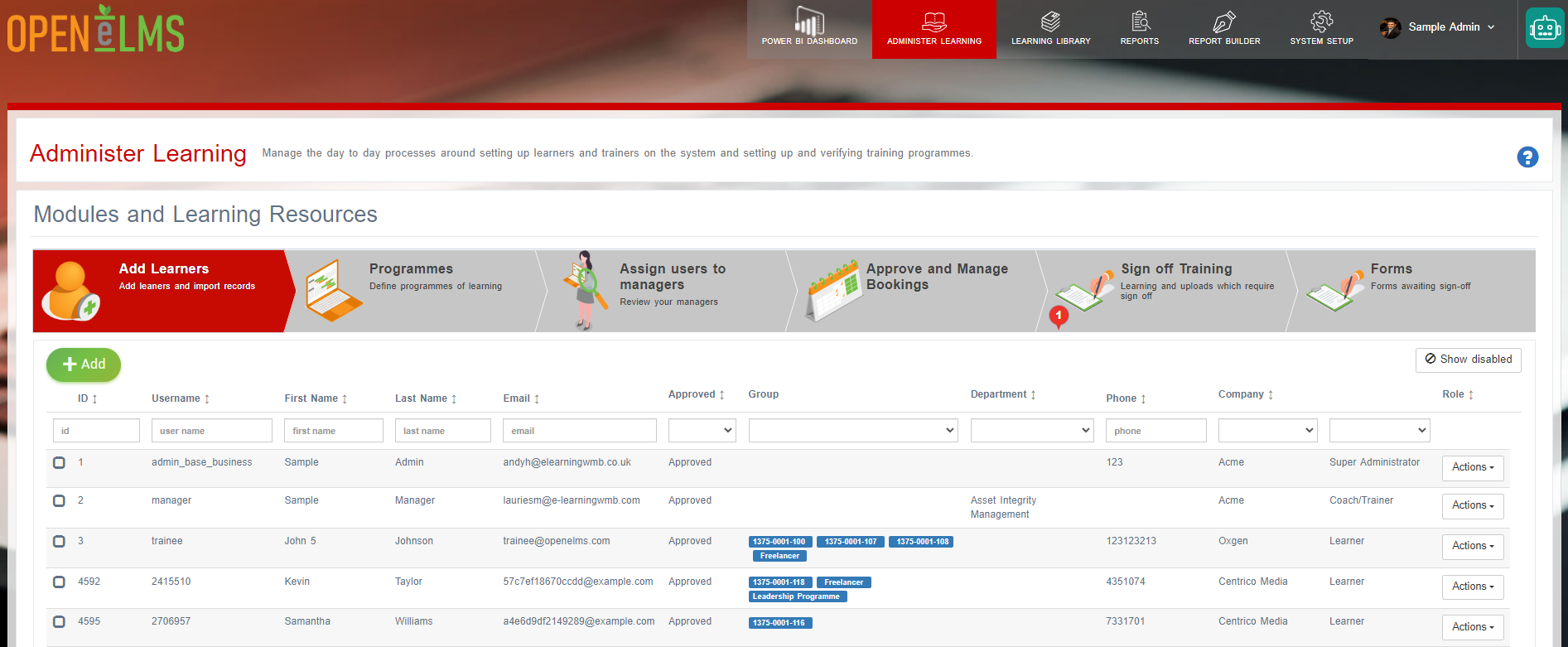
The 'Import Users' feature allows administrators to add a group of individual users to the platform. As an Administrator - go to Administer Learning - Add Learners (
Administrators can also do this via System Setup - Organisation - Users.
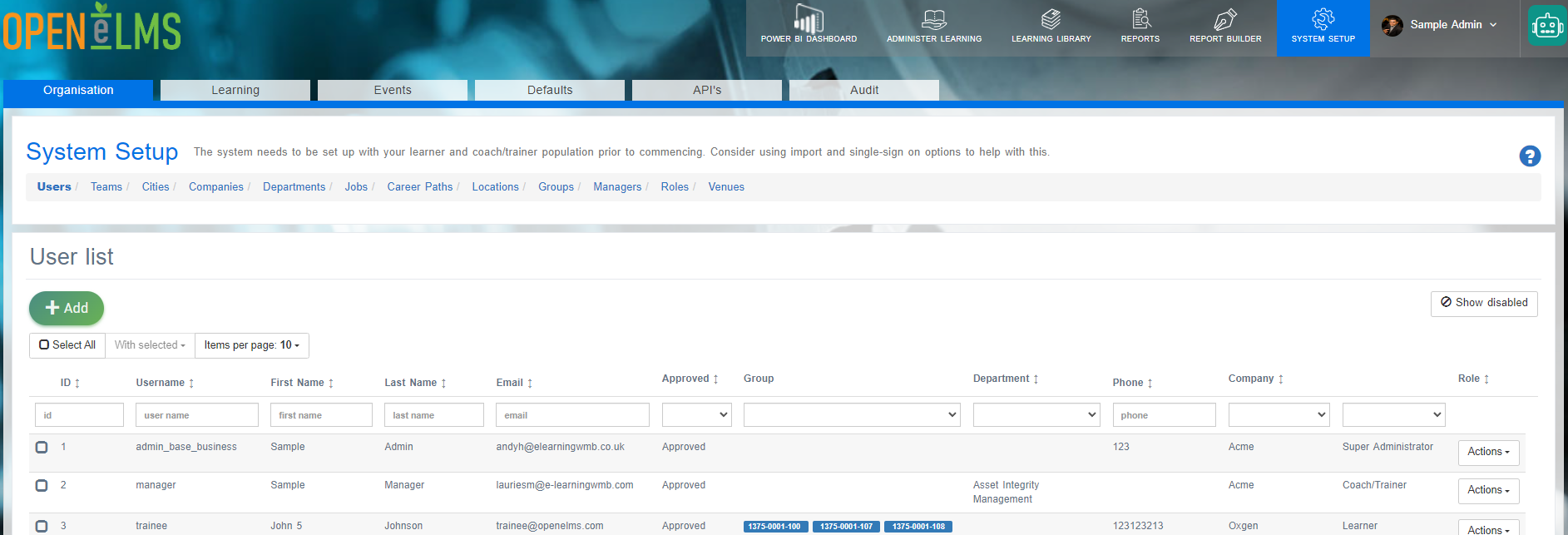
NB: All users can be added here (not just learners)
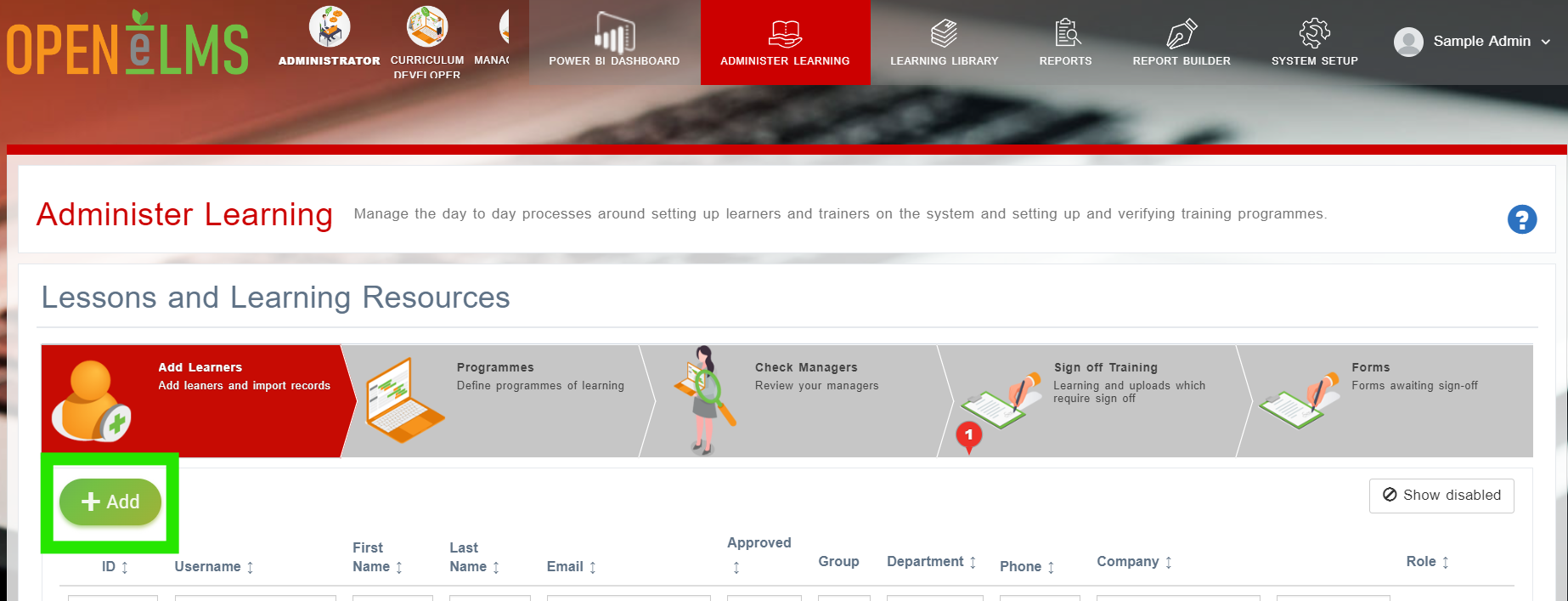
Press on the + Add button.
Press on the [Import Users] button
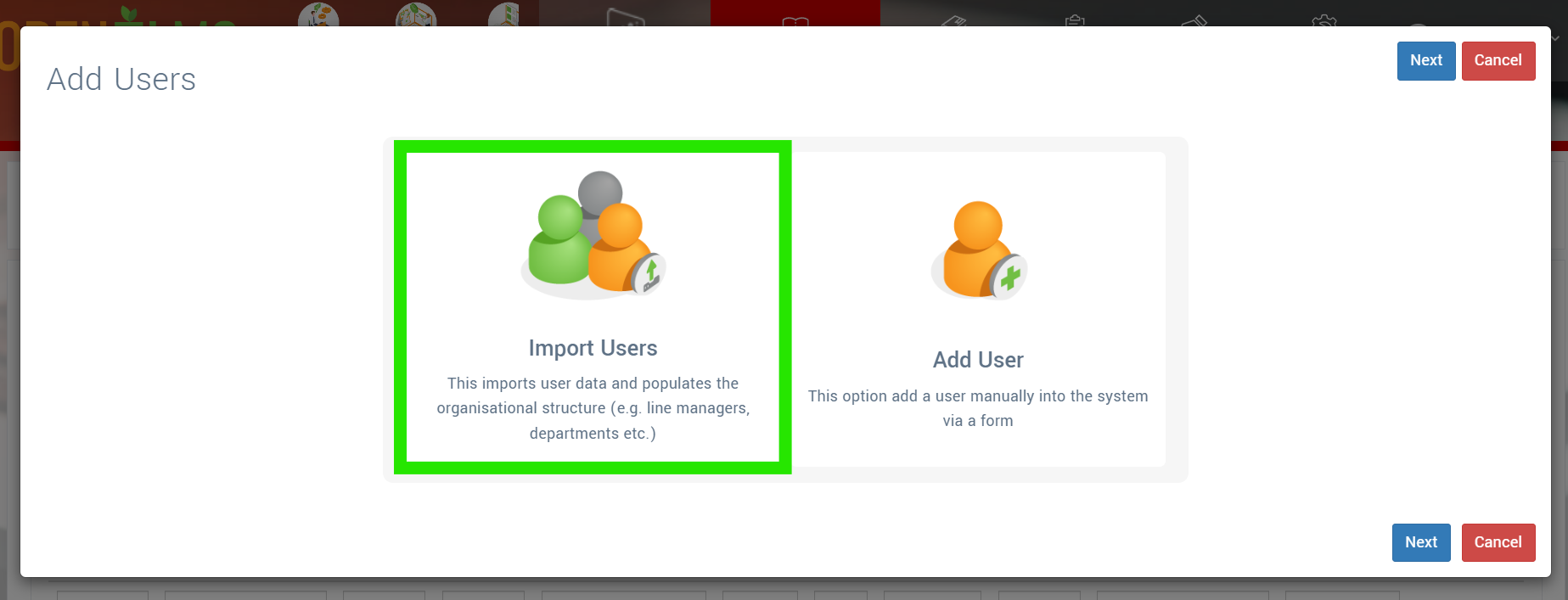
Follow the on screen instructions to import new users, delete/disable users or import users using the UK Government’s Individualised Learner Record format.
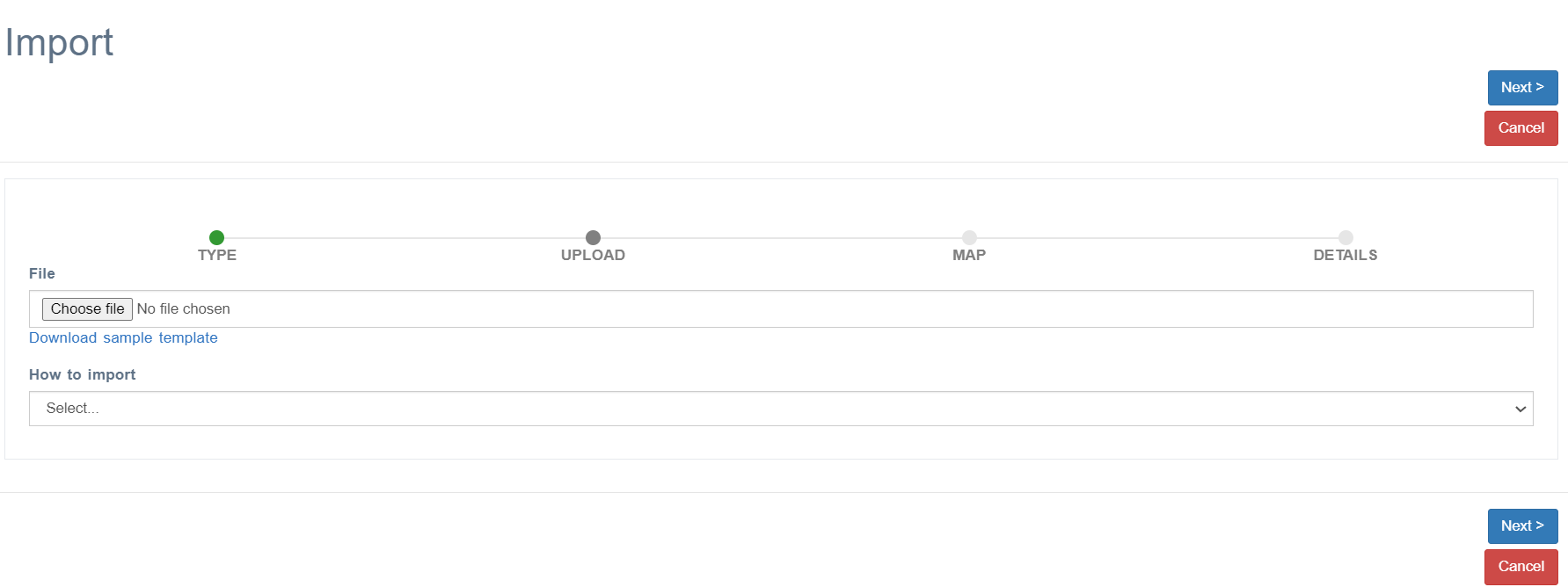
(Optional) Should you have a database which acts as the master source for user data, then you may wish to export user data to a file (overnight). Open eLMS can synchronise data (either adding or removing personnel) using server side automated processing (aka CRON tasks). Contact support@elearningwmb.com to set this up for you.
Mandatory fields include first Name, Last Name, Email and User Name, Details of other fields are as below
Import field | Mandatory | Field details | Instructions |
Employee Code |
|
| This is any unique identifier used in the company (in addition to user name) |
First Name | Yes |
| First (and middle name if applicable) |
Last Name | Yes |
|
|
Company |
|
| Company name, Open eLMS will automatically organise the organisational structure around this data. |
Department |
|
| Department, Open eLMS will automatically organise the departments under the company name.
|
Job |
|
| The job field affects career pathways so is important. Entering a new job will add this job to the jobs table available to all. |
Location |
|
| Entering a new location here will add this to the location table available to all. |
Role |
|
| This can be left blank and it will automatically set the value to 12 which is the ID of a learner role with minimum permissions. It is recommended to leave this blank. |
Country |
|
| Entering a new country here will add this to the country table available to all.
|
City |
|
| Entering a new city here will add this to the city table available to all.
|
Yes |
| Add the email address, it is necessary to send out notifications to users. If users in your organisation to not have email addresses then you can carry out the import as long as dummy email addresses are added. Take care of GDPR issues if populating this field.
| |
Phone |
|
| Take care of GDPR issues if populating this field. |
User Name | Yes |
| This is the unique identifier used in the company for users to log in e.g. employee_id or email. |
Description |
|
| This can be any description of the user |
Group Name |
|
| Entering a new group here will add this to the group table available to all. Groups cut across departments and are used for reporting e.g. inductees, graduates, health and safety team etc.
|
Password |
| NA | It is advised that this field is not imported. Users should be asked to reset their password using the reset password link if logging in without SSO. |
ULN |
| NA | This is for UK apprenticeships and can be ignored in most cases. |
Managers |
|
| This assigns the user to a manager or series of managers via a comma separated list of the managers’ usernames. |
Staff type (SMCR) |
| NA | This is for the SMCR Solution and can be ignored in most cases. |
Sub department |
|
| Sub department - Open eLMS will automatically organise the sub department under the correct department, sub sub department under the correct sub department etc.
|
Sub sub department |
|
| Sub department - Open eLMS will automatically organise the sub department under the correct department, sub sub department under the correct sub department etc.
|
Sub sub sub department |
|
| Sub department - Open eLMS will automatically organise the sub department under the correct department, sub sub department under the correct sub department etc.
|
Sub sub sub sub department |
|
| Sub department - Open eLMS will automatically organise the sub department under the correct department, sub sub department under the correct sub department etc.
|
Sub sub sub sub sub department |
|
| Sub department - Open eLMS will automatically organise the sub department under the correct department, sub sub department under the correct sub department etc.
|
Sub sub sub sub sub sub department |
|
| Sub department - Open eLMS will automatically organise the sub department under the correct department, sub sub department under the correct sub department etc.
|
Related articles
- Page:
- Page:
- Page: