Set up learning default values
Open eLMS relies on many default values being set up in order to customise the learning experience for your organisation. This includes setting up categories, providers, branding and competencies.
Instructions
If an Administrator, access the learning configuration changes via System Setup > Learning.
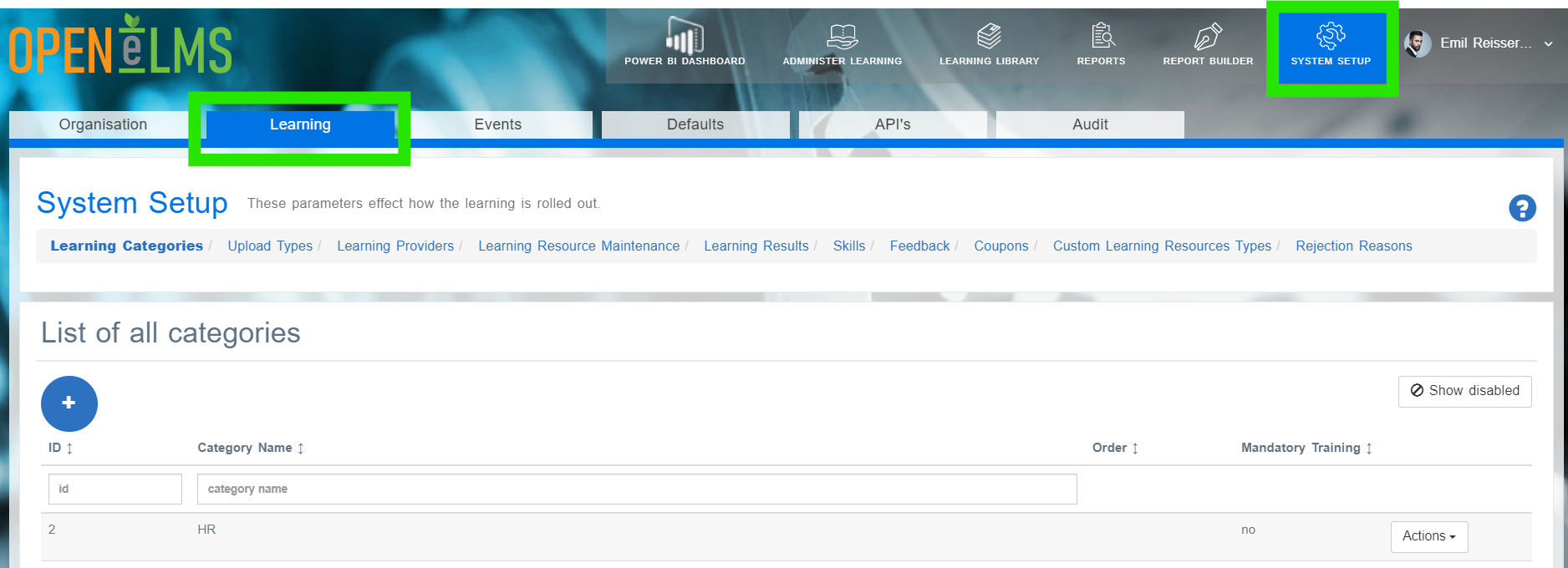
Else if a Curriculum Developer, access to the most essential Learning Setup options are shown on the on the Manage Learning dashboard.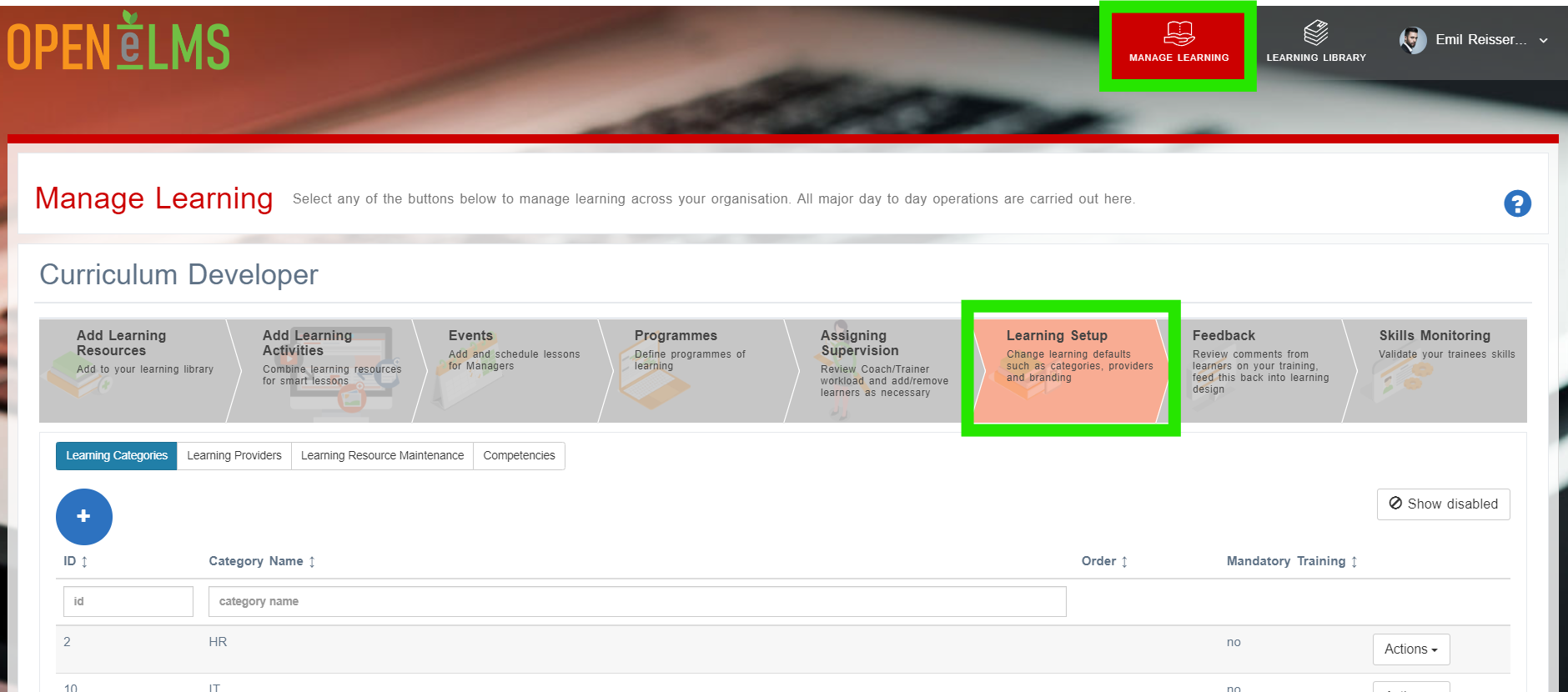
Edit the changes as required. The following parameters are summarised below.
Option | Description |
|---|---|
Learning Categories | These sort learning on the learner’s Netflix style interface. |
Learning Providers | Used when setting up classroom training |
Learning Resource Maintenance | This globally updates data and eLearning course files. Other options allow you to import legacy data. |
Learning Results | This allows you to hide data that is no longer relevant. |
Event Types | Define options when creating events (Open eLMS Classroom options). |
Competencies | Vital to set up if using gamification, badging or just want to track underlying skills or CPD points. |
Feedback | Nothing to edit - just useful feedback on your learning resources. |
e-Learning Distribution | If exporting your eLearning to another LMS, use this functionality to maintain the ability to edit. |
Free Open eLMS Resources | These allow you to offer free eLearning courses within Open eLMS Creator for editing. |
Related articles
- Page:
- Page:
- Page:
- Page:
- Page: