Change settings within Open eLMS AI Editor
There are many settings which can be altered within Open eLMS AI’s editor.
📘 Instructions
Change settings by follow these instructions.
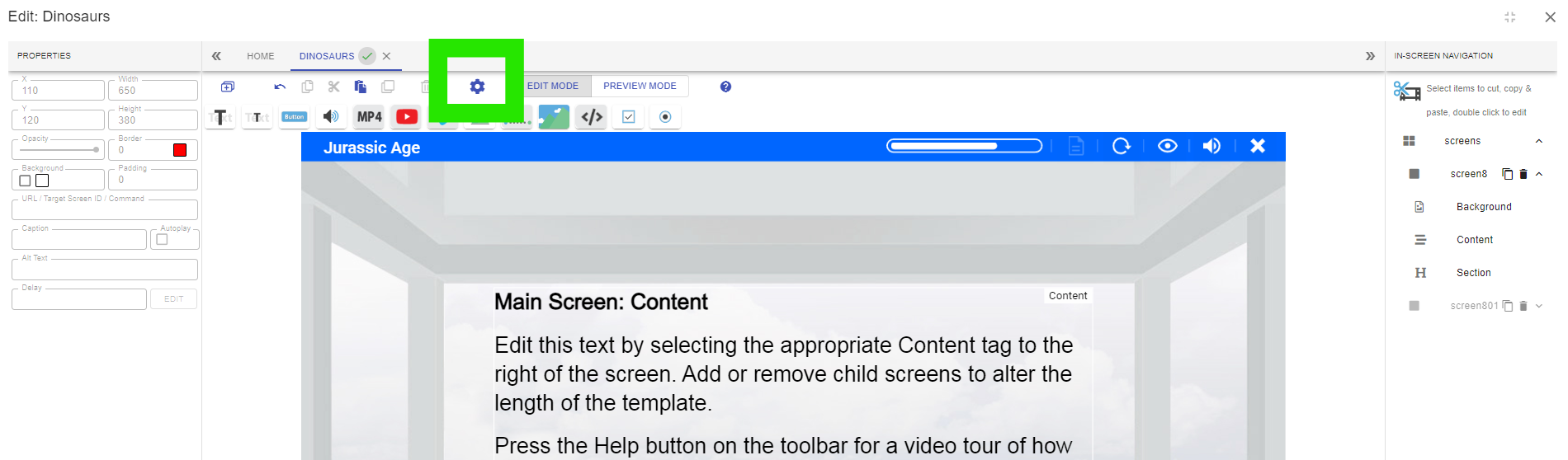
Select the cogwheel button on the toolbar.
Change Interface settings to include:
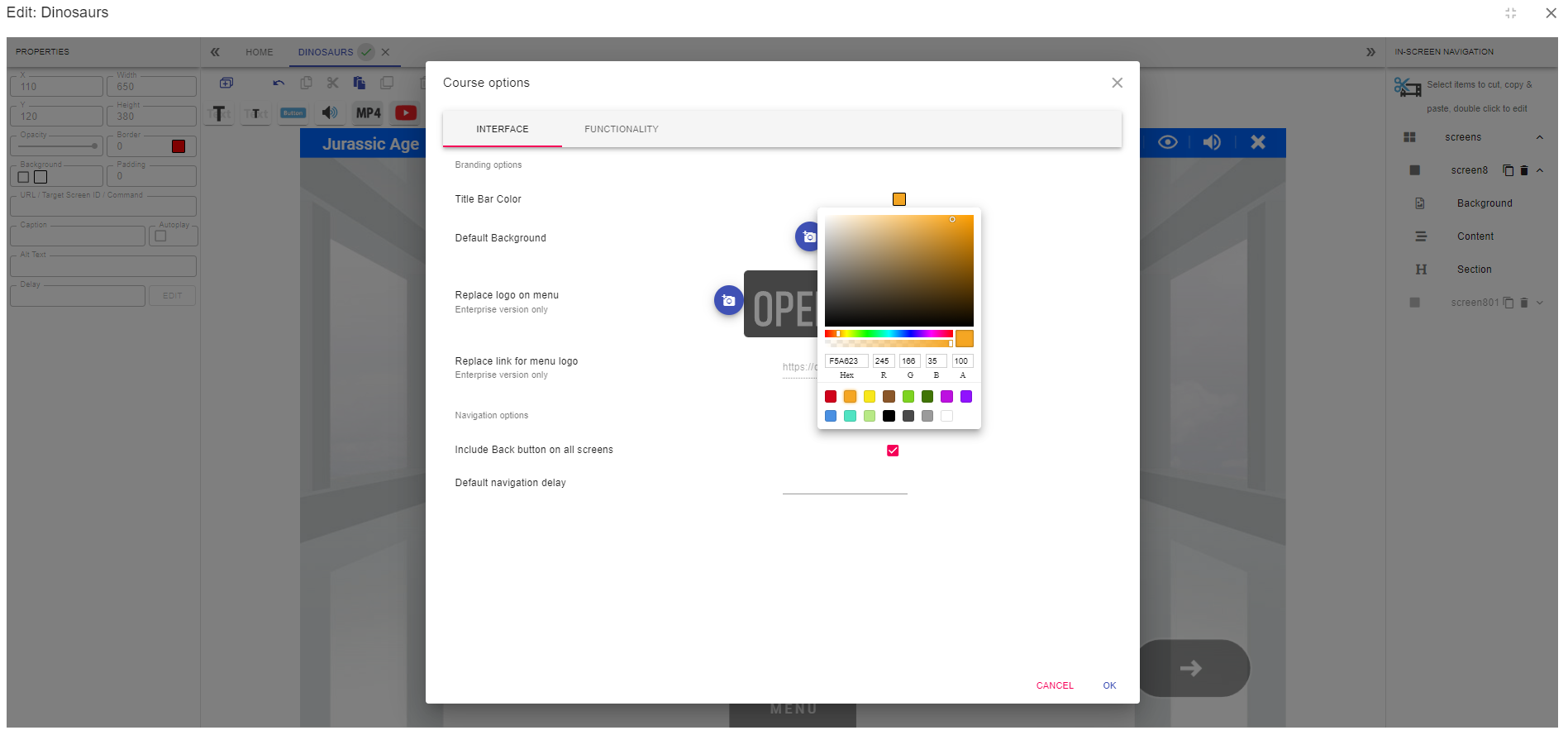
Title Bar Colour: use the colour picker to change the branded colour of the title bar.
Default Background: if you want your presentations to resemble Power Point presentations with a similar background, then enter a template here (this is not recommended for most cases).
Replace logo on menu (Enterprise Version only): Replace the image here - this will change the image on the menu.
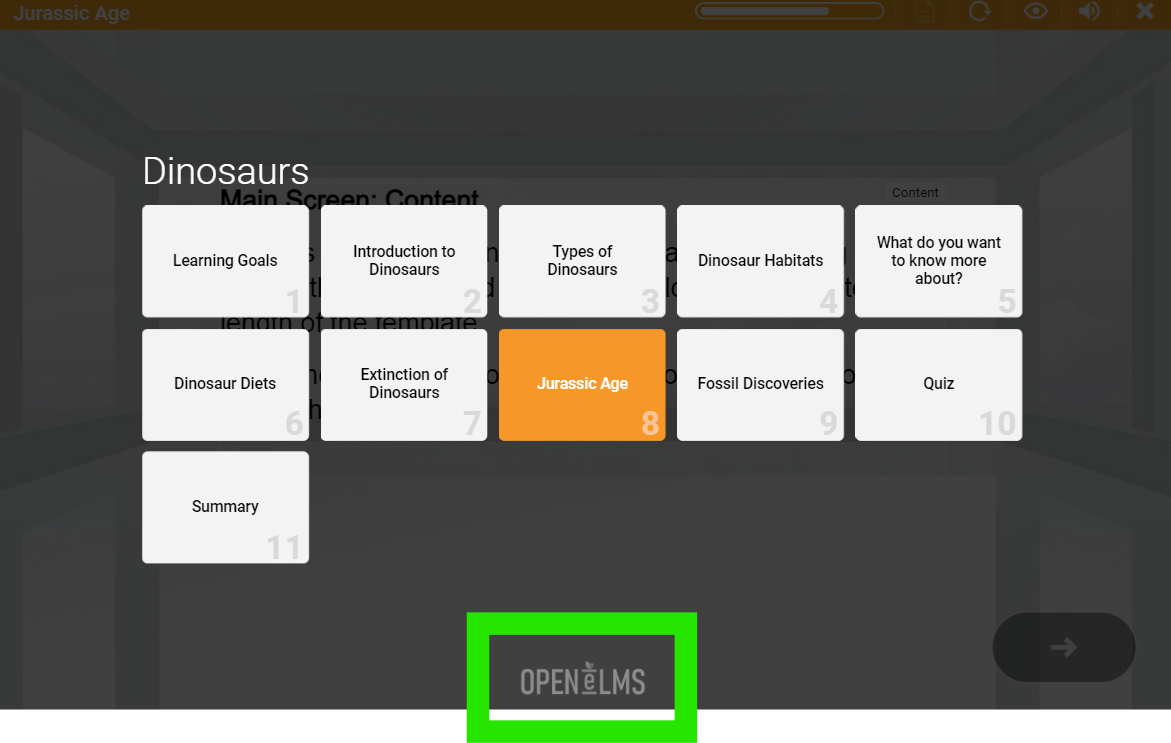
Replace link for menu logo: the link this logo sends users to can also be changed.
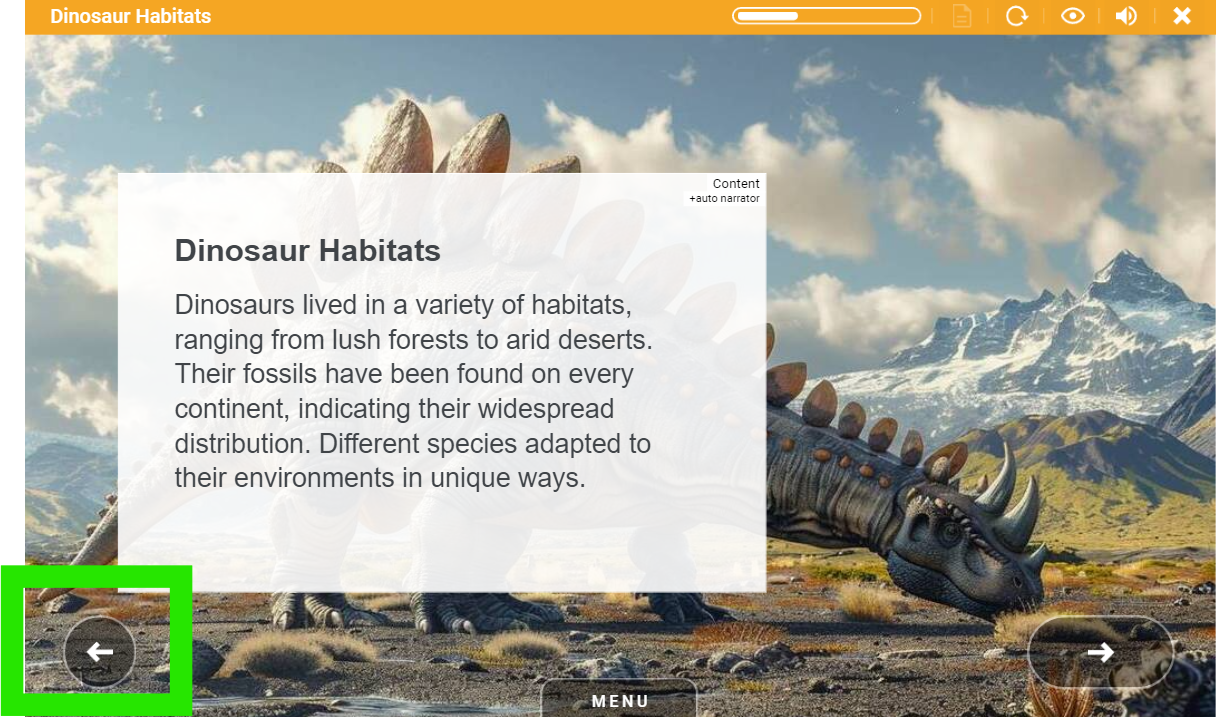
Include Back button on all screens: this adds a Back button on all screens where users can go back to the start of a topic (i.e. on screens 2,3, 4 etc) of any topic with multiple screens. The back buttons appear here.
Default navigation delay: this is the delay before the Next button is shown. This delay can be introduced to prevent learners from spamming the next button to get to the end of the presentation.
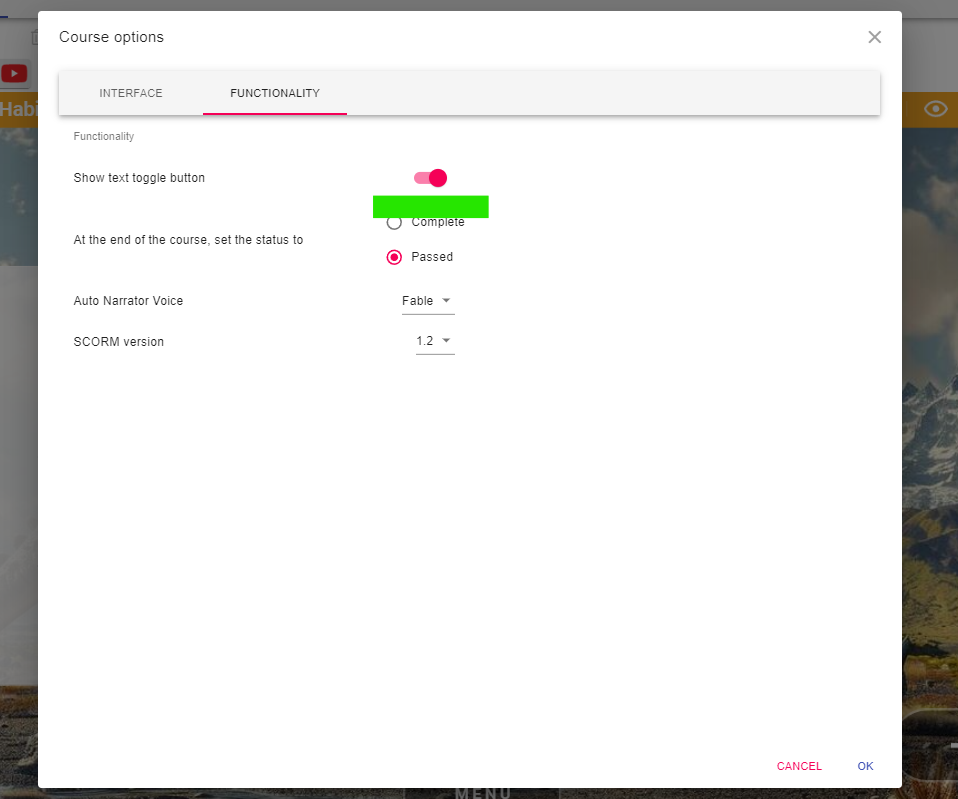
Change Functionality settings to include:
Show text toggle button: this can add a button which allows users to remove all text from the interface.
This is what the interface looks like with text…
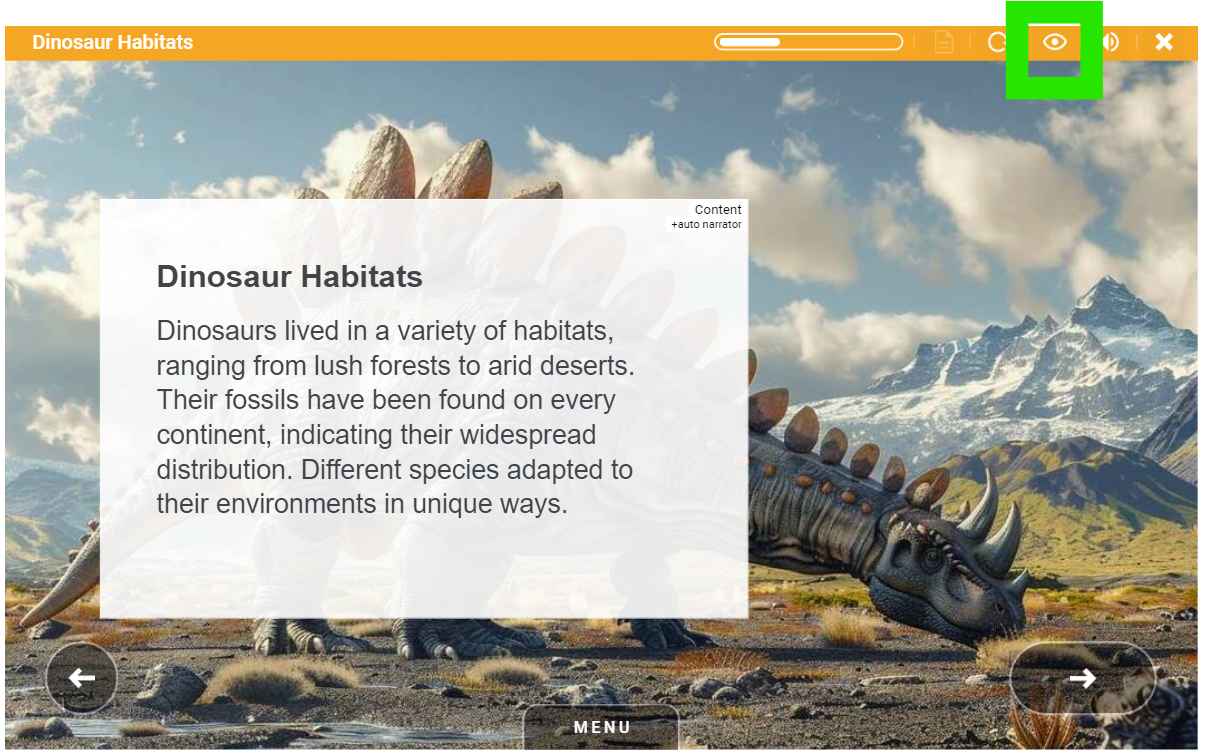
… and this is the result without once the toggle button is pressed.
The removal of text can be better for visual learners, since all text is vocalised, often the text is redundant.At the end of the course, set the status to: this settings allows editors to either set the end status to Completed or Passed. Preference is a matter of choice dependent upon the settings of the host Learning Management System - usually either setting will track fine indicating that the learning is finished.
Auto Narrator Voice: the voice will adapt to the language used and uses AI to vocalise the content. The Artificial Intelligence voice is very naturalistic and can adapt to different accents (e.g. Fable is UK and Allow is a US accent.) Try different voices if using a non-English language, this will reset the interpretation of the language and maty dramatically improve the accent.
SCORM version: the SCORM version is dictated by the LMS you are using. Usually either SCORM v1.2 or 2004 will be fine. SCORM v1.2 is more popular in the UK and SCORM 2004 is better adopted in the US.
Once all changes are made your eLearning can be republished with the changes made.
Note the replacement of the logo is only available to Open eLMS AI Enterprise users.
📋 Related articles
- Page:
- Page:
- Page:
- Page:
- Page: