Delete sub screens using the Open eLMS AI Editor
A Sub-screen is any visual page on the eLearning presentation, navigated to via the menu or the Next/Back navigation buttons. These screens can be deleted to remove content from topics.
📘 Instructions
Follow these steps …
The following screen has three sub screens (7, 701 and 702).
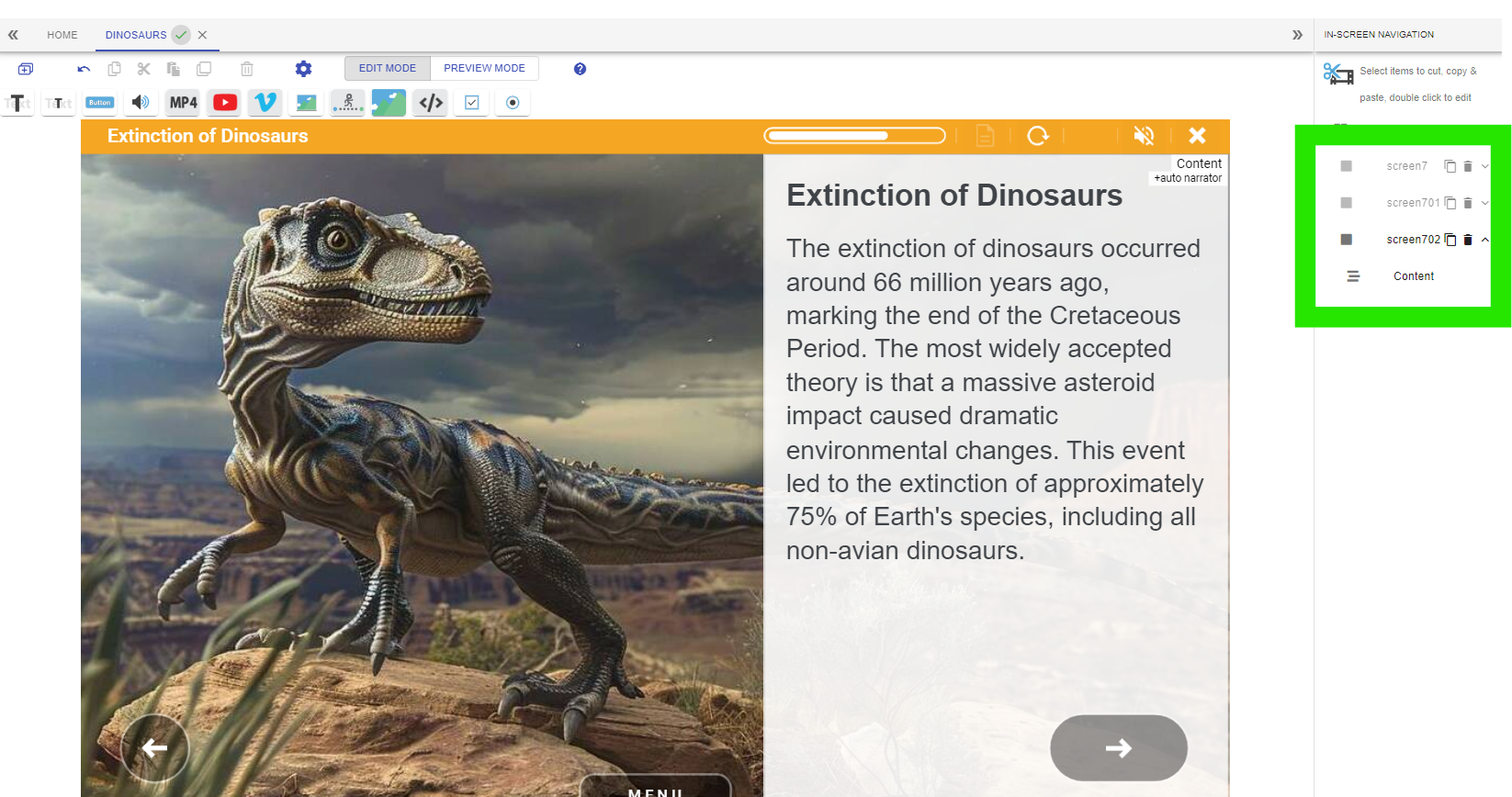
To remove a sub screen press the Delete button as shown.
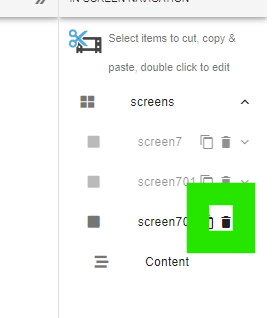
… then 702 is now deleted and the topic only has a main screen and one sub screen.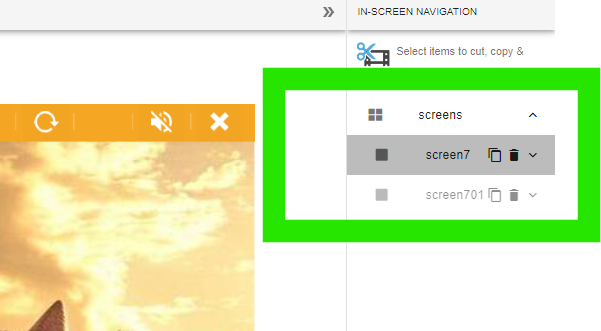
Open the Menu and replicate this deletion process there to delete entire topics from the main menu (i.e. a collection of a screen and sub-screens).
📋 Related articles
- Page:
- Page:
- Page:
- Page:
- Page: