Duplicate topics in eLearning using the Open eLMS AI's editor
Entire topics of learning can be duplicated using the Open eLMS AI editor.
📘 Instructions
Follow these instructions
Open the menu by pressing the Menu button at the bottom of the screen.
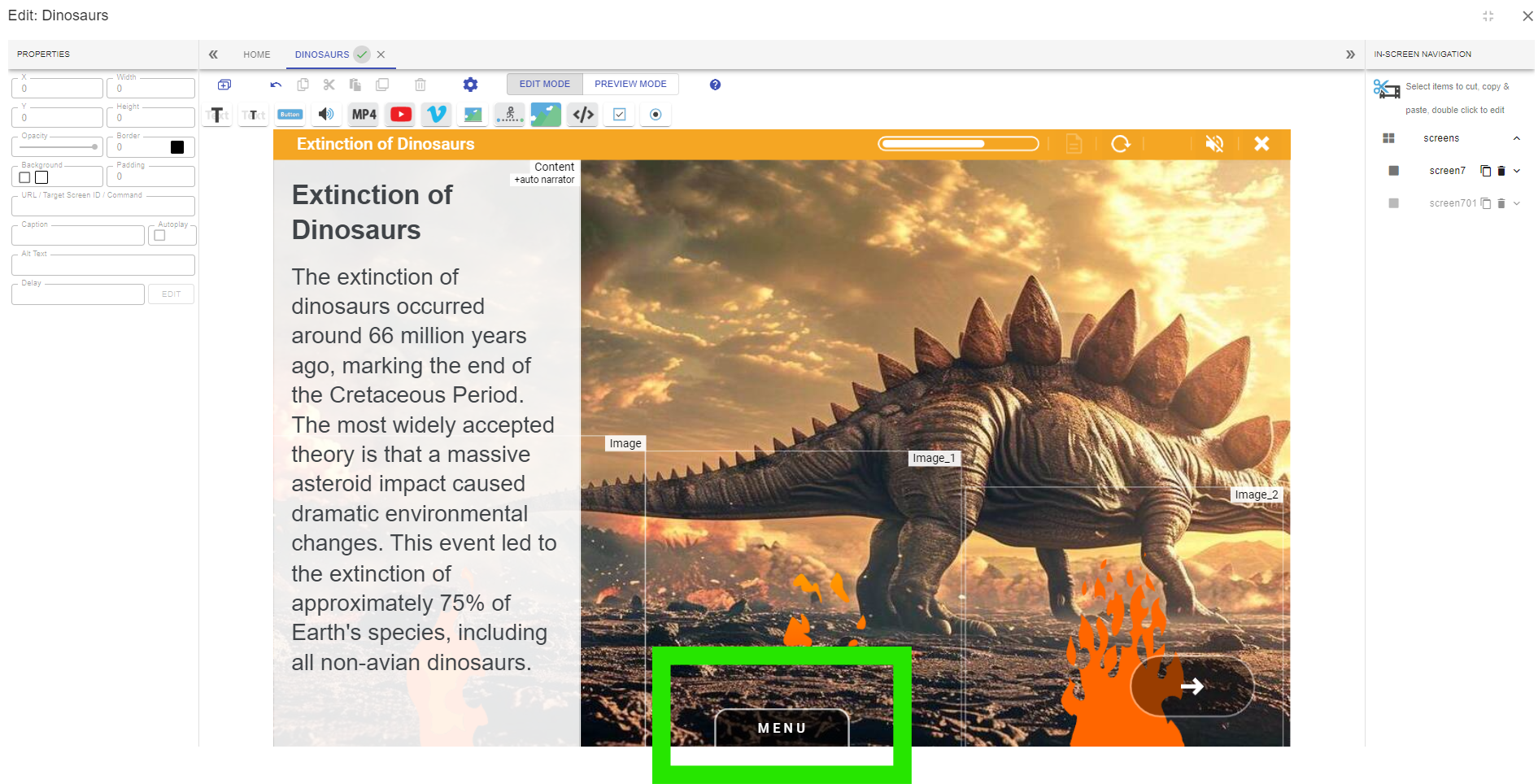
Hover your mouse over the topic you wish to duplicate and select the Duplicate button.
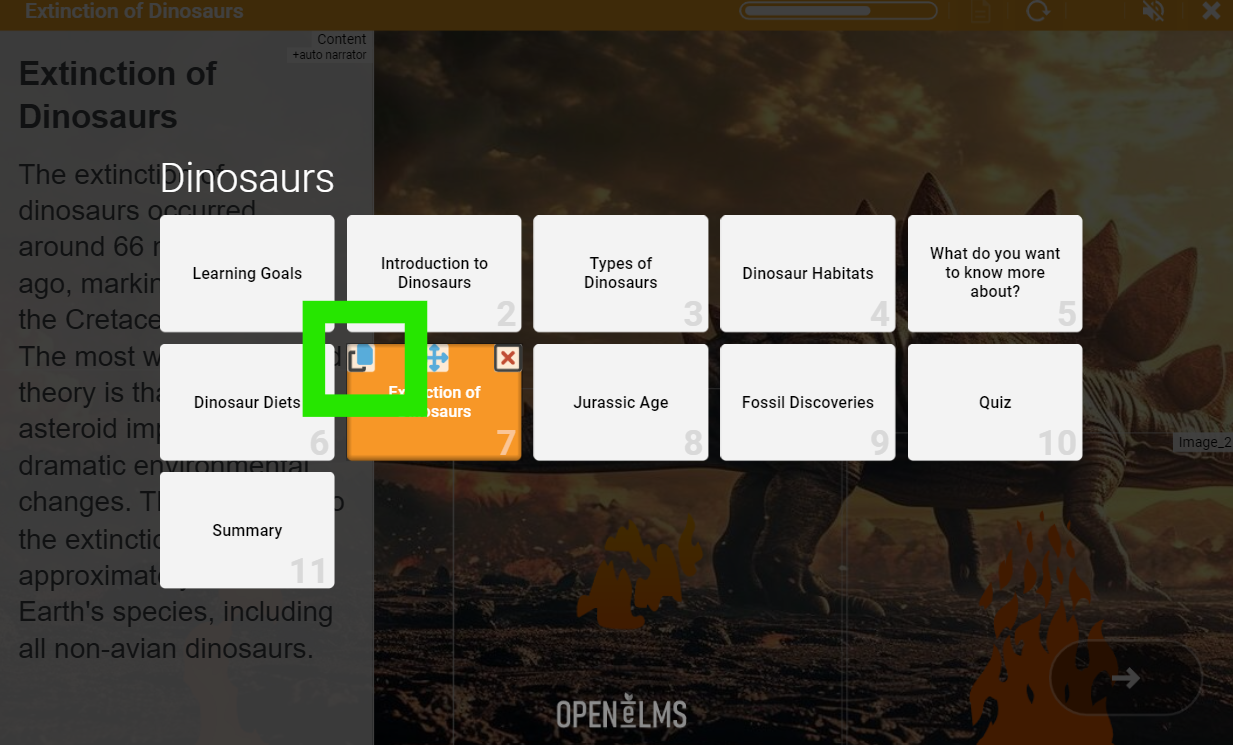
This will create a copy of the topic. This topic can then be dragged into a new position by dragging holding down on the movement icon.
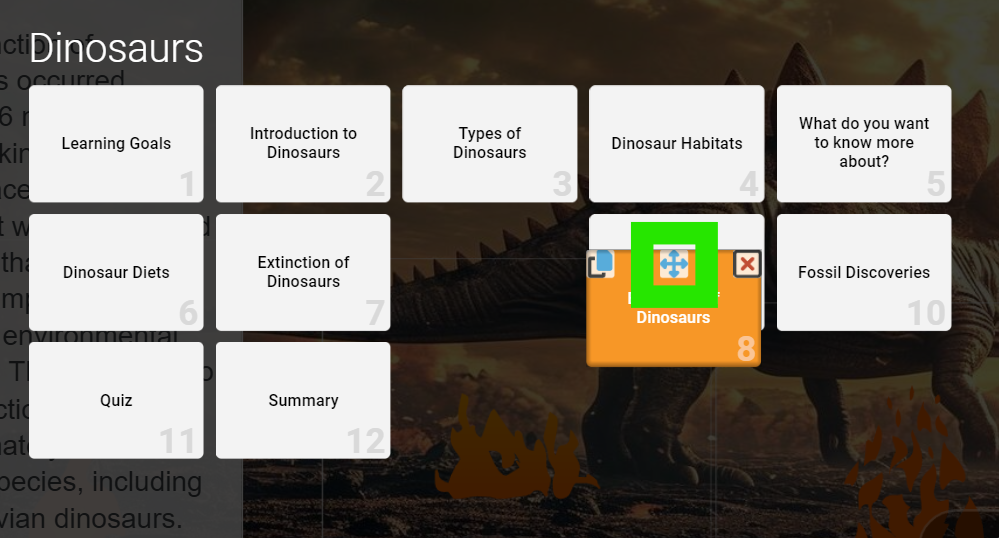
Double click on the title bar of the newly positioned topic when editing it to change the title of the topic, this will also update the reference in the menu.
📋 Related articles
- Page:
- Page:
- Page:
- Page:
- Page: