Add Integrated animations to backgrounds
Background images can come alive by adding embedded animations to them. Sunlight can glisten, birds can fly and leaves can fall from trees. The following is a summary of the most popular integrated animations and how to use the.
📘 Instructions
Follow these instructions
Log into Open eLMS AI and edit any of the courses available to you.
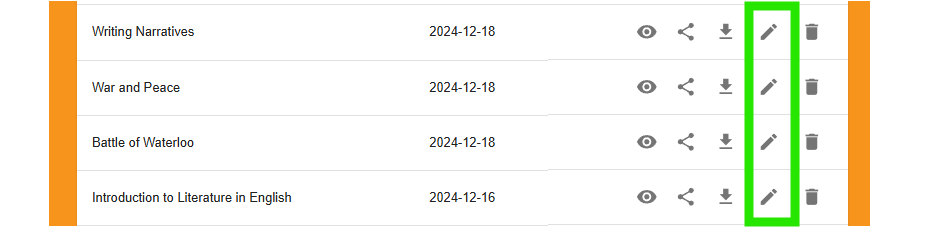
Go to the appropriate screen and select the animation tool on the toolbar.

Add the animation that best suits the background using the following rules …
Birds flying across 1 Element_birds_white_flock ID 38415 | 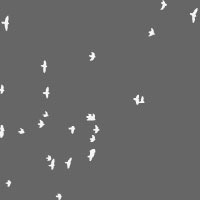 |
Birds should be placed from the left edge to the right
Examples
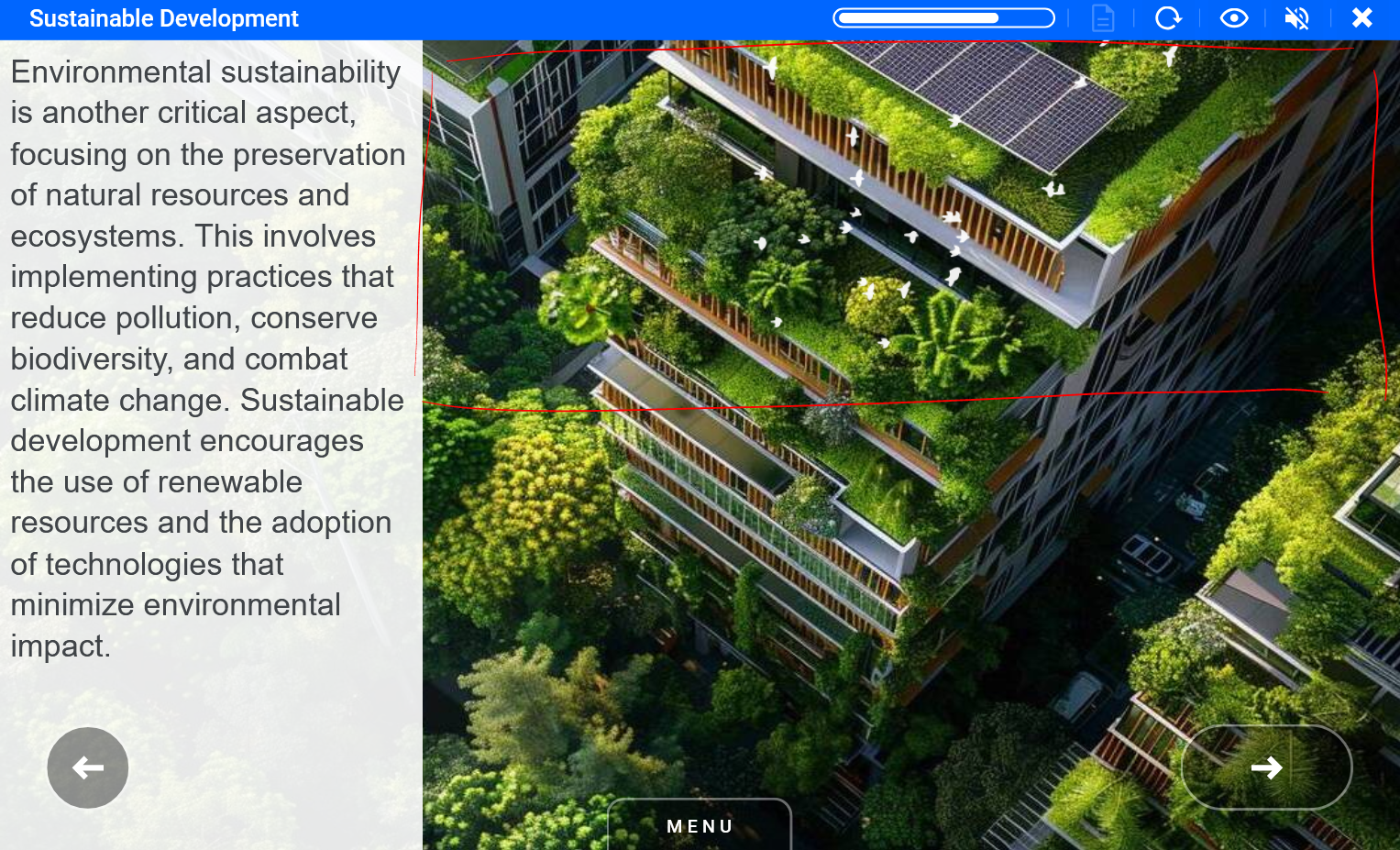
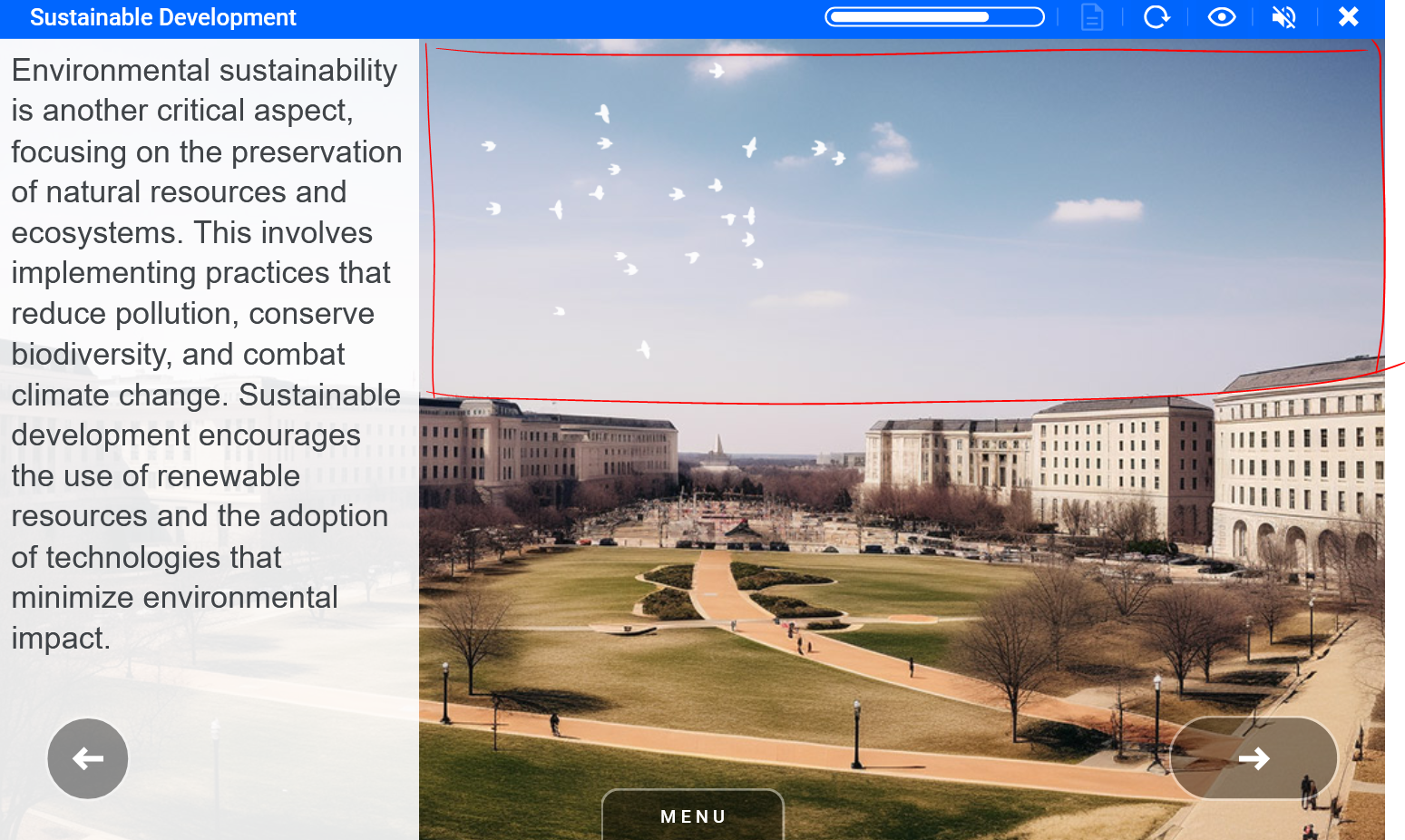
Birds flying across 2 Element_birds_sky_flying1 ID 10328 | 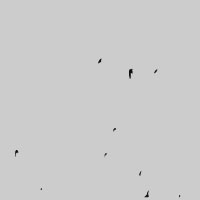 |
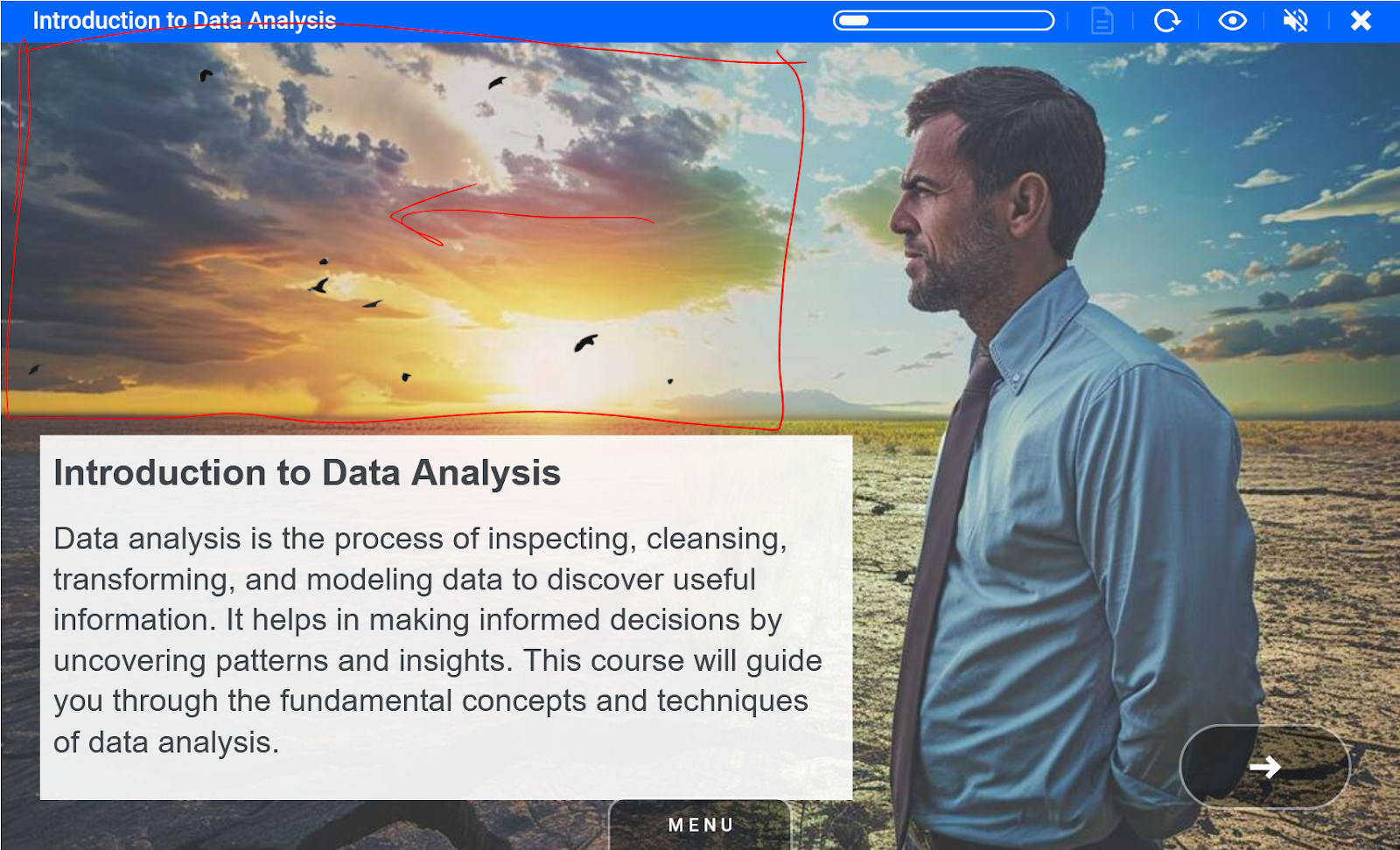
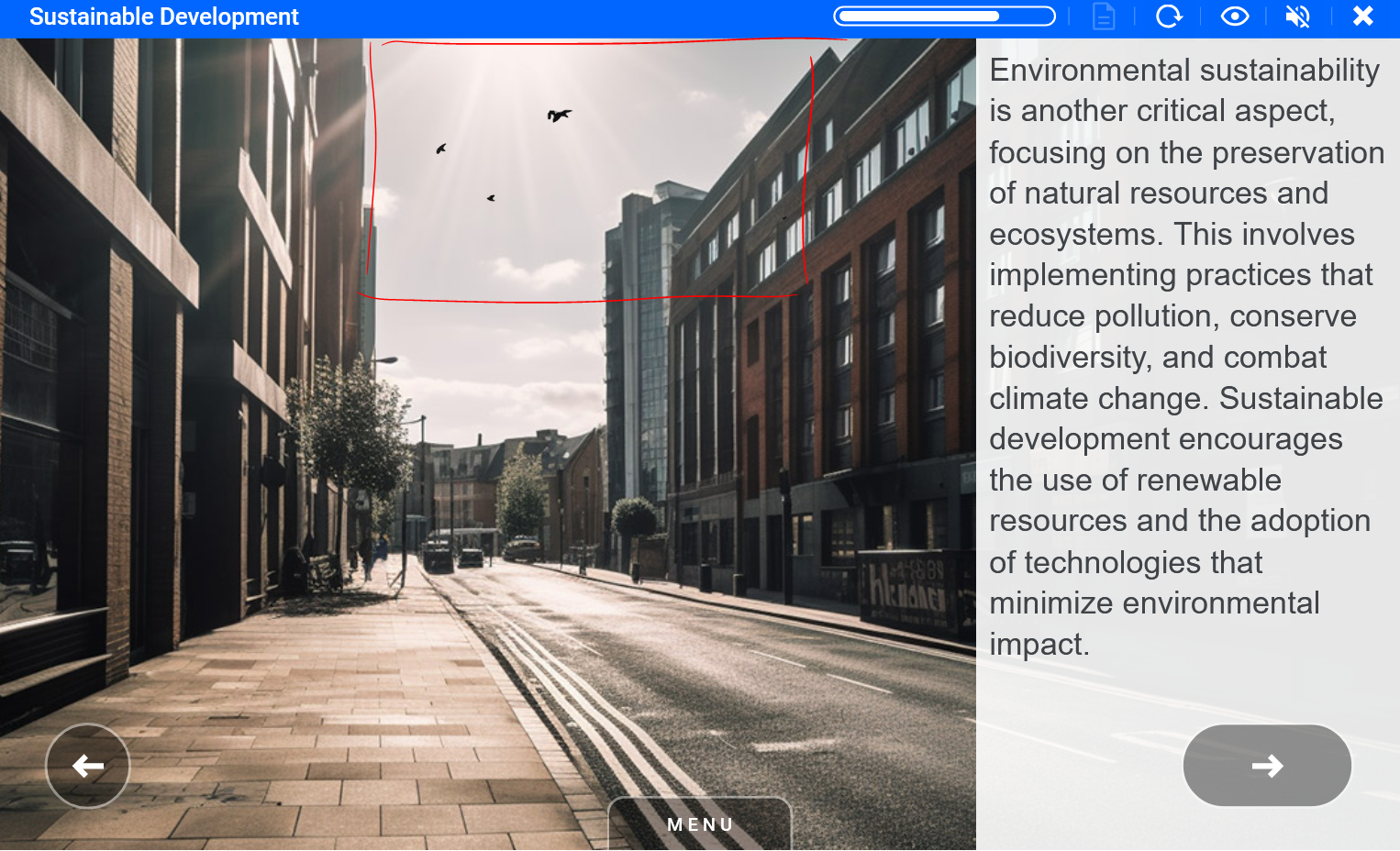
Birds should be placed from the left edge to the right - in the first case do not place animation on top of the person but use the biggest sky space available. In the second case buildings can be used as edges for animation.
Examples
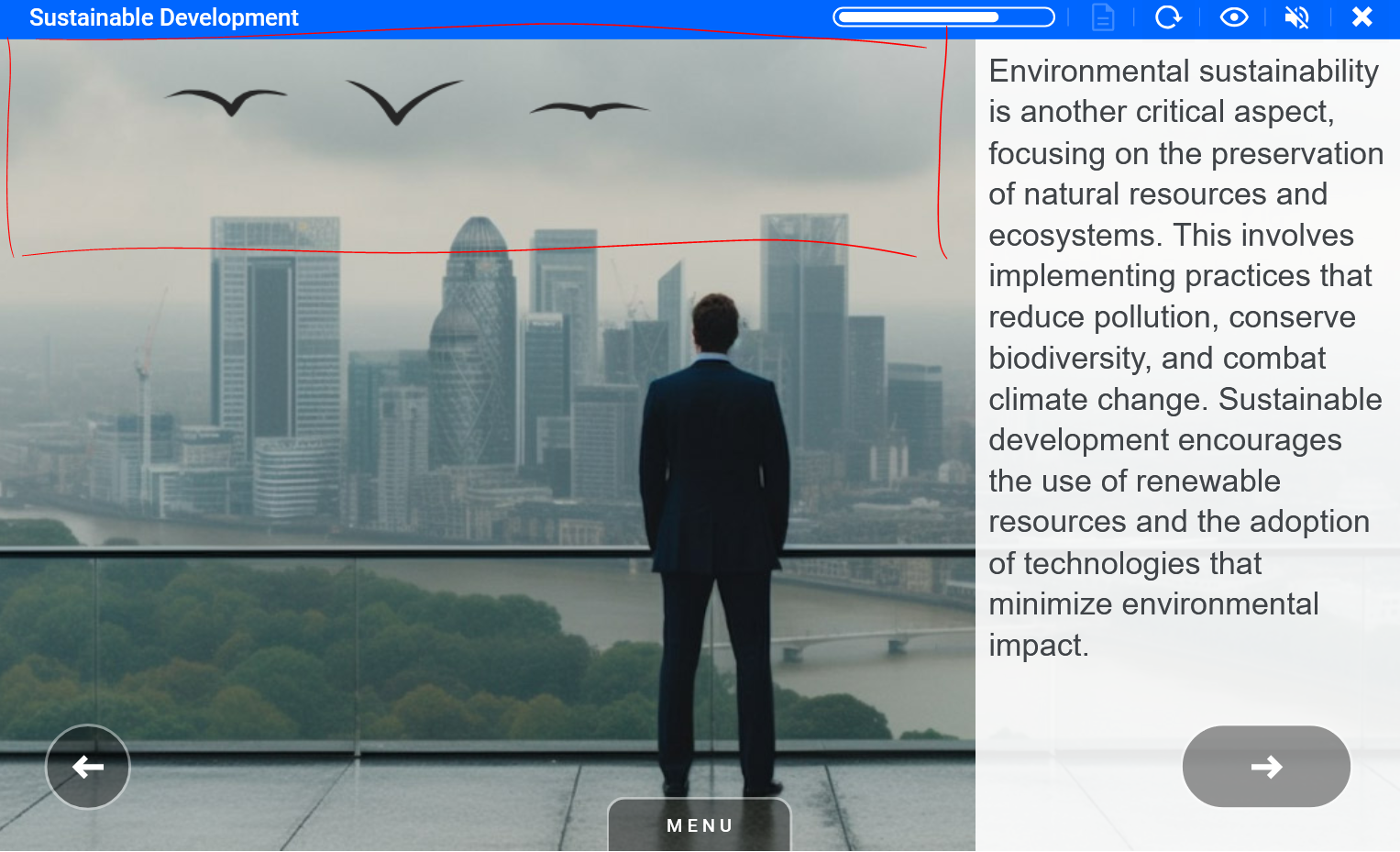
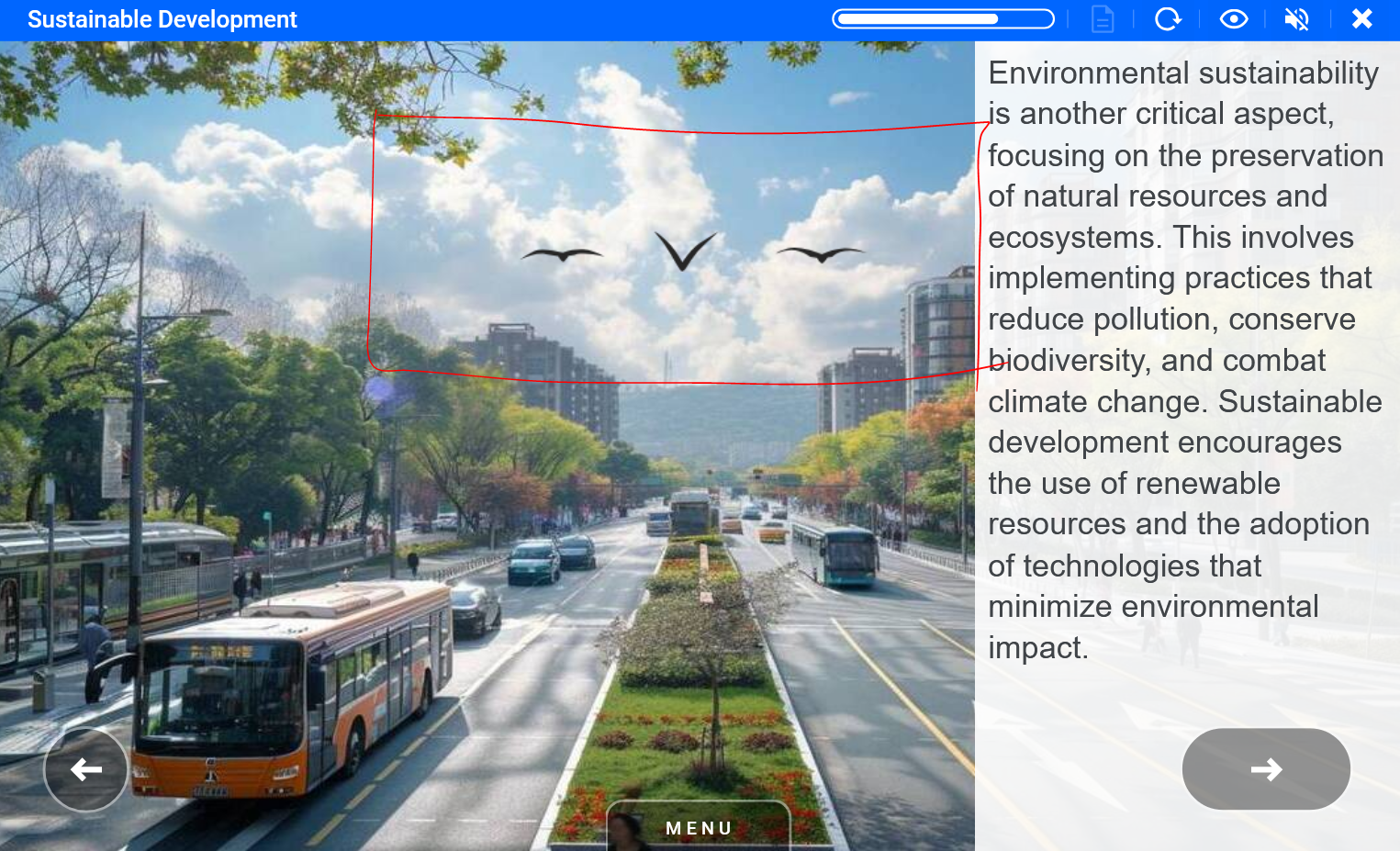
Birds flying away Element_birds_sky_flying1 ID 39220 | 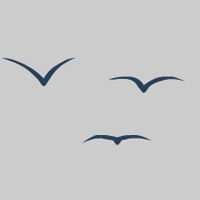 |
These birds can be placed in the middle of the sky since animation doesn't start from the edges.
Examples
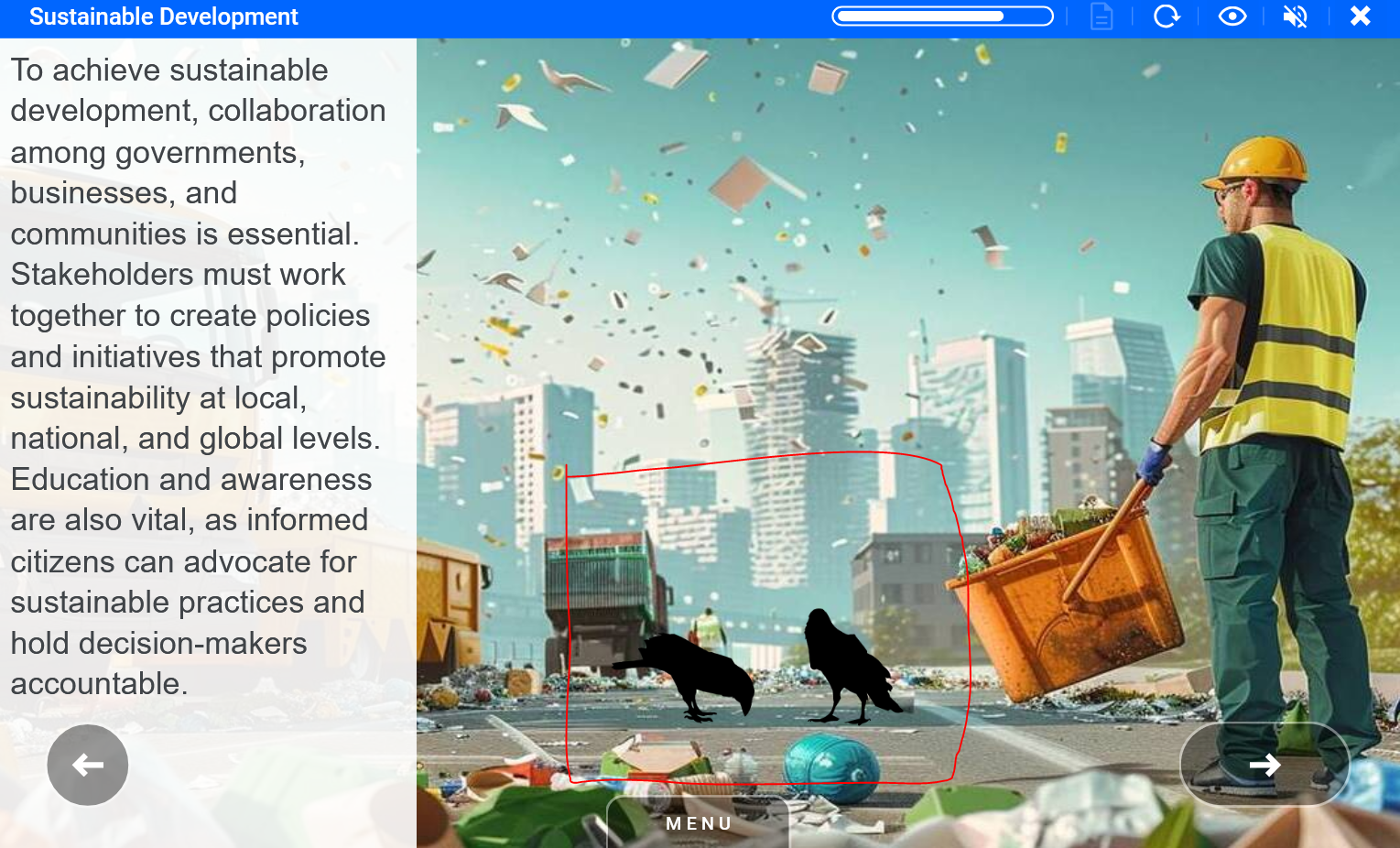
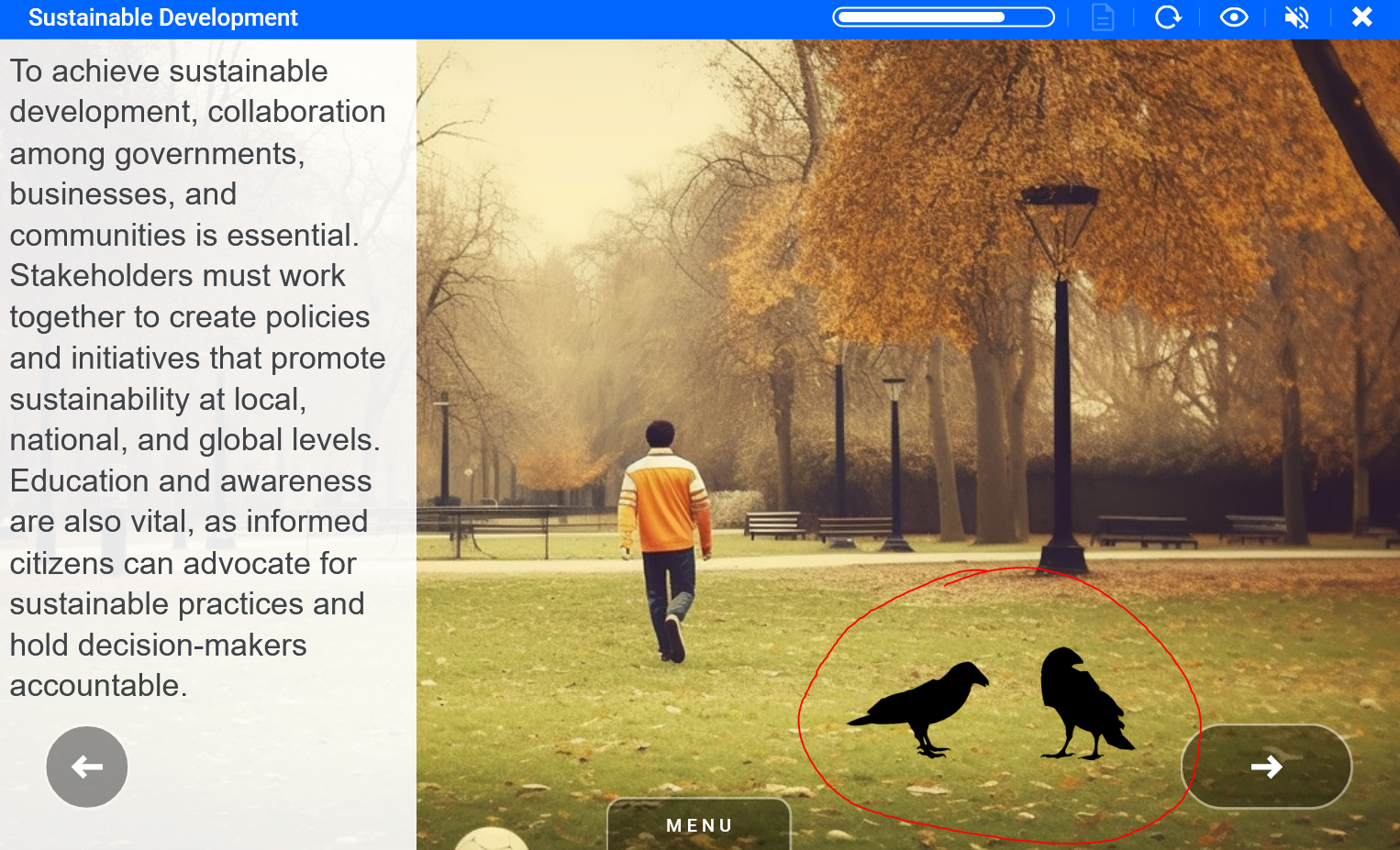
Birds on ground Element_crows_birds ID 38422 | 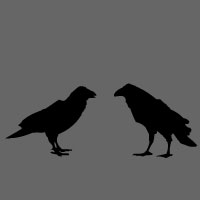 |
Crows can be placed anywhere on the ground or objects just to make sure they fit in.
Examples
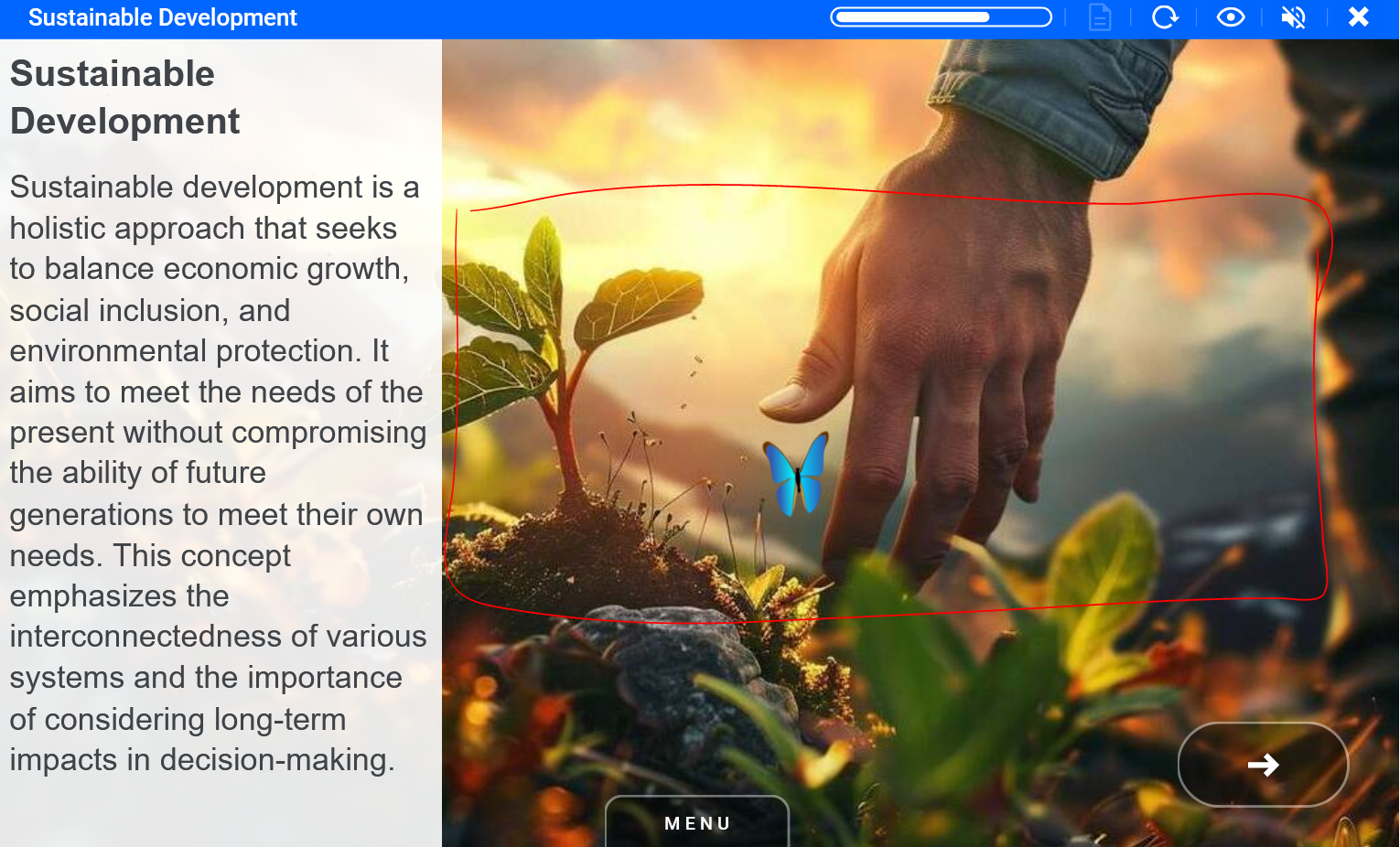
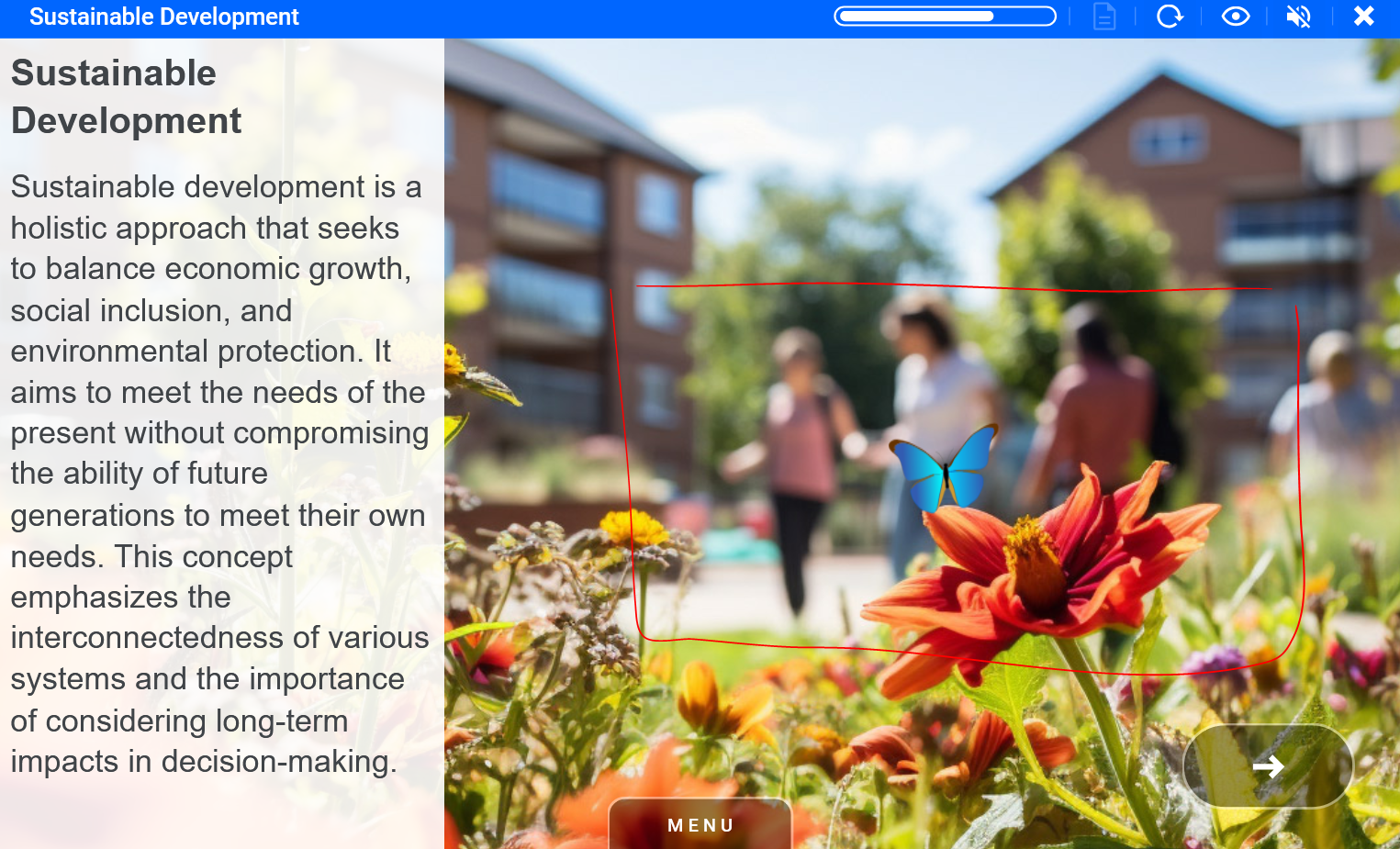
Butterfly Element_nature_butterfly_blue ID 10837 | 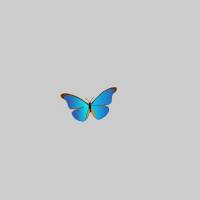 |
Butterflies can be placed almost anywhere on screen.
Examples
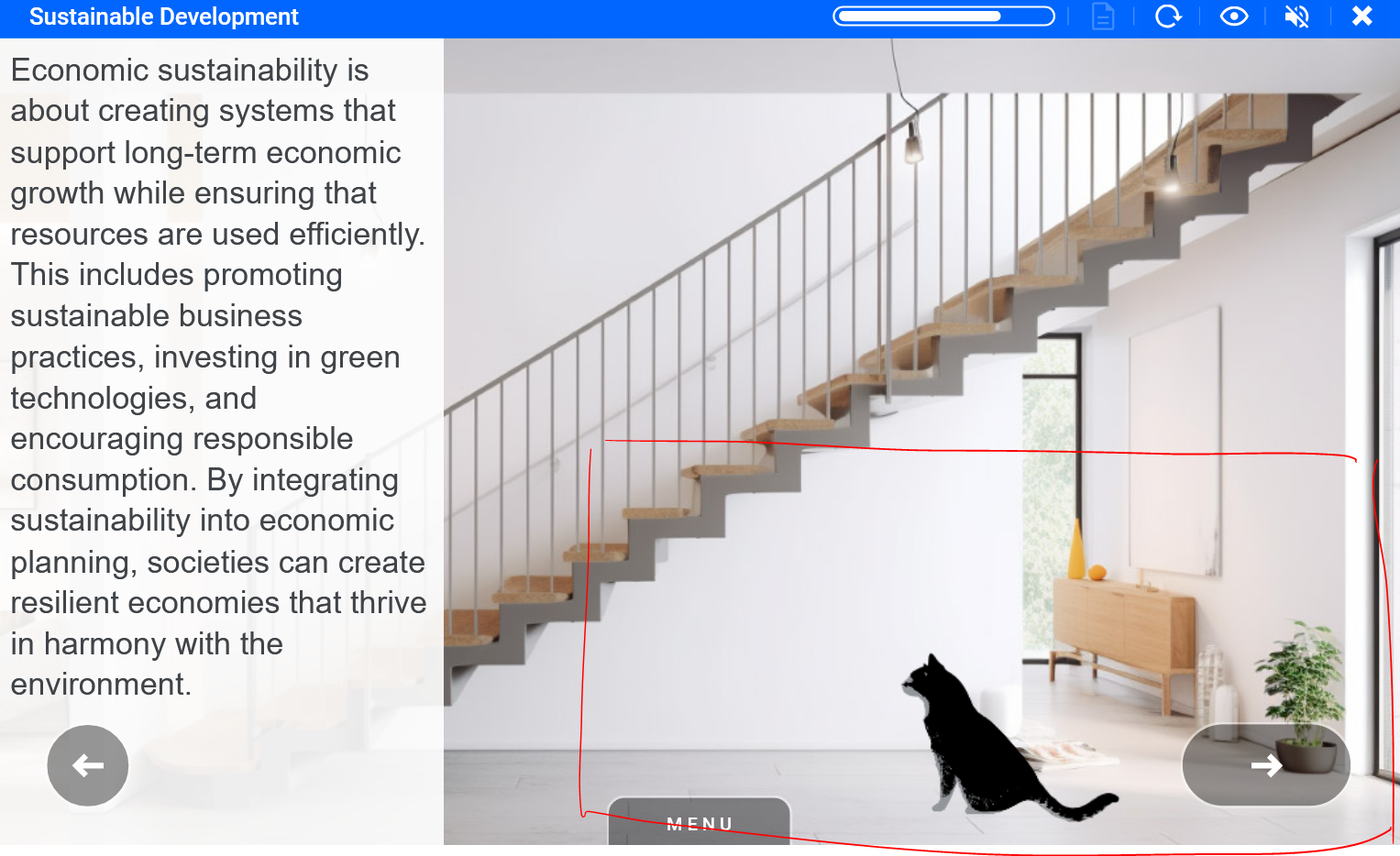
at 1 Element_animal_cat ID 10294 | 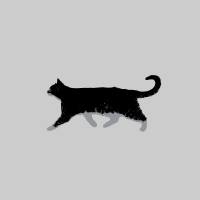 |
The cat should be placed on the right edge of the screen. Make sure it's the right size to fit into the background image.
Examples
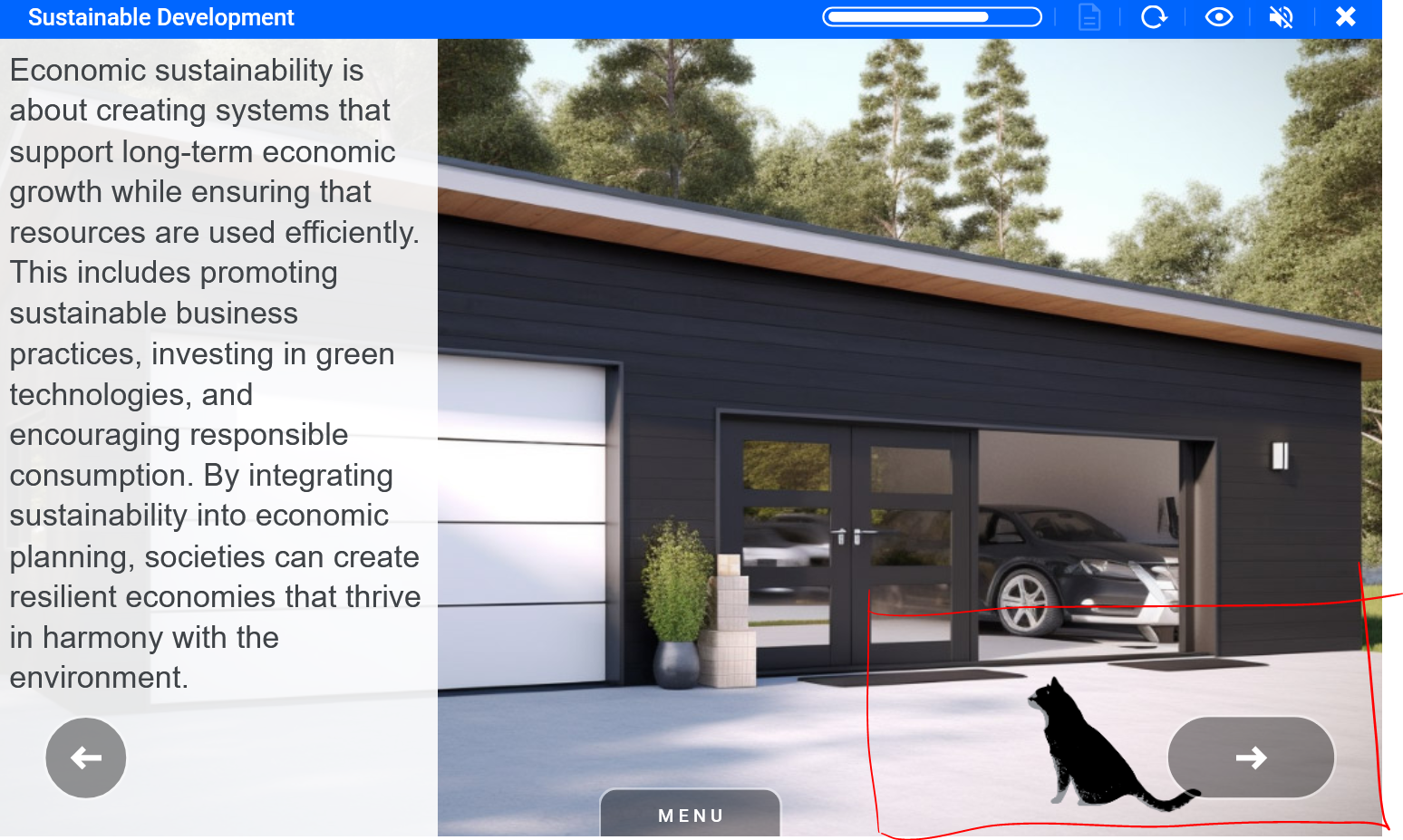
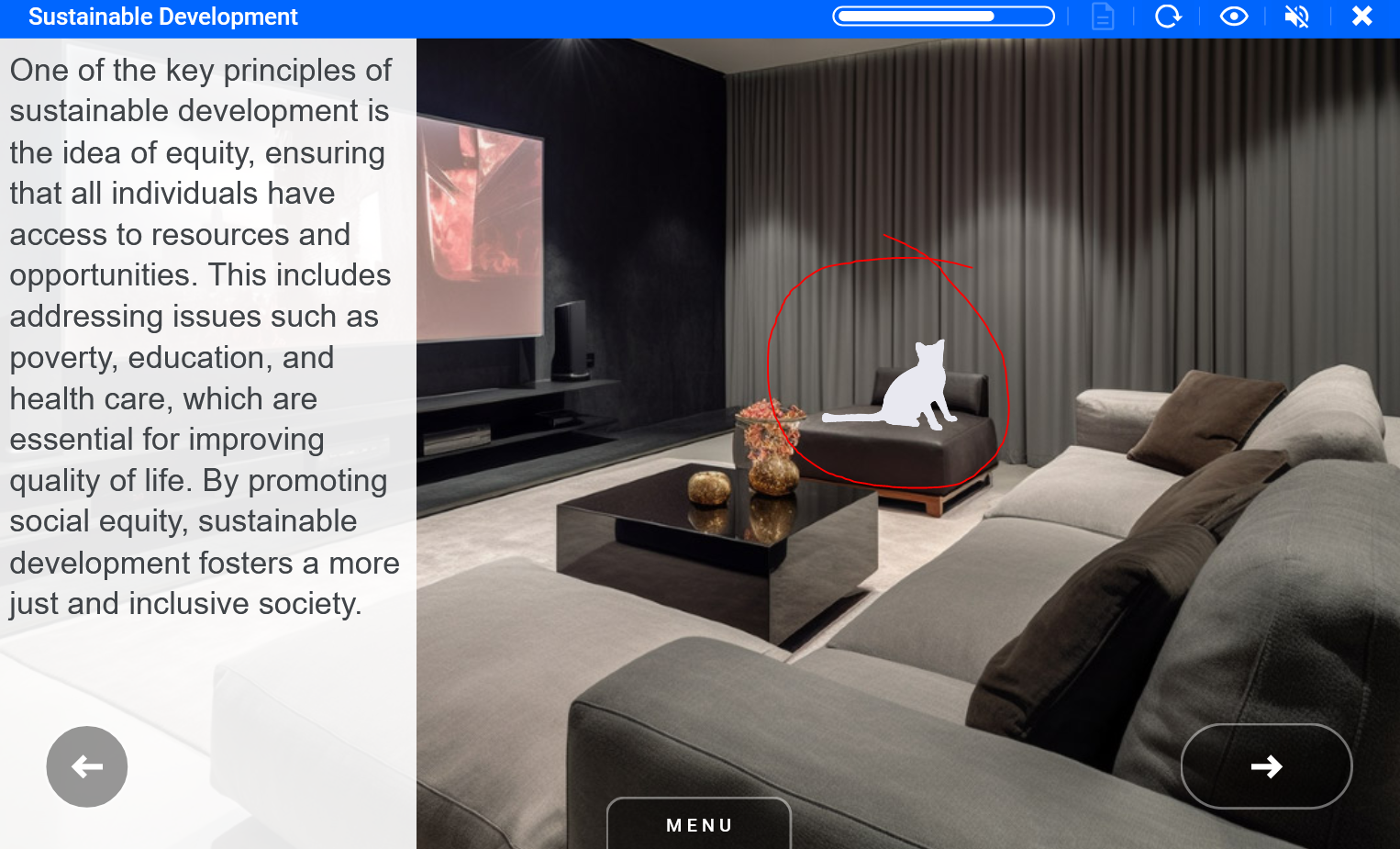
Cat 2 Element_cat_sitting ID 38419 |  |
The white cat can be placed anywhere on the background image. Make sure it's the right size to fit into the background image.
Examples
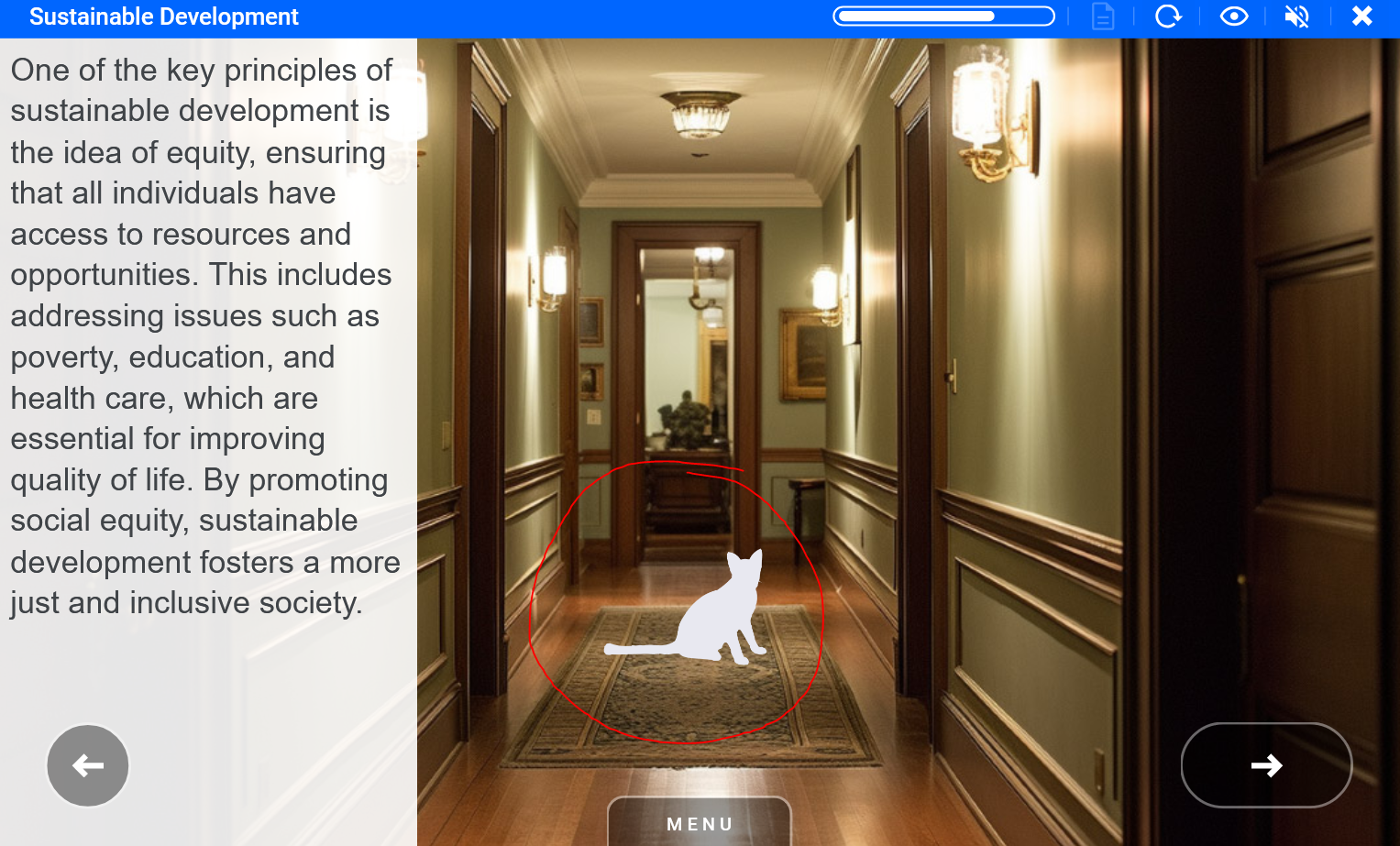
at 3 Element_cat_sleeping ID 38420 | 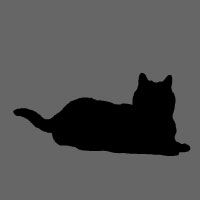 |
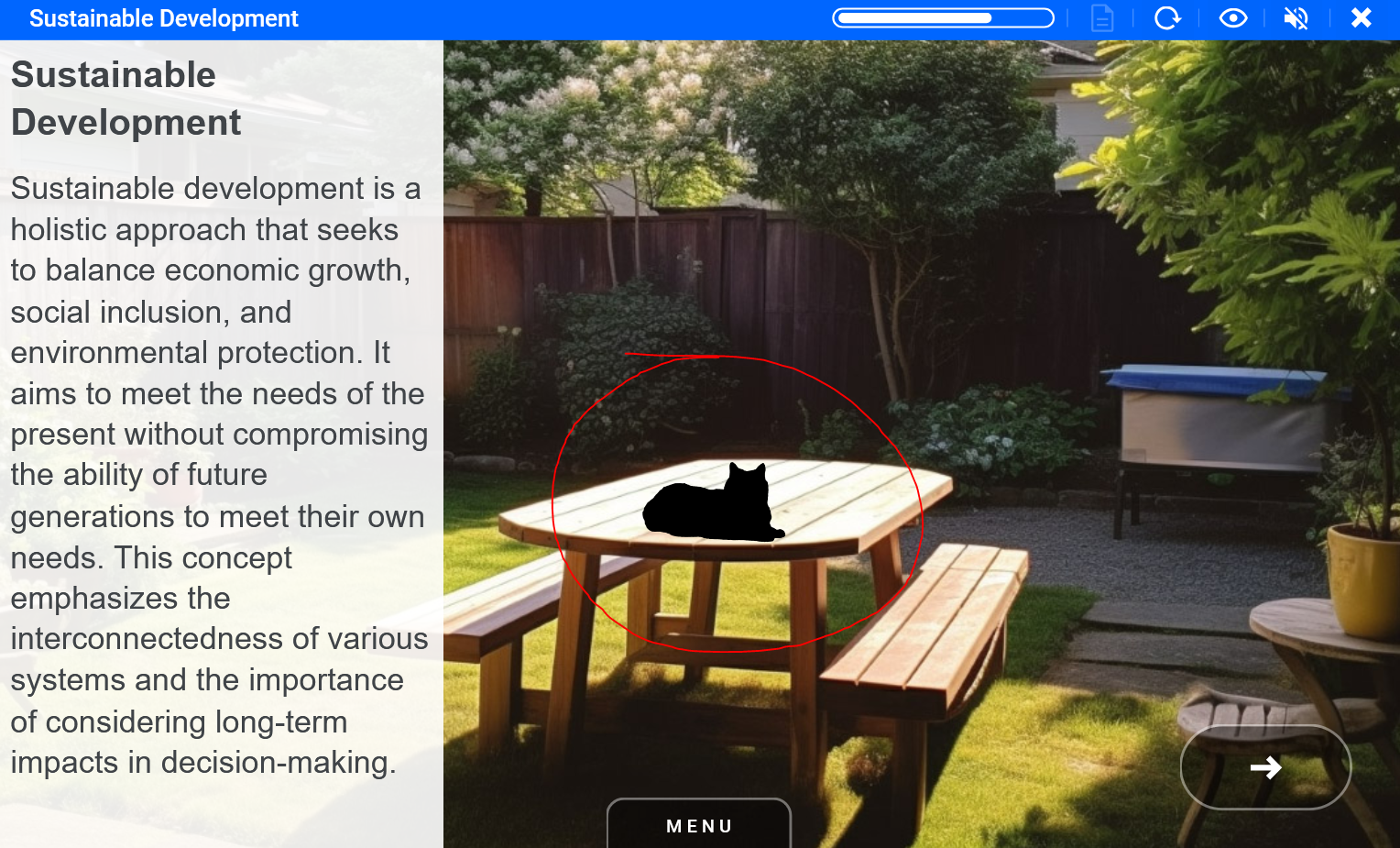
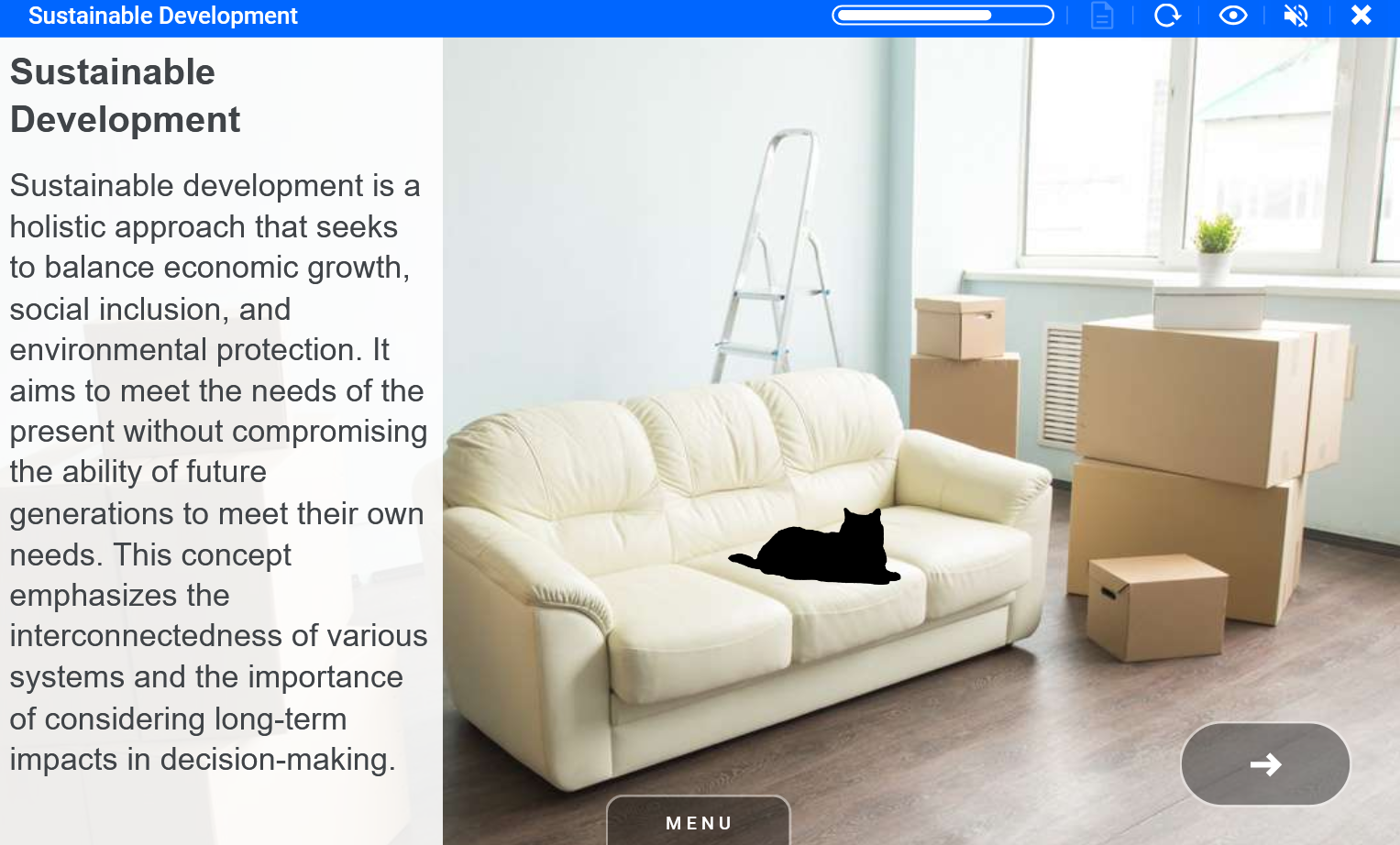
The sleeping cat can be placed anywhere on the background image. Make sure it's the right size to fit into the background image.
Examples
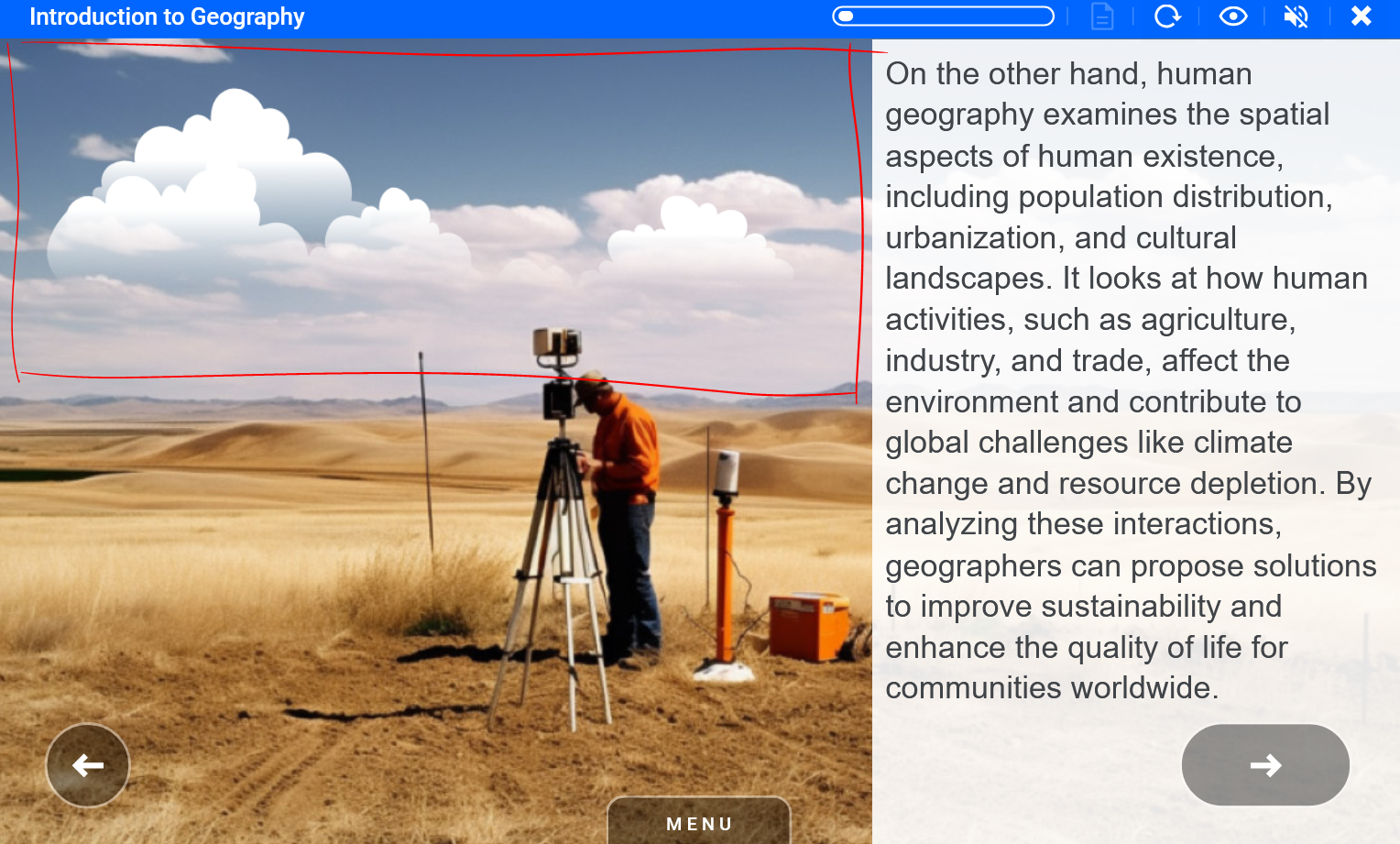
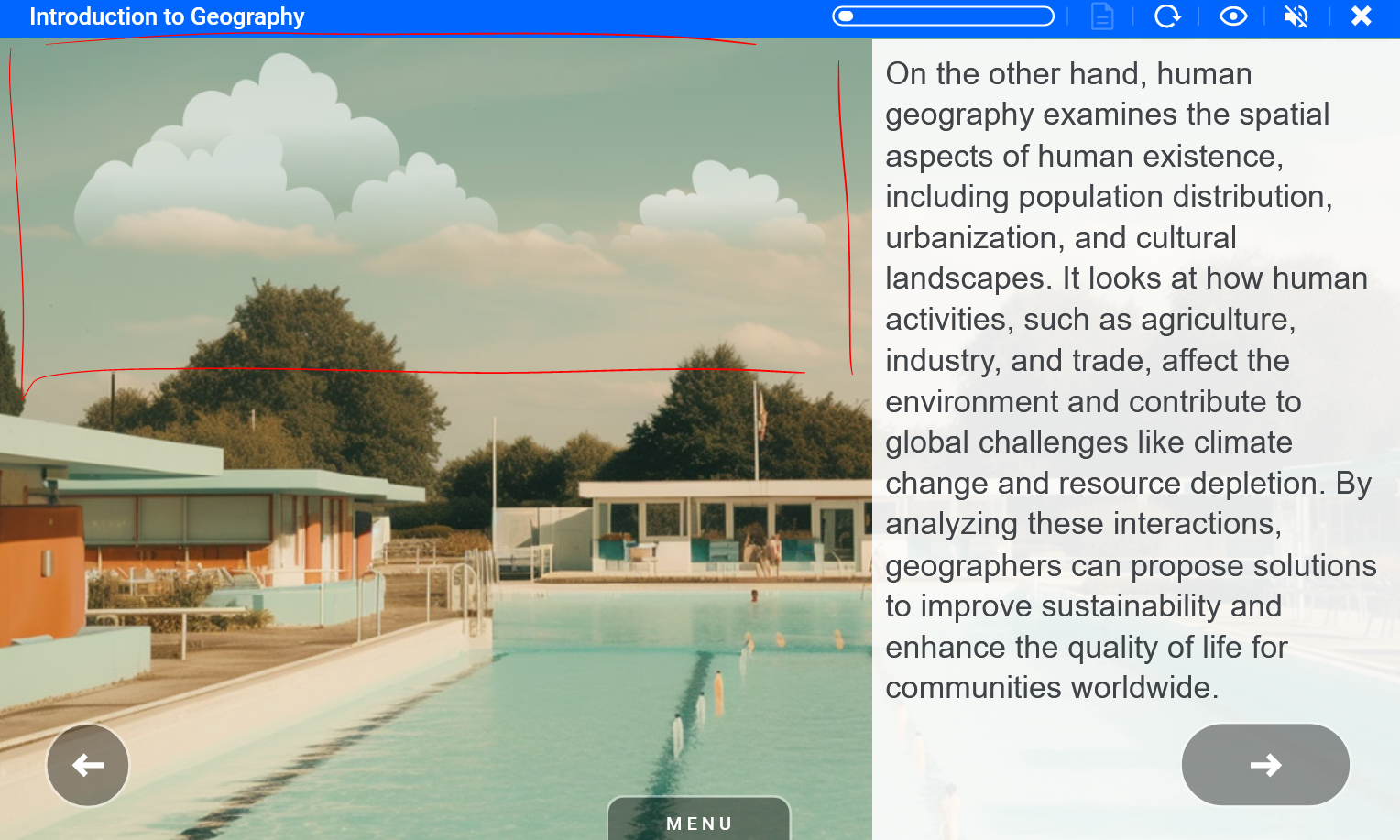
Clouds Element_clouds_sky_white ID 10410 |  |
The clouds can be placed anywhere on the background sky part.
Examples
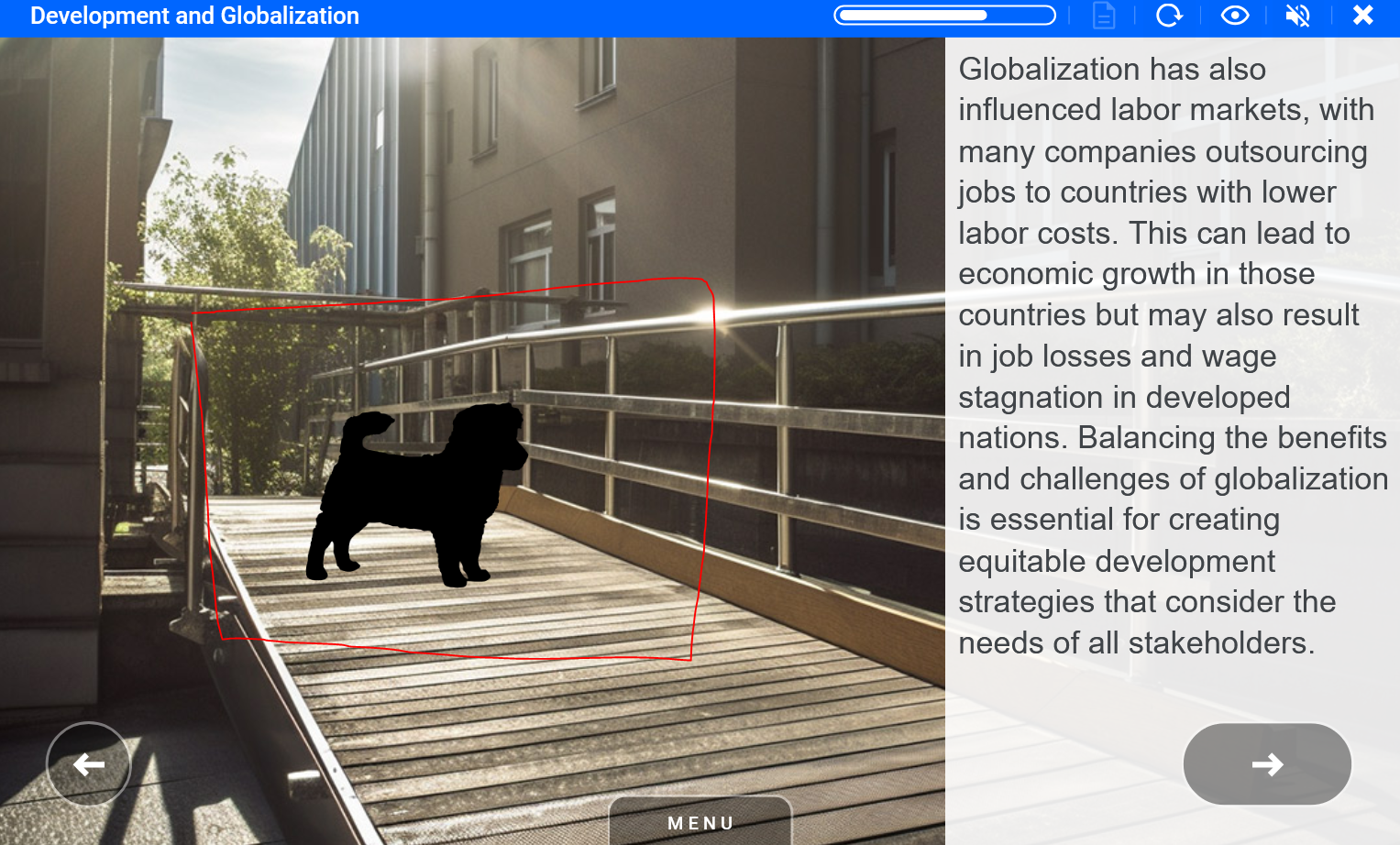
og 1 Element_dog_puppy ID 38423 | 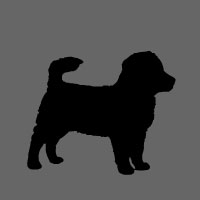 |
The puppy dog can be placed anywhere on the ground in the background image. Make sure it's the right size to fit into the background image.
Examples
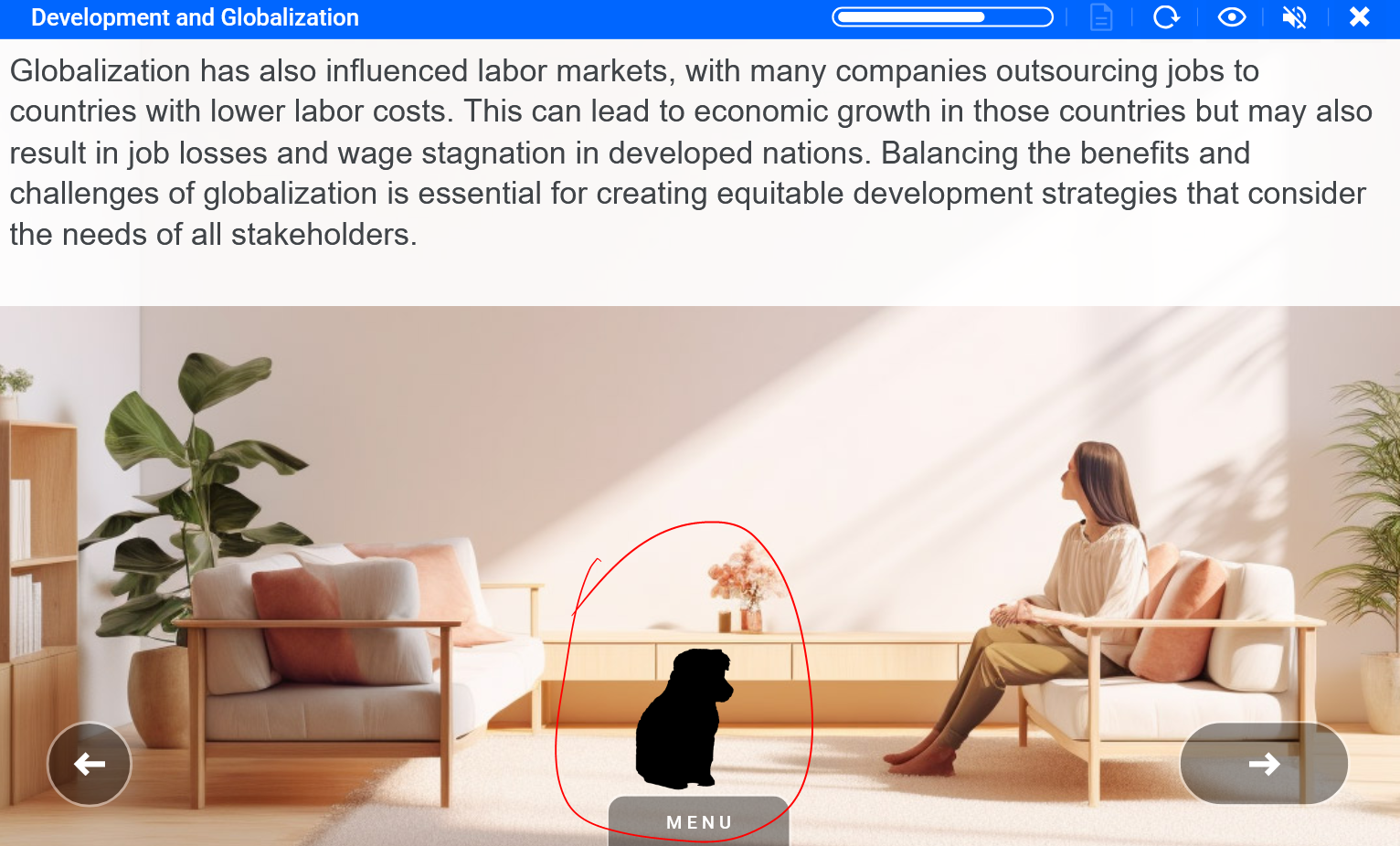
og 2 Element_dog_sitting ID 38424 | 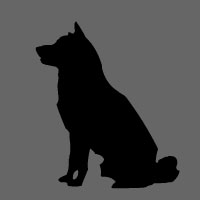 |
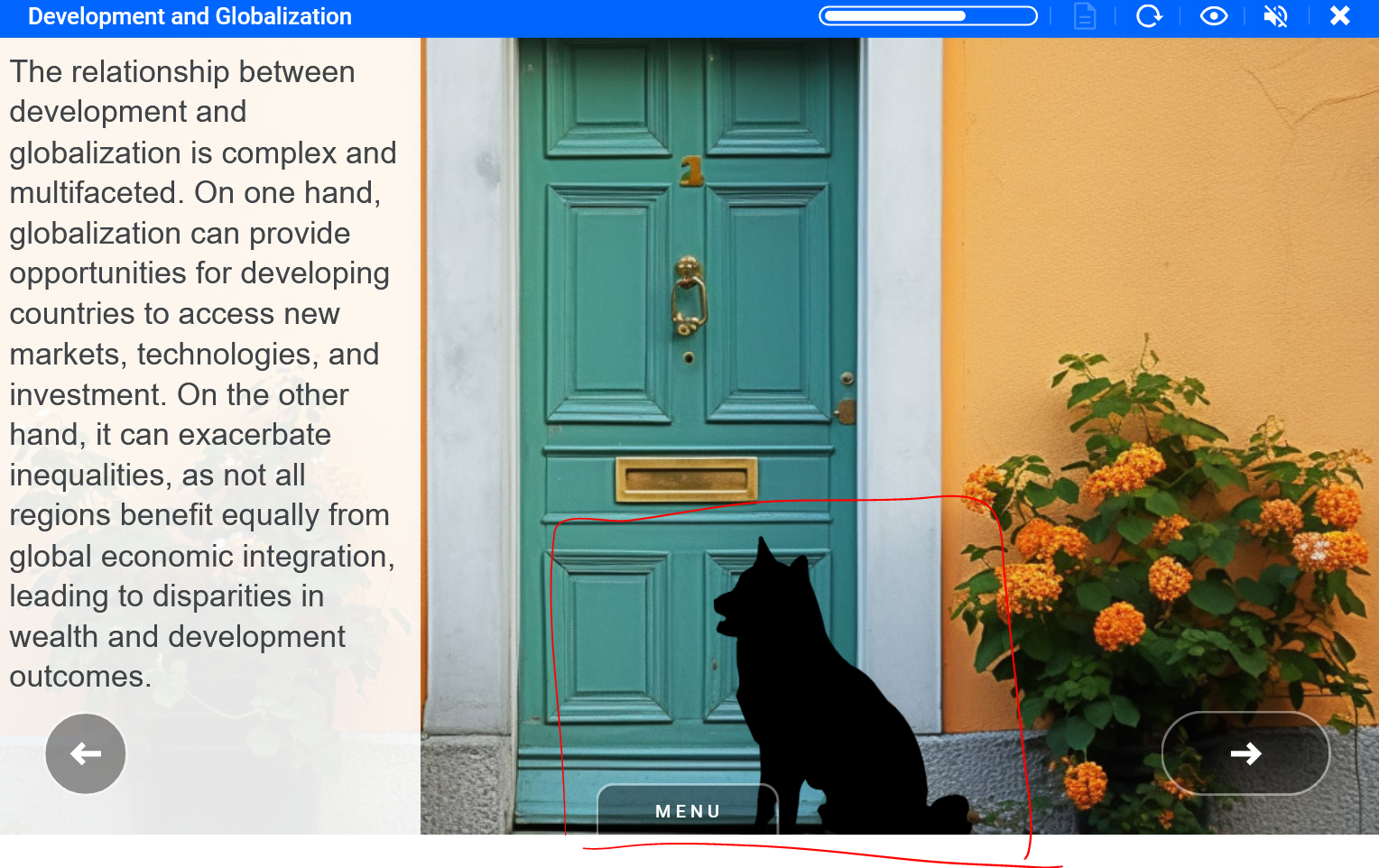
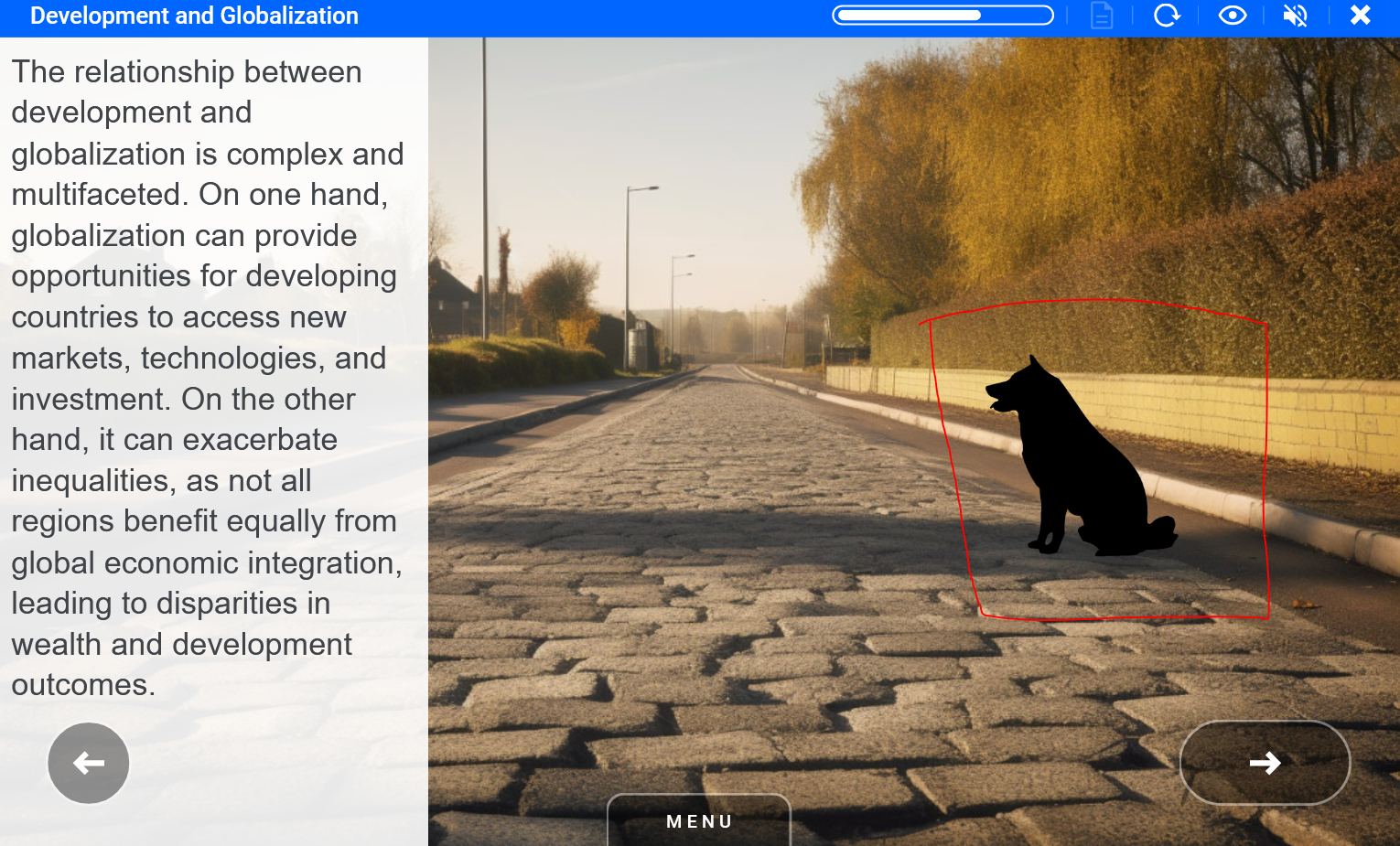
The sitting dog can be placed anywhere on the ground in the background image. Make sure it's the right size to fit into the background image.
Examples
Dog 3 Element_dog_standing ID 38425 | 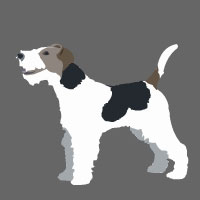 |
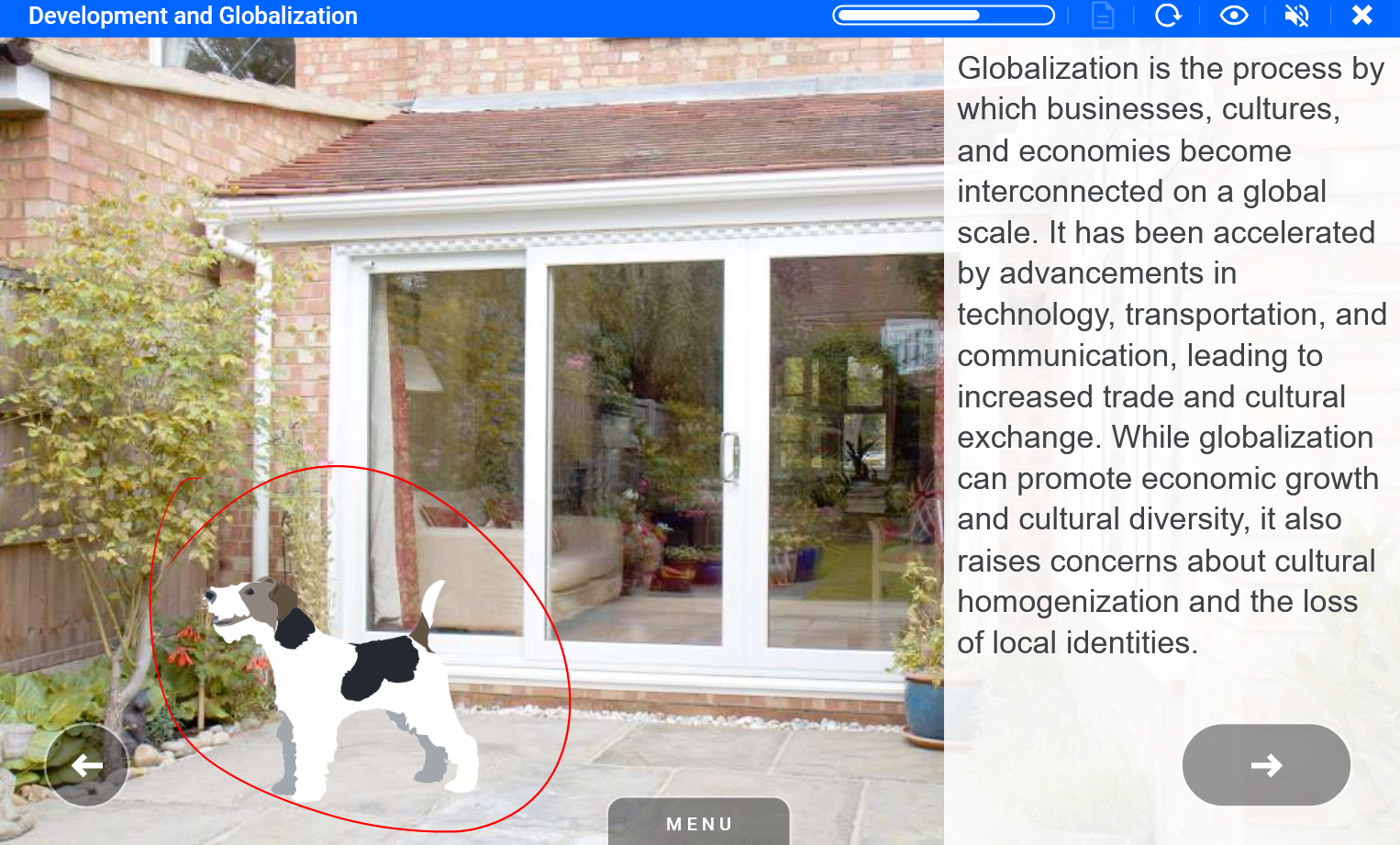
The standing dog can be placed anywhere on the ground in the background image. Make sure it's the right size to fit into the background image.
Examples
Drops of rain on screen Element_water_drops ID 11060 | 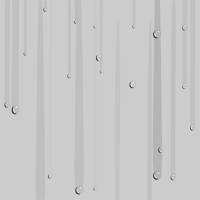 |
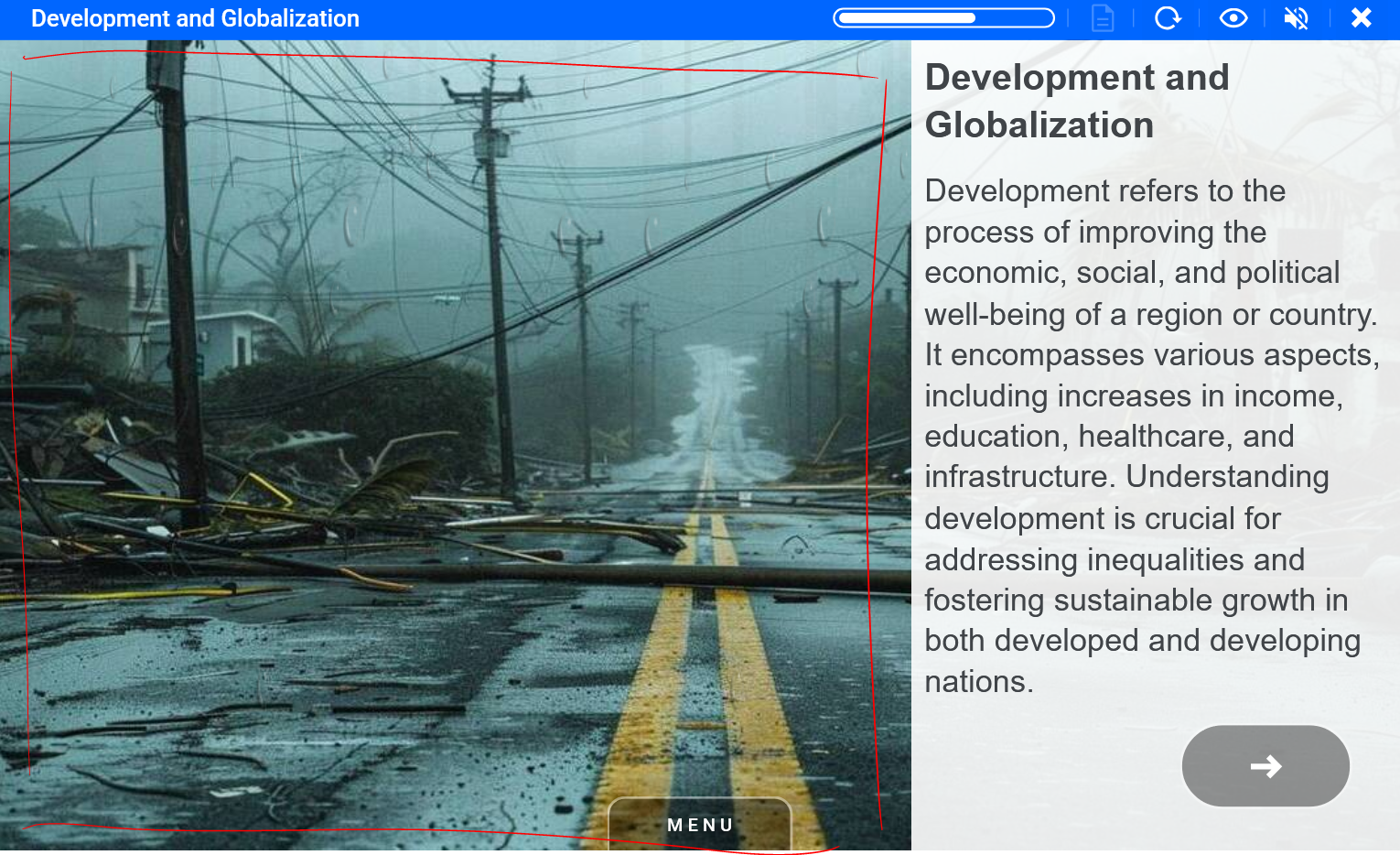
The drops of rain can be placed on top of rainy weather related background images.
Examples
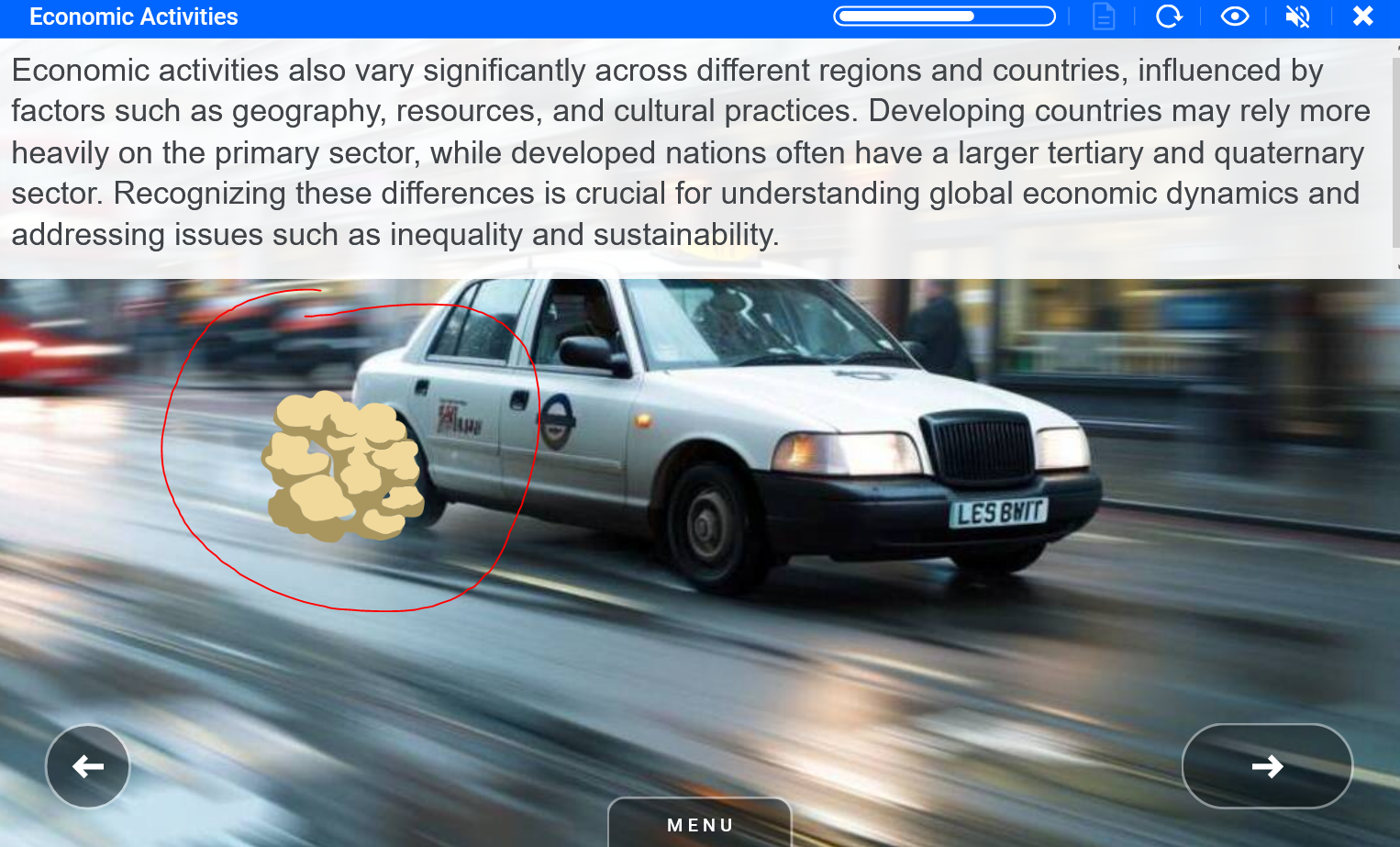
Dust coming from floor (car driving by) Element_smoke_dust2 ID 39221 | 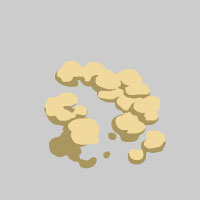 |
The dust can be placed next to the car wheel, exhaust, and heavy machinery and also other dust related images like desert, country roads, dirty rooms, bins or vacuum cleaners.
Examples
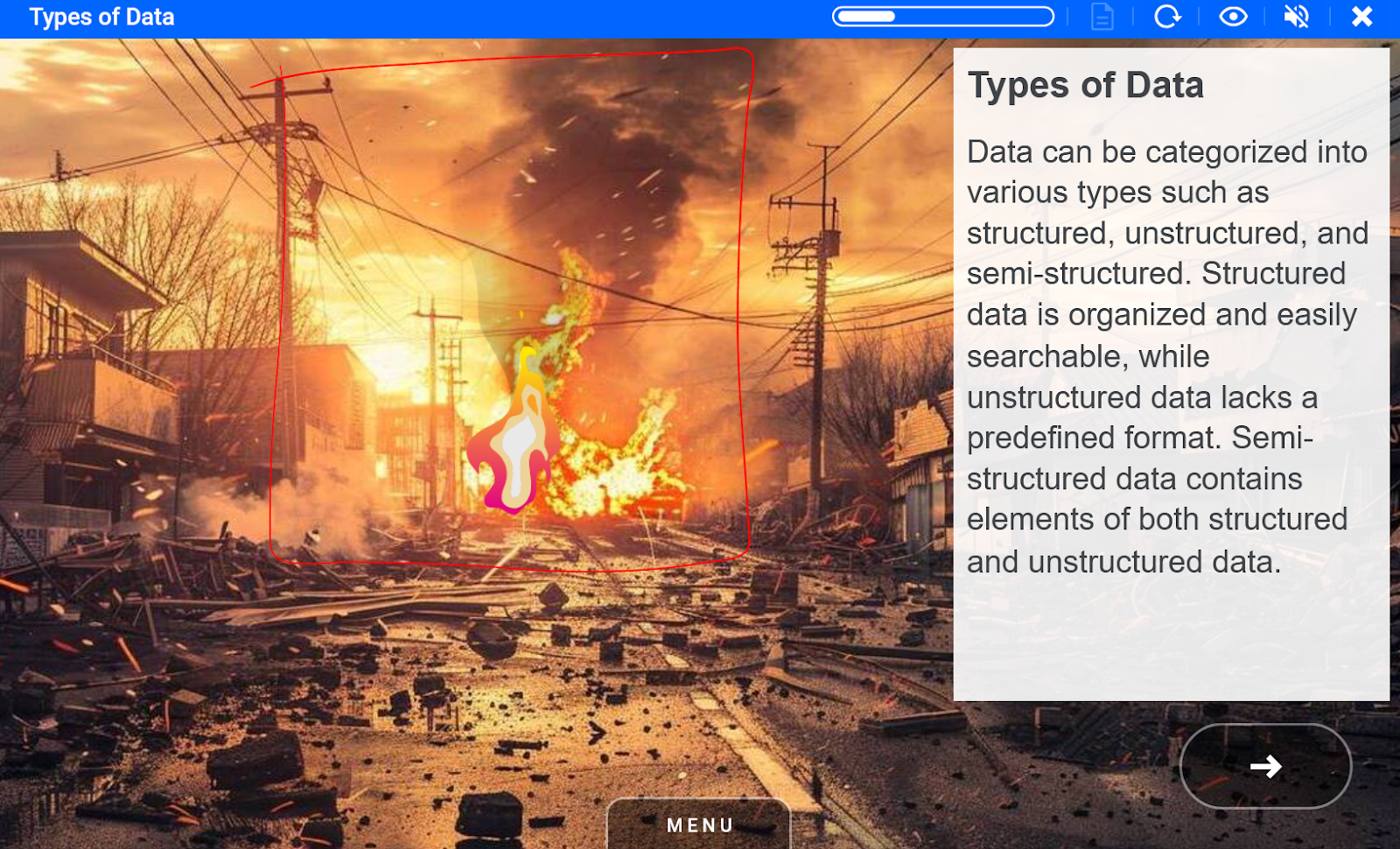
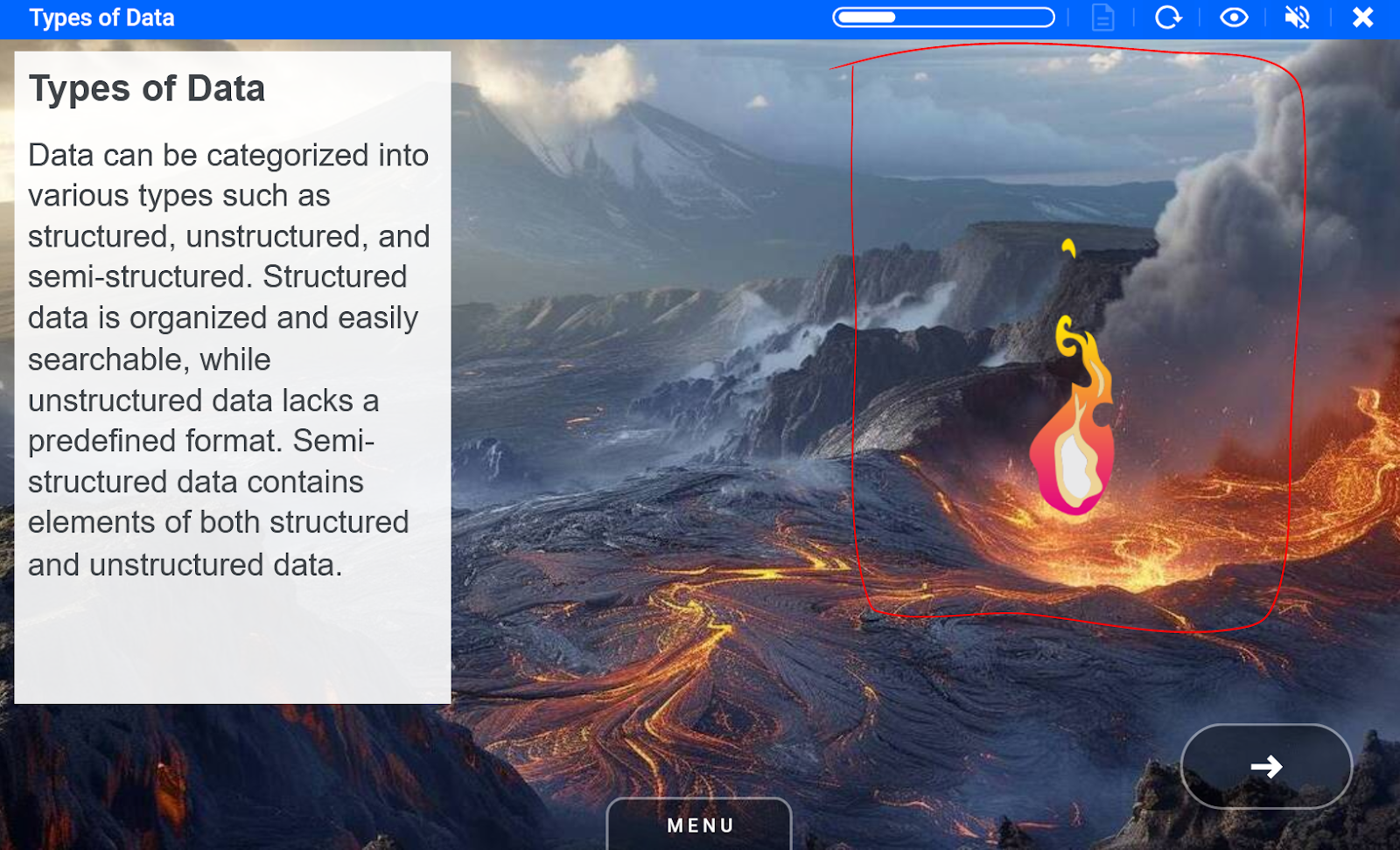
Fire (realistic) Element_fire_small_flame4 ID 39218 | 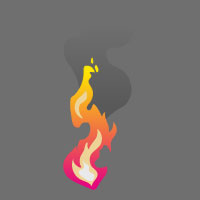 |
Fire can be placed on top of fire or lava in the background image. Also can be used as fireplace or bonfire animation.
Examples
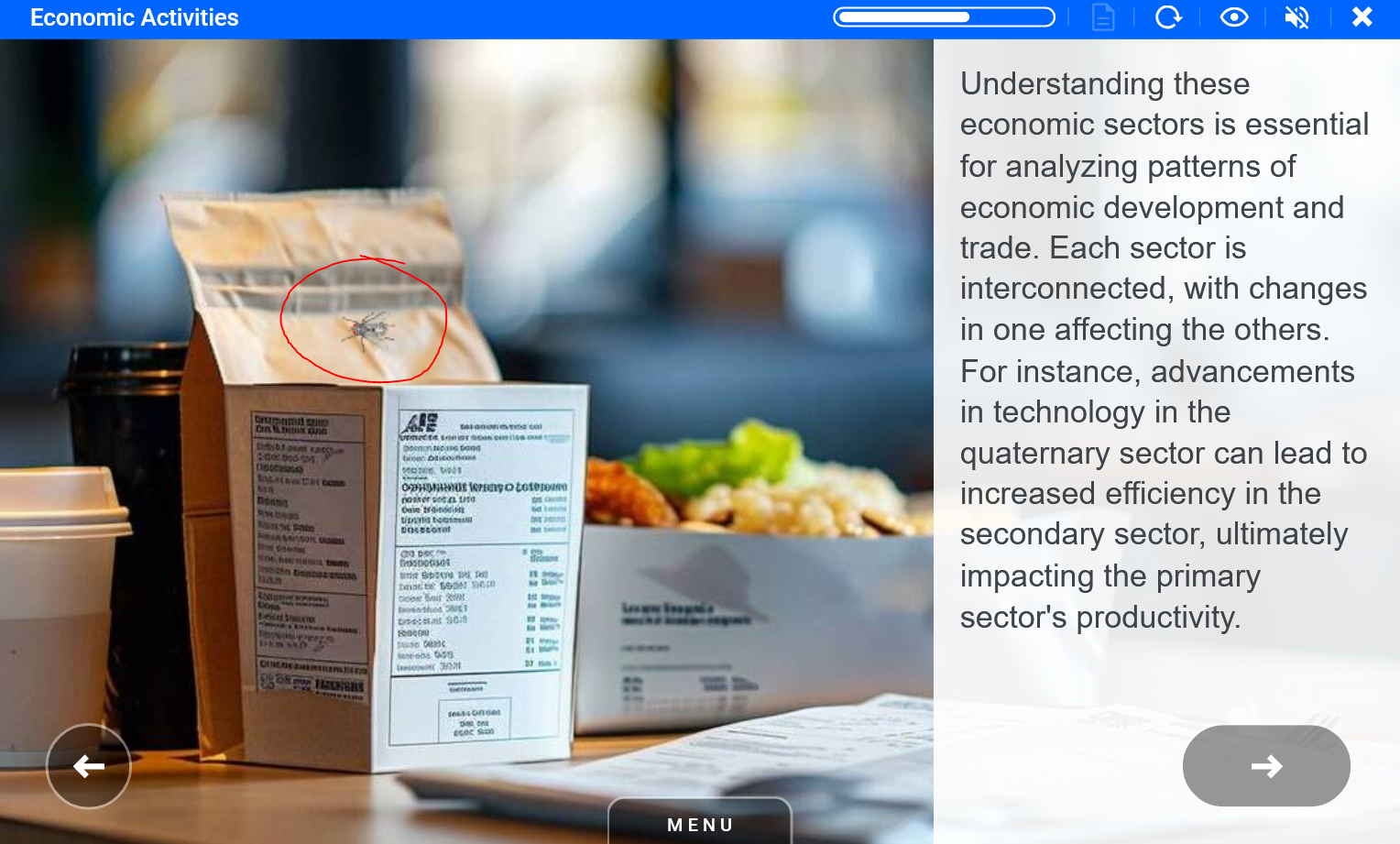
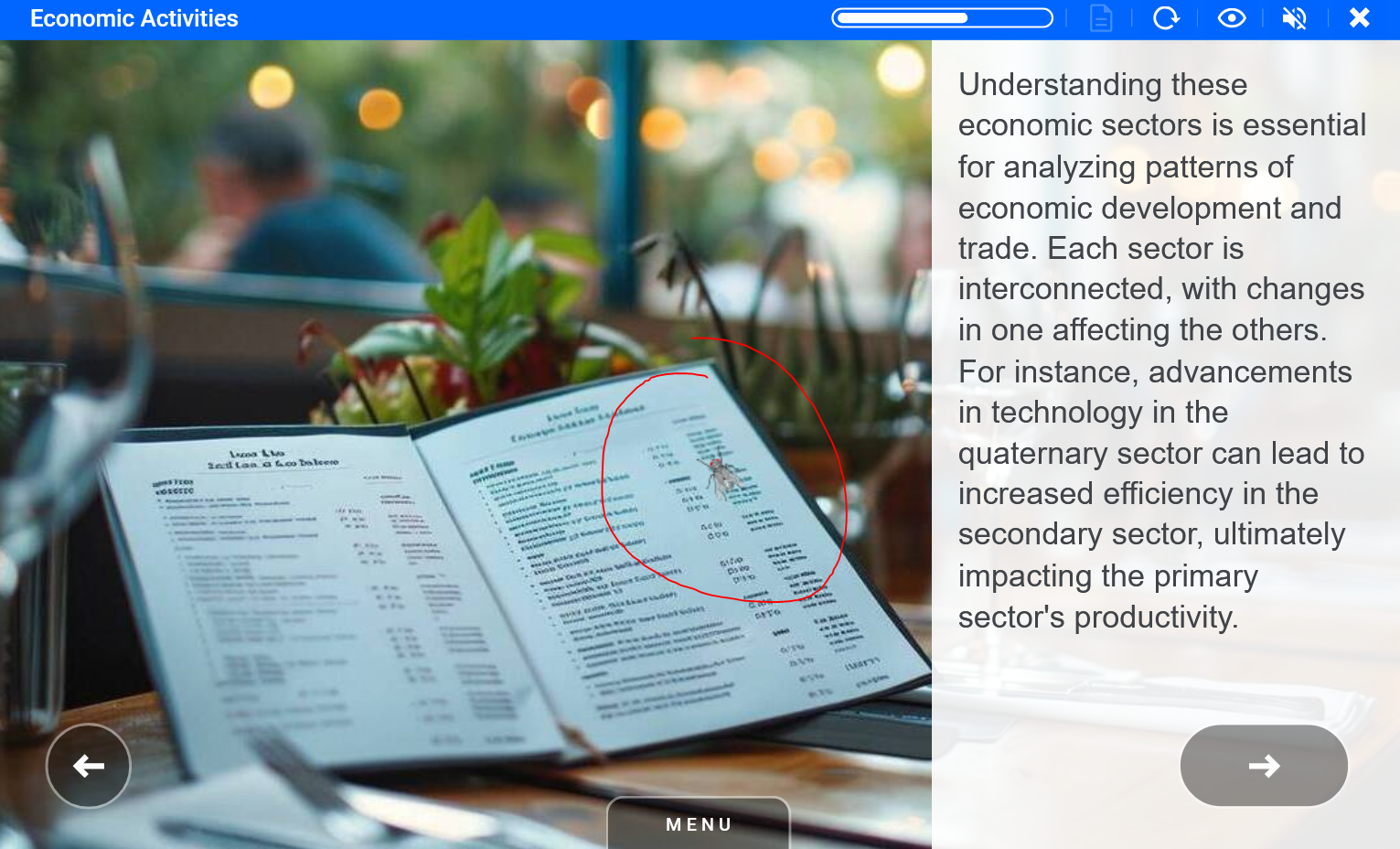
Fly Element_nature_fly ID 10843 |  |
The fly can be placed on closeup photos of some household items or bins.
Examples
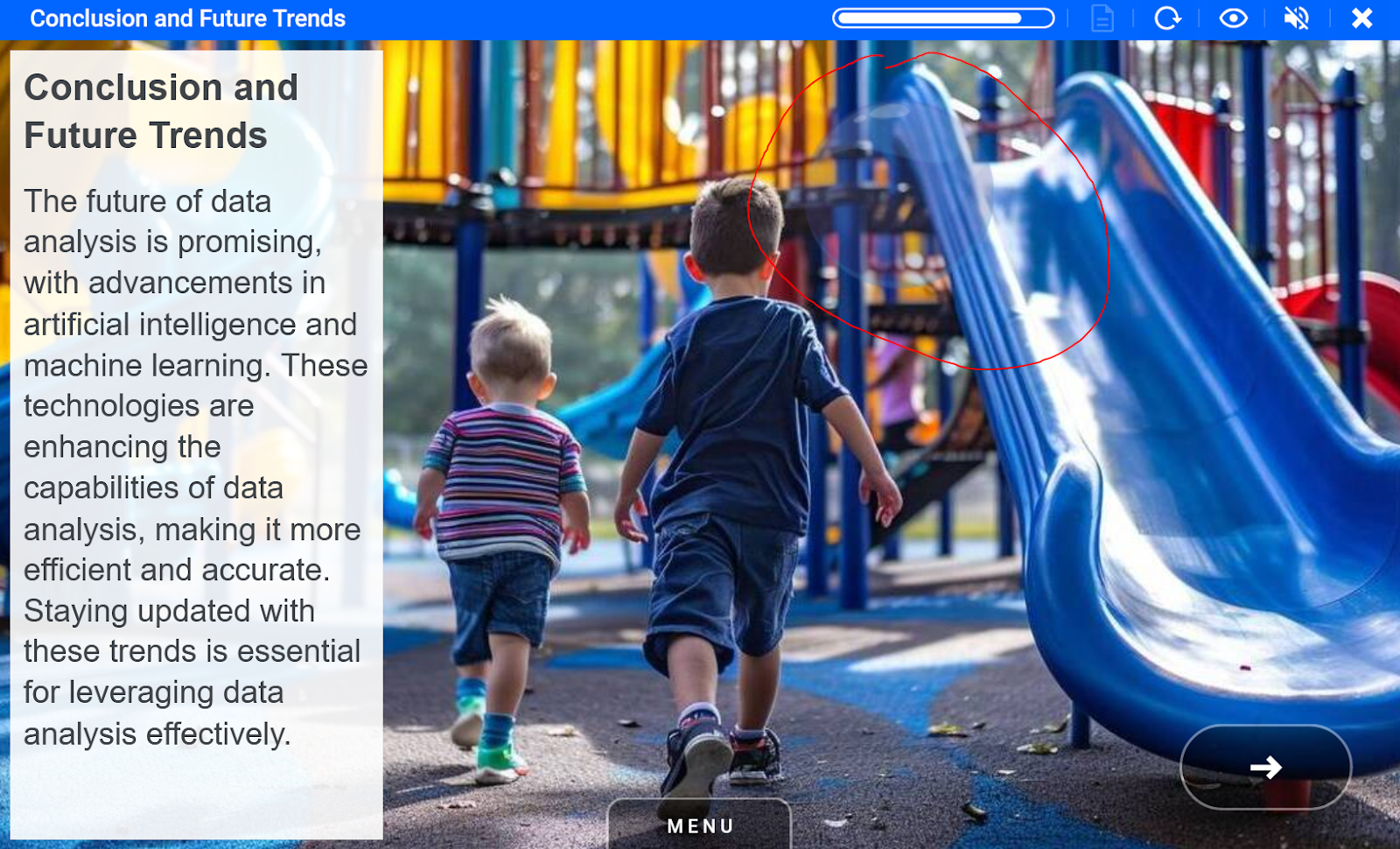
Flying bubble popping Element_bubble_pop ID 39224 |  |
Flying bubble can be used on top of images with children.
Examples
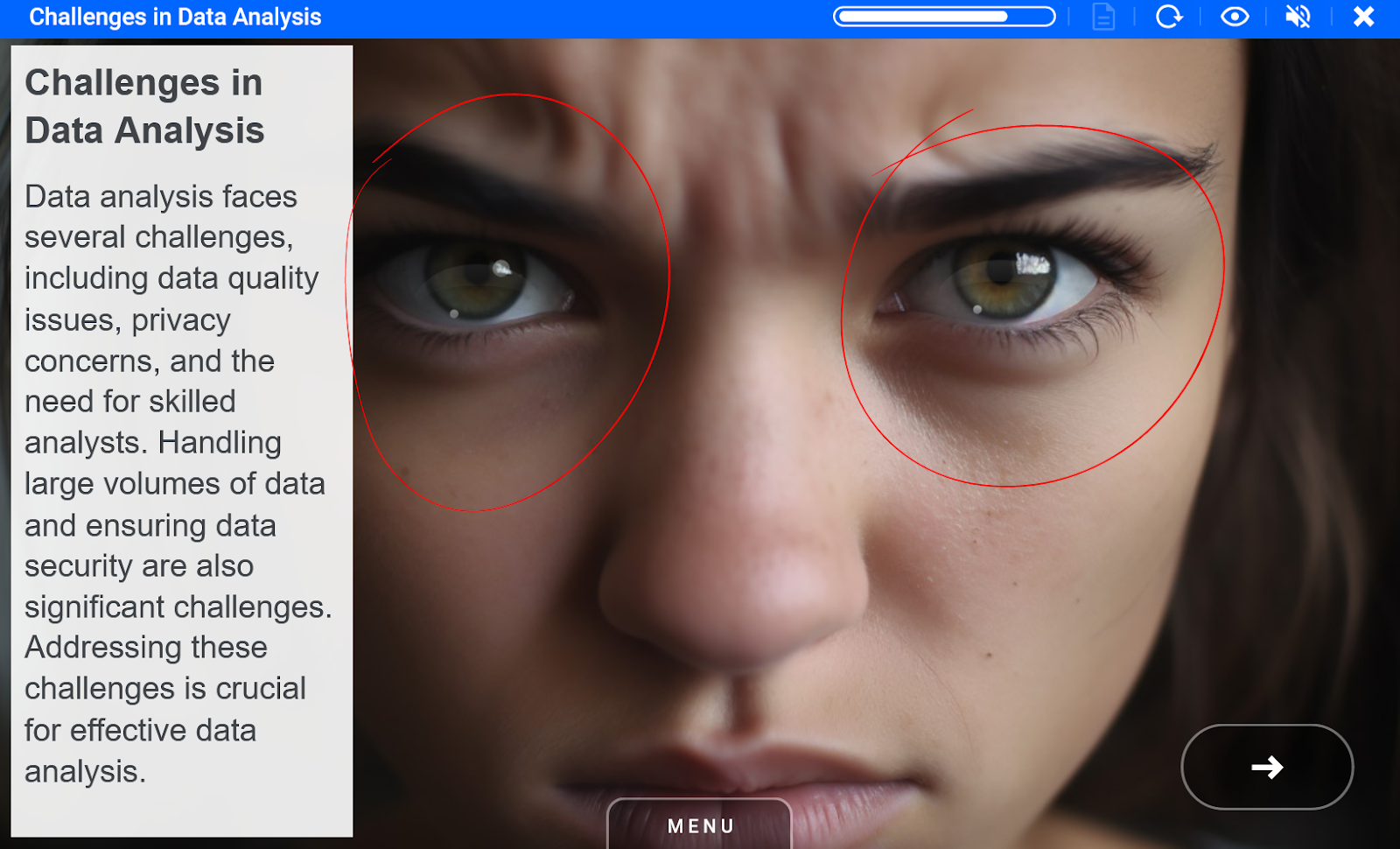
Glint in eye Element_glint_eye_light ID 39448 |  |
Use this animation to place on top of the eyes in the background image - each eye needs separate animation.
Examples

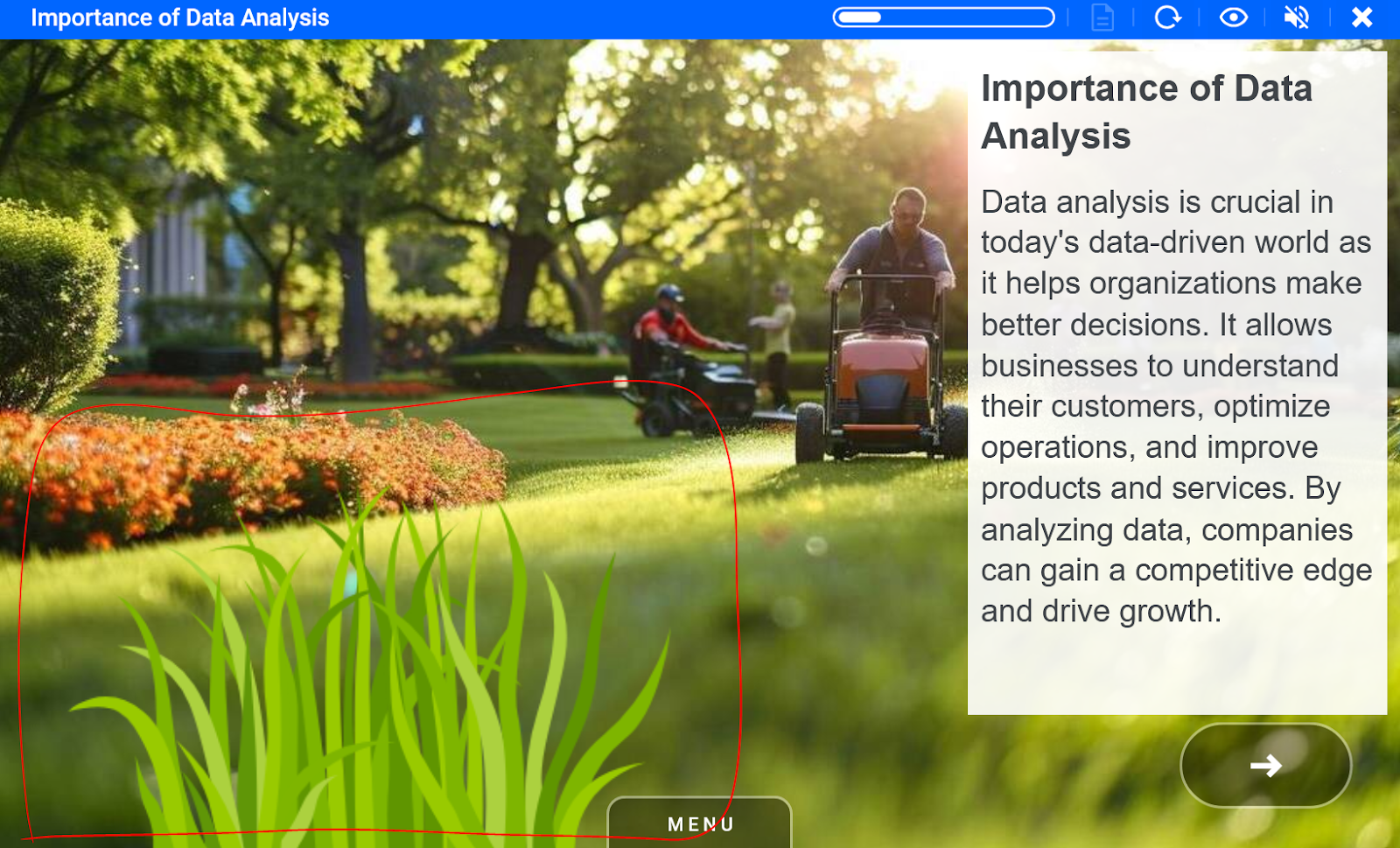
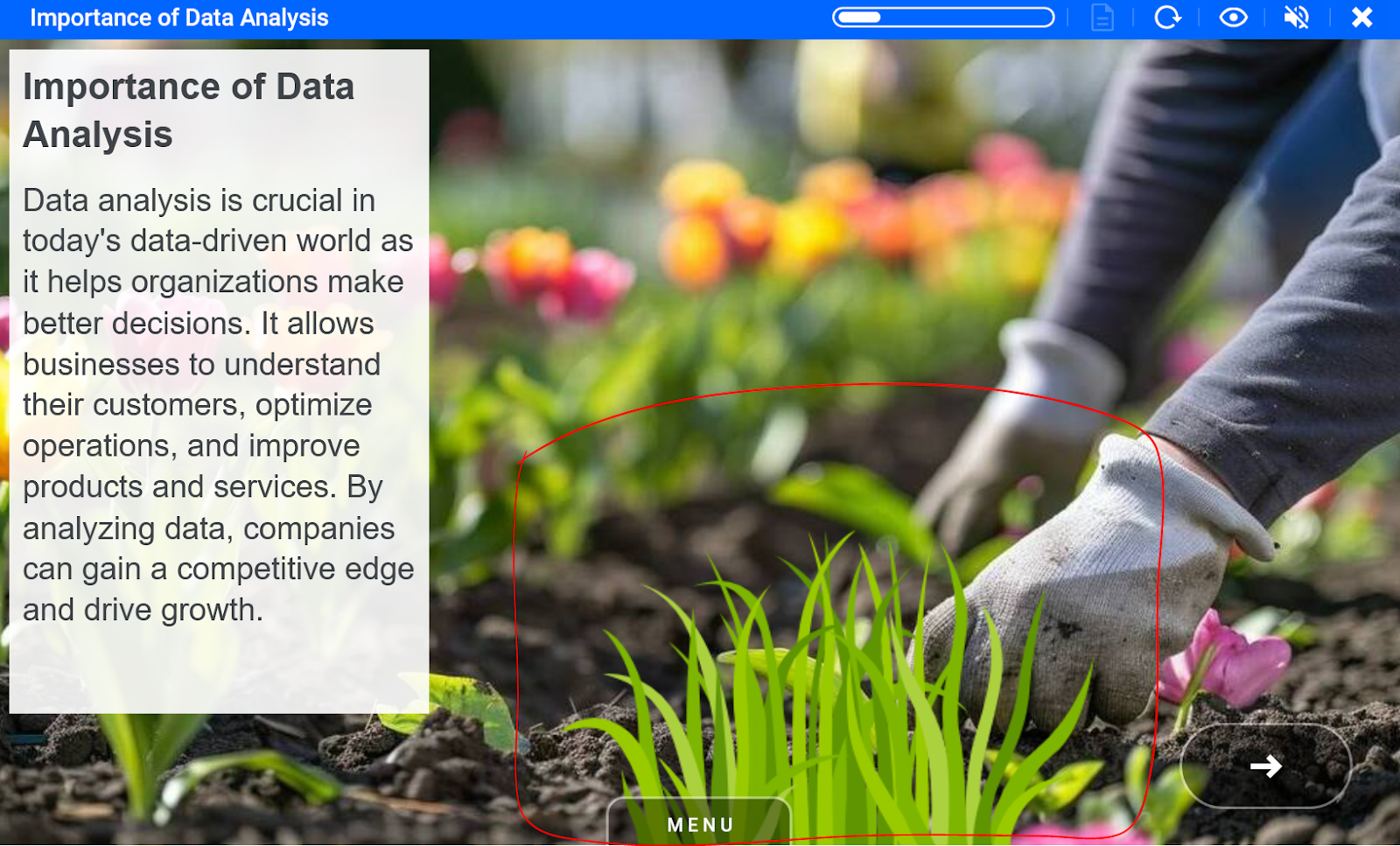
Grass in wind Element_grass_green_wind ID 39447 | 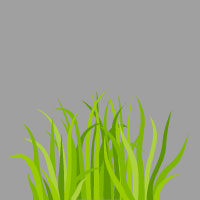 |
This grass animation should be placed on the bottom edge of the background image.
Examples
Green LED Element_led_light_green ID 39217 | 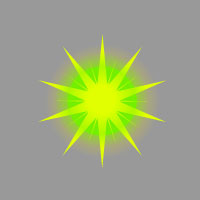 |
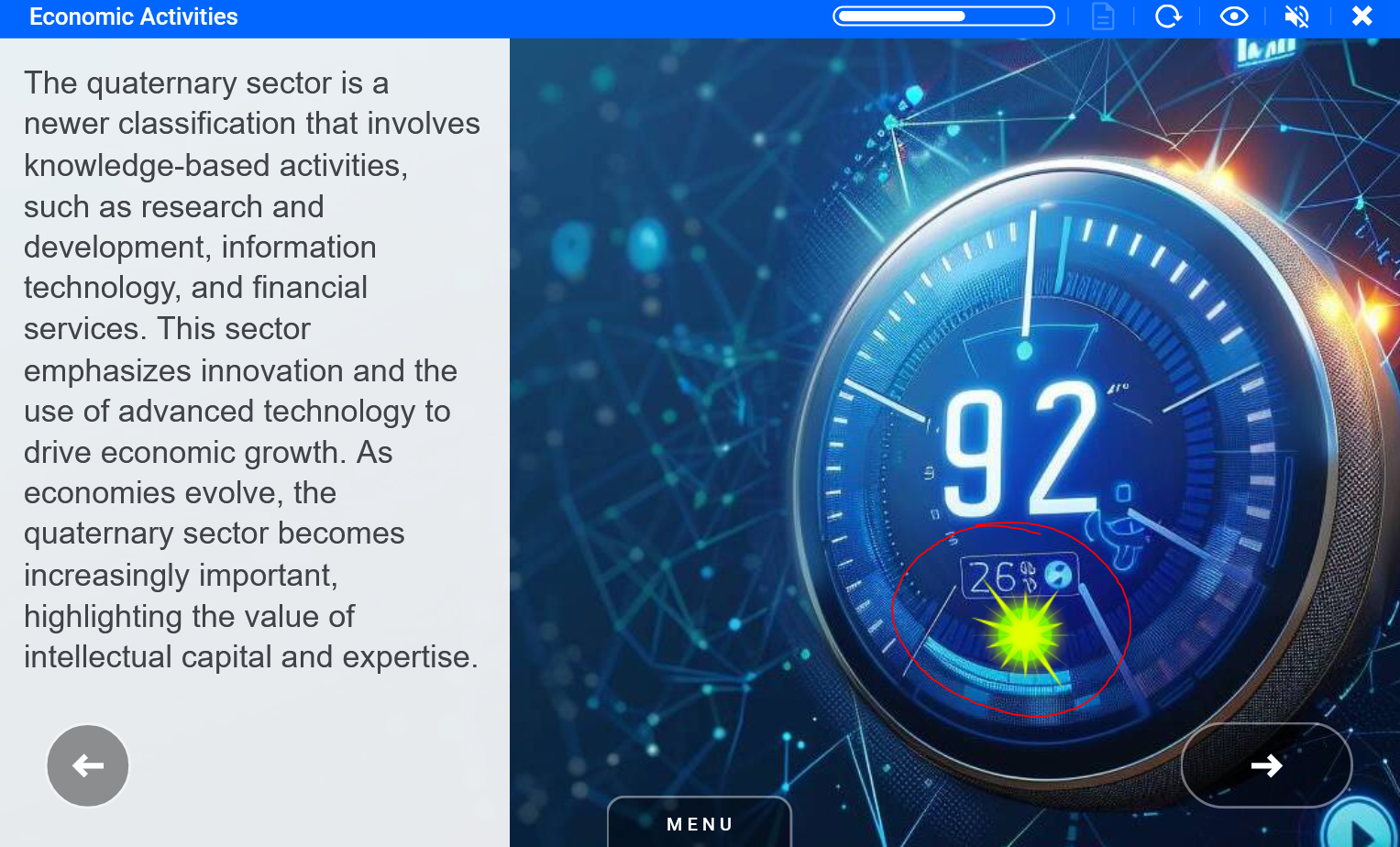
Green led spark can be used to highlight background images elements.
Examples
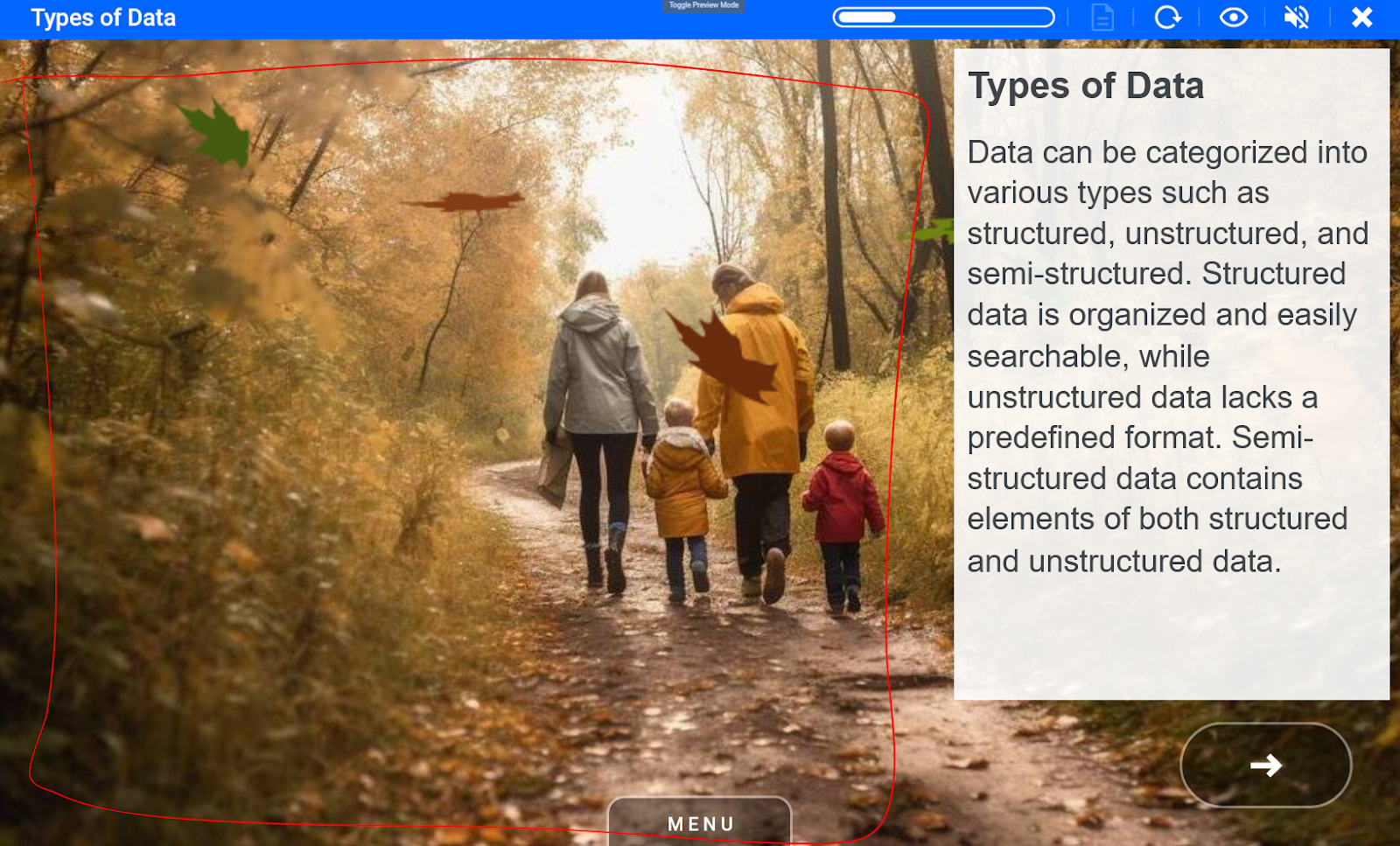
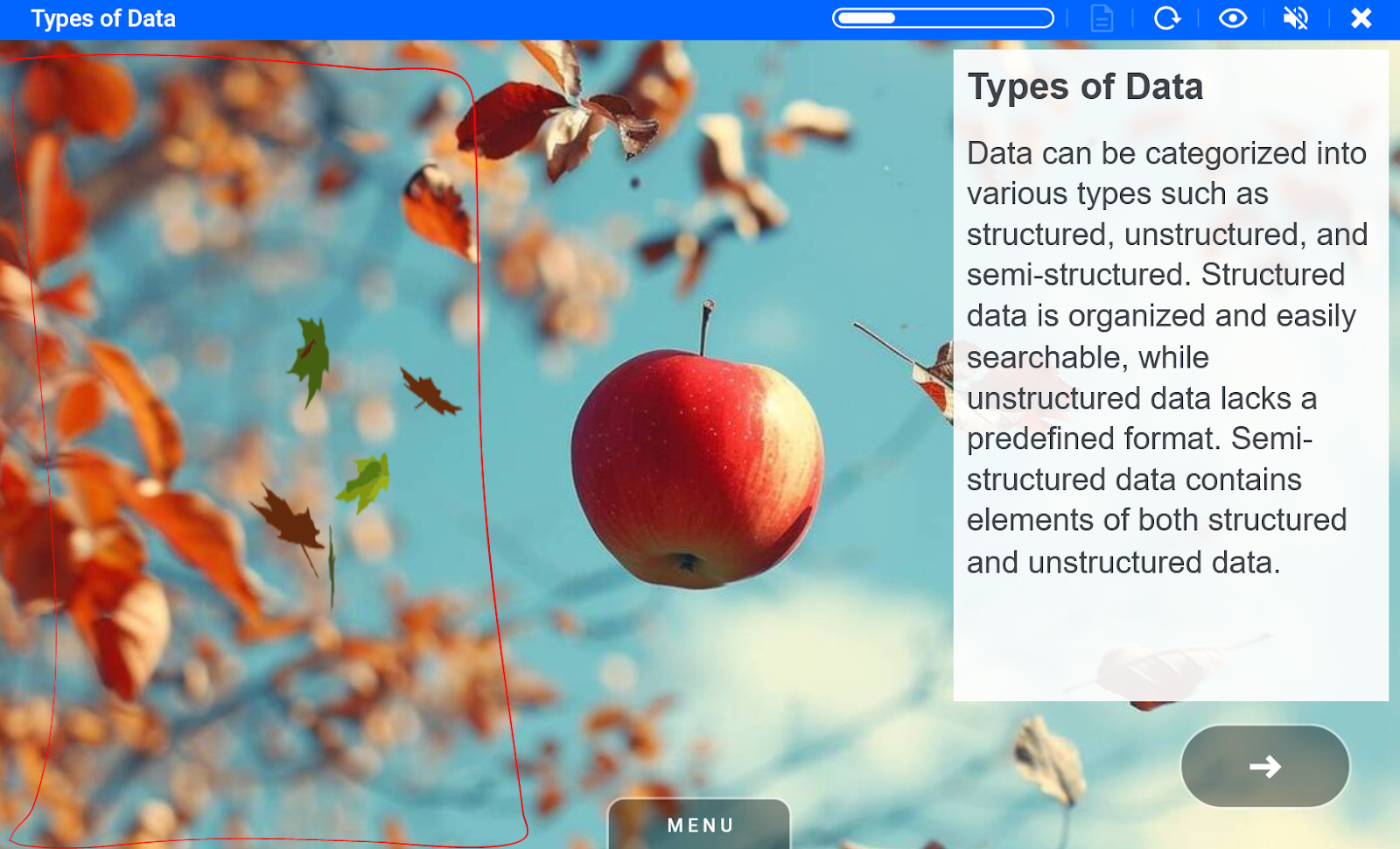
Leaves falling Element_autumn_leaves ID 39222 | 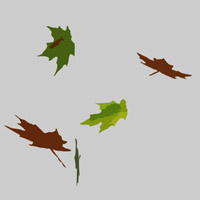 |
Autumn leaves can be used on related images. The top edge and bottom edge of the animation should align with background images top and bottom edge.
Examples
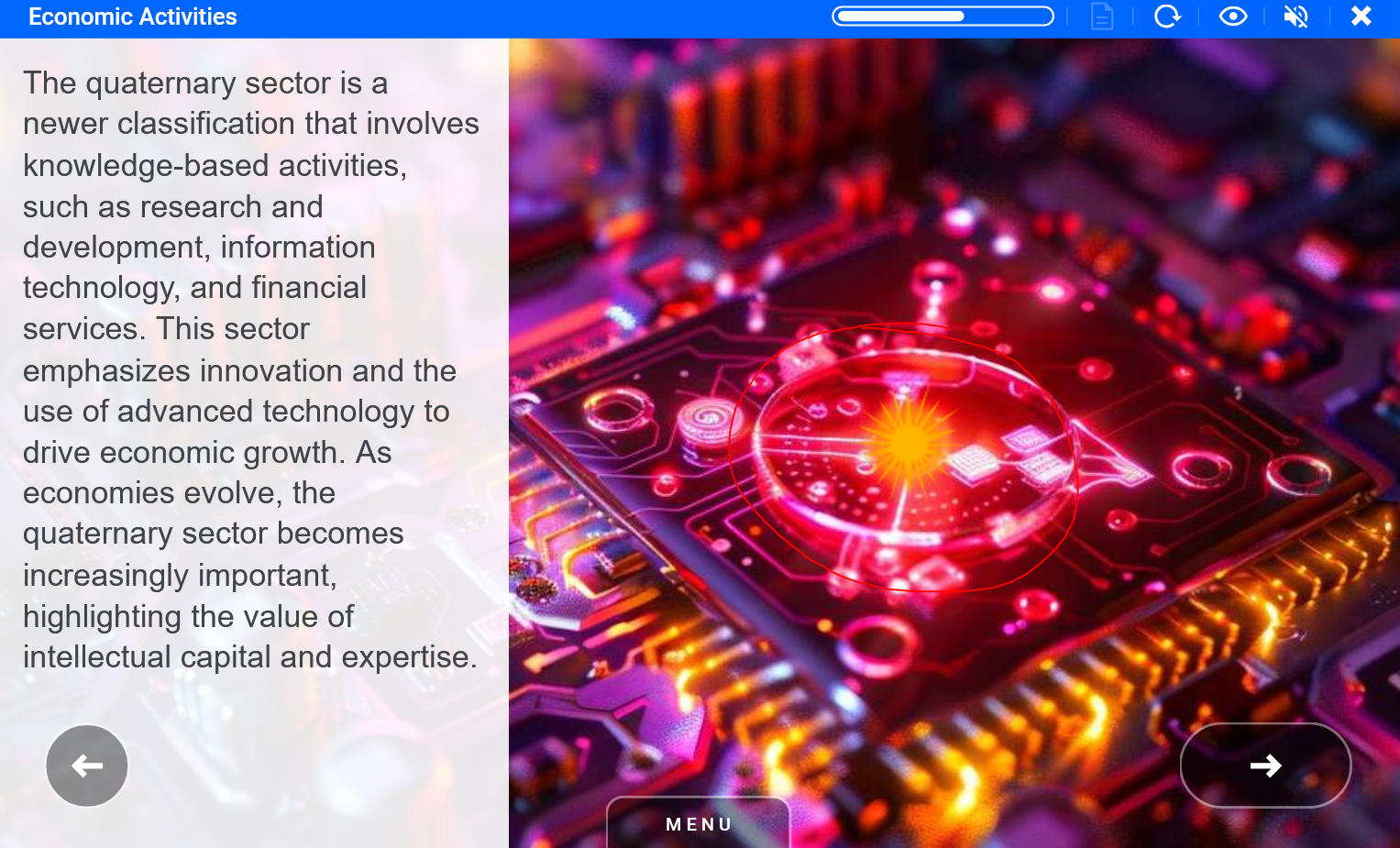
Orange LED Element_led_light_orange ID 39215 | 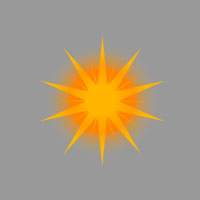 |
Orange led spark can be used to highlight background images elements.
Examples
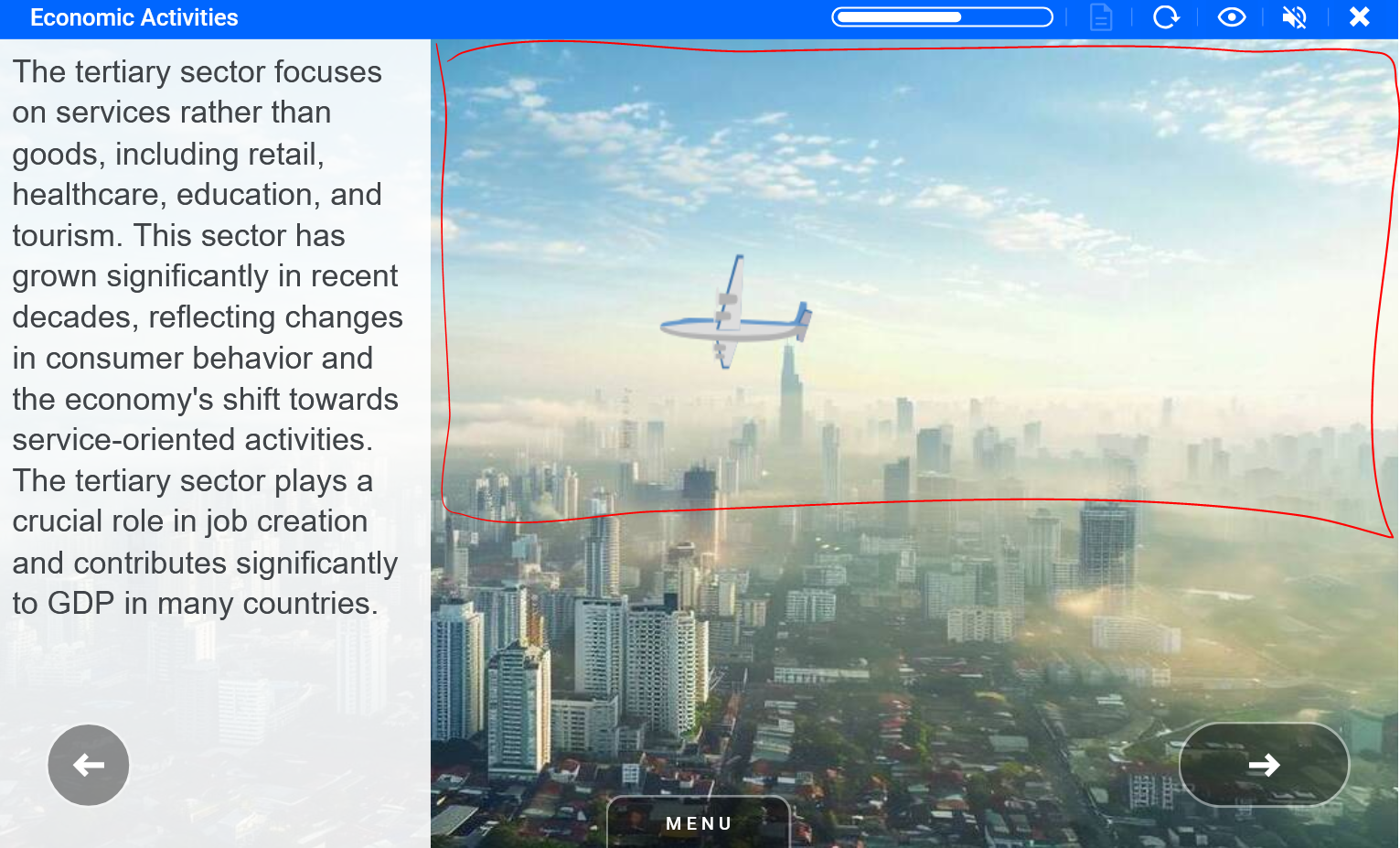
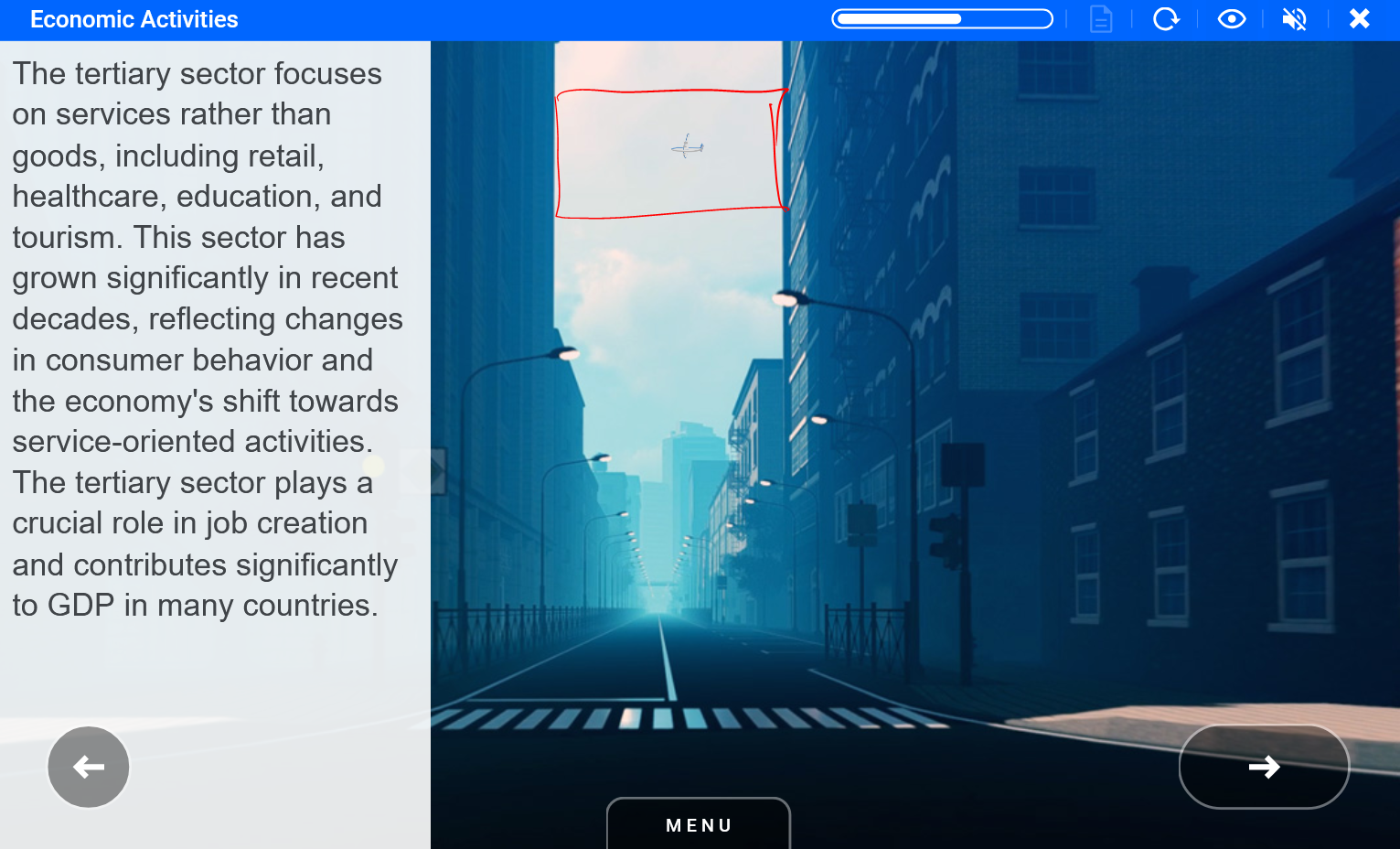
Plane Element_sky_plane_w ID 11024 | 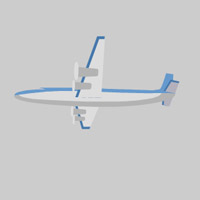 |
Plane should be placed from the left edge to the right. Note buildings in the second example can be used as edges for animation.
Examples
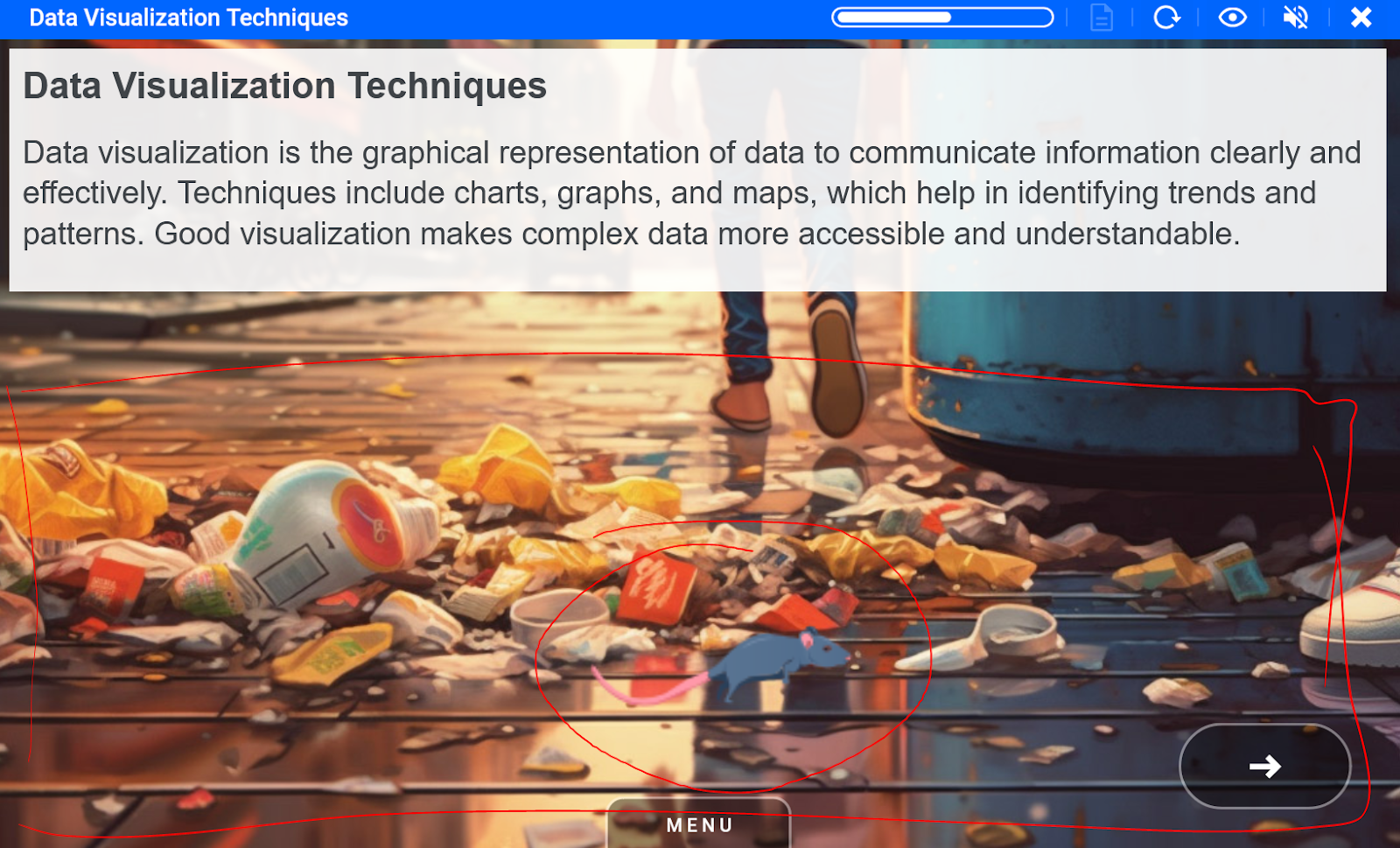
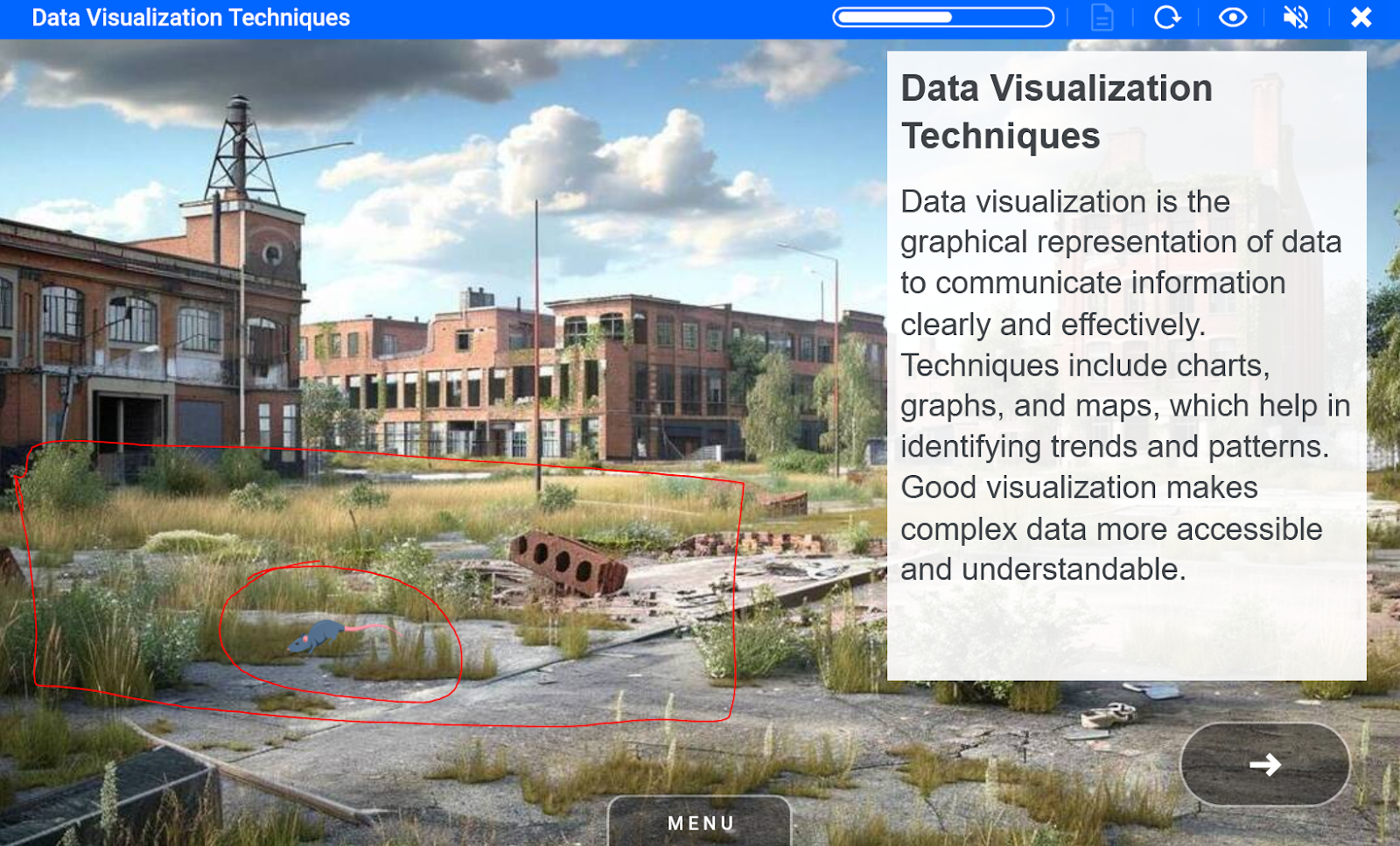
Rat Element_rat_running ID 39219 | 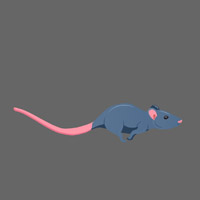 |
Rat can be placed anywhere on the ground of the background image. Make sure it makes sense to add rat - like there is a background image with bins, desolated places, streets, sewers.
Examples
Red LED Element_led_light_red ID 39214 | 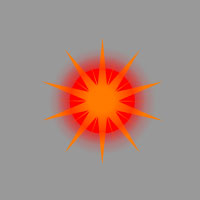 |
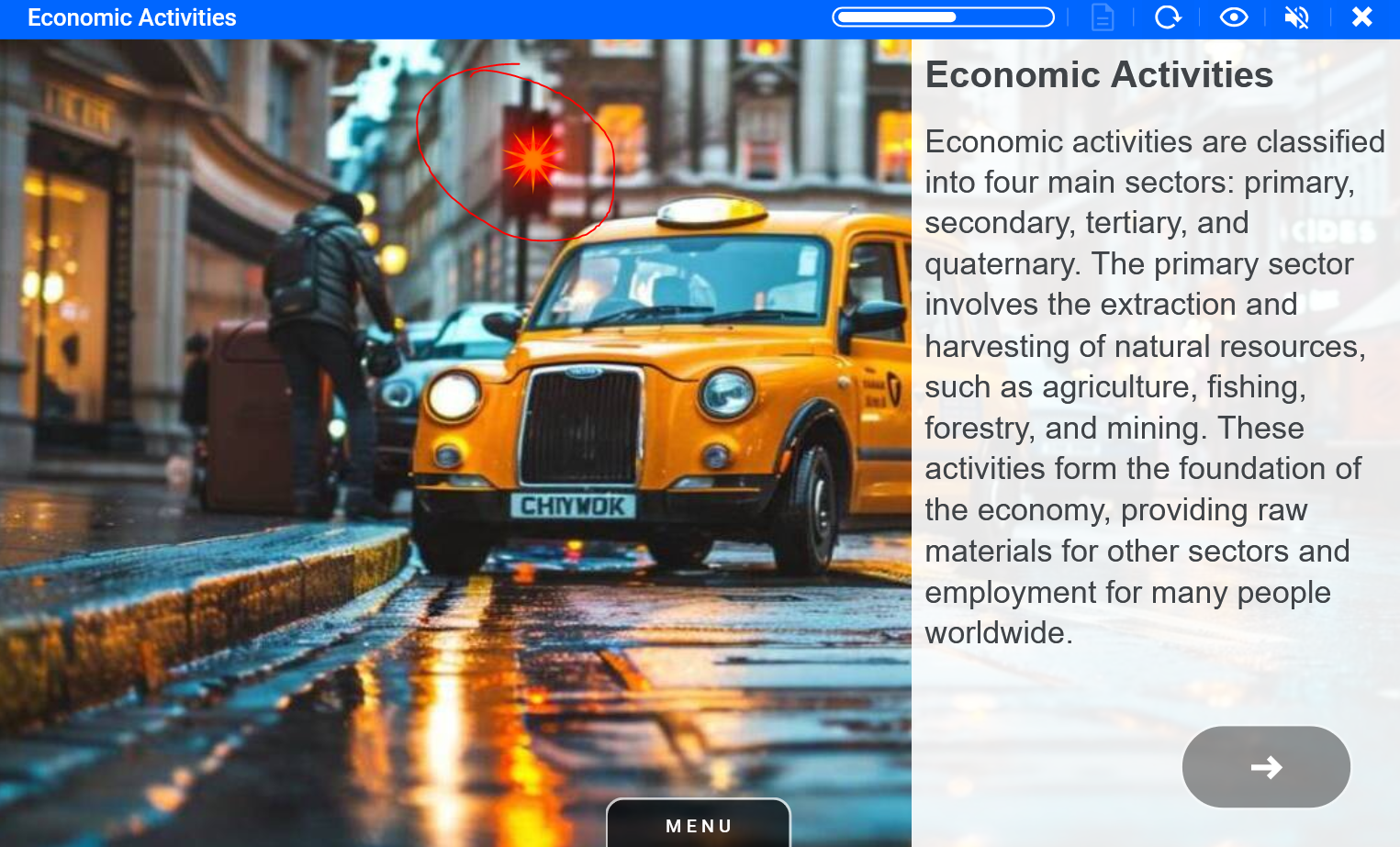
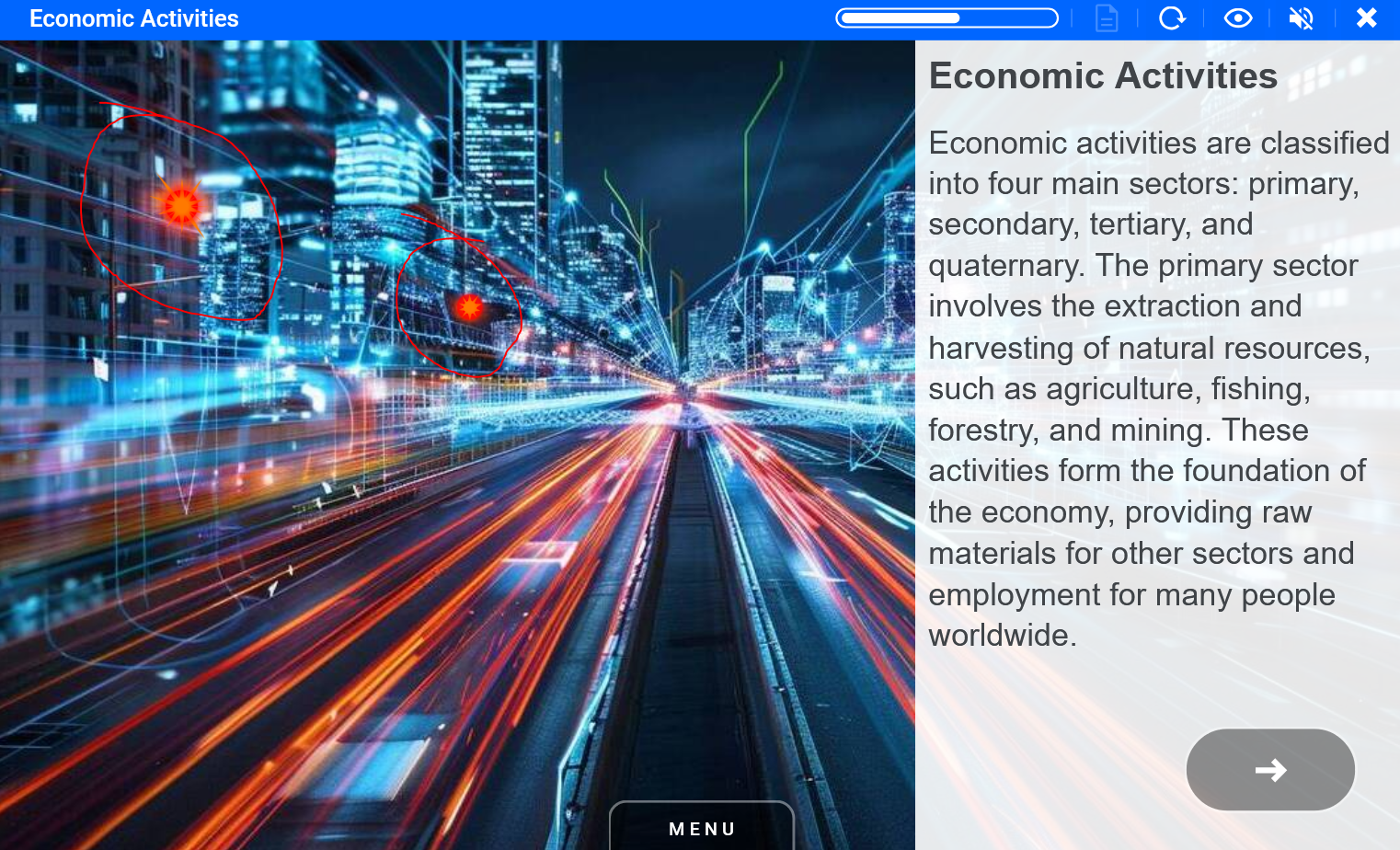
Red led spark can be used to highlight background images elements.
Examples
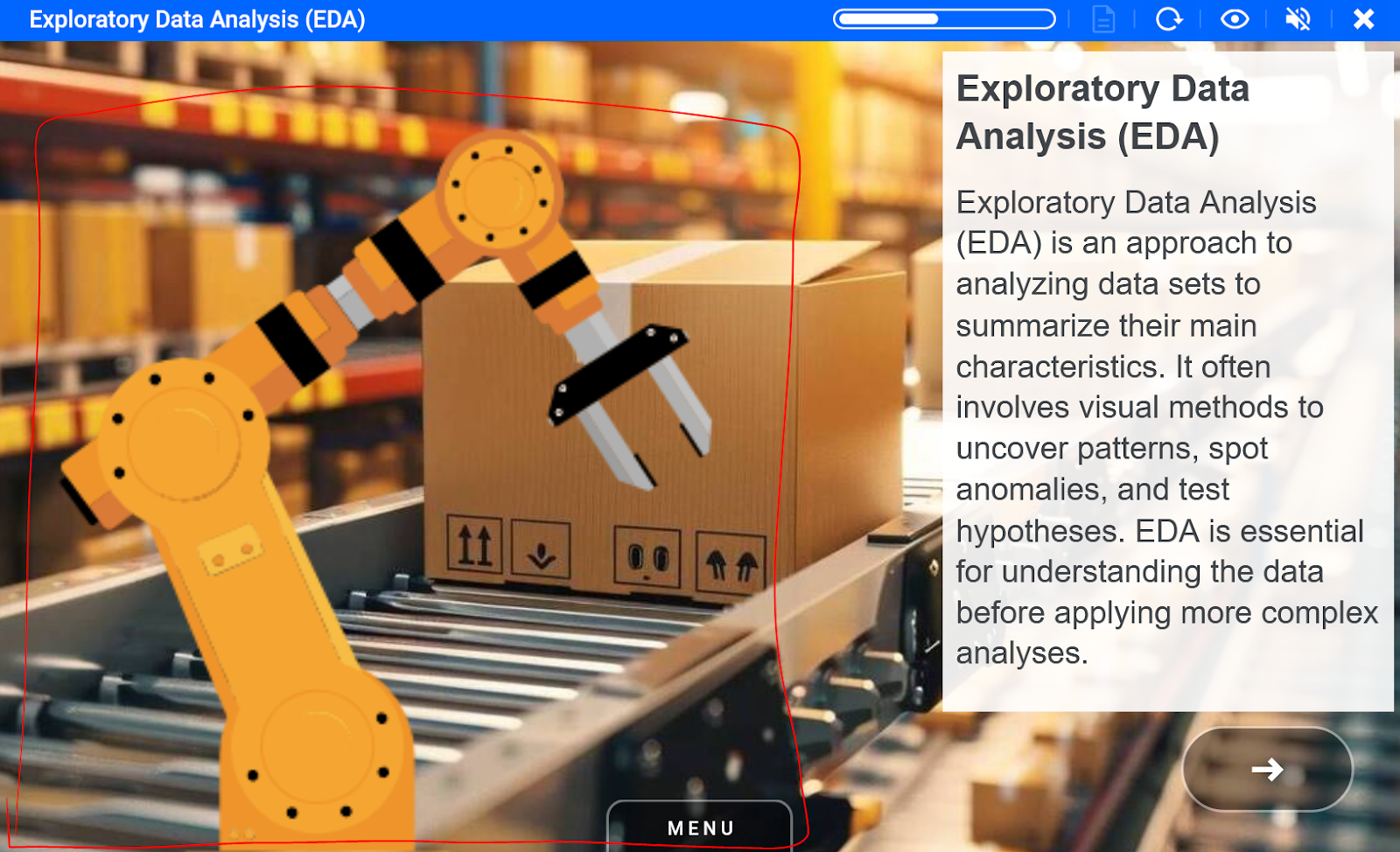
Robotic arm element_robotic_arm ID 39226 |  |
Robotic arm animation should be placed in some sort of manufacturing setting.
Examples

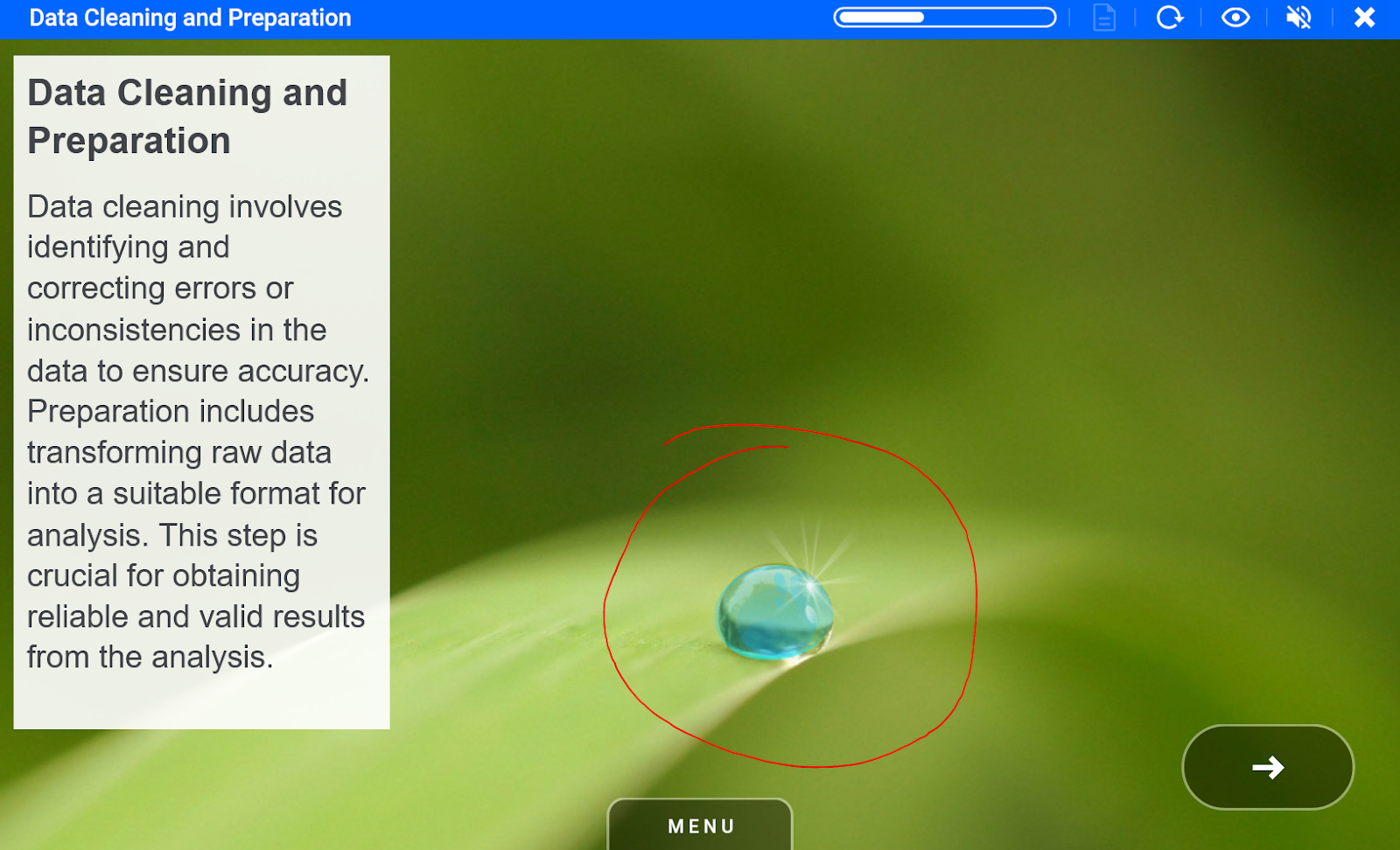
Single drop of water going horizontally Element_water_dew_drop ID 39223 |  |
Dew drop animation can be placed on top of the leaves, flowers.
Examples

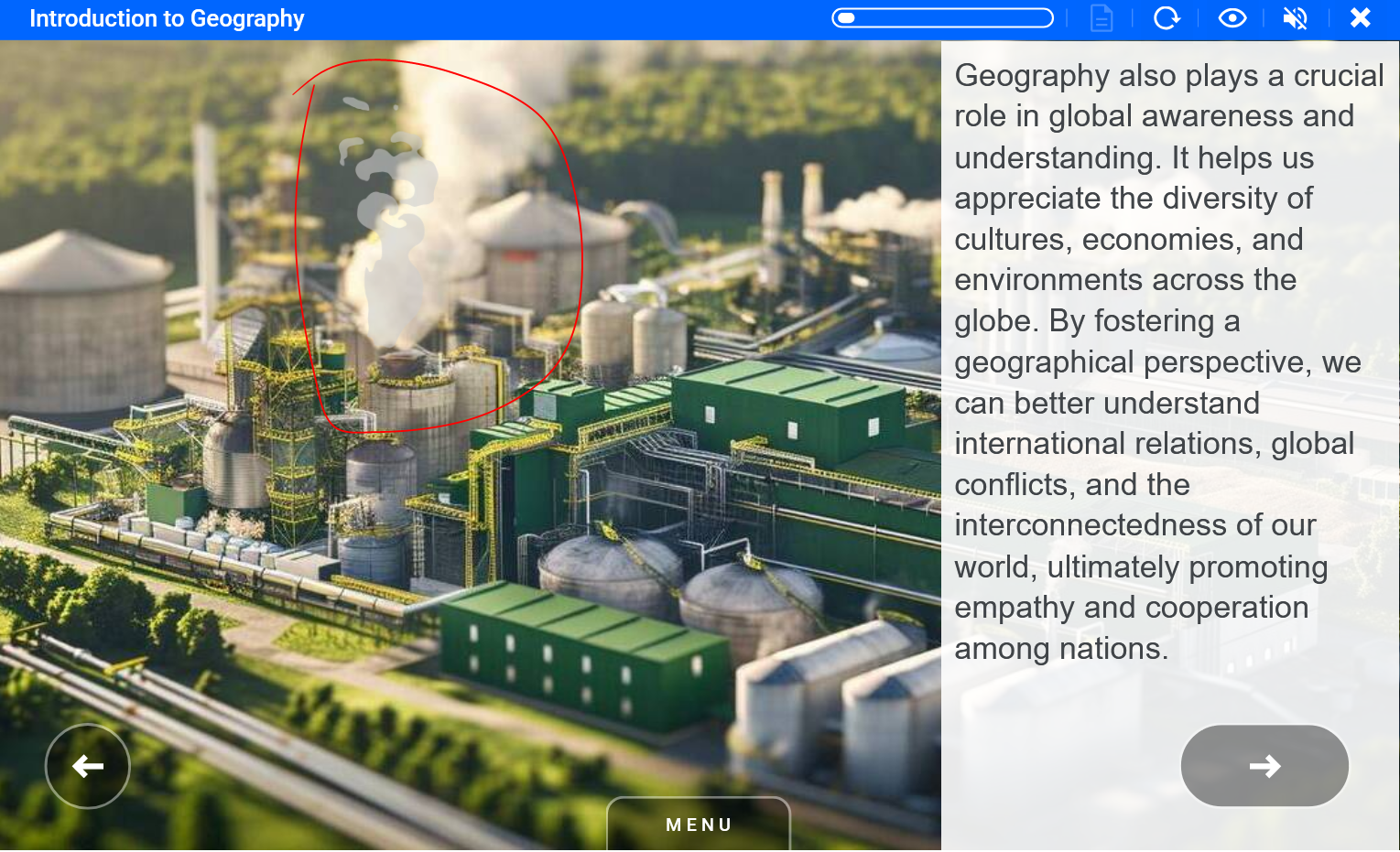
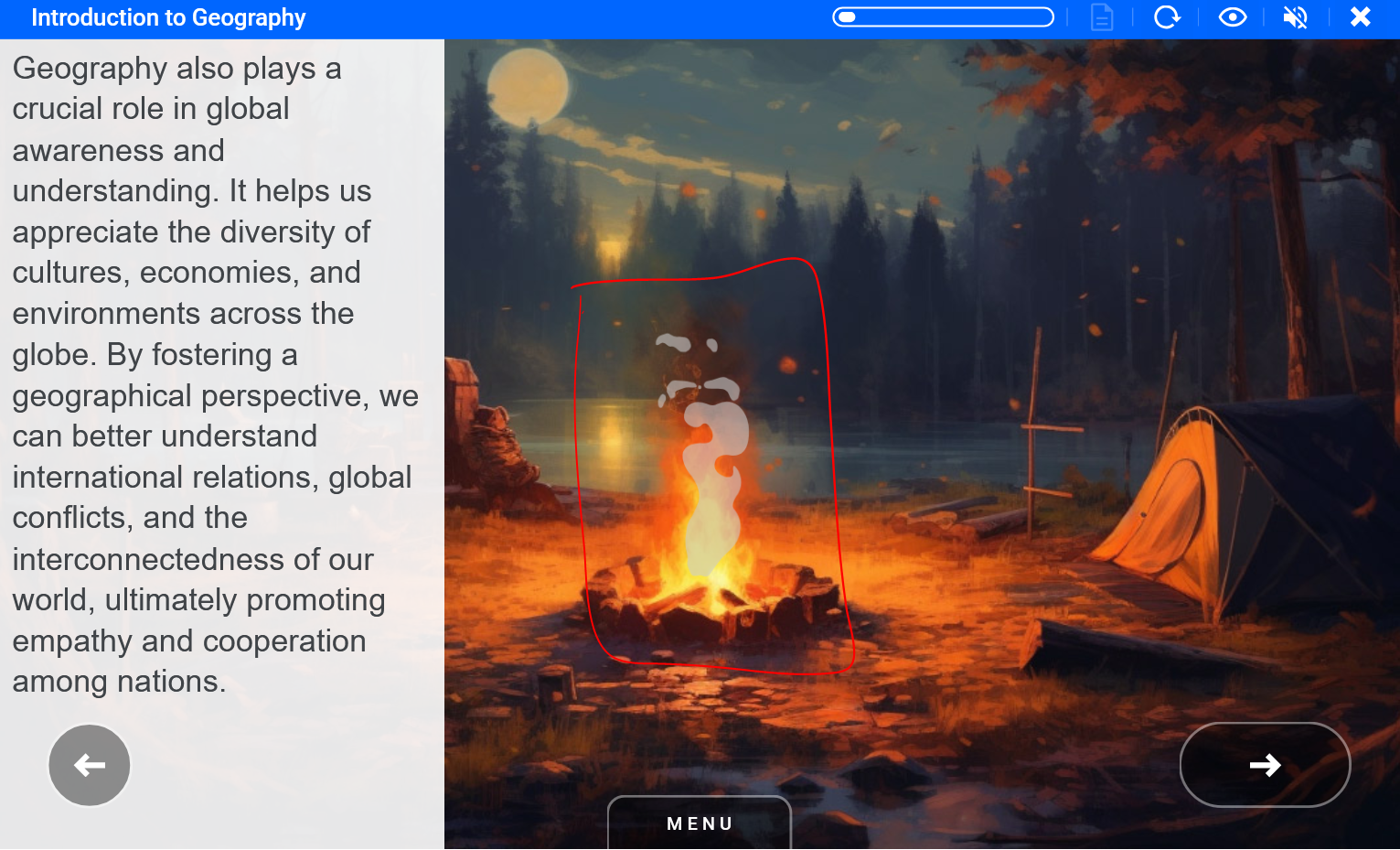
Smoke Element_smoke_thin3 ID 39212 |  |
Smoke animation can be placed on top of the smoke in the background image or chimney, also can be placed on bonfires or fireplaces.
Examples
Stars Element_sky_stars ID 11025 | 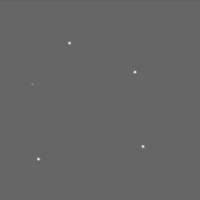 |
Star animation can be used on top of night sky background images.
Examples
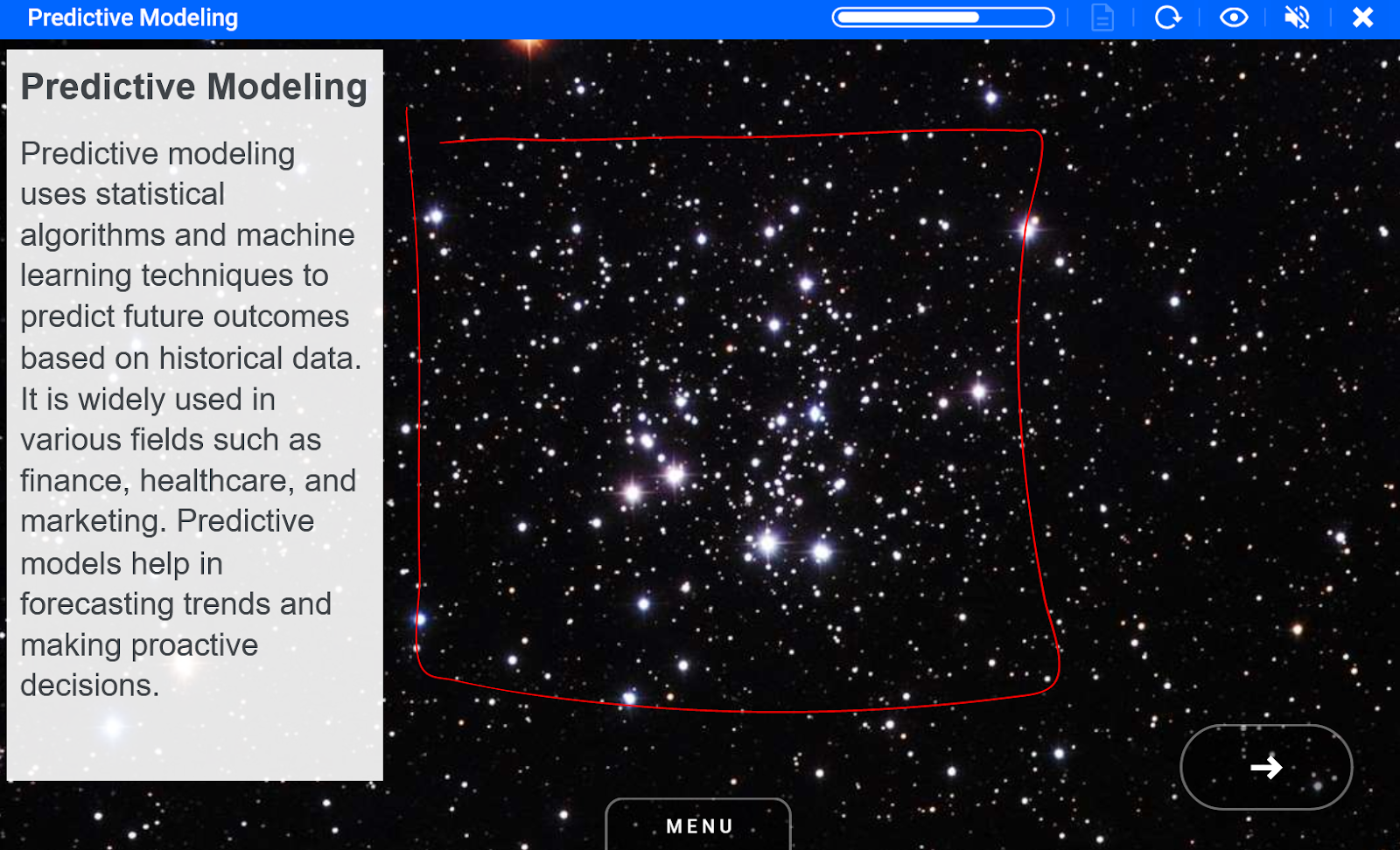
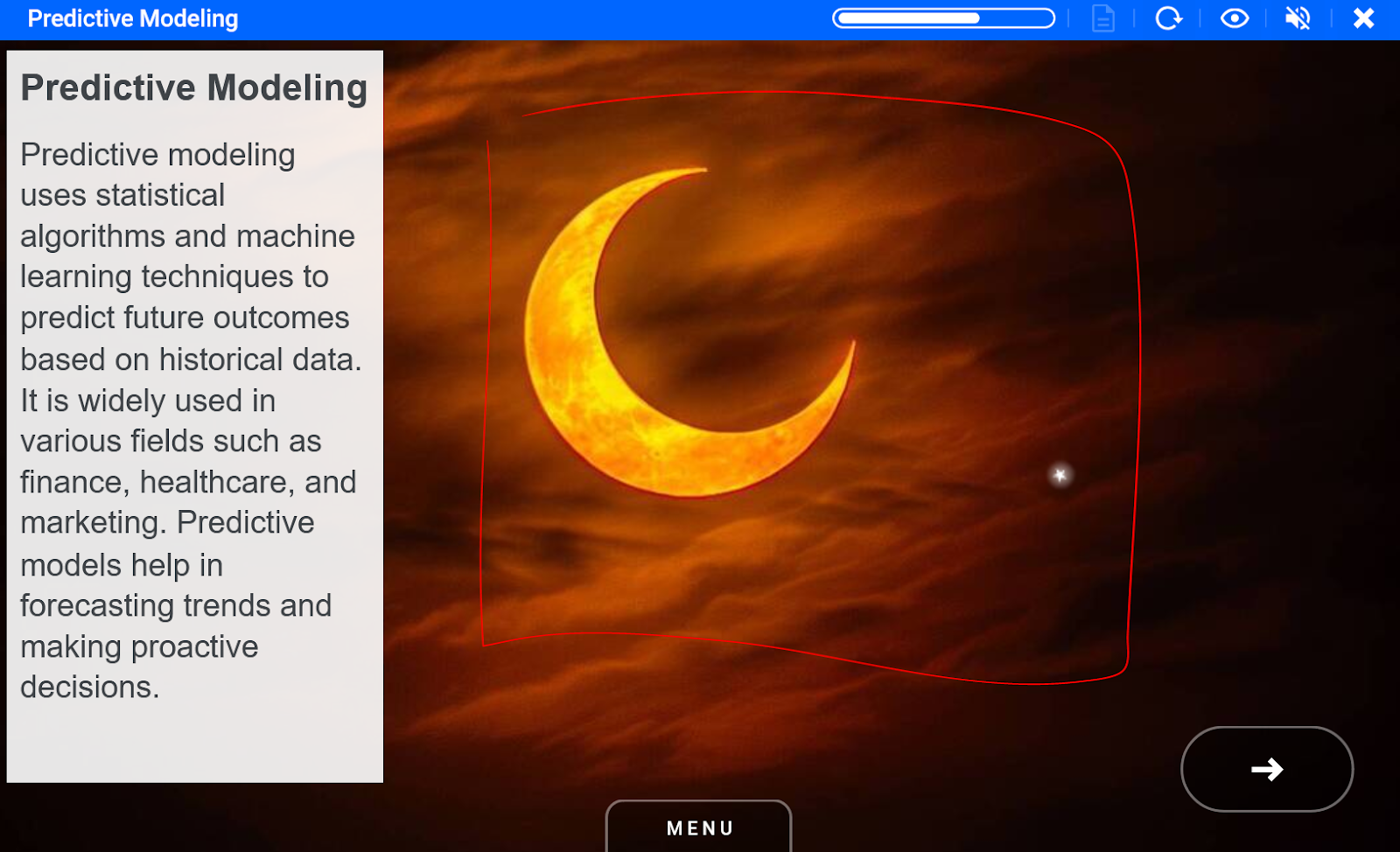
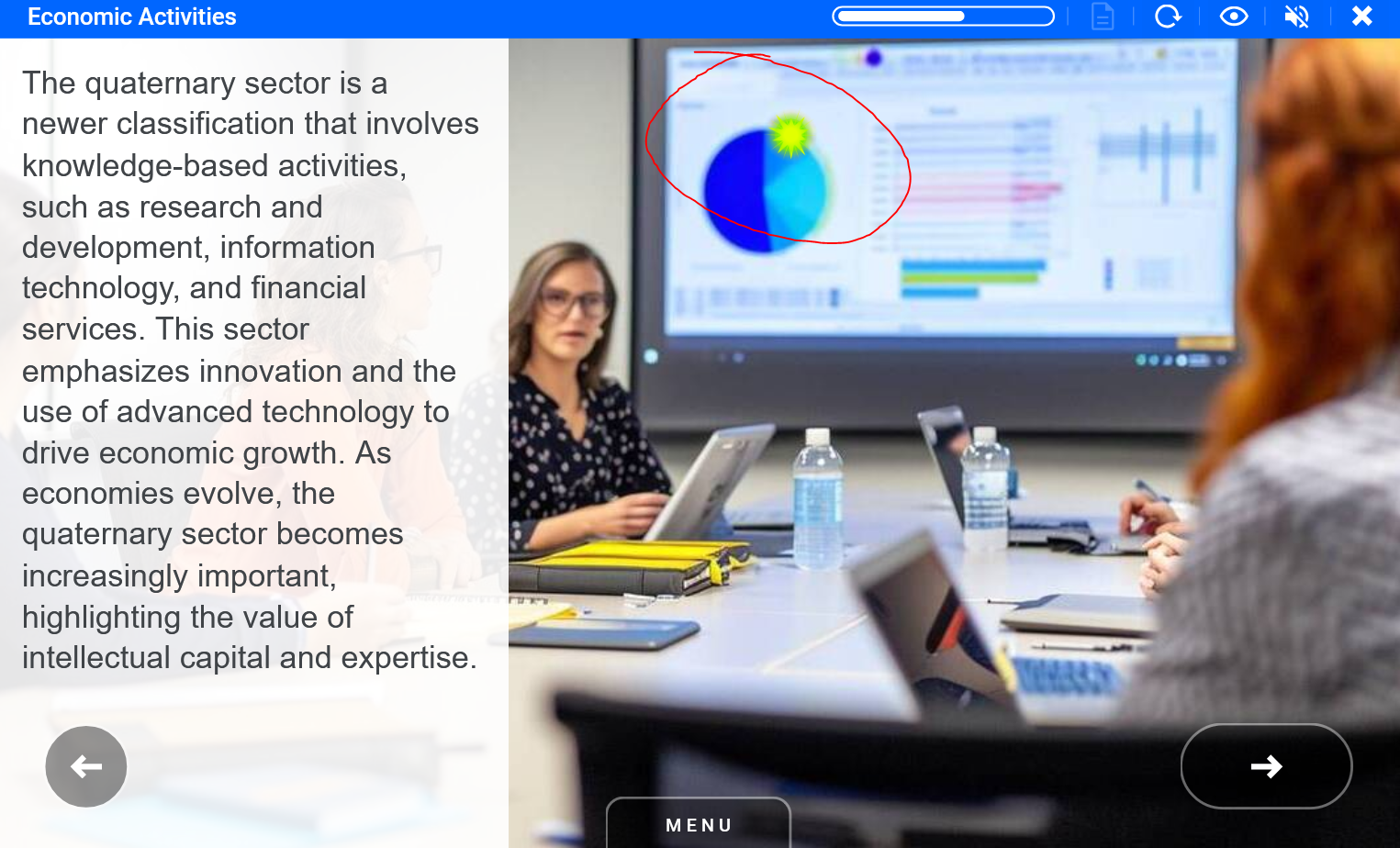
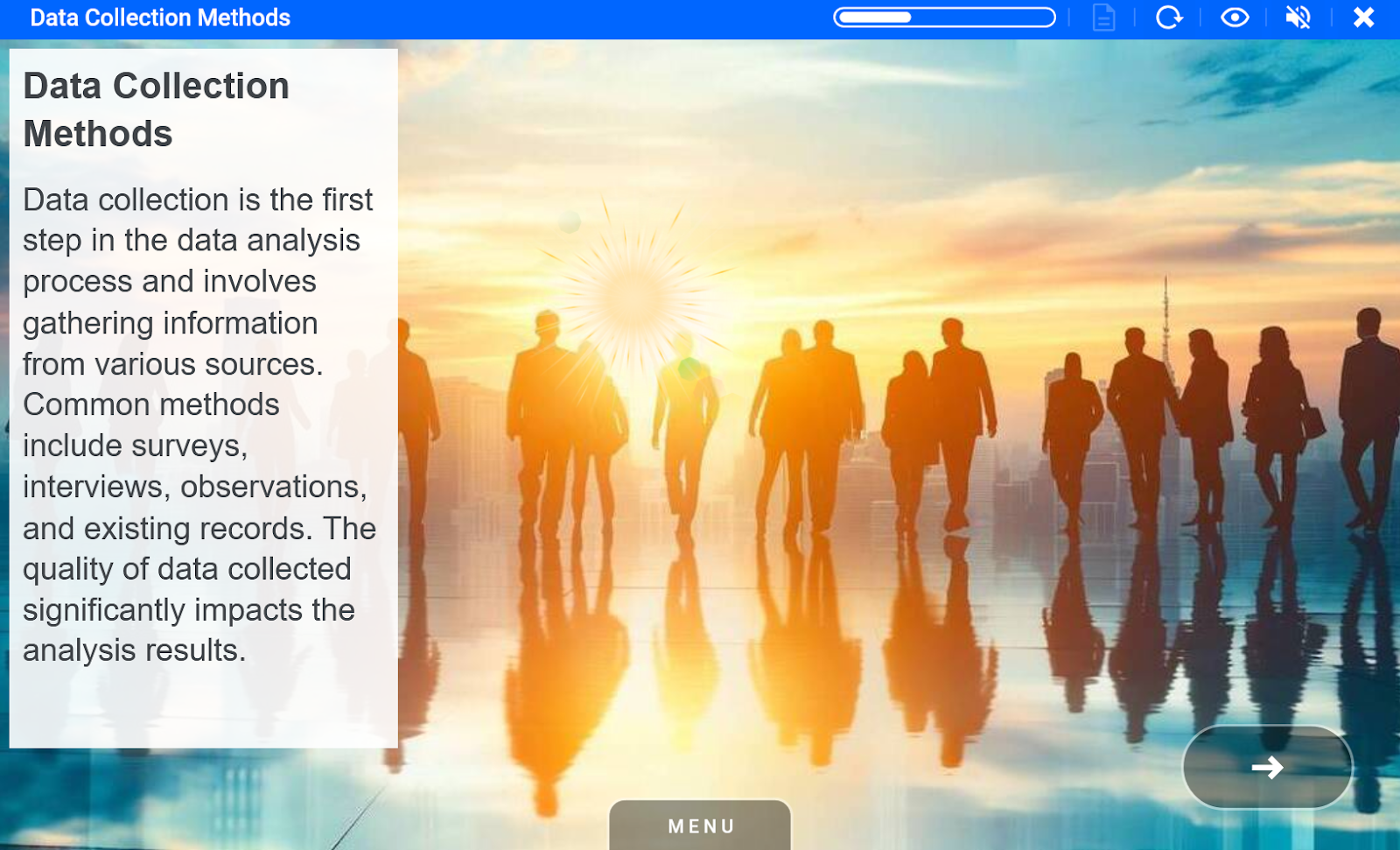
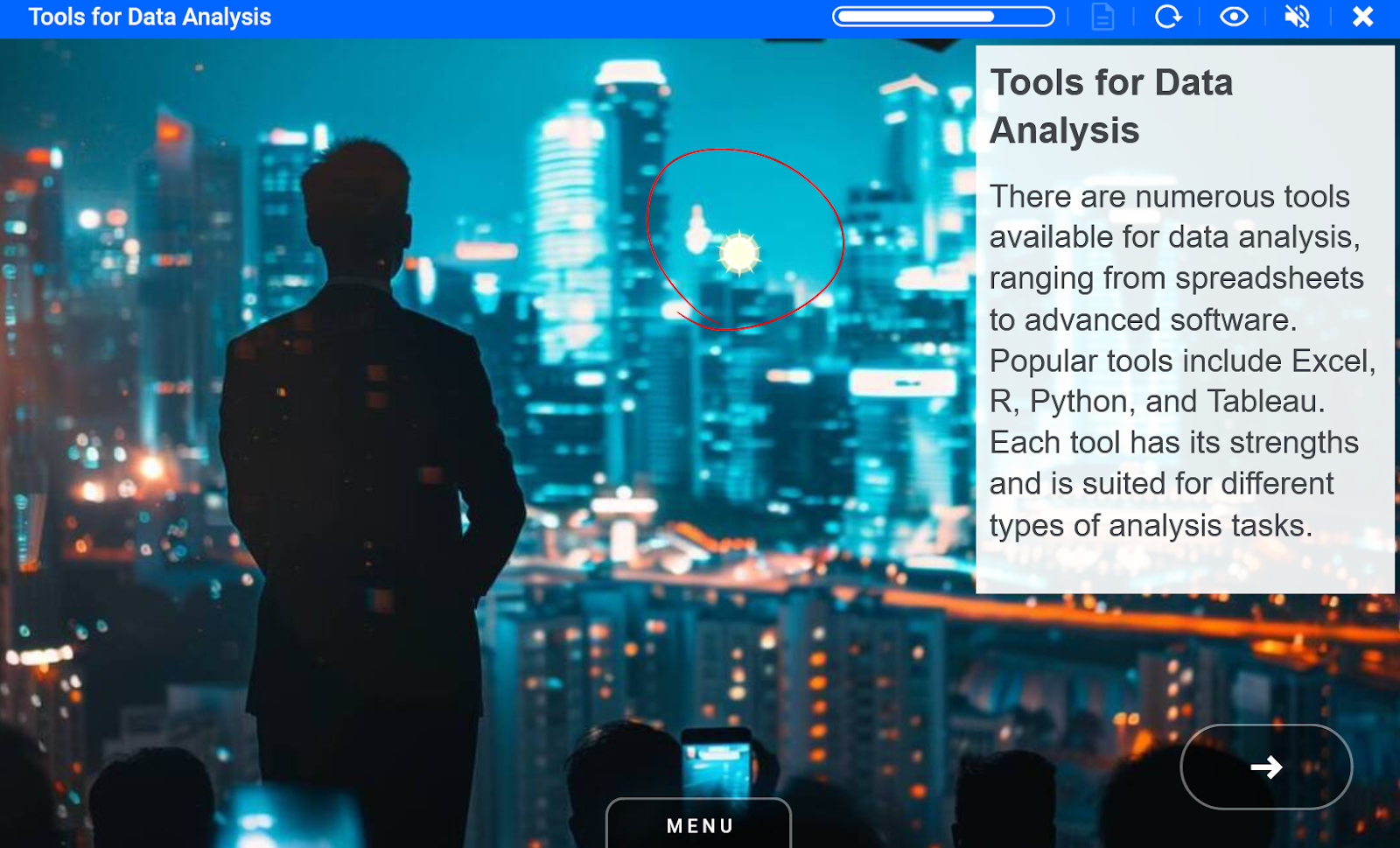
Sun Element_sky_sun_flare_1 ID 38434 | 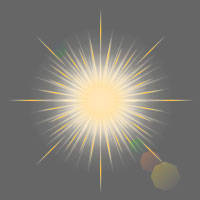 |
Sun animation should be placed on the brightest spot of the image.
Examples
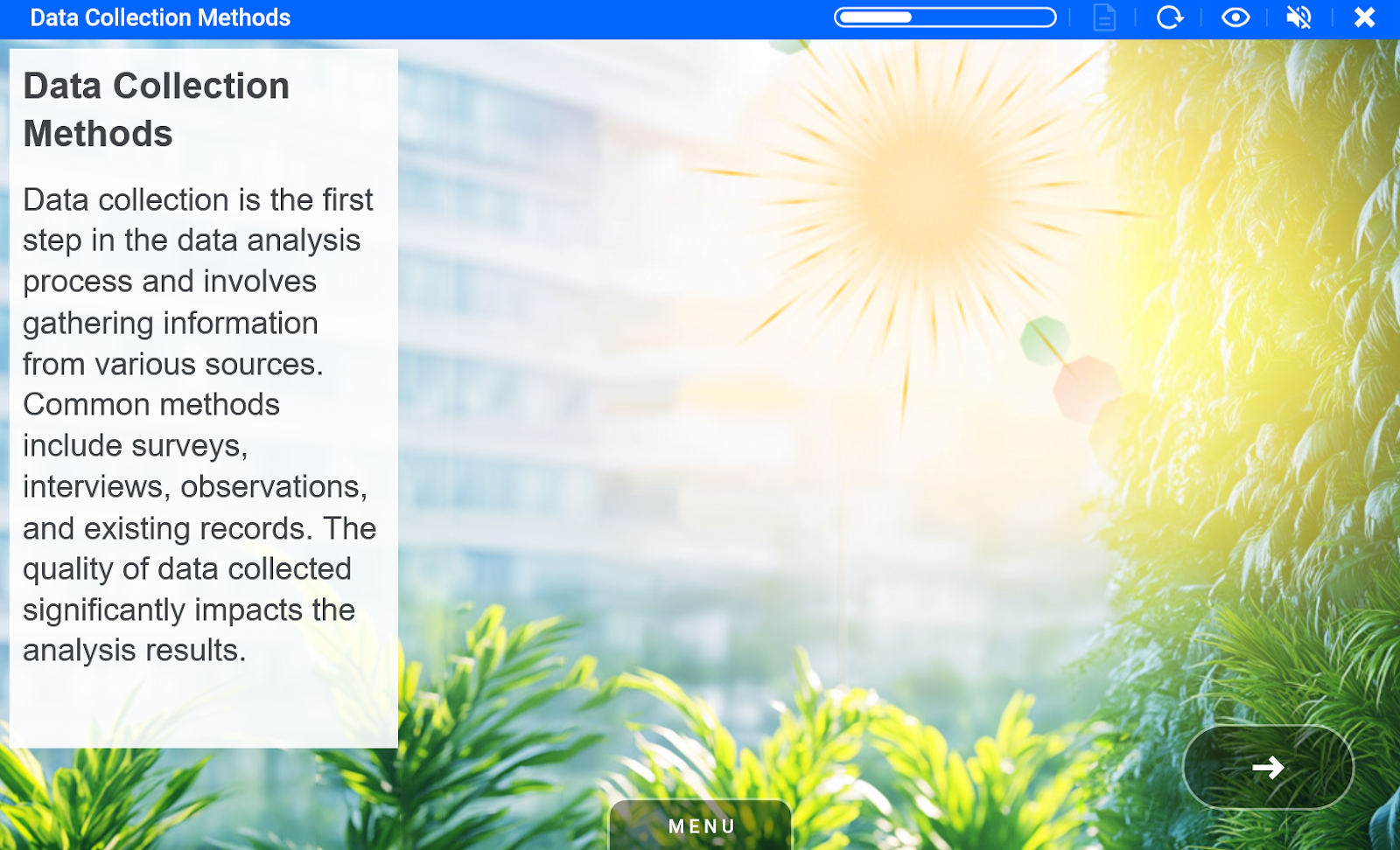
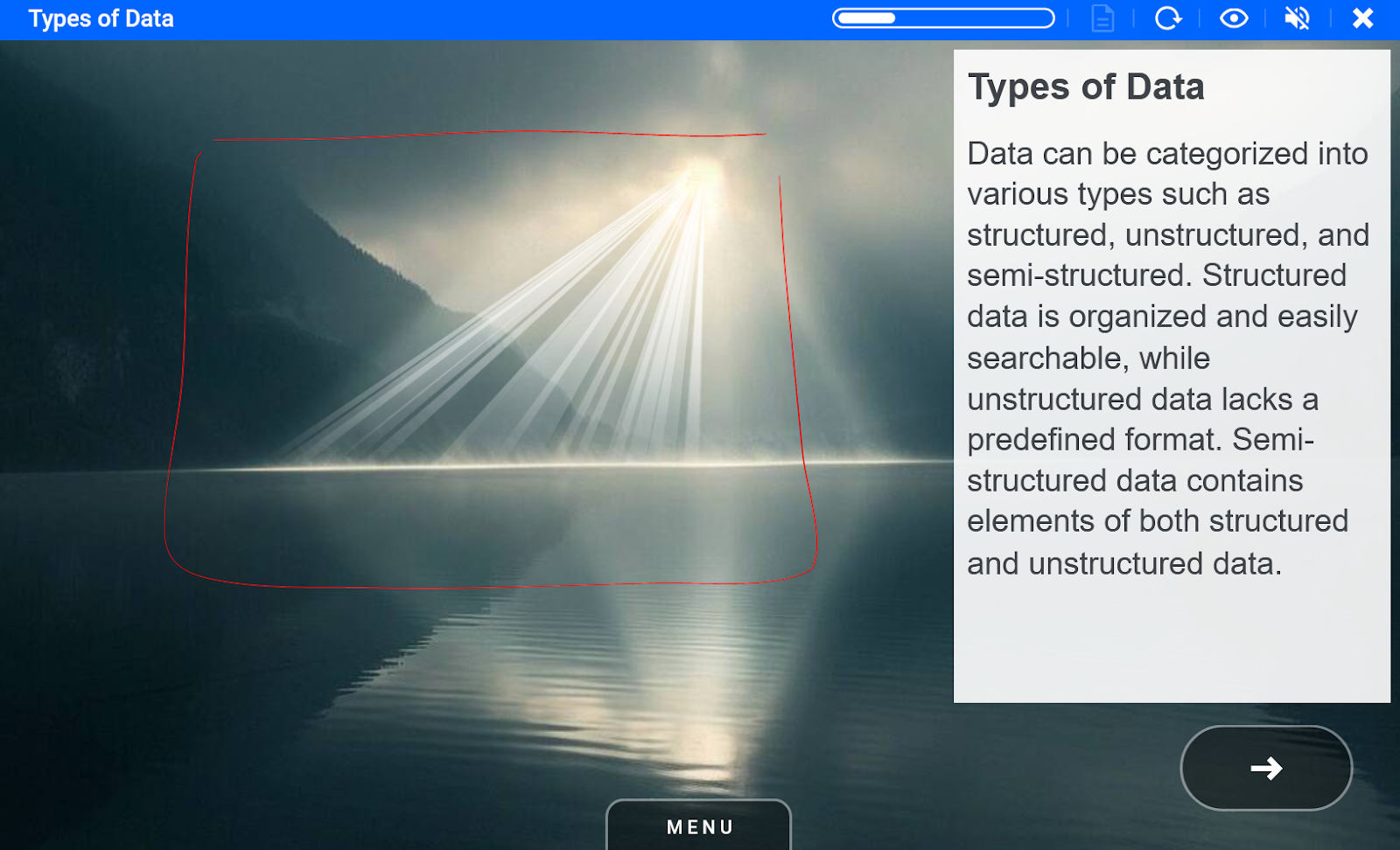
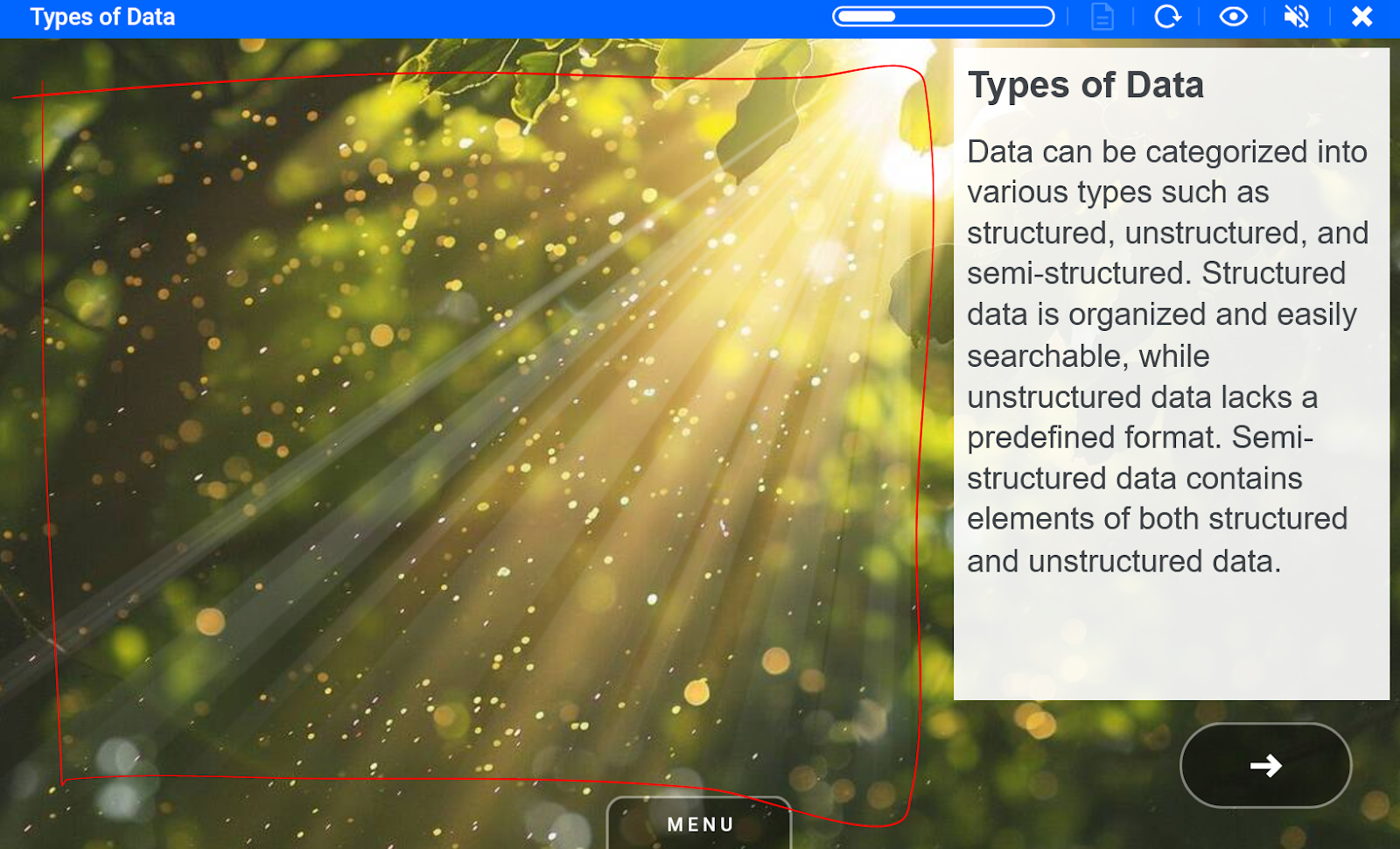
Sun Ray element_sun_rays_divine ID 38528 | 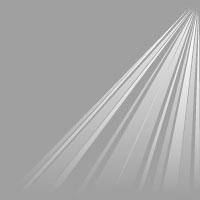 |
Sun ray animation can be placed so the rays come out of the brightest spot of the background image.
Examples
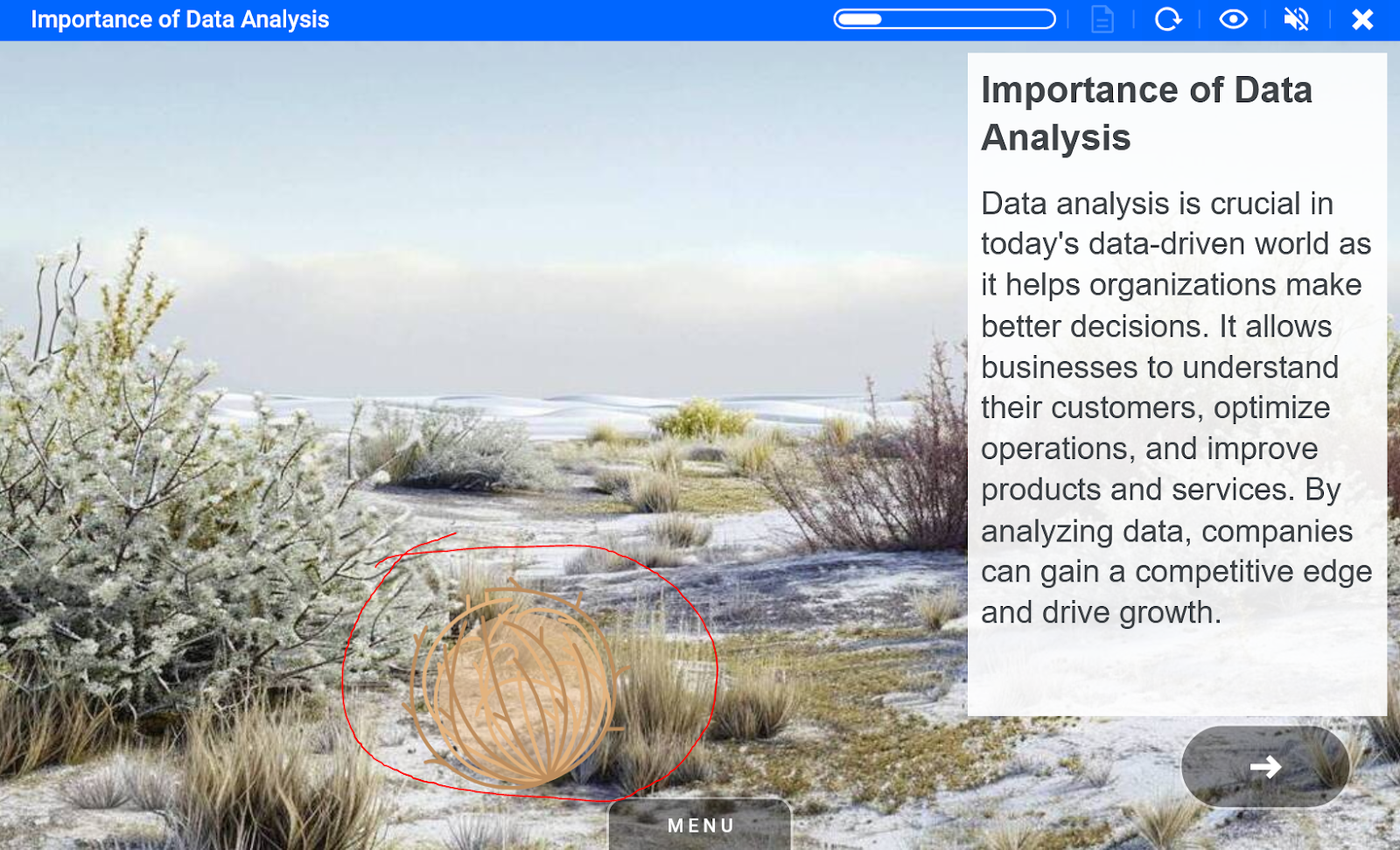
Tumbleweed element_tumbleweed_desert ID 38527 | 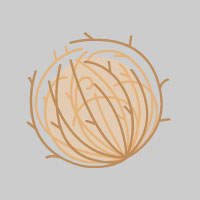 |
Tumbleweed animation can be placed on the ground of related image - that could be desert or desolated place.
Examples
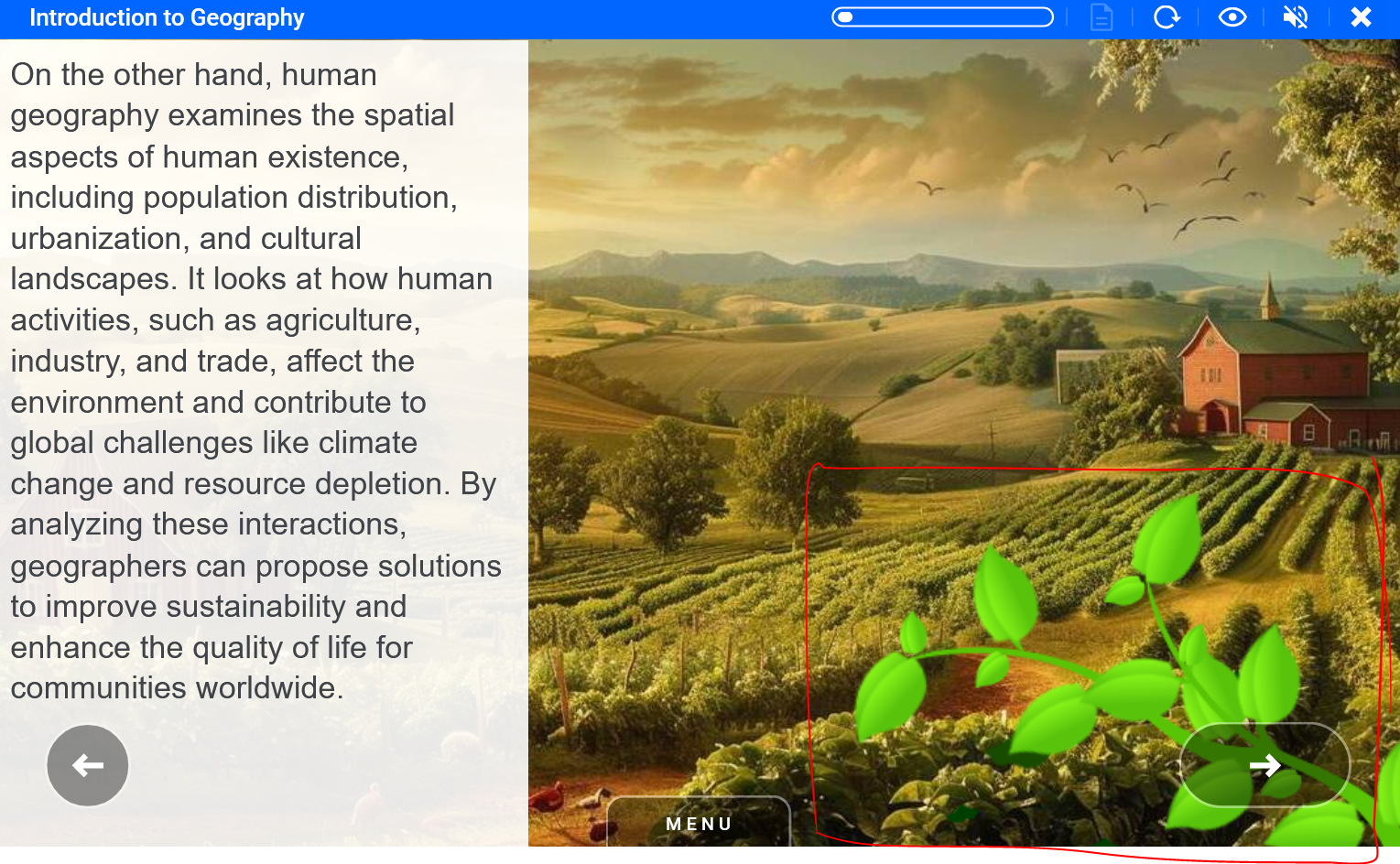
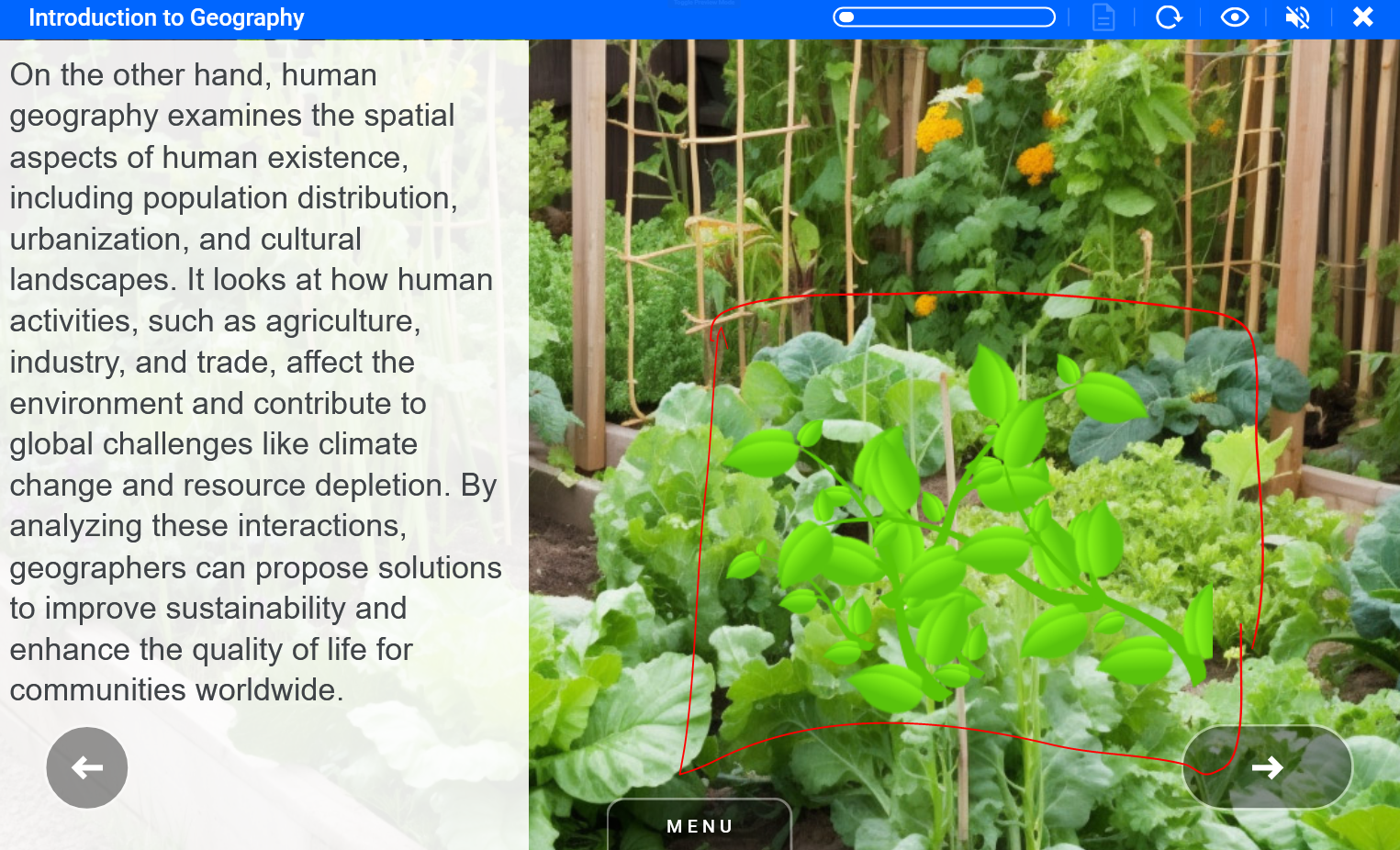
Vines Element_nature_vines_small ID 10852 | 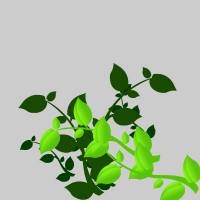 |
Vines animation can be placed in the background with some green foliage.
Examples
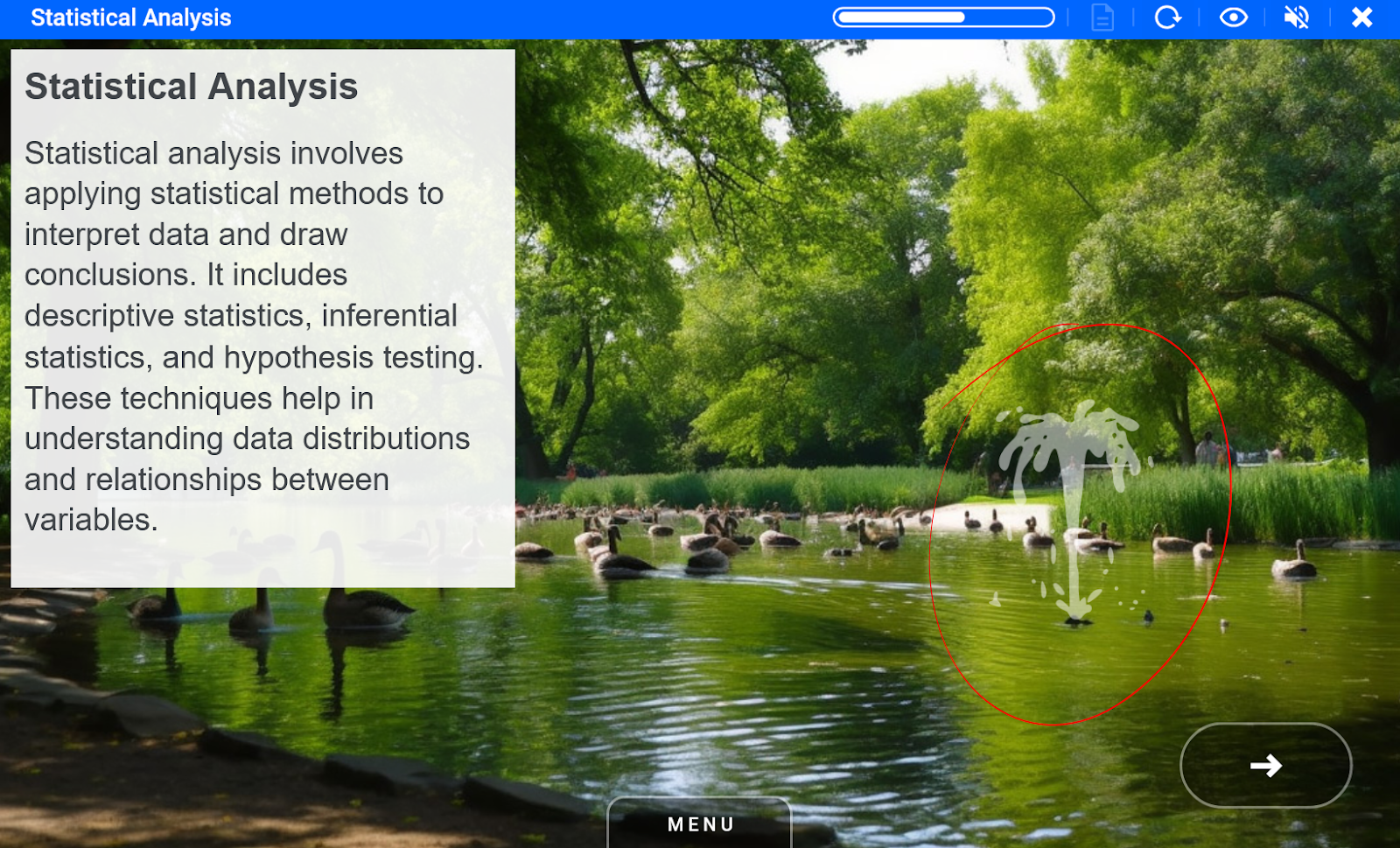
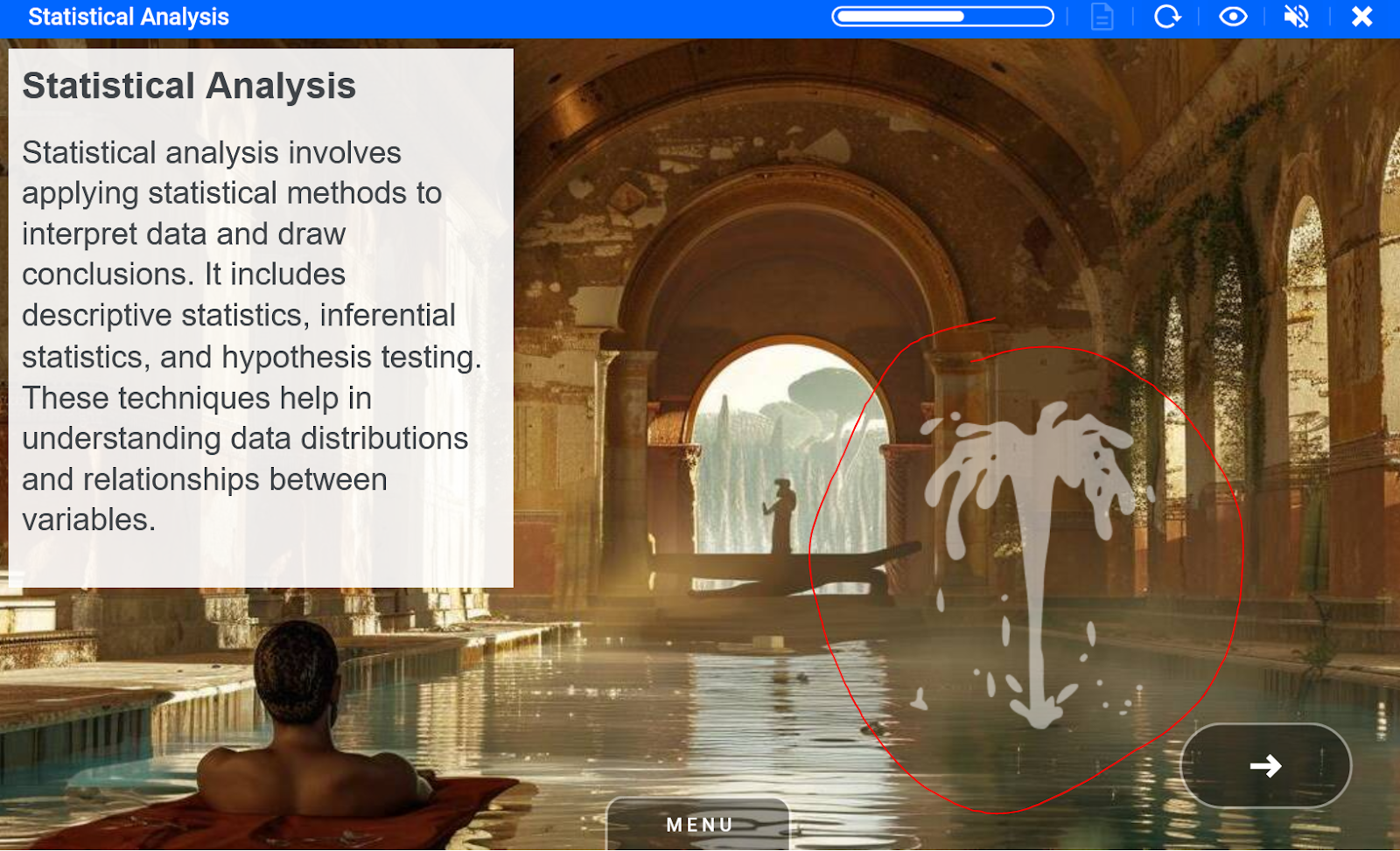
Water fountain Element_water_fountain ID 39225 |  |
Fountain animation can be placed anywhere in water or fountain.
Examples
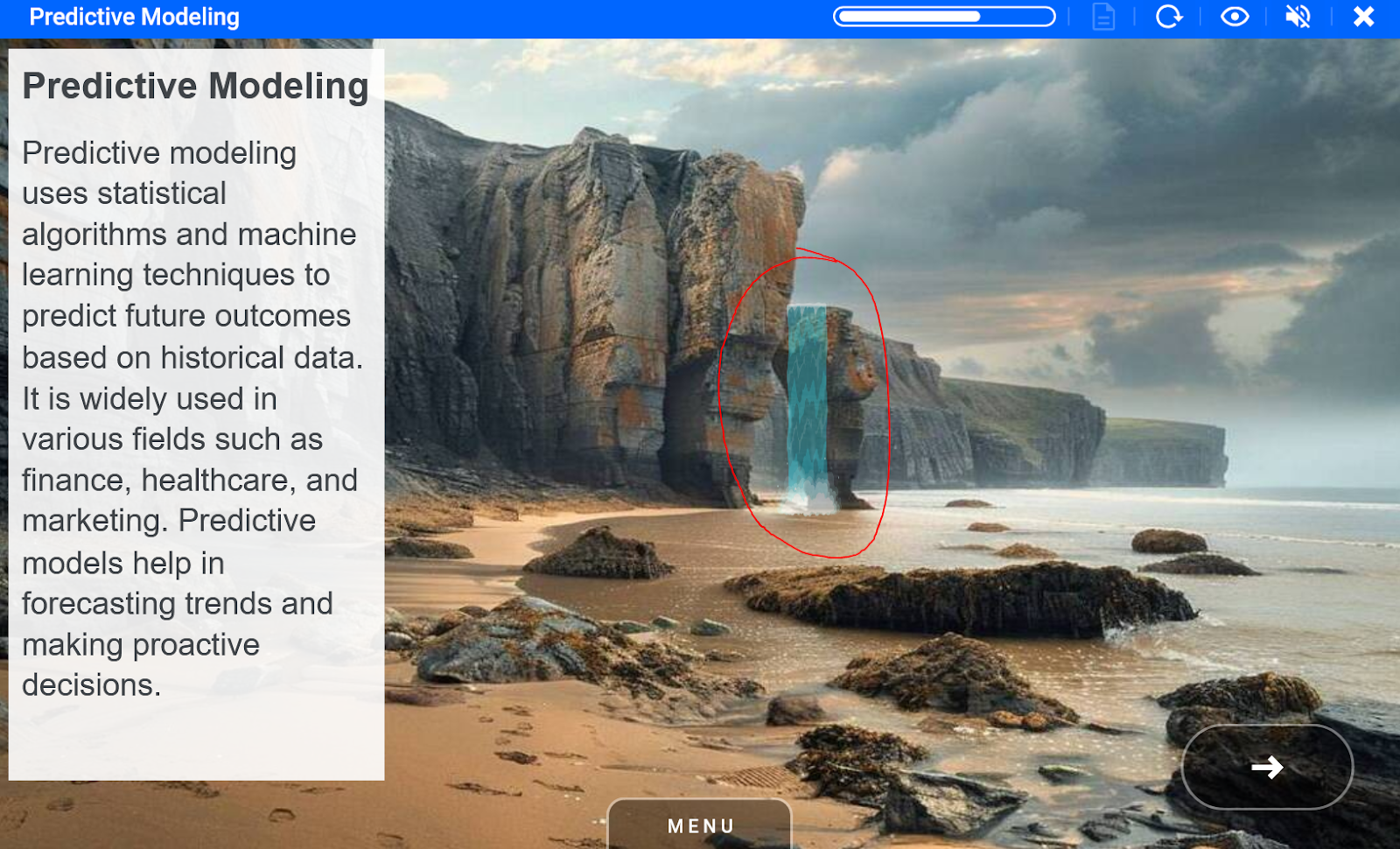
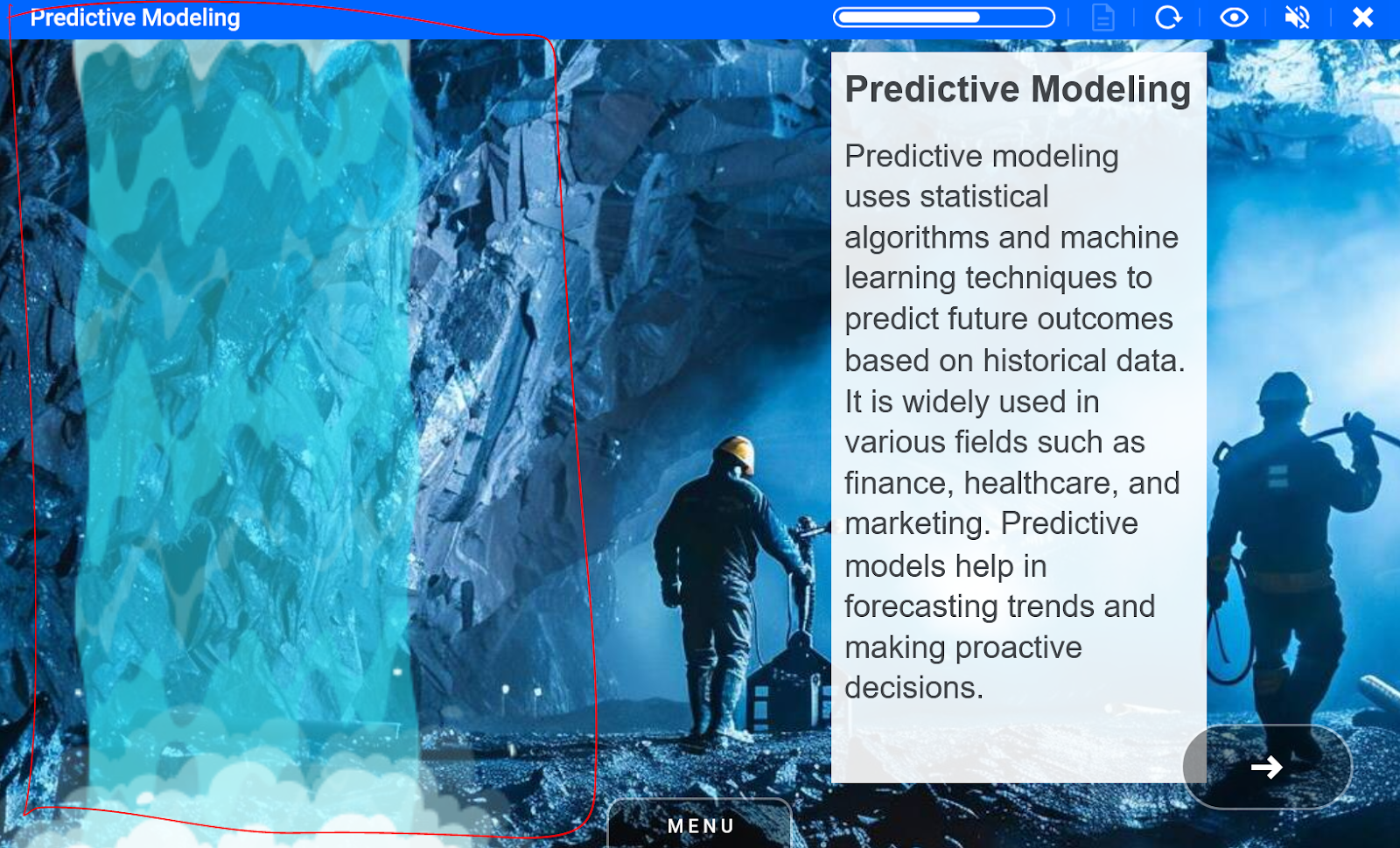
Waterfall Element_water_waterfall ID 39213 | 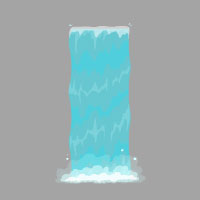 |
Waterfall animation should have a start edge and end edge in the background image. Note if it makes sense can background images top and bottom edges can be used as animation edges like in the second example.
Examples
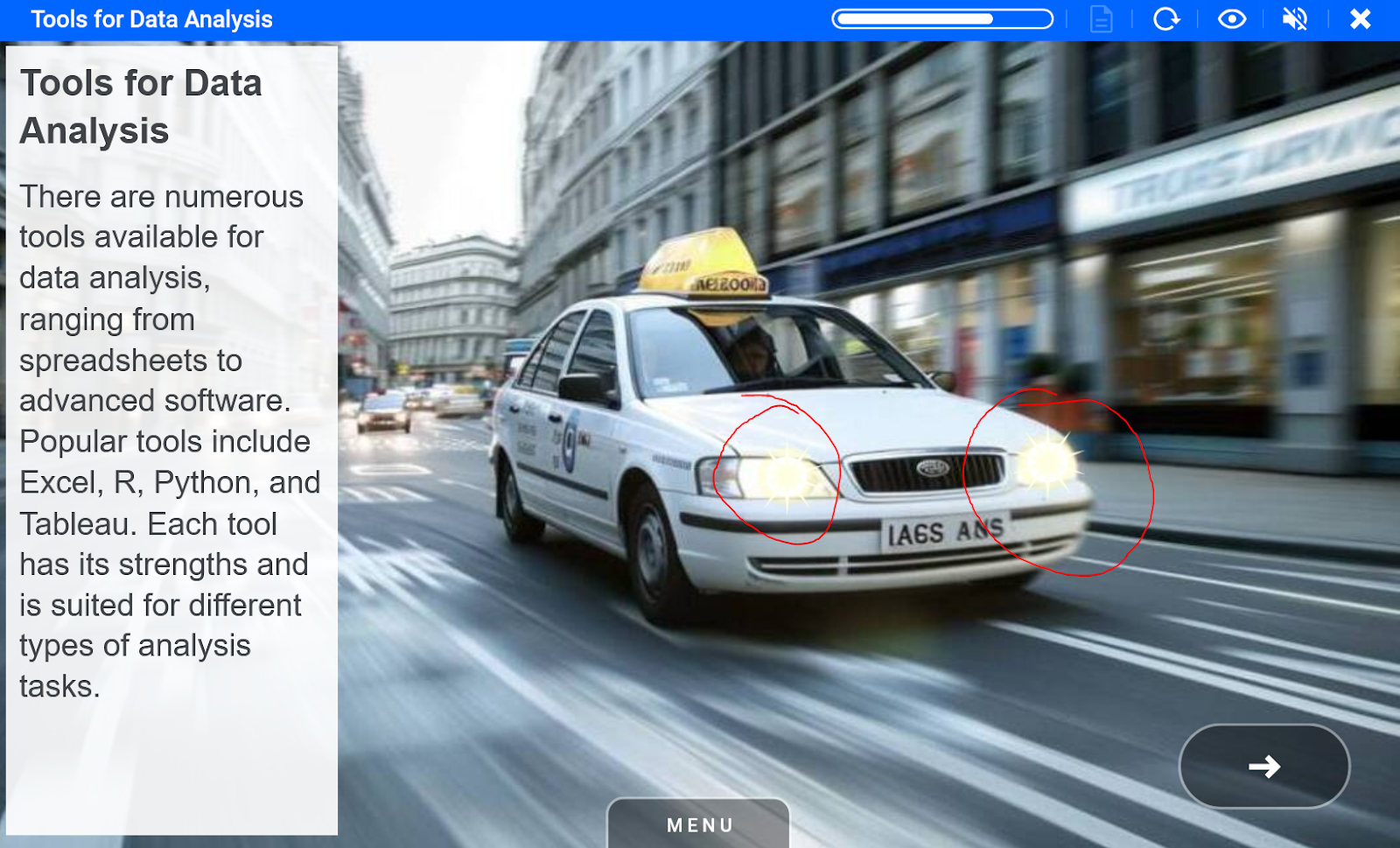
White LED Element_led_light_white ID 39216 | 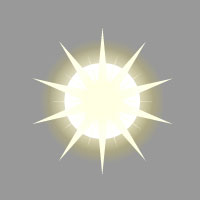 |
White led spark can be used to highlight background images elements.
Examples
White water on surface Element_water_white_ripples ID 38512 | 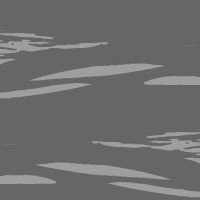 |
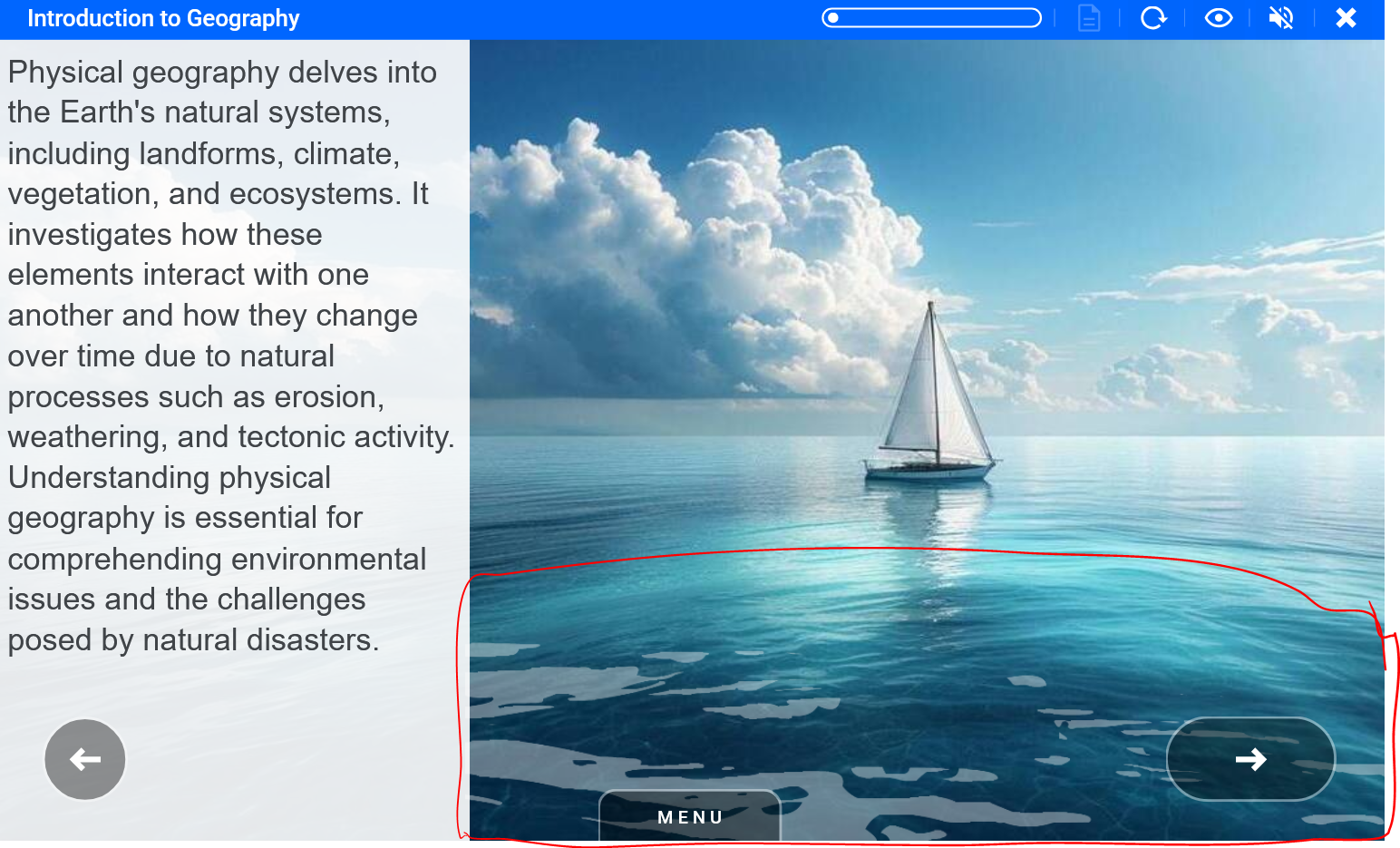
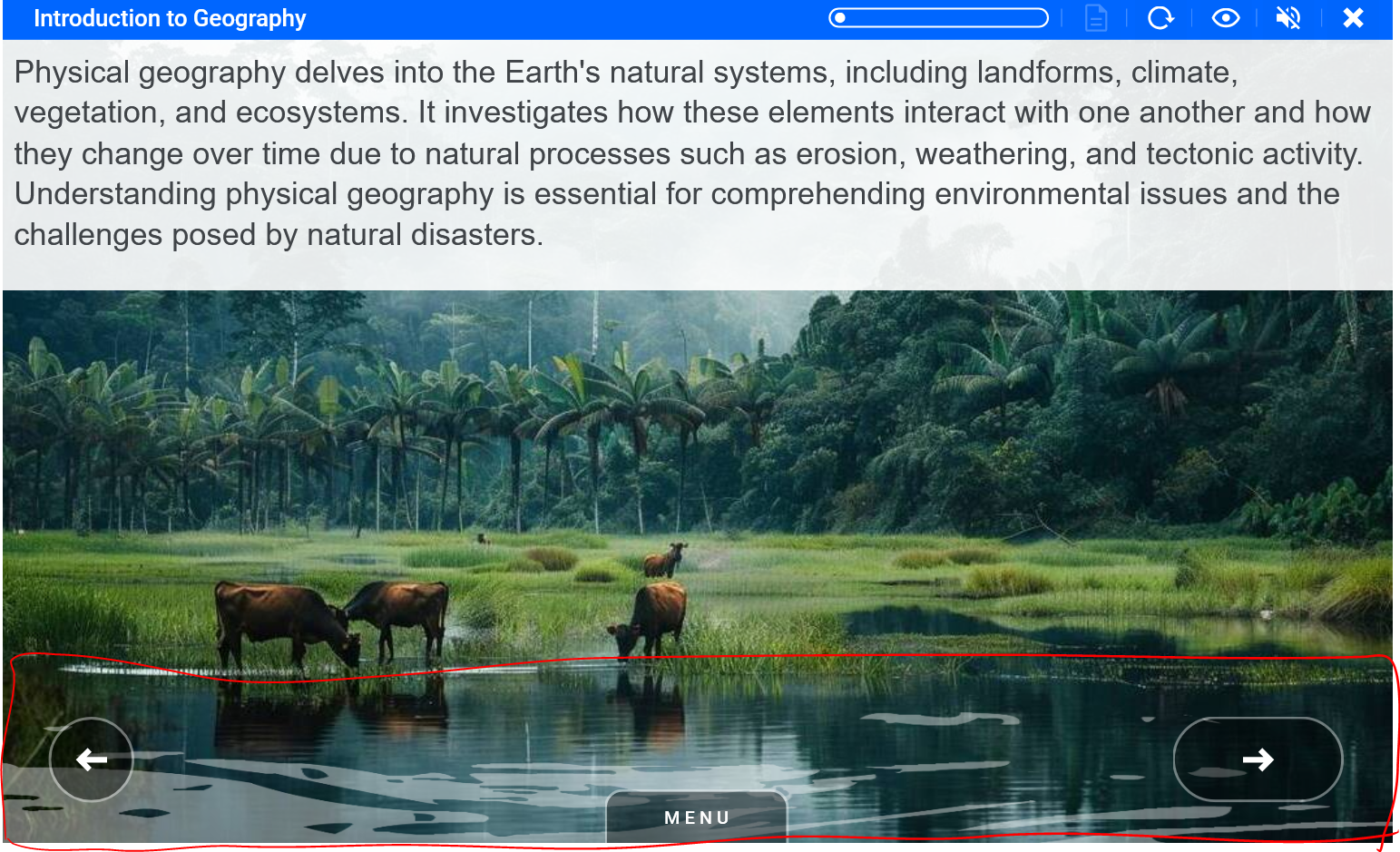
Water surface ripples animation should be placed from the left edge to the right on top of the water body in the background image.
Examples
The AI in the design process will often add these animations for you during course generation. You can add to these using any of the above animations or any others you will find in the library.
📋 Related articles
- Page:
- Page:
- Page:
- Page:
- Page: