Approve Learning Resource Process for Administrators
Learning resources can be defined as needing management approval prior to learners taking action to complete them; this is particularly relevant in cases where there is a significant cost element involved.
Instructions
Log in as an Administrator and from the Approve and Manage Bookings tab below it select the Approve Learning Resource button.
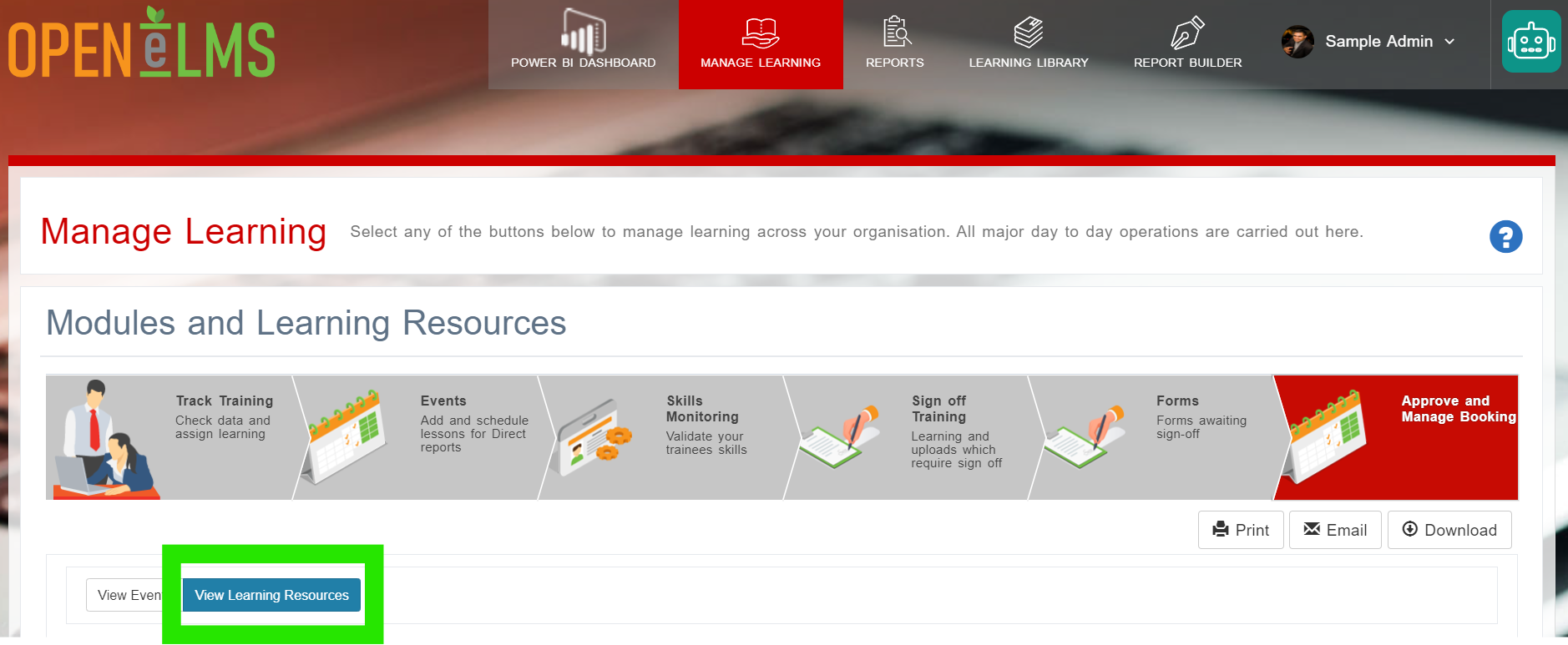
Press the View Learning Resources button (it should be selected by default)
Open the request from its row.
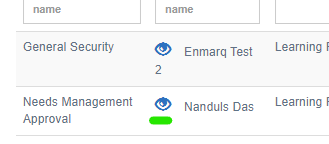
Review the learning resource, then scroll down to the bottom of the form and then either press Do not Sign Off or Approve.
Press Save and Close, then learning resource will not no longer be included in the list.
The Learner will be notified by email
Opening a row also shows more details about the learning.
Related articles
- Page:
- Page:
- Page:
- Page:
- Page: