Forms - How Administrators use the Sign Off Forms Tab
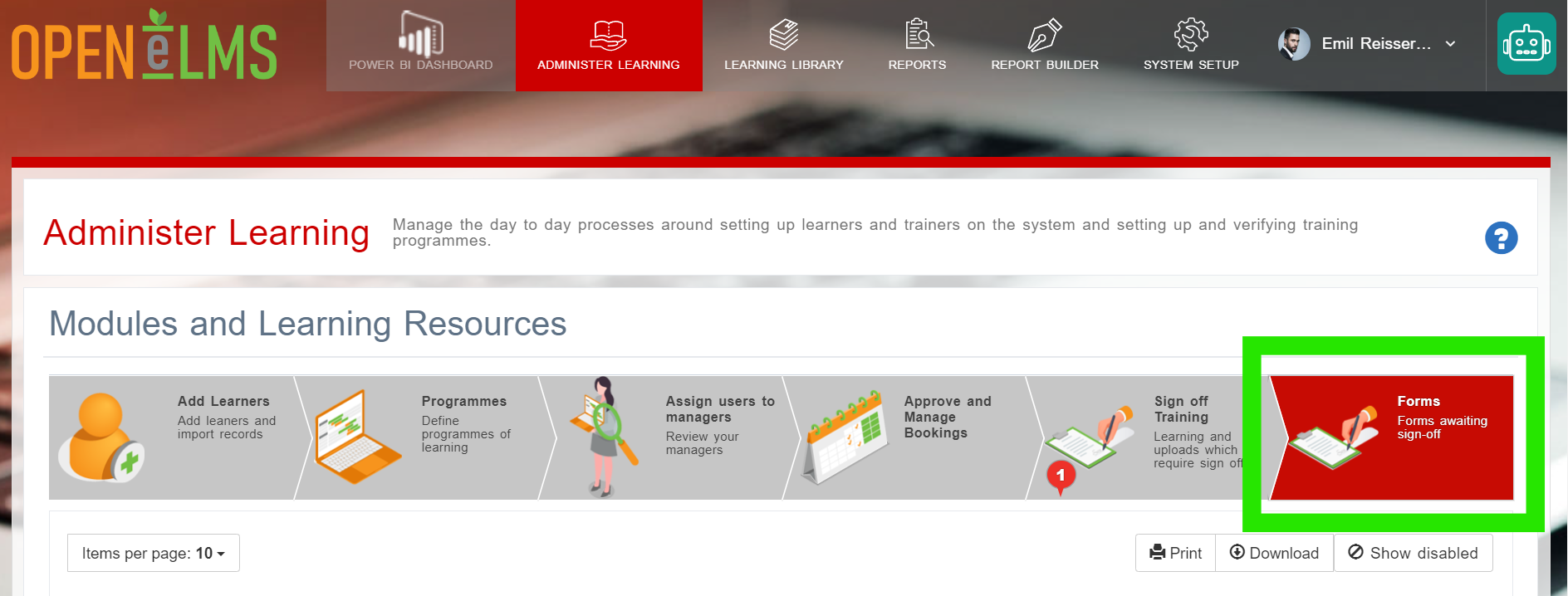
As an Administrator - go to Administer Learning - Forms
📘 Overview
The Sign Off Forms tab provides administrators with an overview of all forms currently awaiting sign off. This tab displays essential information, such as the name of the form, the user the form belongs to, submission date, status, and roles awaiting sign off. By using this tab, administrators can efficiently manage and monitor the sign off process for various learning tasks.
Using the Sign Off Forms Tab
To use the Sign Off Forms tab, follow these steps:
Browse the list of forms awaiting sign off or use the search bar to find a specific form.
Review the form details, including the user it belongs to, submission date, status, and roles awaiting sign off.
To edit or sign off a form, open the row's Actions menu and choose Open.
Confirm your decision to sign off the form. Once signed off, the form's status will change, and the next role in the approval process will be notified.
Disabling Forms and Downloading Reports
In addition to the features mentioned above, the Sign Off Forms tab also allows administrators to disable forms and download form information directly as a report. Here's how to perform these actions:
Disabling Forms
To disable a form, navigate to the 'Sign Off Forms' tab as described earlier.
Locate the form you want to disable in the list or use the search bar to find it.
Click the 'Actions' button (represented by three vertical dots) next to the form.
From the dropdown menu, select 'Disable Form.' This action will prevent any further changes or sign offs for the selected form.
Downloading Form Information as a Report
In the 'Sign Off Forms' tab, use the available filters or search bar to find the forms you want to include in the report.
Once you have the desired list of forms displayed, click the 'Download Report' button located near the top-right corner of the page.
The report will be generated and downloaded to your computer (via csv file). Open the file using the appropriate software to view and analyse the form information.
By utilizing these additional features in the Sign Off Forms tab, administrators can maintain control over the forms and their approval processes, as well as access valuable insights by downloading form information as reports. This enables a more effective management of learning tasks and the overall performance of the learning management system.
View an overview of form functionality here - https://youtu.be/nXlEctXLKGs
📋 Related articles
- Page:
- Page:
- Page:
- Page:
- Page: