Get admin access
You will need to request admin access in writing via email.
Instructions
Follow these steps
Email your account manager or support@elearningwmb.com requesting admin access
The admin account will be added and you will be sent details
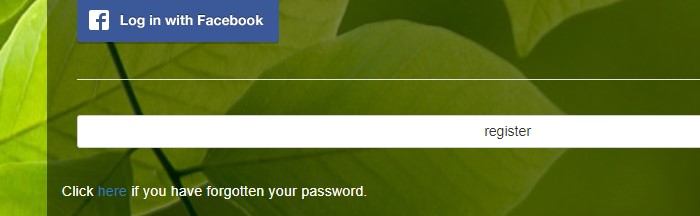
Press on the Forgotten Password link to generate a new password on the login screen (if Single Sign On is not activated).
You account manager should send you details of your account - check your SPAM email in case the email has arrived there.
Related articles
- Page:
- Page:
- Page:
- Page: