Access Open eLMS AI through Open eLMS
Open eLMS AI is the eLearning creation system from Open eLMS which uses Artificial Intelligence to create multi-modal eLearning in seconds on any topic, including quizzes, video presenters, animation and imagery.
📘 Instructions
Follow these steps to access Open eLMS AI to create your first eLearning course in minutes.
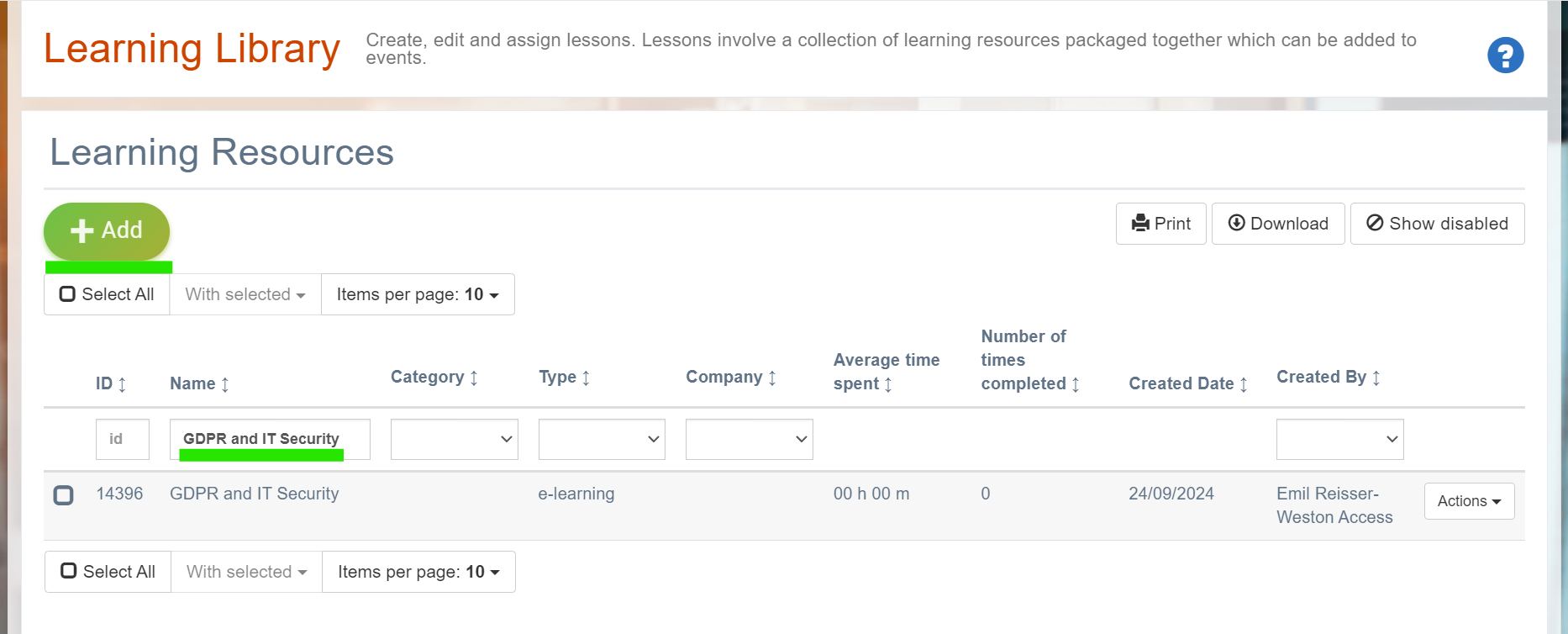
Log in as an administrator or manager/admin (any role with access to editing learning) and go to the Learning Library > Learning Resources.
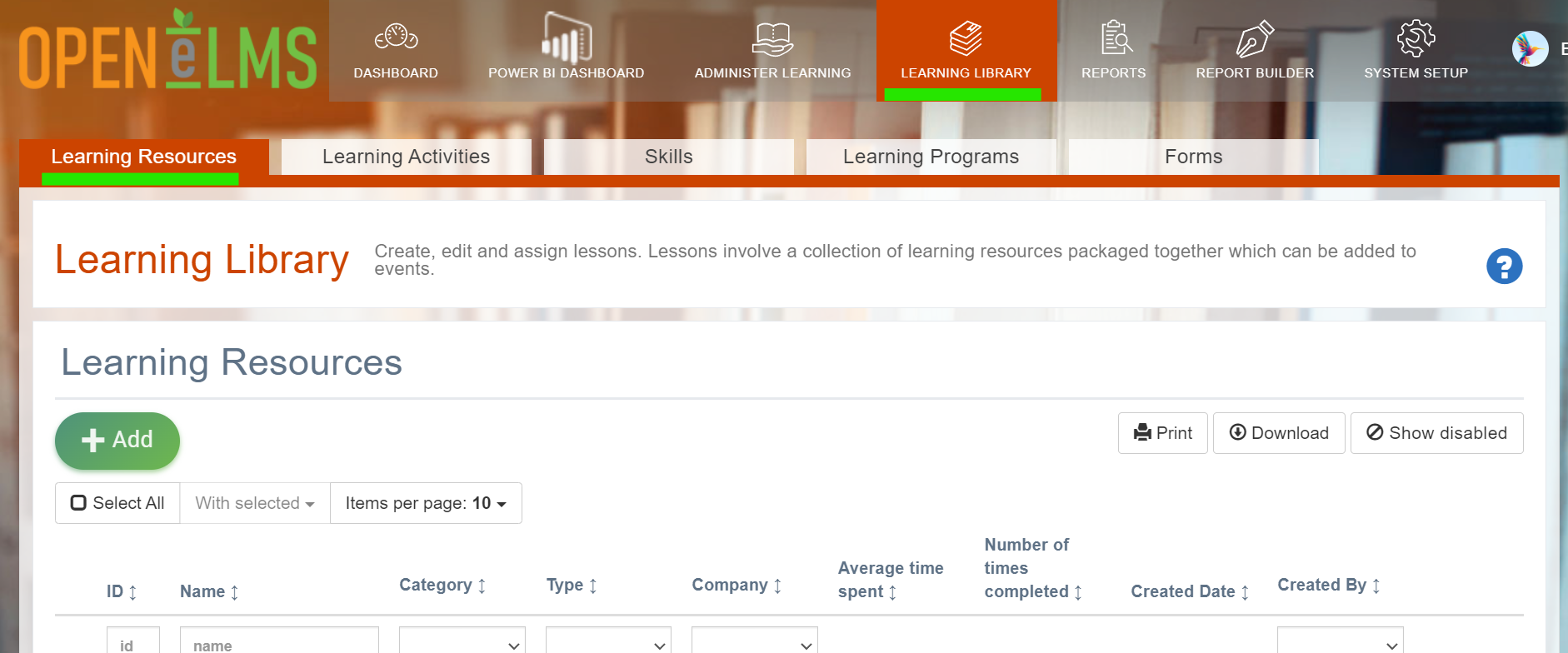
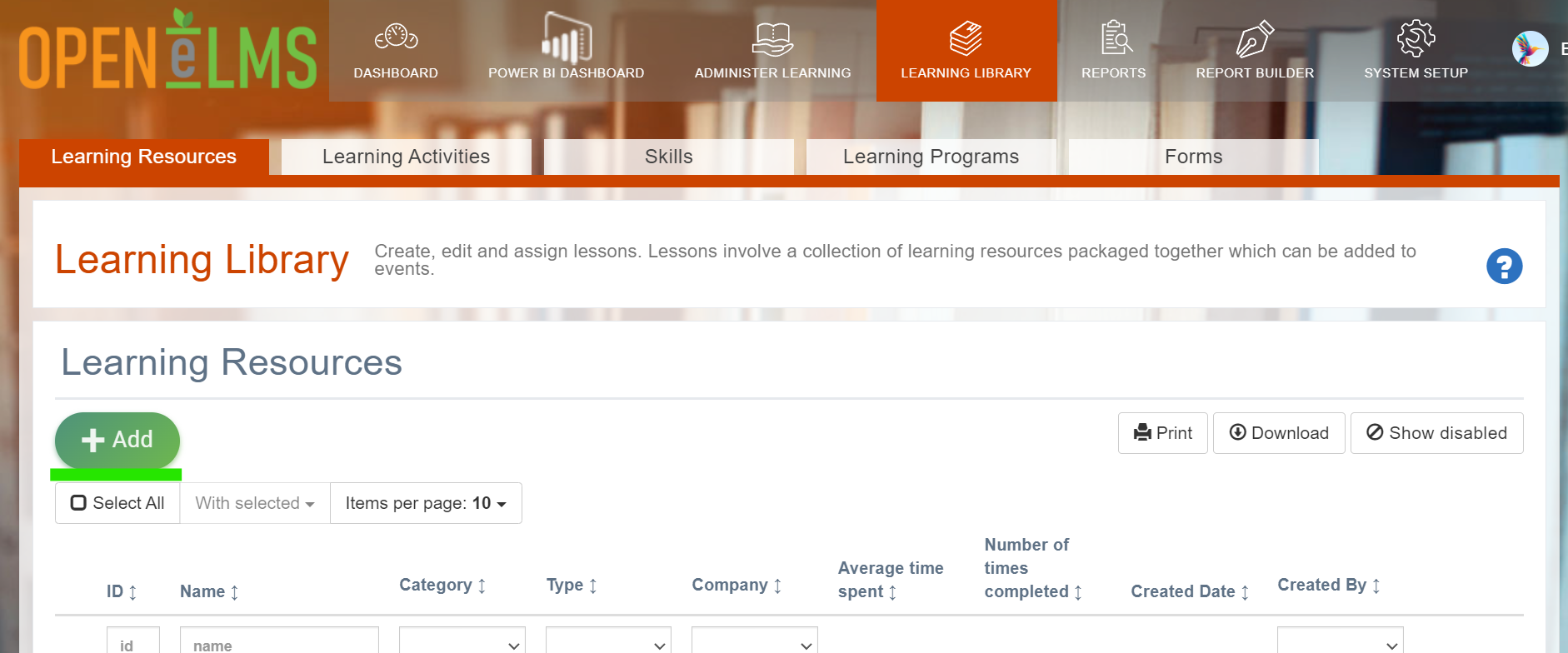
Press the Add button.
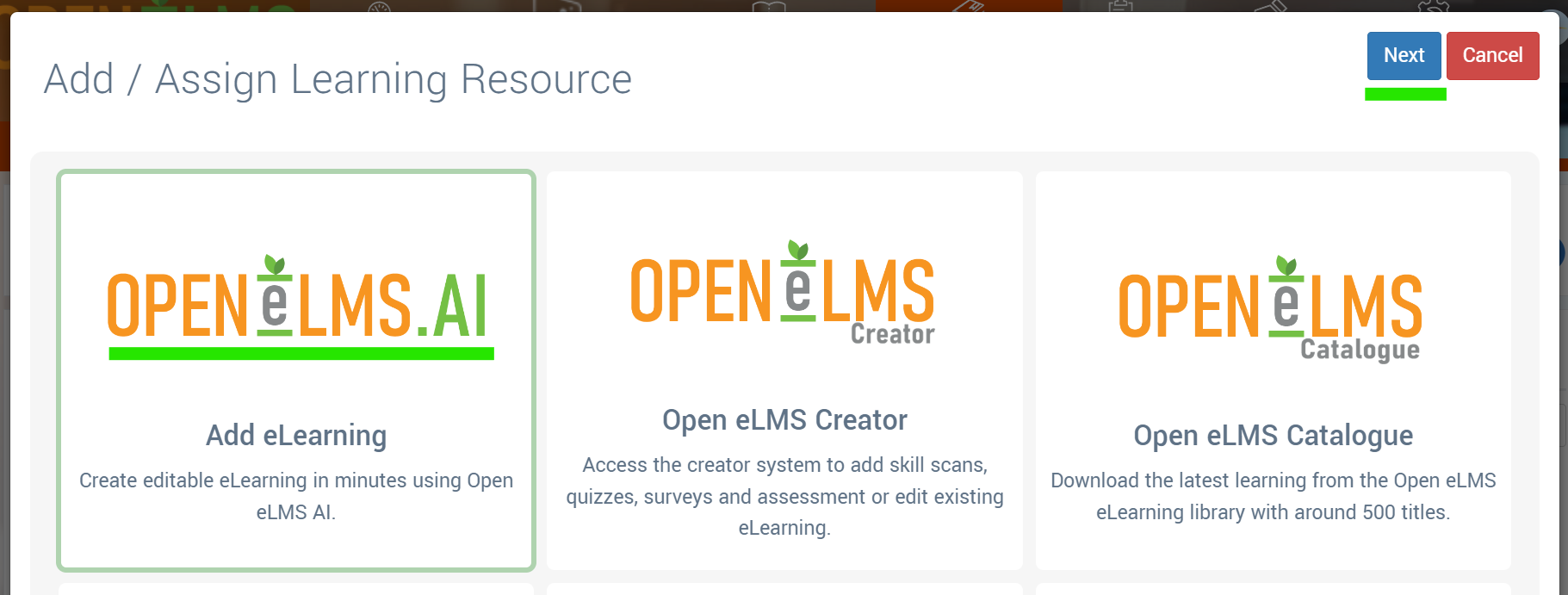
Select the Open eLMS AI: Add eLearning button then Next
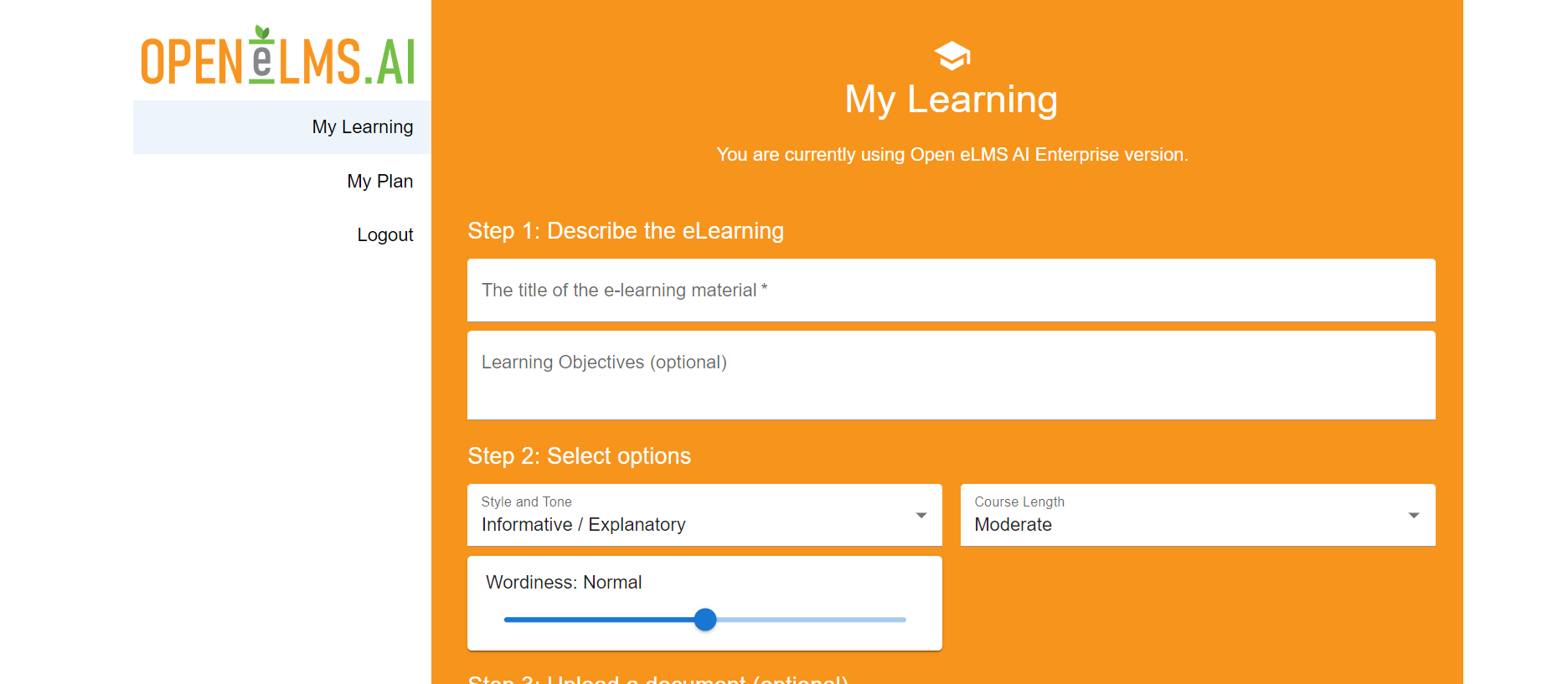
.This will open the Open eLMS AI interface for adding eLearning. Follow on screen instructions to create your first eLearning course using Artificial Intelligence.
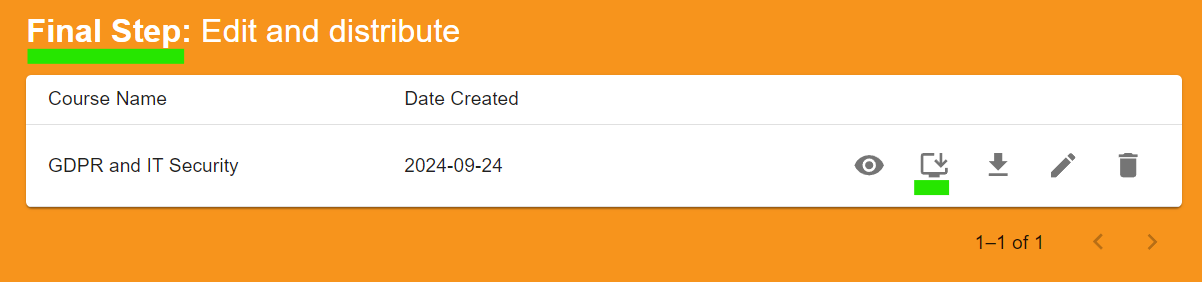
Once you reached the final step (i.e. you have finalised the design so that the Final Step label is shown as below) you can press the Transfer course to the LMS button - this will send the created eLearning back to Open eLMS.
Close the tab and return to the LMS, if you search for the course in the Learning Library you will find the newly created eLearning. This can be assigned to personnel using the Add button or added to learning programmes, lessons or events.
Review the quick tour on creating eLearning on Open eLMS AI for further information
📋 Related articles
- Page:
- Page:
- Page:
- Page:
- Page: