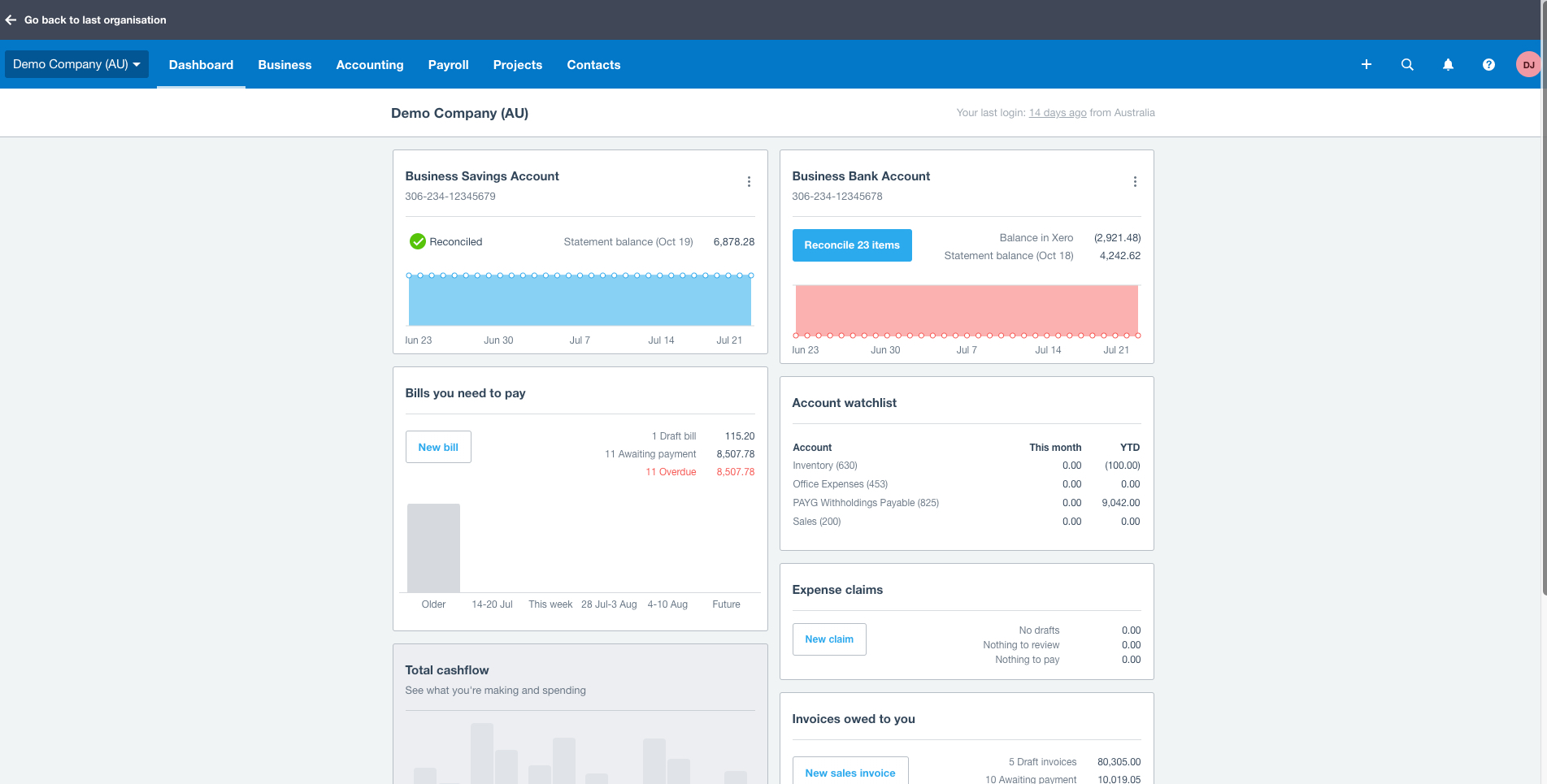
Change the recording of accessing Open eLMS Catalogue when integrating with the Xero API
Edit the configuration key below to change functionality within the system, there are over 200 such settings in the system.
📘 Instructions
Name | Key | Default Value | Description |
Unlimited Courses | BillingisUnlimitedCourses | FALSE | This enables the client to full access to Open eLMS Catalogue elearning courses adn curated content. This is a setting which applies to interation with the accounting system - Xero - only. |
This setting affects the Xero integrations only. These settings can be expanded to include other financial applications, please consult your accounts manager for further information.
Changing Configuration Settings
Follow the steps below to change any settings
Log in as Admin and go to System Setup > Defaults > Configuration.
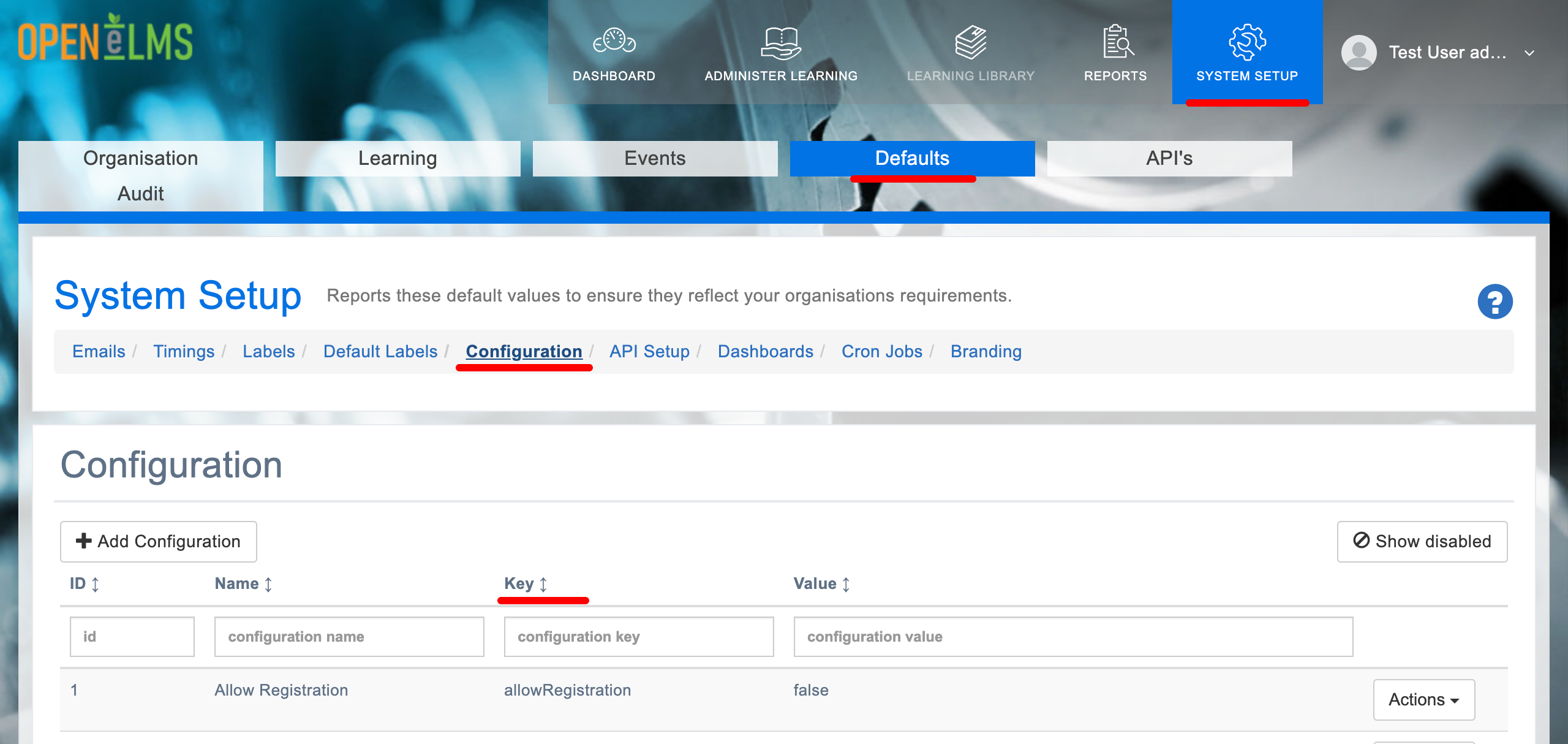
Search in the Key column for the key listed in the above table.
Click on Actions and Edit.
Edit the Configuration value to the text that you want to appear on the Sign Off form.
This will change the text that appears when a user is signing off.
📋 Related articles
Select any of the following associated articles for further information.
- Page:
- Page:
- Page:
- Page:
- Page: