Sign off Training for Managers
Any work that has been uploaded by the learner - and has been marked as requiring approval - needs to be signed off. This is important where continuous assessment is needed (apprenticeships, education etc.)
Instructions
Log in as a Manager (Teacher, Coach, Trainer, Tutor etc.) and go the the main management dashboard by clicking on Manage Learning. Click on the Sign Off Training option .
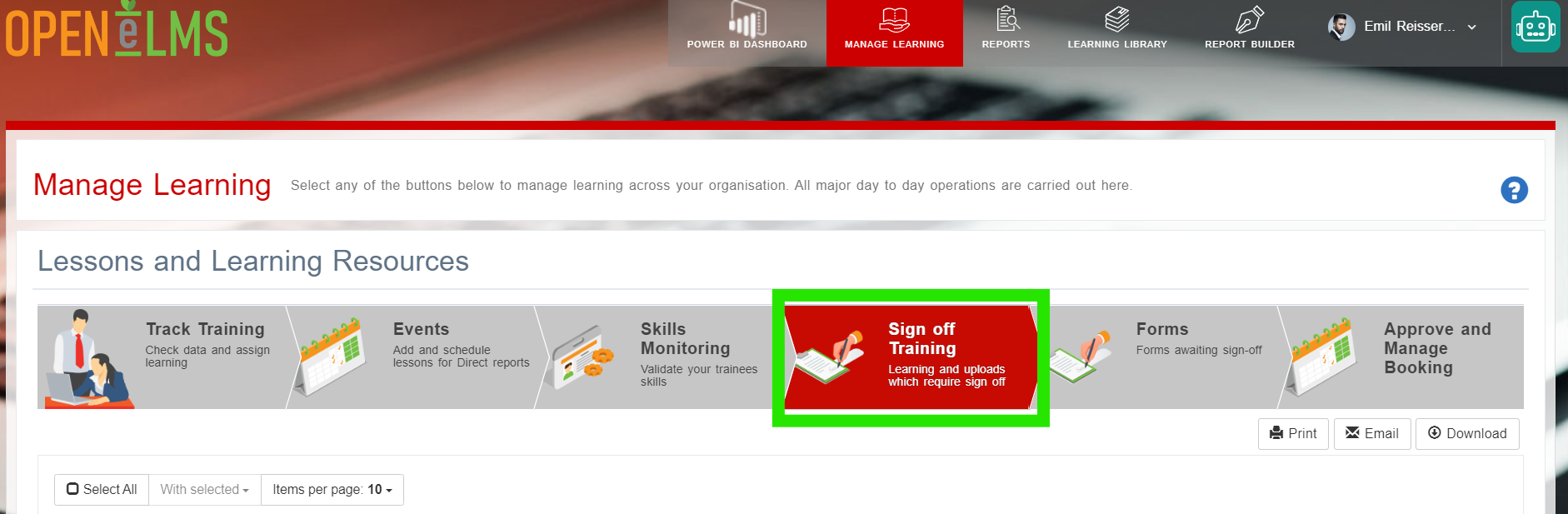
Here is listed work that requires signing off. Open the piece of work from its row.
Add comments, grade and sign off the work. If the work is not ready to be signed off, then any comments will be automatically emailed to the learner. Once the work has been dealt with, it no longer appears on this management dashboard.
Related articles
- Page:
- Page:
- Page:
- Page:
- Page: