Run a learning event as a trainee with Zoom/Teams
Open eLMS allows you to run webinar learning event and meetings with an integrated Zoom app. Attendance on these Zoom meetings is recorded on the learners portfolios, along with a copy of the event resources and a video recording where appropriate.
Instructions
Learning events are key to implementing a true blended learning experience.
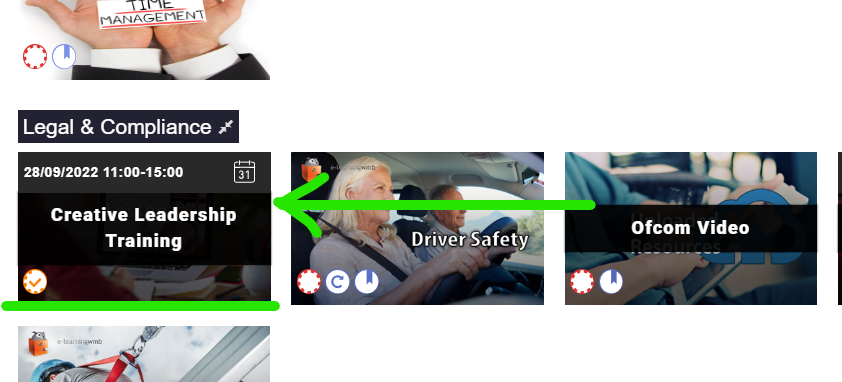
Log in as a trainee etc. and click on the learning event - this can be found either on your e-portfolio ..
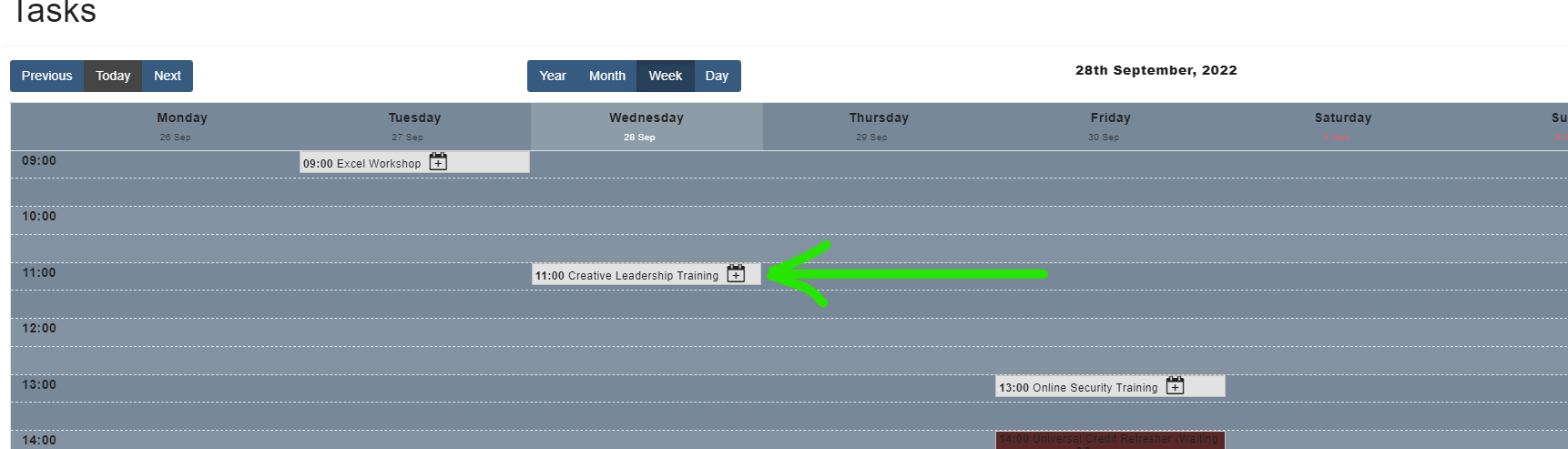
… or on the calendar.
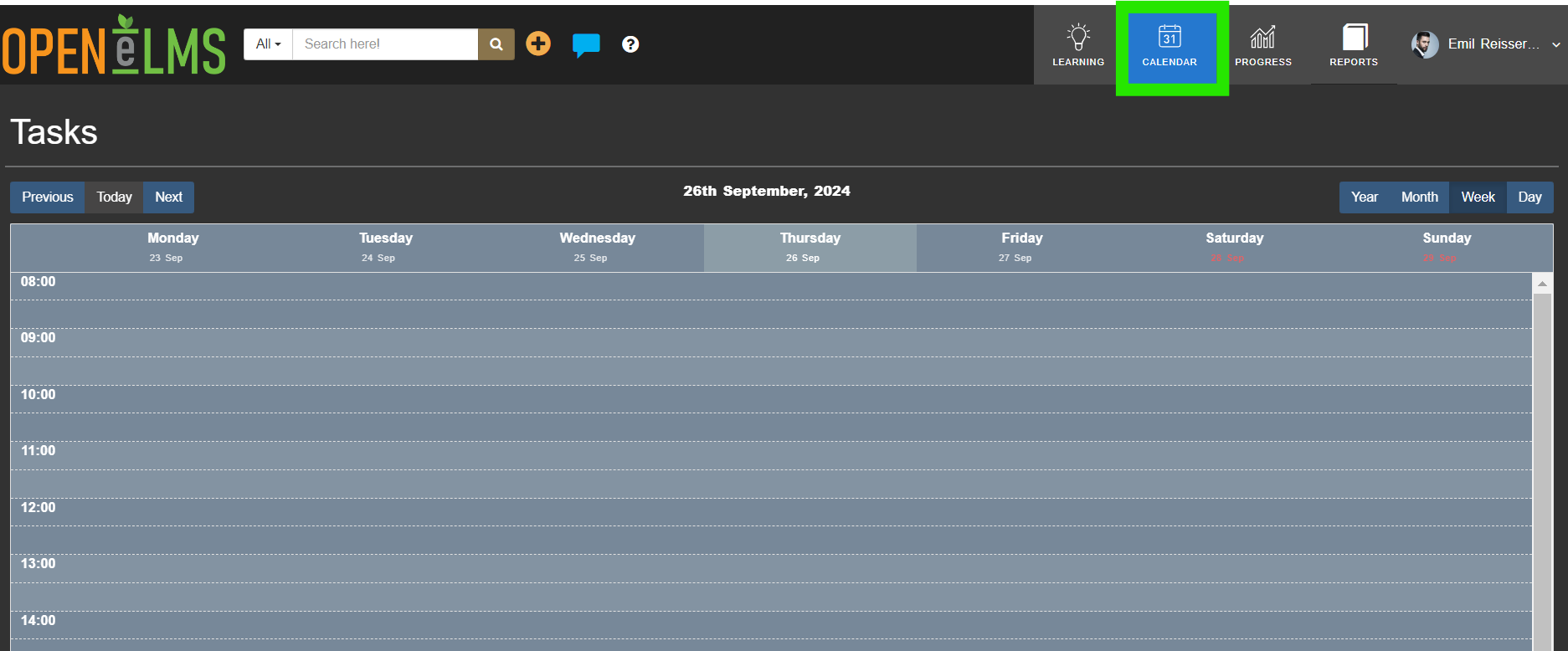
Select Launch …
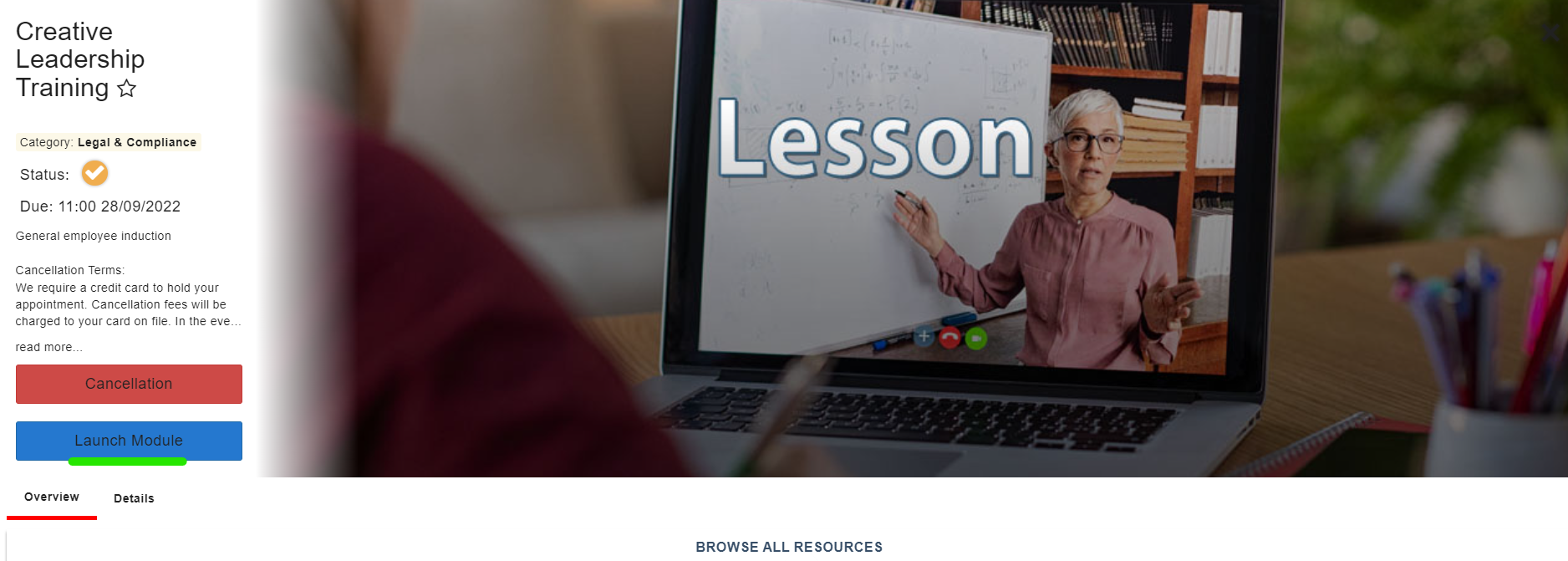
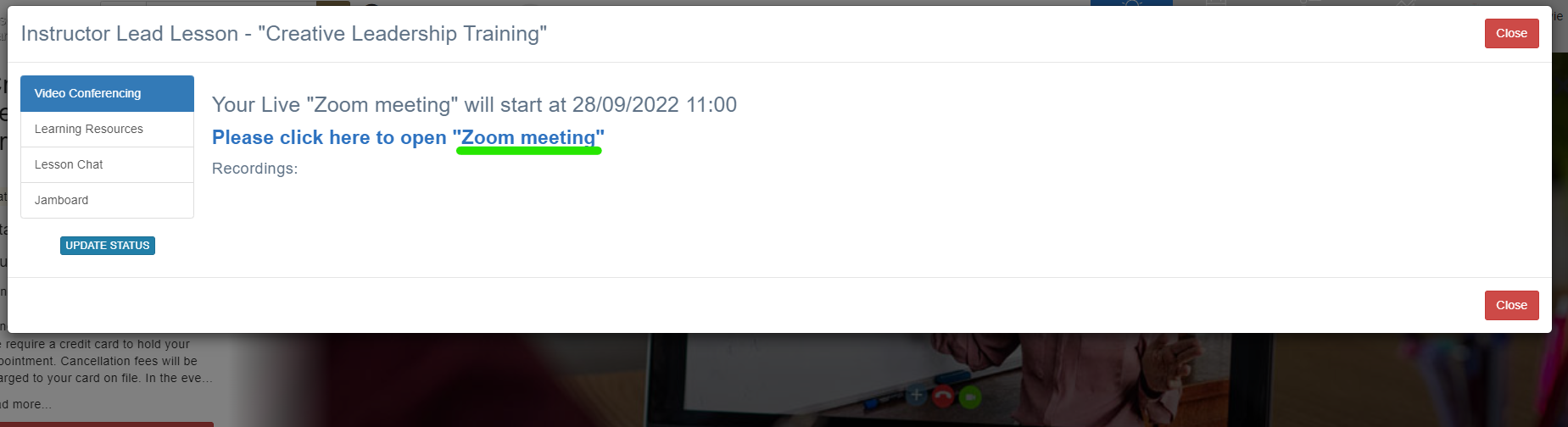
… and then on the Zoom or Teams link.
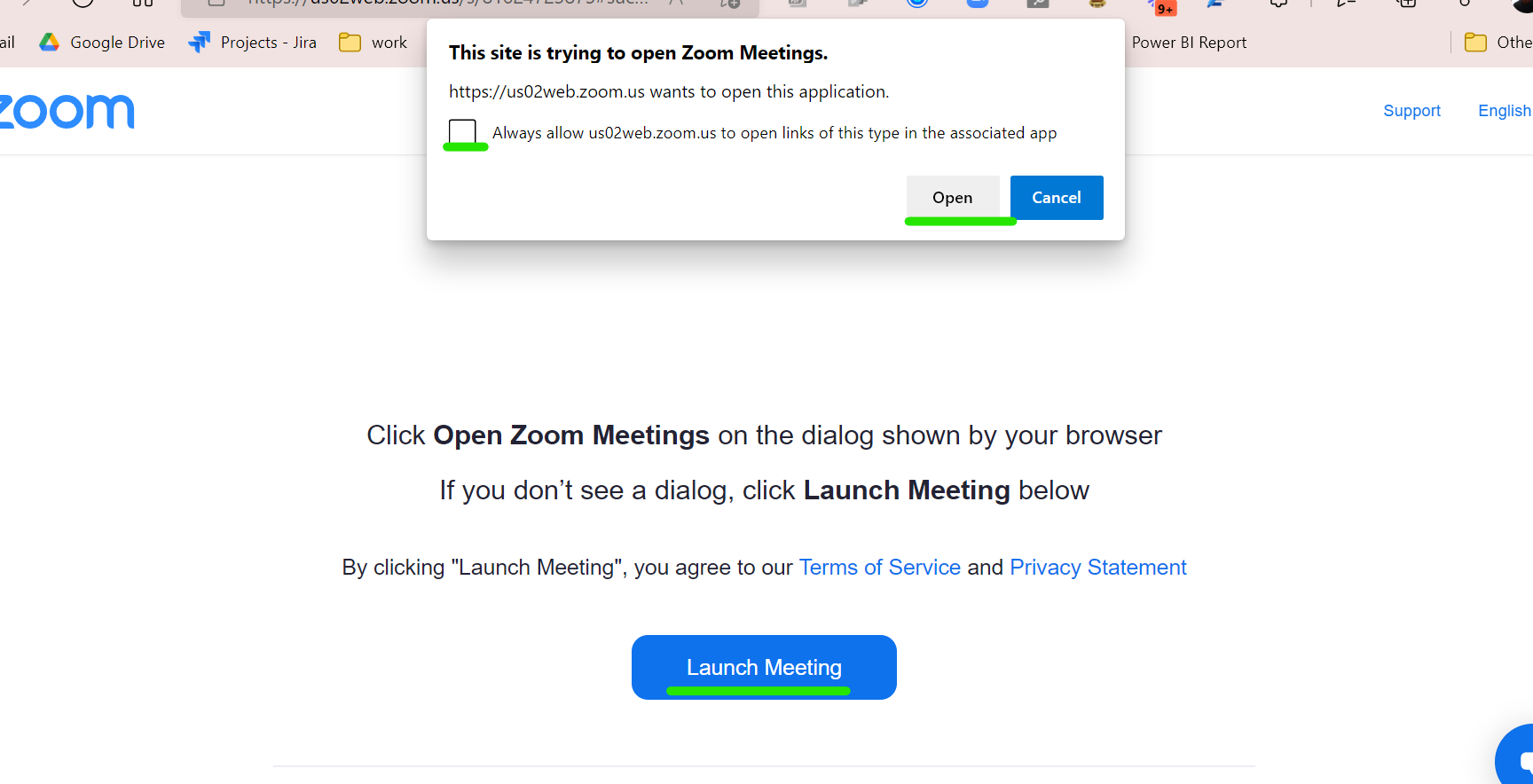
Allow the app to Open and then Launch the meeting
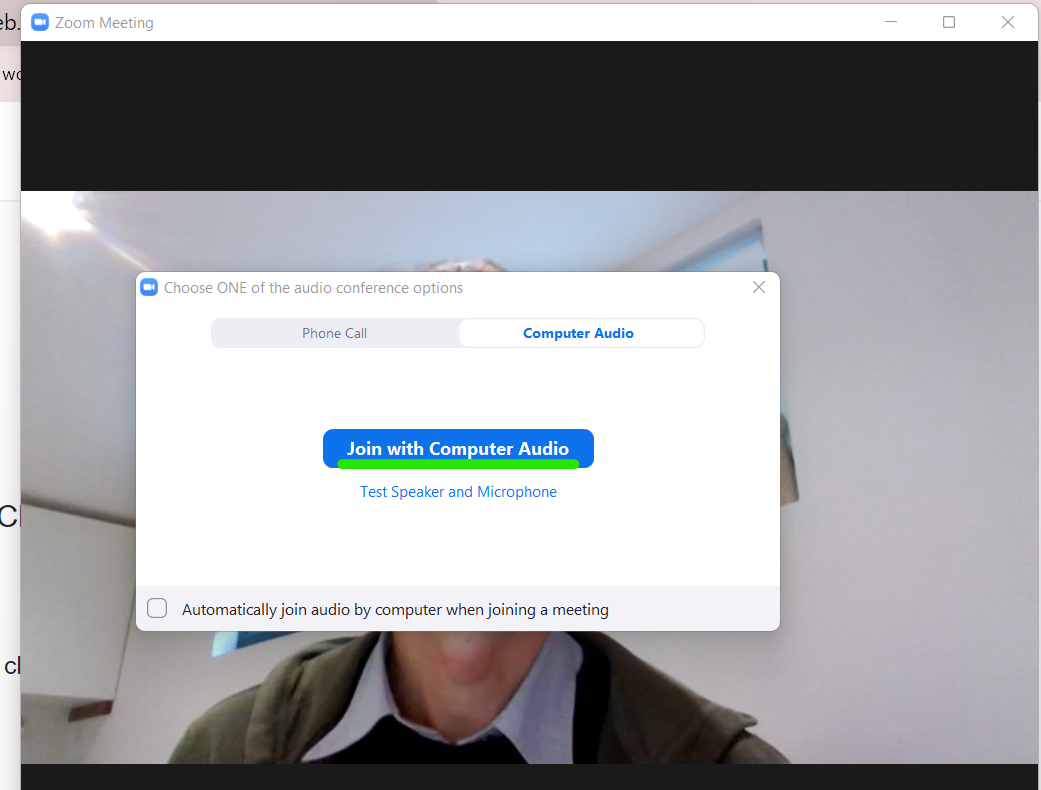
You meeting will start, Join with Computer Audio.
Related articles
- Page:
- Page:
- Page:
- Page:
- Page: