Programmes (Enterprise version only)
Learning programmes are a schedule of learning over several weeks, months and often years. Examples would be an accountancy course, a subject’s curriculum or university course. Learning on a curriculum is scheduled to appear on each learner’s dashboard as and when the learning is needed.
Instructions
Go to Learning Library › Programmes.
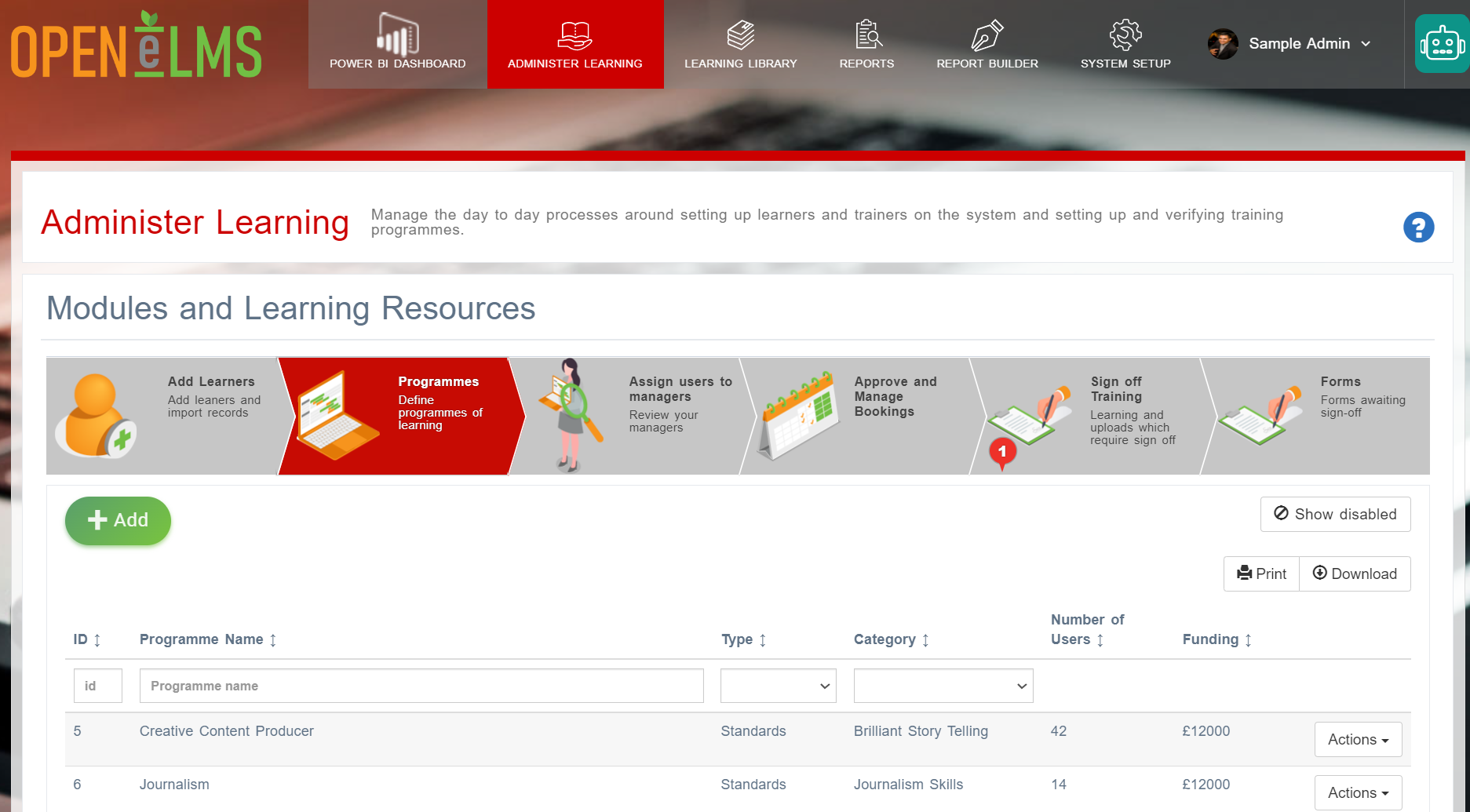
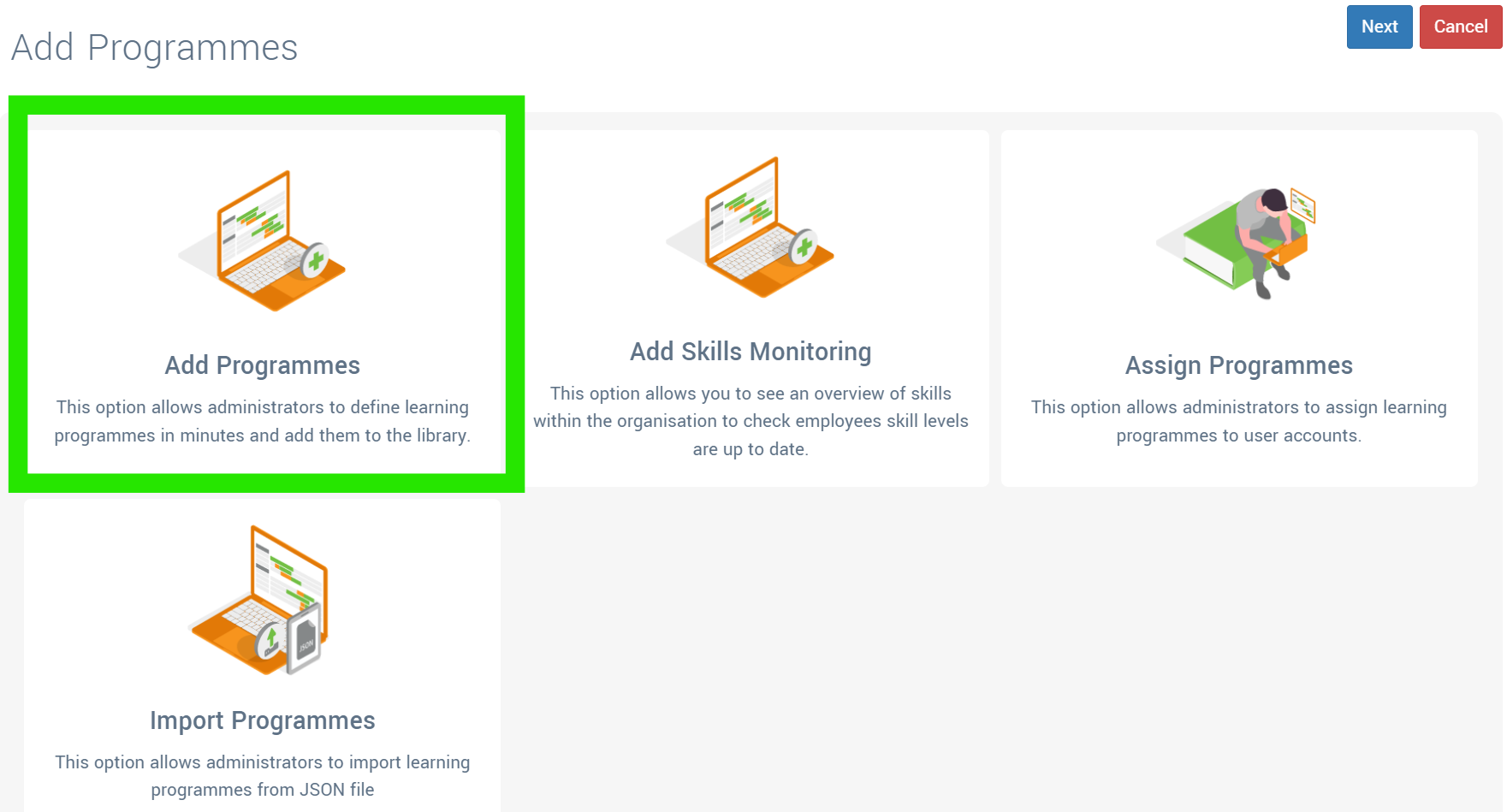
Press [+ Add] and select the Add Programmes option.
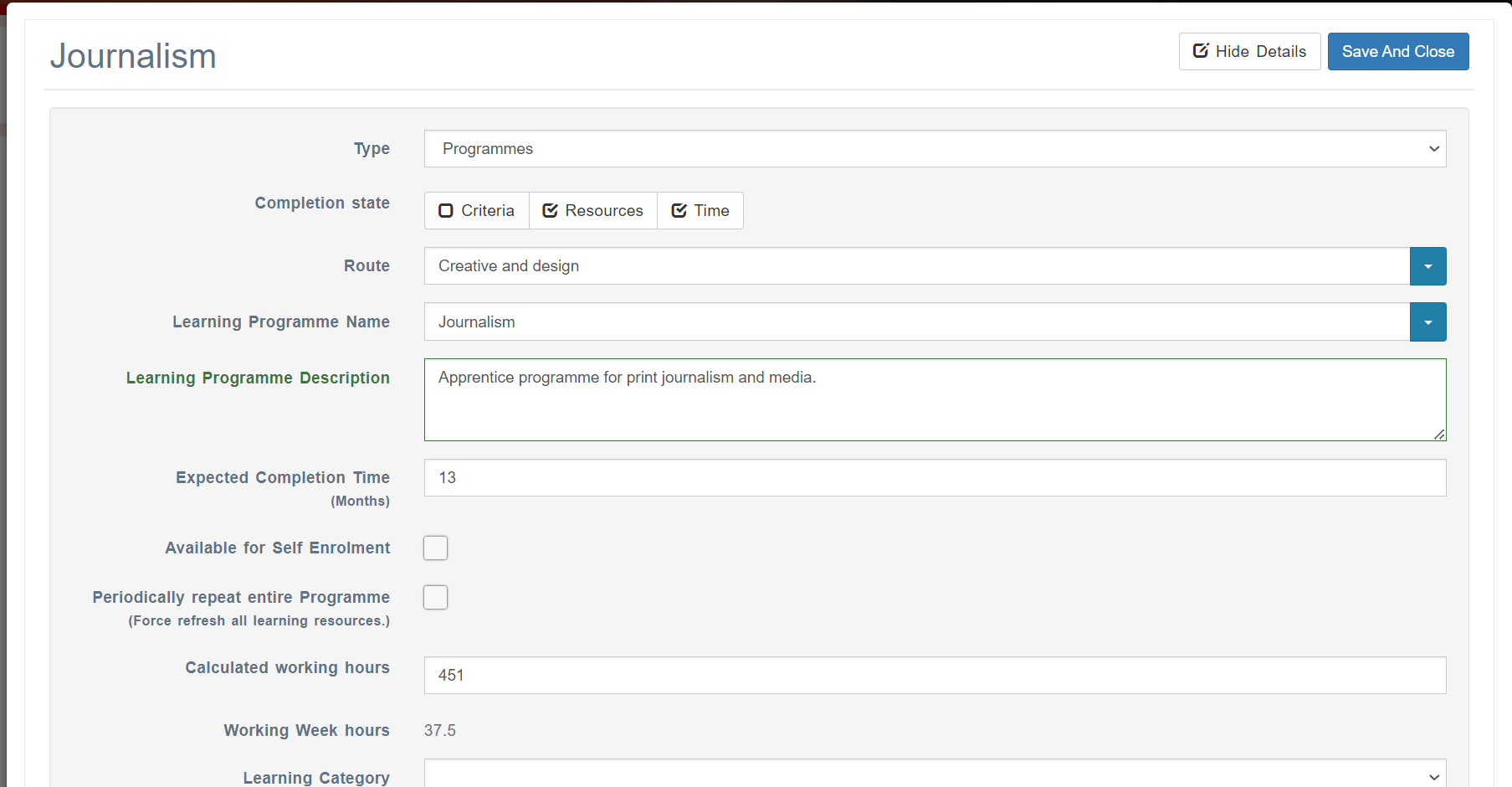
Define the programme details (Name, Expected Completion Time etc.) You can also define a query which will automatically assign, or remove, personnel from the programme which match that query. Press [Save and Close] when completed.
This now sets up the timeline attached to the programme. Scroll to the end of the list of programmes and select to Edit the new programme.

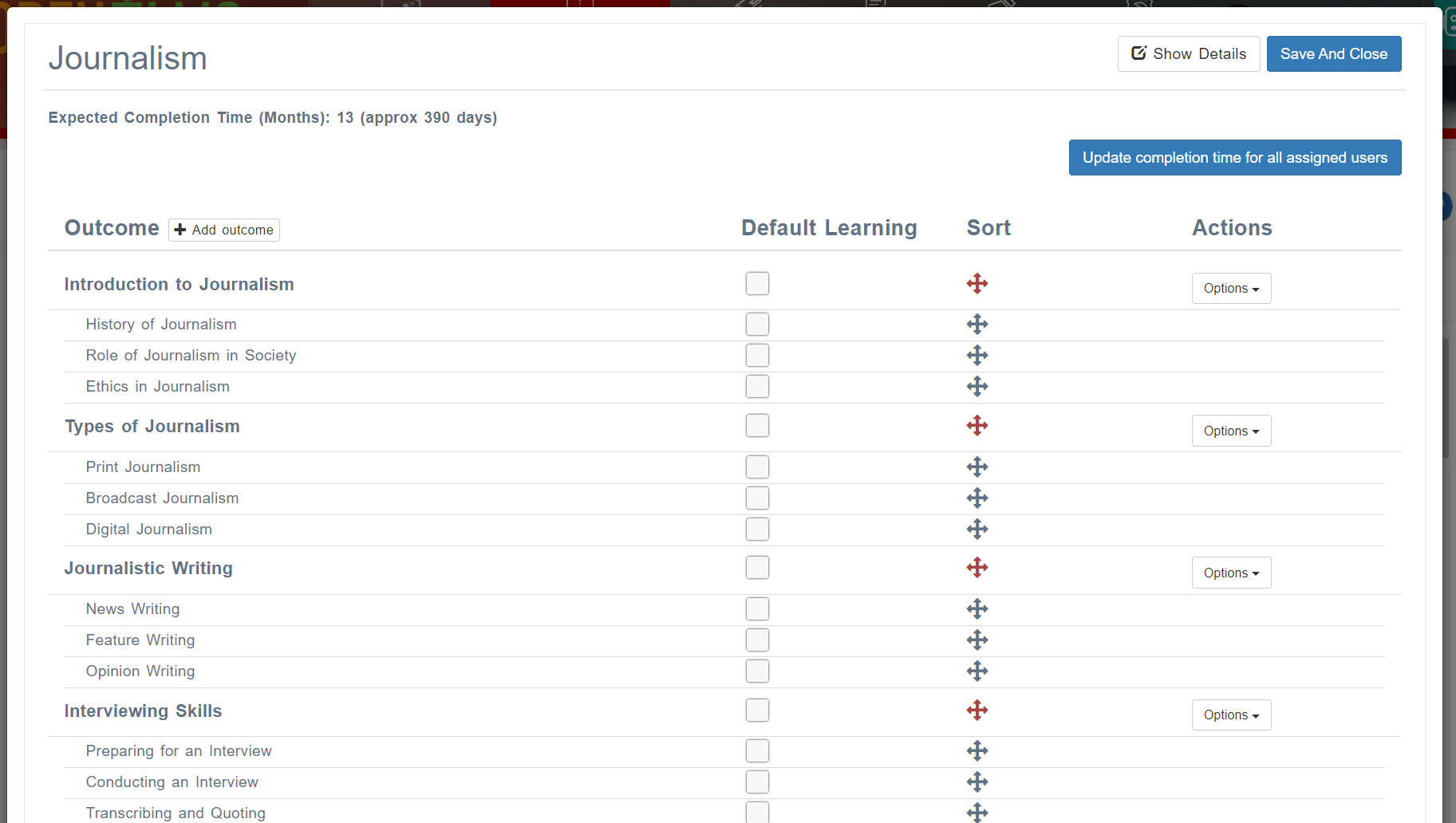
Press [+Add Programme Structure using AI] to add the programme structure, this will also populate the course with any relevant learning you have in the system.
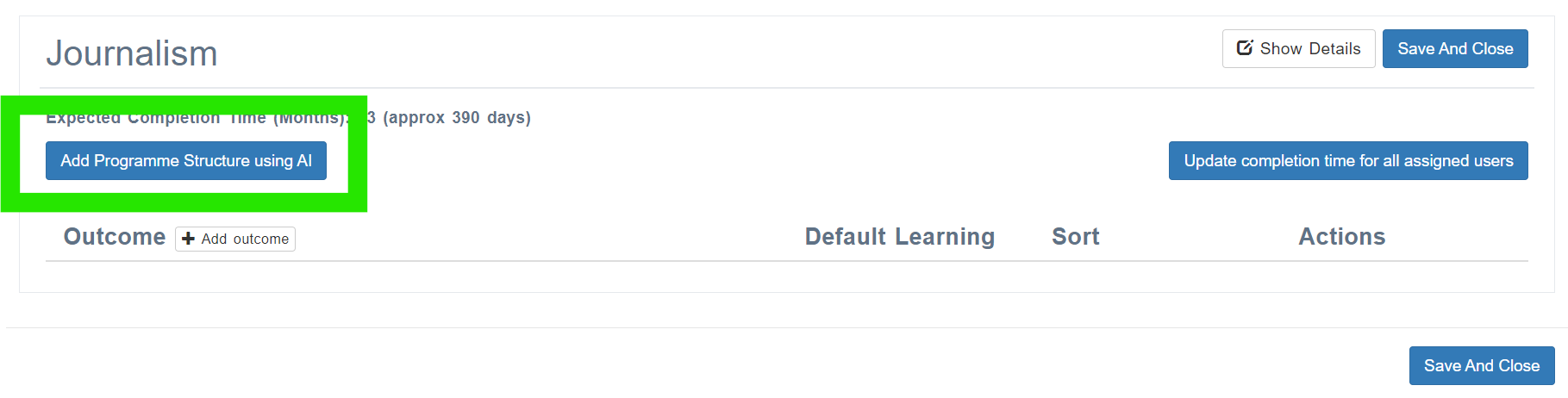
Make adjustments then press Apply Structure to Programme and Learning Resources (elearning, microlearning, video etc.) are added to the programme.
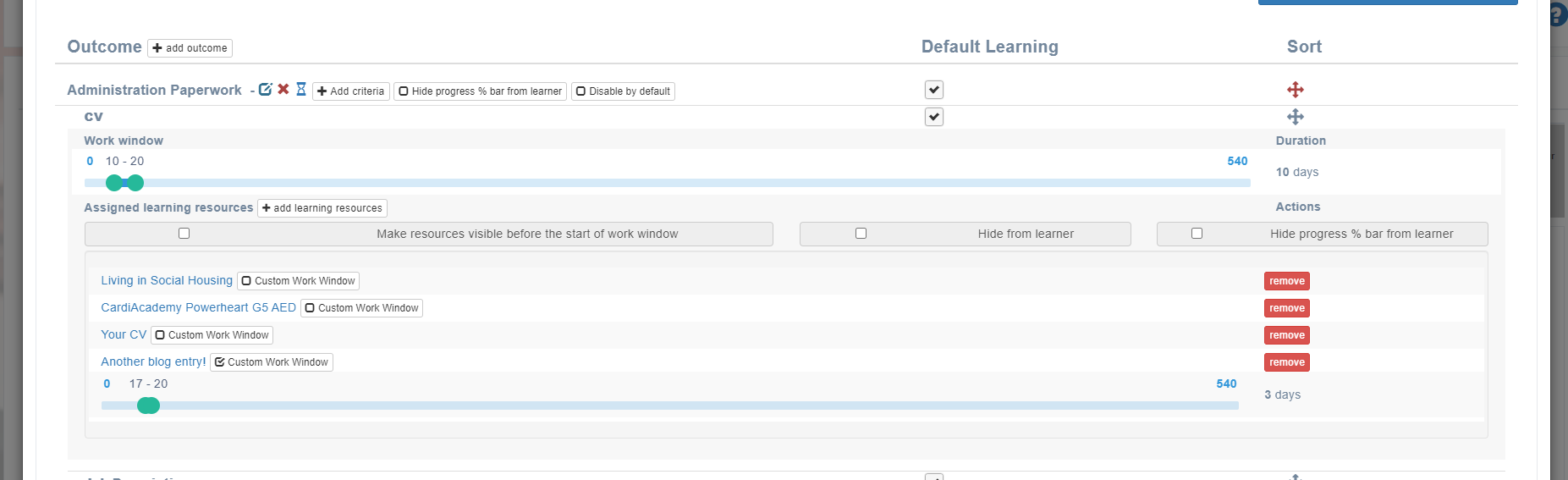
Timings attached to Outcomes/Criteria/Subcriteria can be rescheduled and the appearance of learning resources within the structure can be further refined (as shown below by checking on Customise Work Window).
If your company has bought the standard version of Open eLMS then you will not have this functionality enabled. Contact partnerships@openelms.com if you require to upgrade to the Enterprise version of Open eLMS.
Related articles
- Page:
- Page:
- Page: