Troubleshoot: Stopping emails being sent from learners to managers
🤔 Problem
Managers are receiving emails from the system in relation to signing off evidence/work from learners.
🌱 Solution
You might not want every ‘manager’ role to have the option to sign off work - to stop emails being sent to a manager once a learner signs off evidence:
Go to System Setup - Organisation - Roles
Select the Actions button on role you want to adjust - then click Actions > Edit.
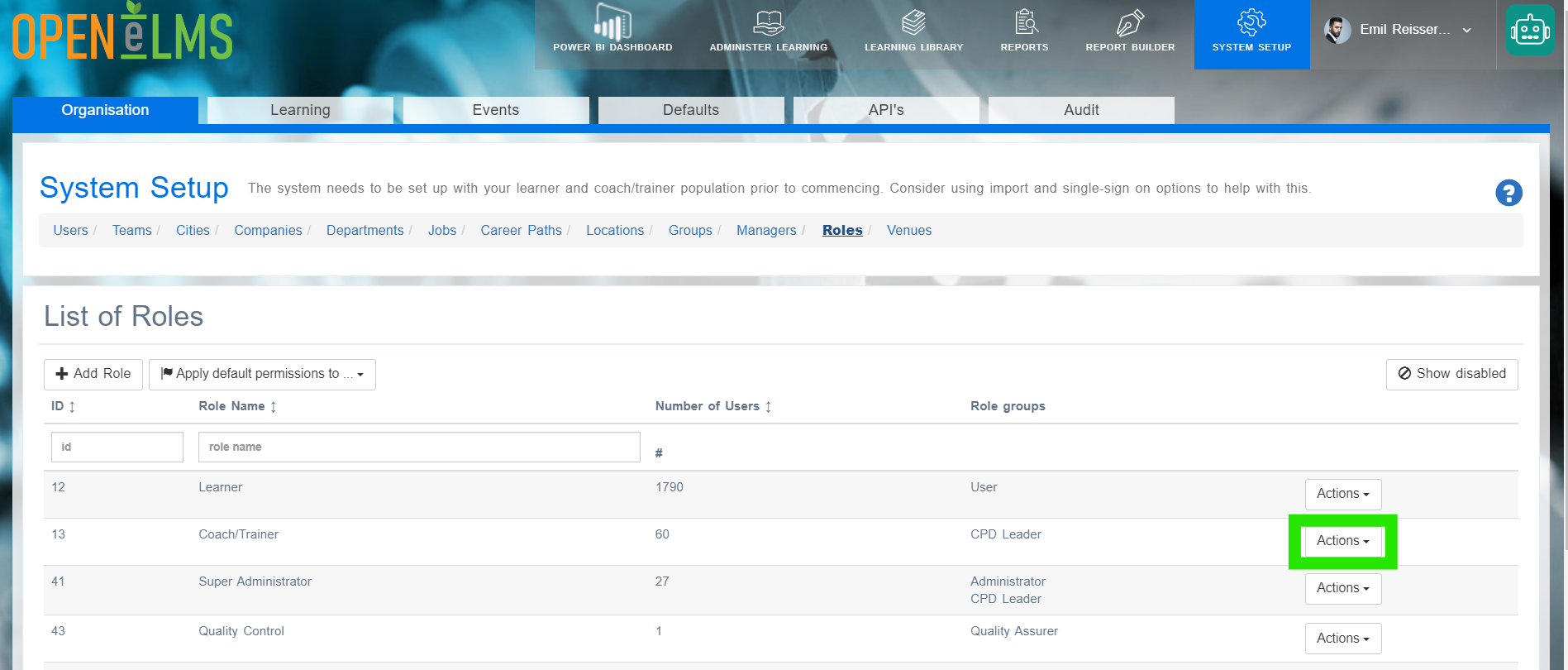
NB Role access is passworded - contact Open eLMS if you wish to make changes - any incorrect settings other than those described here can cause unpredictable behaviour.
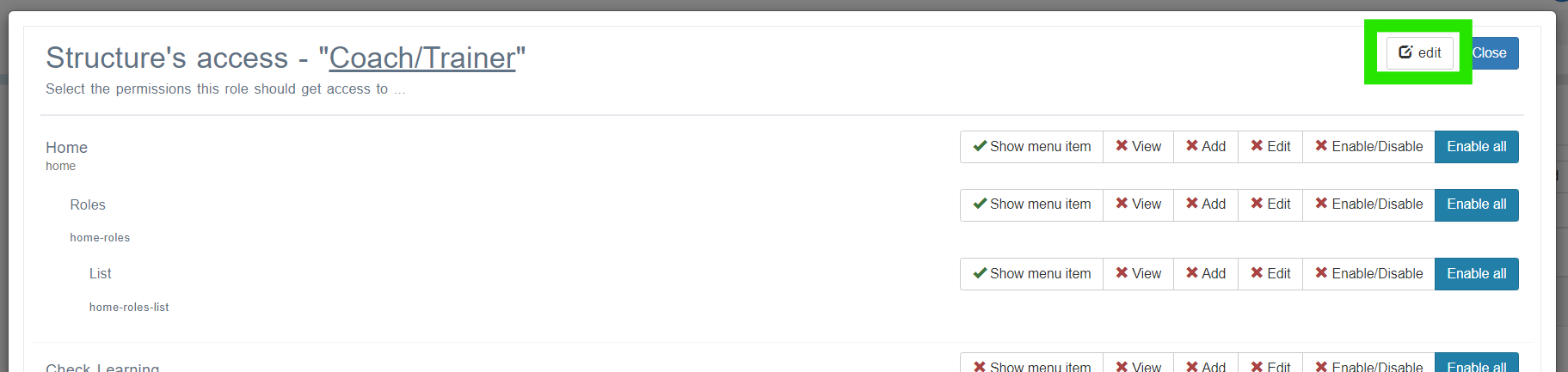
Click on the edit button
4. Scroll down to E-mail Options and ensure the Disable email option is ticked
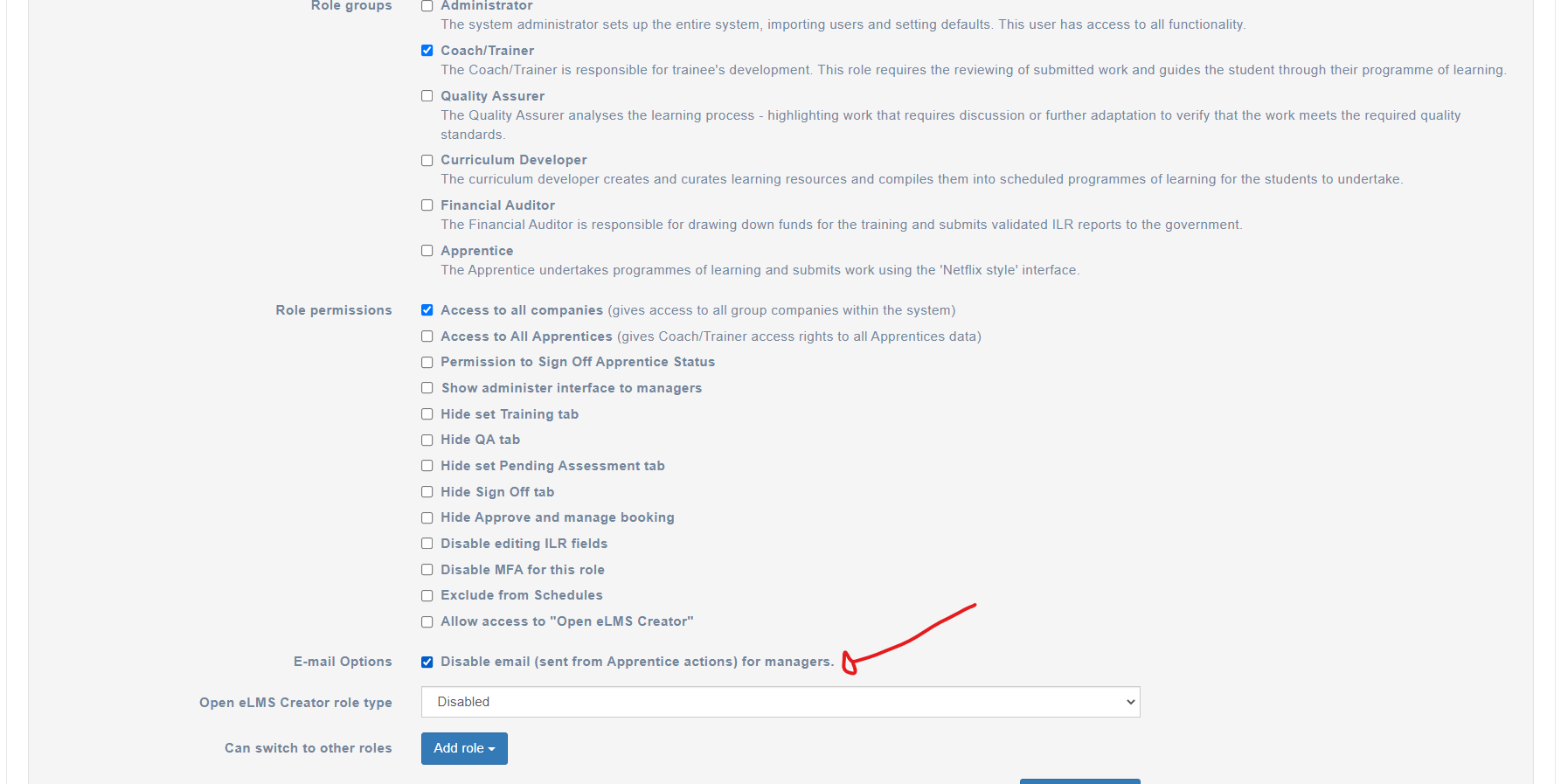
This will then ensure that no emails in relation to learner actions will be sent to a user who has this role.
📎 Related articles
- Page:
- Page:
- Page:
- Page:
- Page: