Change Dimensions of Media in Open eLMS AI
The dimensions of media (videos, text, images etc.) are changed in the same pay - in line with the system’s user friendly design principles.
📘 Instructions
Follow these instructions to change dimensions.
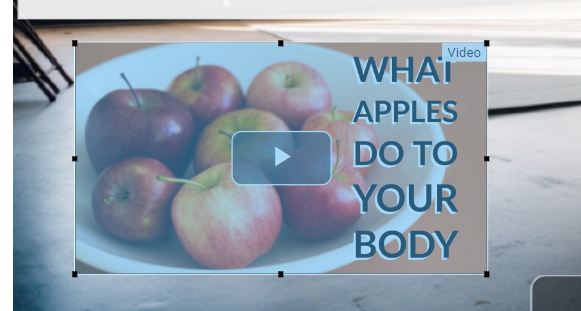
Once any image, video or text has been added to the system, the container for that image can be resized by dragging on the corner elements of the media.
Fine tuning (and accessible) editing is available via the properties panel of the editor.
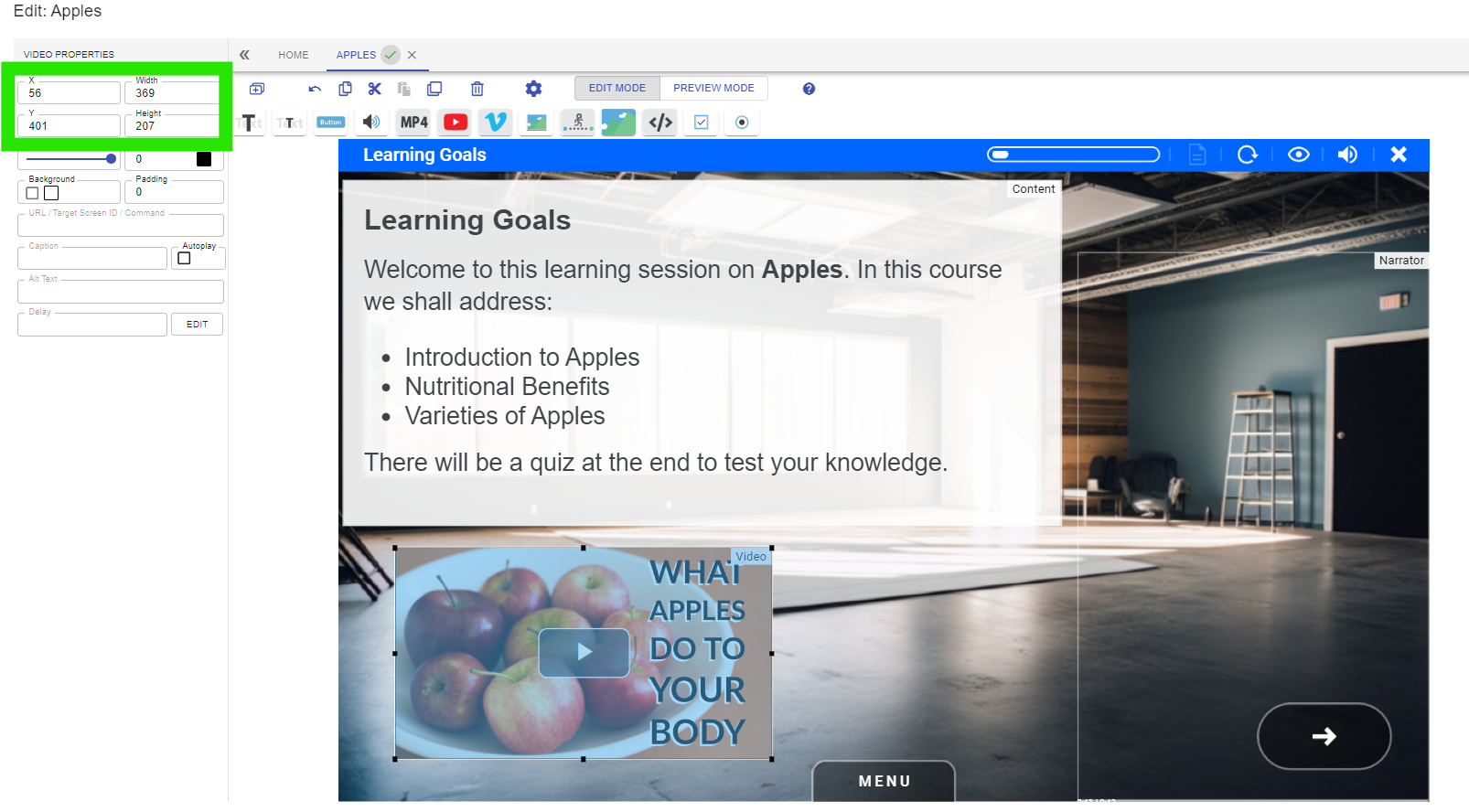
Open eLMS AI will design the eLearning for you so that text does not block salient elements of the background imagery and animations are inserted in relevant positions. Text and images will change though so it is vital that you check all eLearning and change the dimensions of all media to compose a harmonious scene for your composition.
Change other property values to see the effect this will have on each type of media.
📋 Related articles
- Page:
- Page:
- Page:
- Page:
- Page: