Import Events
Events can be imported from third party applications in a spreadsheet.
Instructions
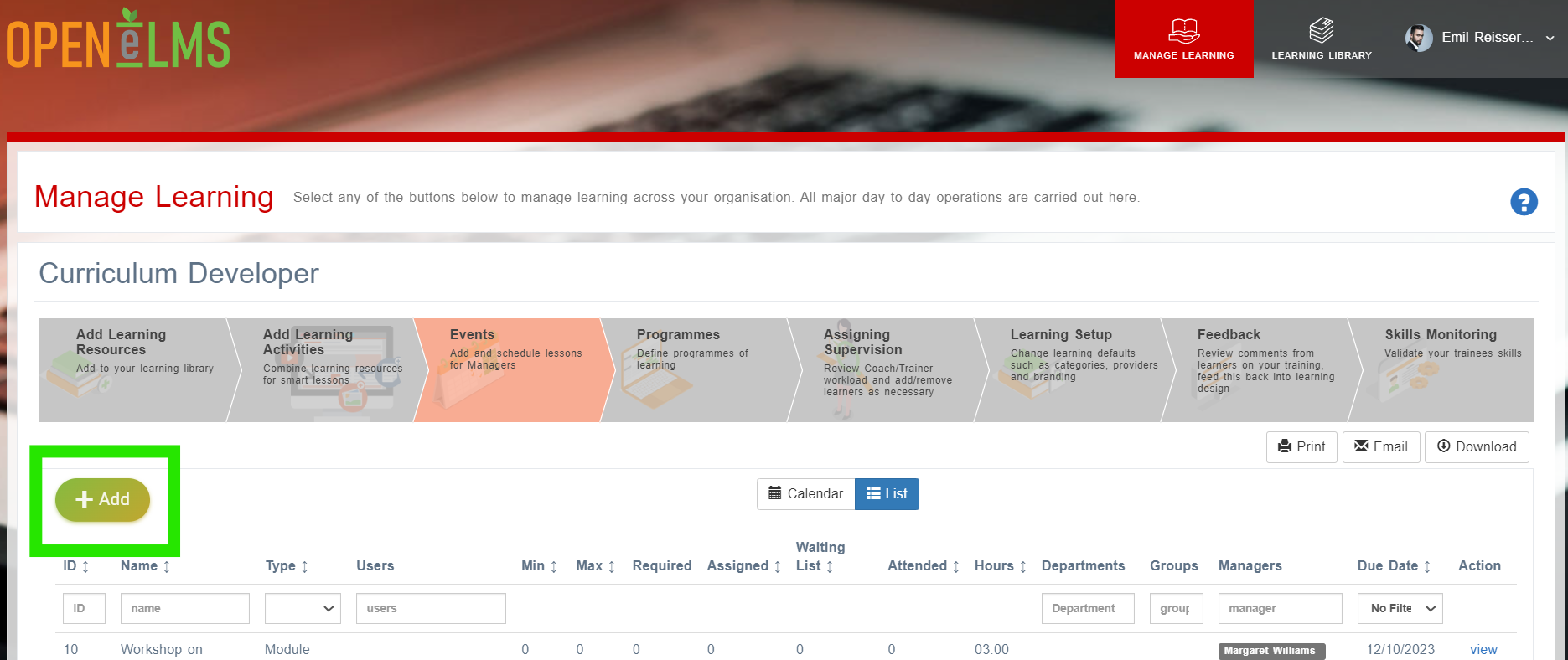
The user logs in to the LMS and navigates to the "Events" tab.
The user clicks on the "Add" button.
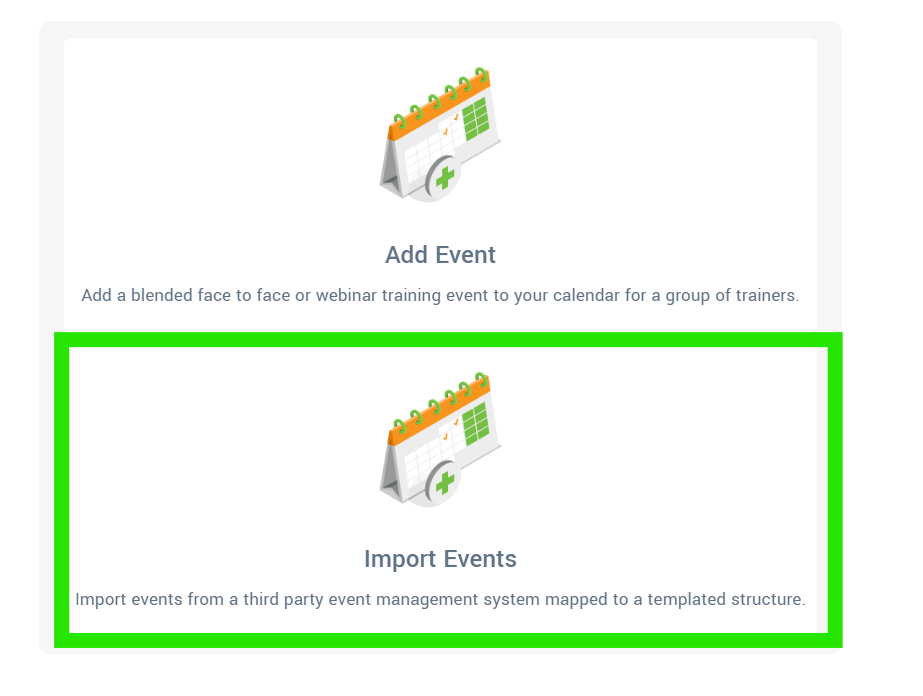
Select the Import Events option.
The LMS prompts the user to select the preformatted spreadsheet template with event details.
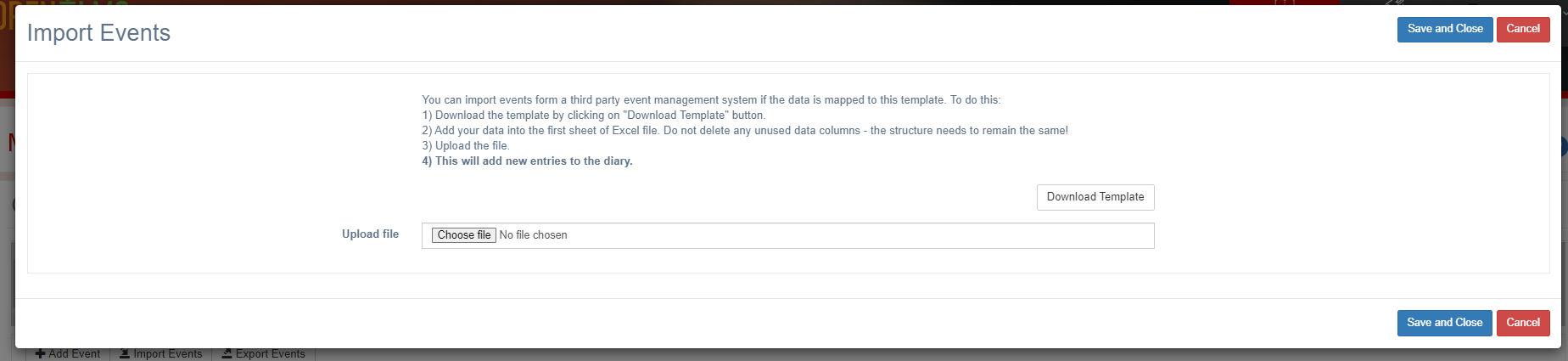
The user selects the template and uploads it to the LMS.
The LMS validates the spreadsheet to ensure it meets the format requirements.
The LMS provides a preview of the imported events and prompts the user to confirm the import.
The user publishes the imported events for learners to access.
This can be used during system migration or for importing registers for events.
Related articles
- Page:
- Page:
- Page:
- Page:
- Page: