Add H5P Resource
H5P is a third party system which allows license owners to create gamification learning modules for inclusion within Open eLMS. The two systems are tightly integrated so that the addition of such learning is a seamless process.
Instructions
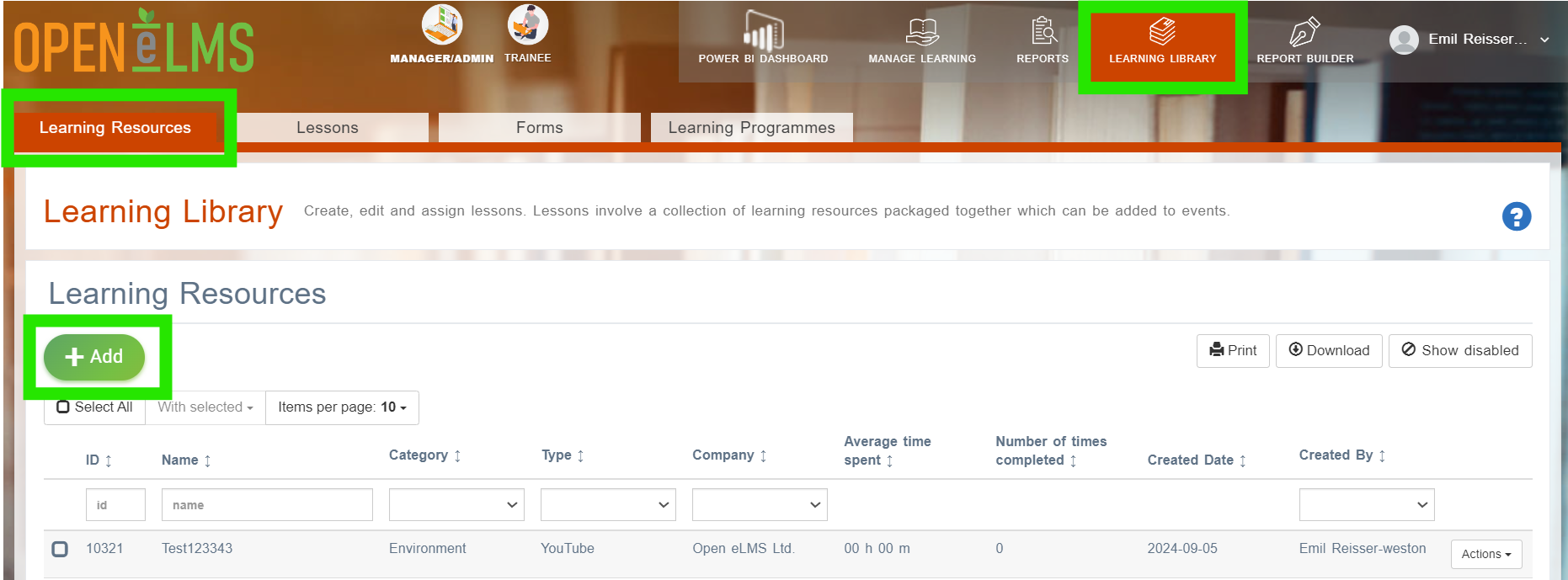
Go to Learning Library › Learning Resources.
If a Curriculum Developer then press the second Add Learning Resources tab.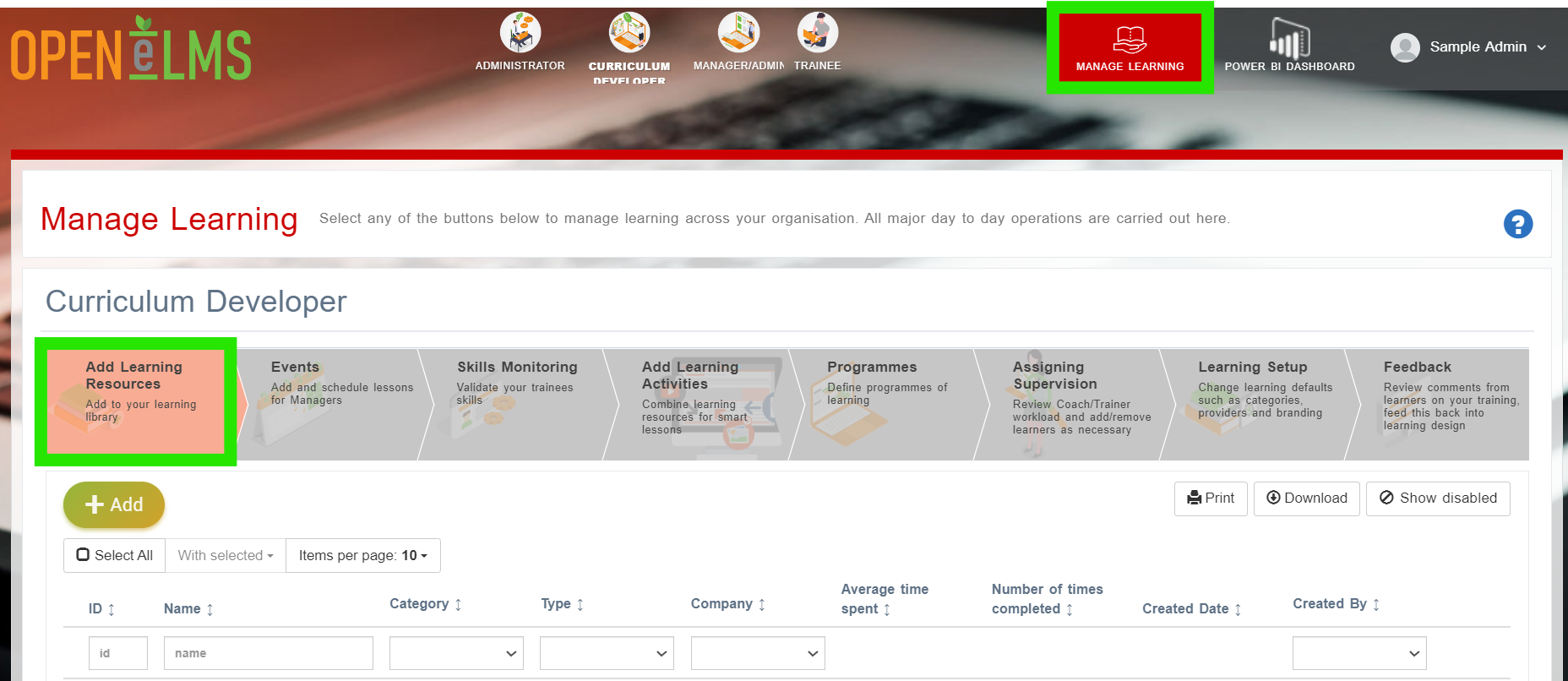
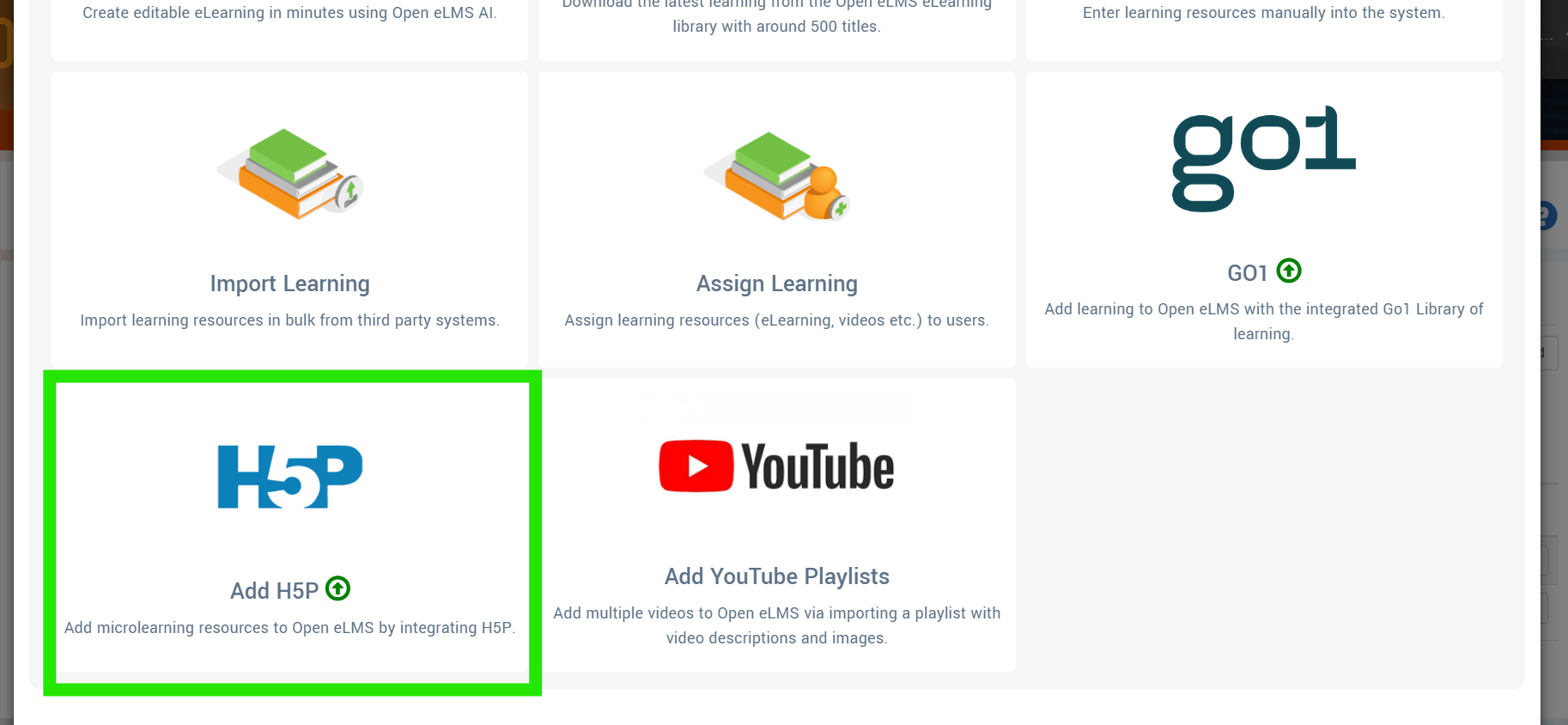
Select the Add H5P Resource option - as you can see other options do exist for adding more content.
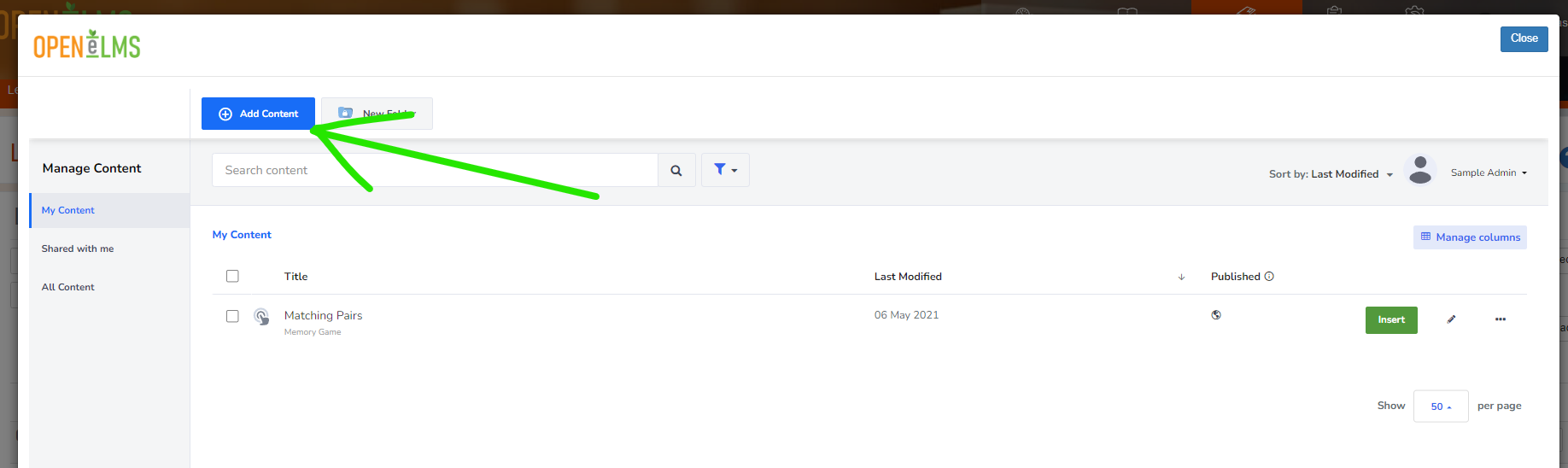
Press the blue Add Content button.
The select form the list the type of learning content you wish to add.
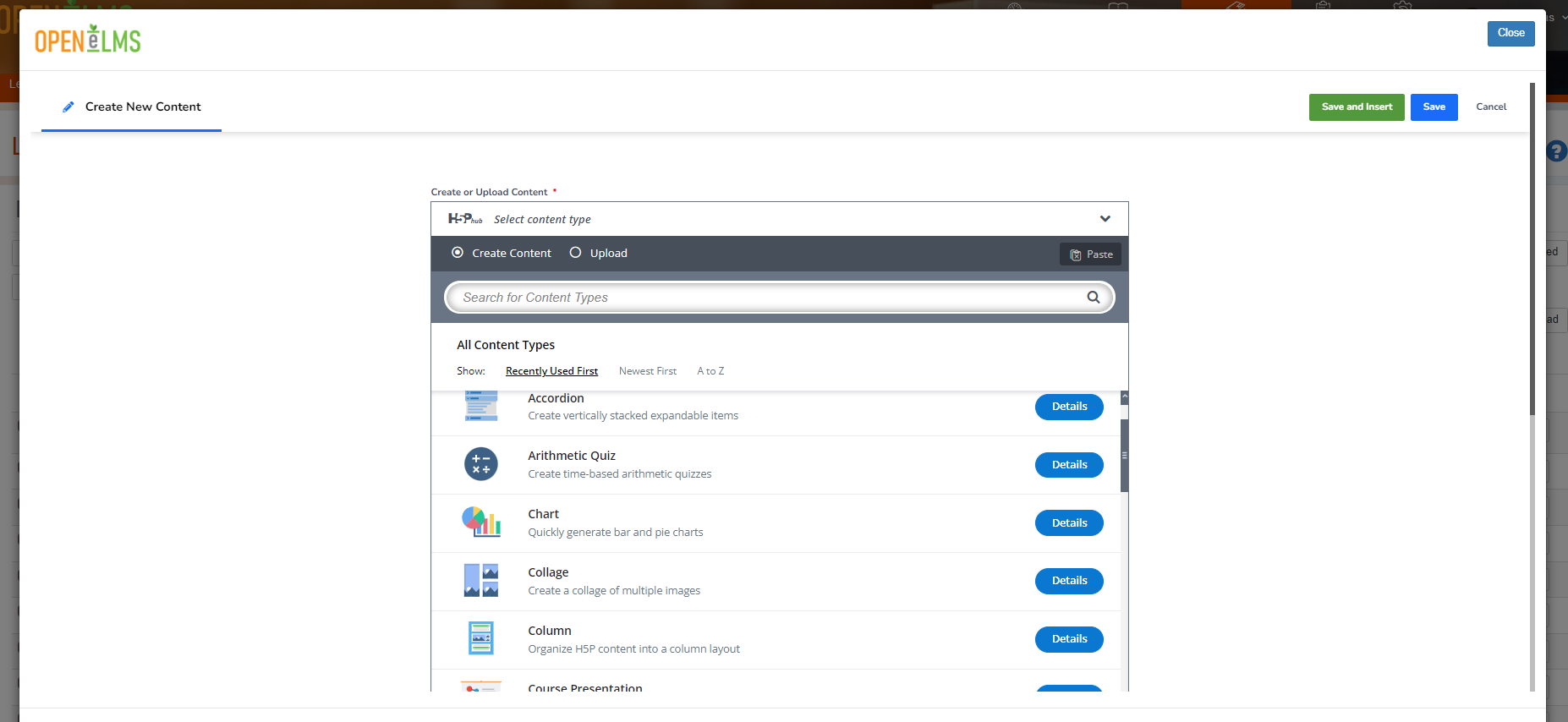
Then follow the on screen prompts to create the learning.Once you finish the learning will automatically be added to the system under the Type: H5P.
You will need to purchase a licence for H5P to use this functionality, contact sales@openelms.com for details.
Related articles
- Page:
- Page:
- Page:
- Page:
- Page: