Change the text background colour
Text background can be altered to change the look and feel of a course.
📘 Instructions
Follow these steps to change the background of text.
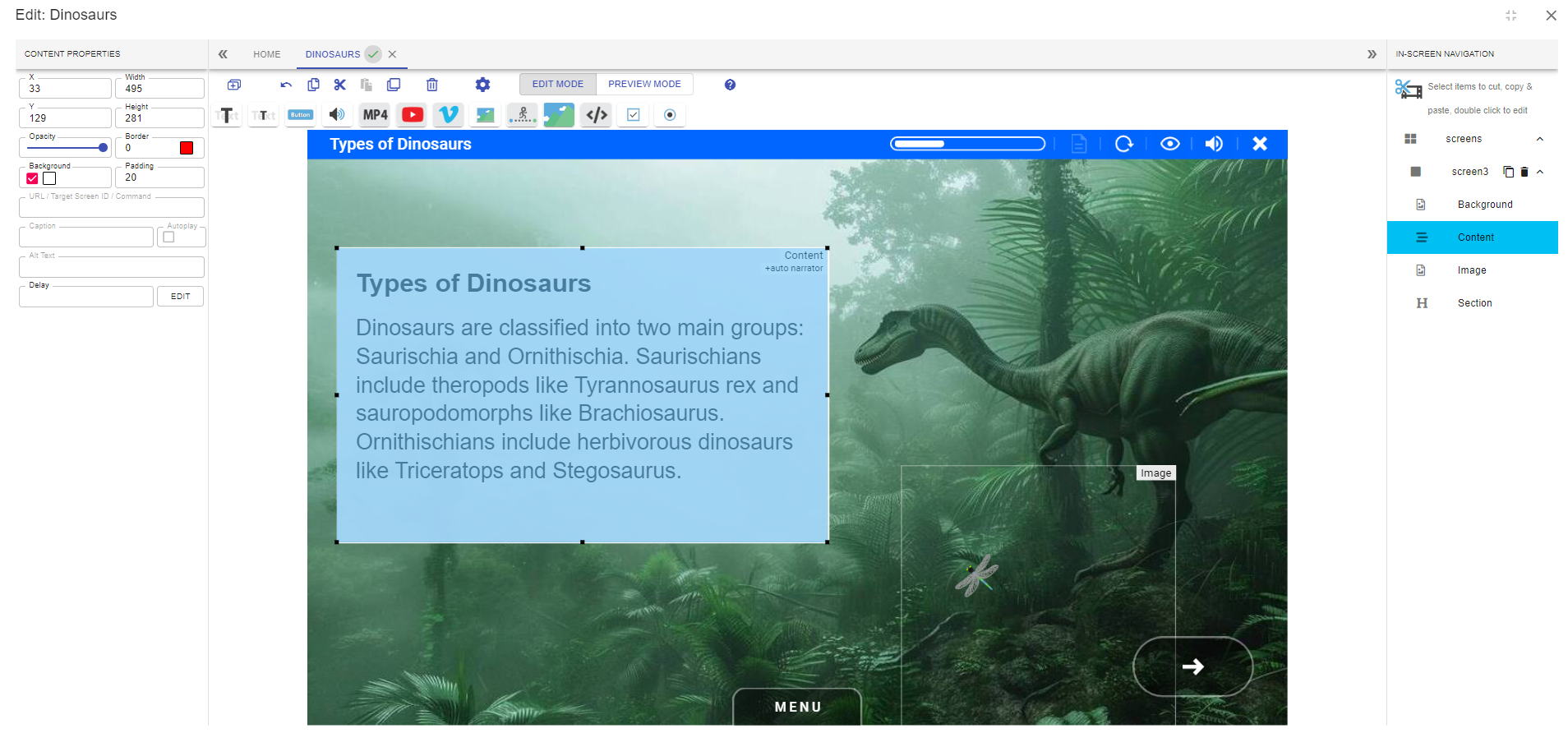
In this example we select the text.
The background of the text is changed to green.
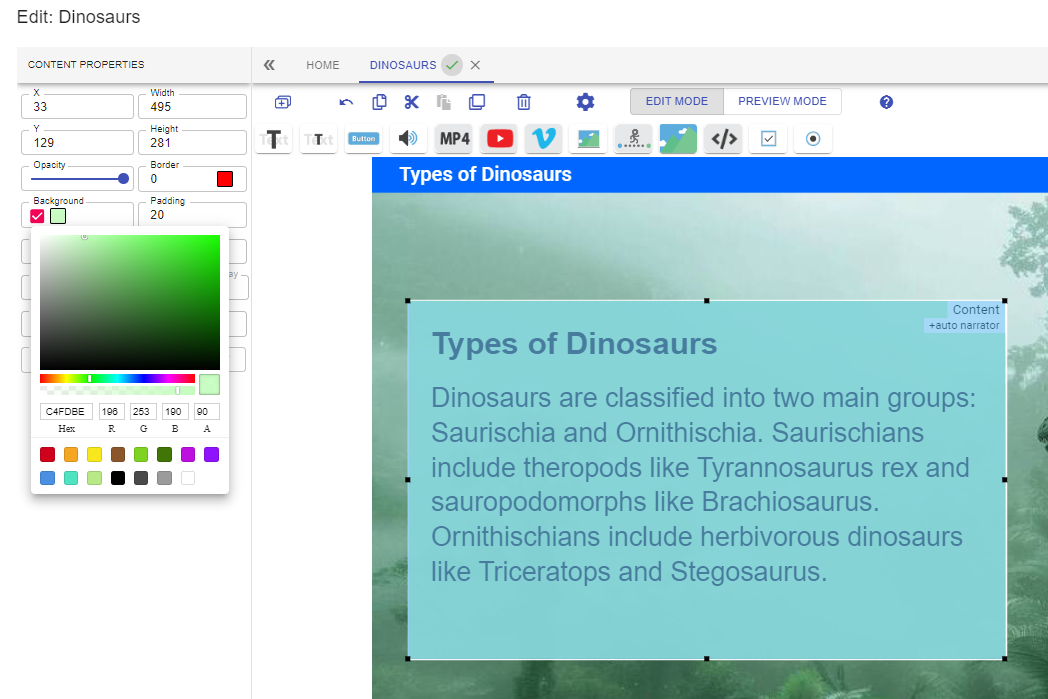
The screen has now been designed to be more harmonious with the background.

If using a dark background, ensure the colour of text is changed to a light colour to ensure a high contrast between the background and text.
📋 Related articles
- Page:
- Page:
- Page:
- Page:
- Page: