Change Quiz Passing Messaging in Open eLMS AI Editor
Feedback messaging can be customised when using Open eLMS AI created courses.
📘 Instructions
Log in as a curriculum developer and edit an Open eLMS Catalogue course (select Actions > Open eLMS AI Editor on the selected course).
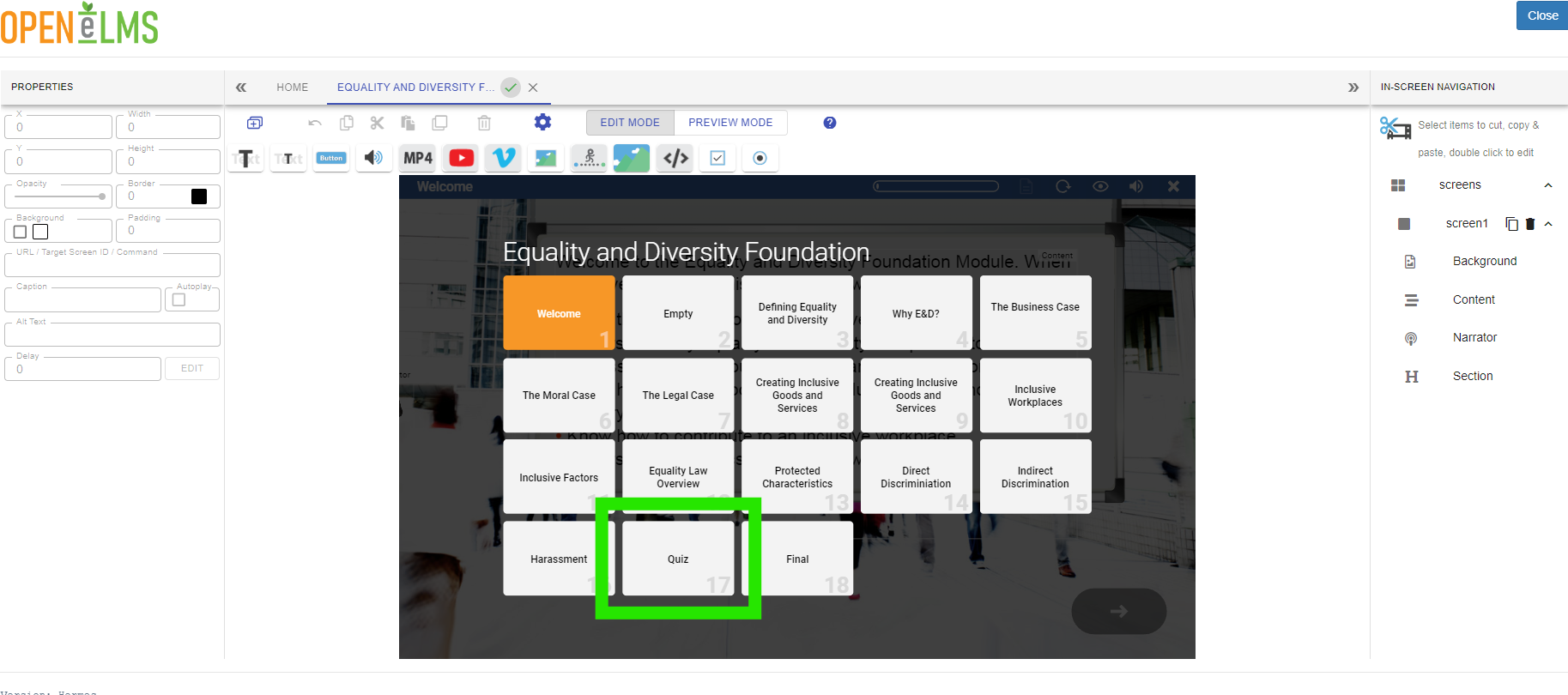
Navigate to the Quiz
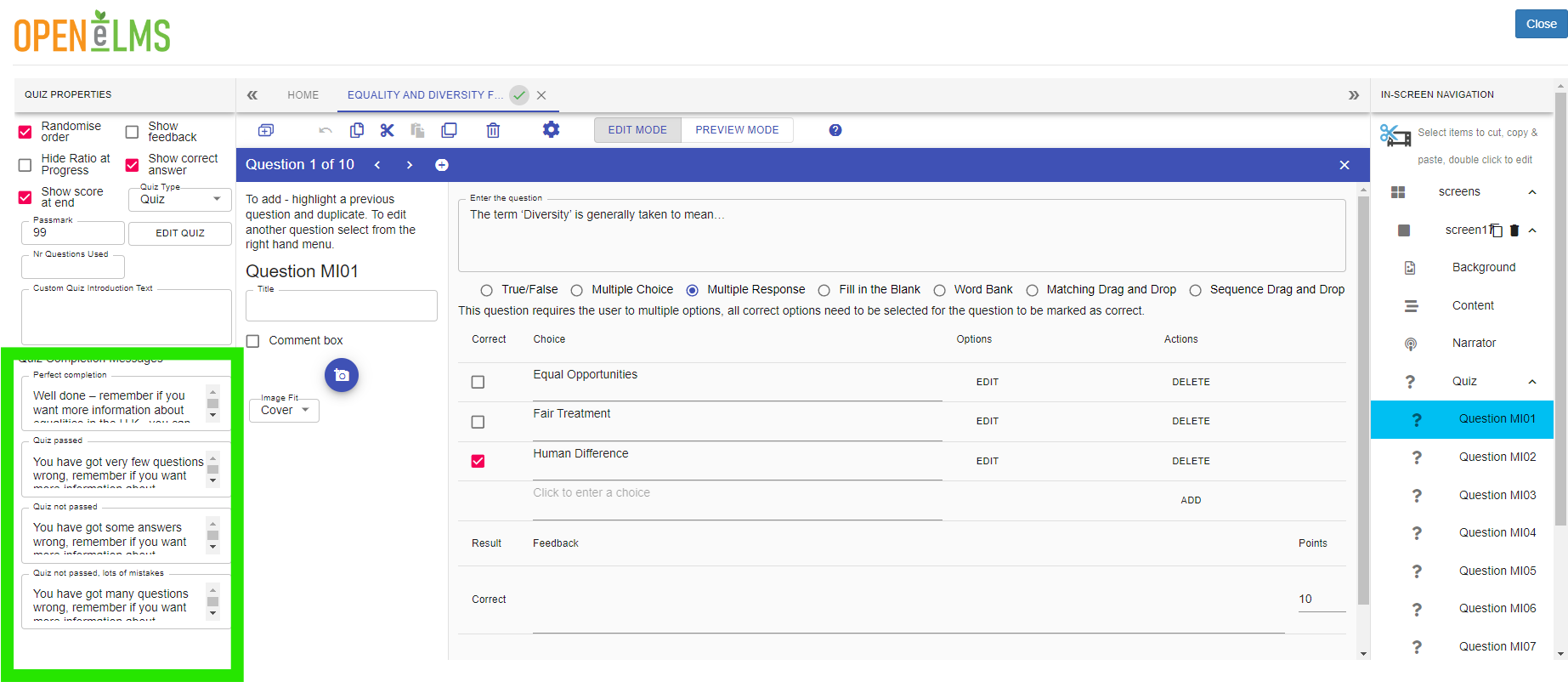
Change the Quiz Passing Message Default messages
Log in as a learner and complete the quiz to see the revised messaging.
You will need to edit each course to make this change on a course by course basis - i.e. it is not a global settings.
📋 Related articles
- Page:
- Page:
- Page:
- Page:
- Page: