Cannot Edit in Open eLMS Creator
🤔 Problem
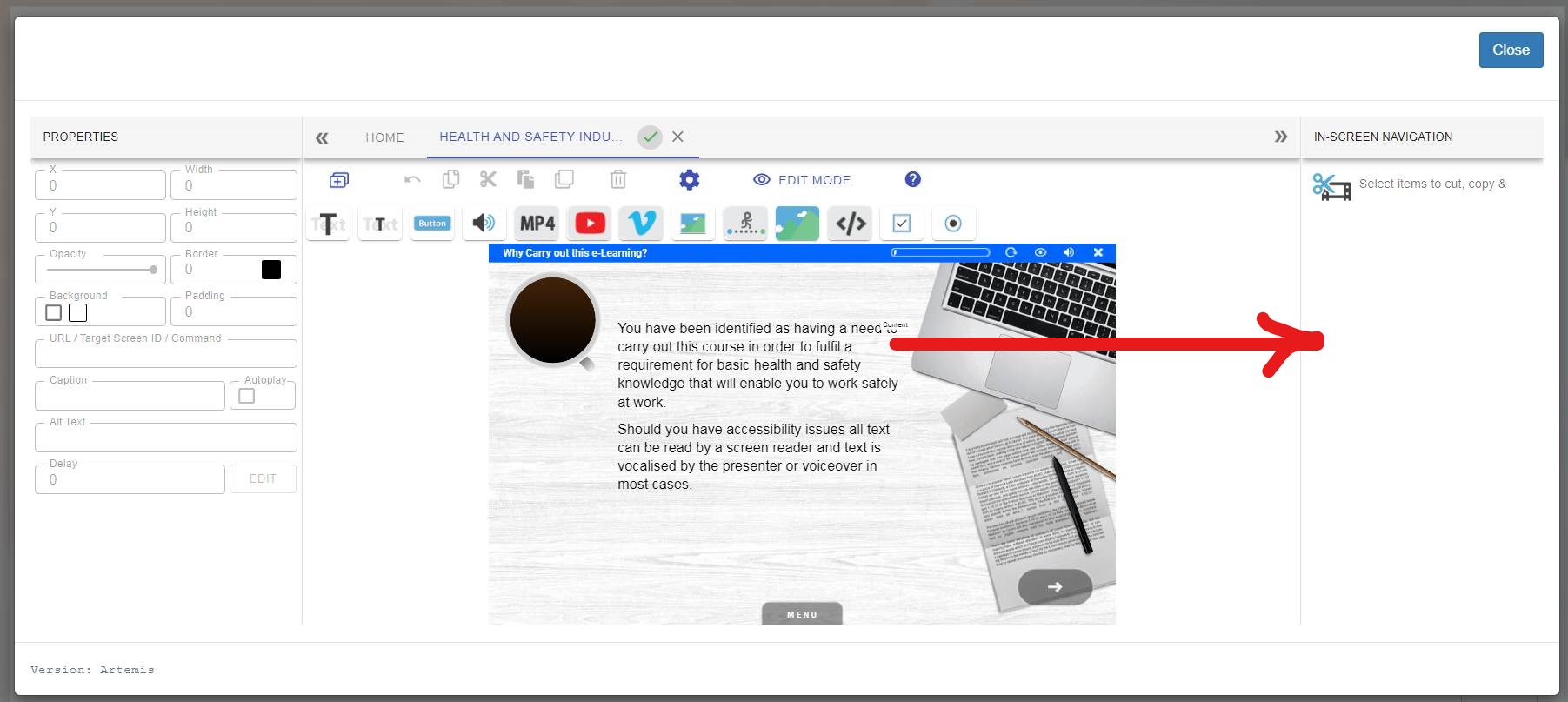
The system does not show editing controls as shown.
🌱 Solution
There are 3 possible reasons for this that you need to check.
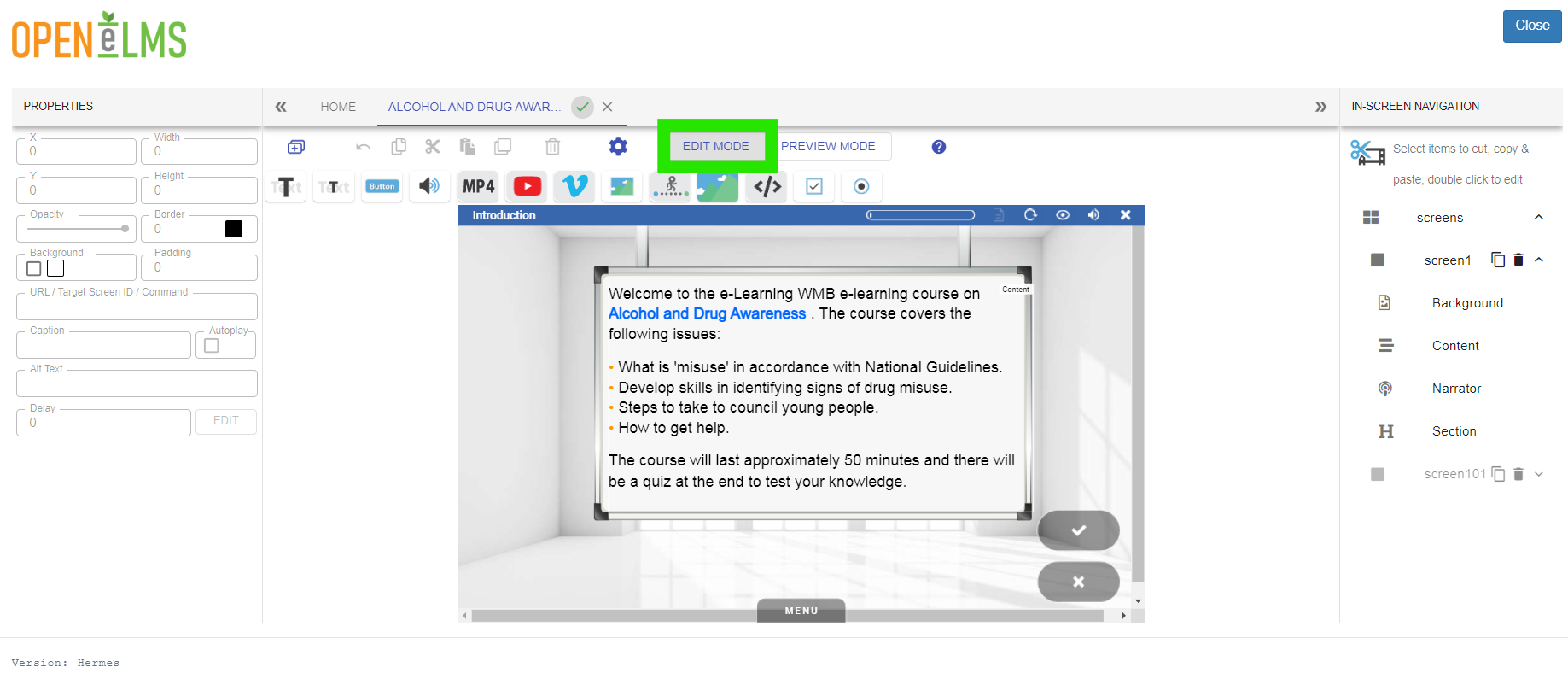
Are you in Preview mode? make sure you return to edit mode.
Clear your cache:
Instructions differ from browser to browser - see details on how to do this here '5 Ways to Clear Cache and Cookies - wikiHow'
Log out and back into the system and see if it works.
If step 1 does not work then check that the course is using the most recent engine. This should be done during the update process but please check the following:
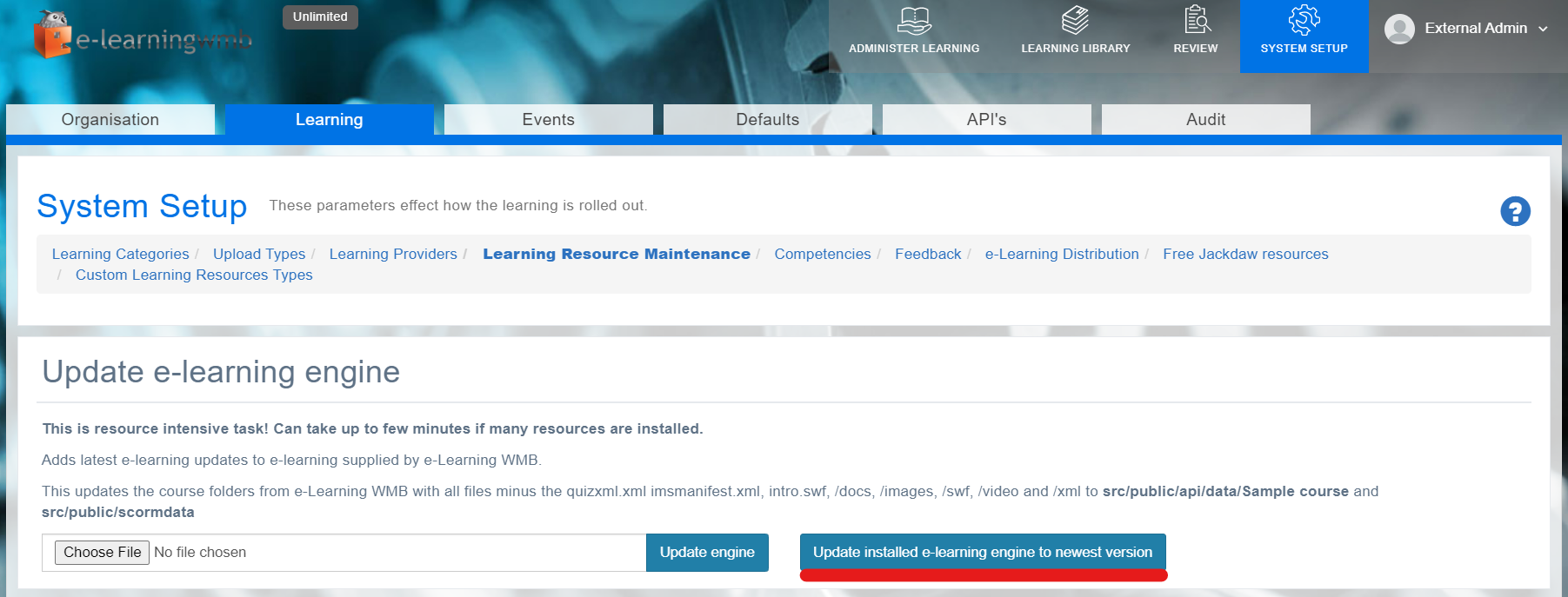
Log in as admin > System Setup > Learning > Learning Resource Maintenance
Press the button as shown …
Clear the computer cache again if you do not see any changes.
📎 Related articles
Filter by label
There are no items with the selected labels at this time.