Add Borders to Media in Open eLMS AI
This formatting technique adds a frame around any selectable object.
📘 Instructions
Follow these instructions to add borders.
Select any media element on screen. In this case the text is selected.
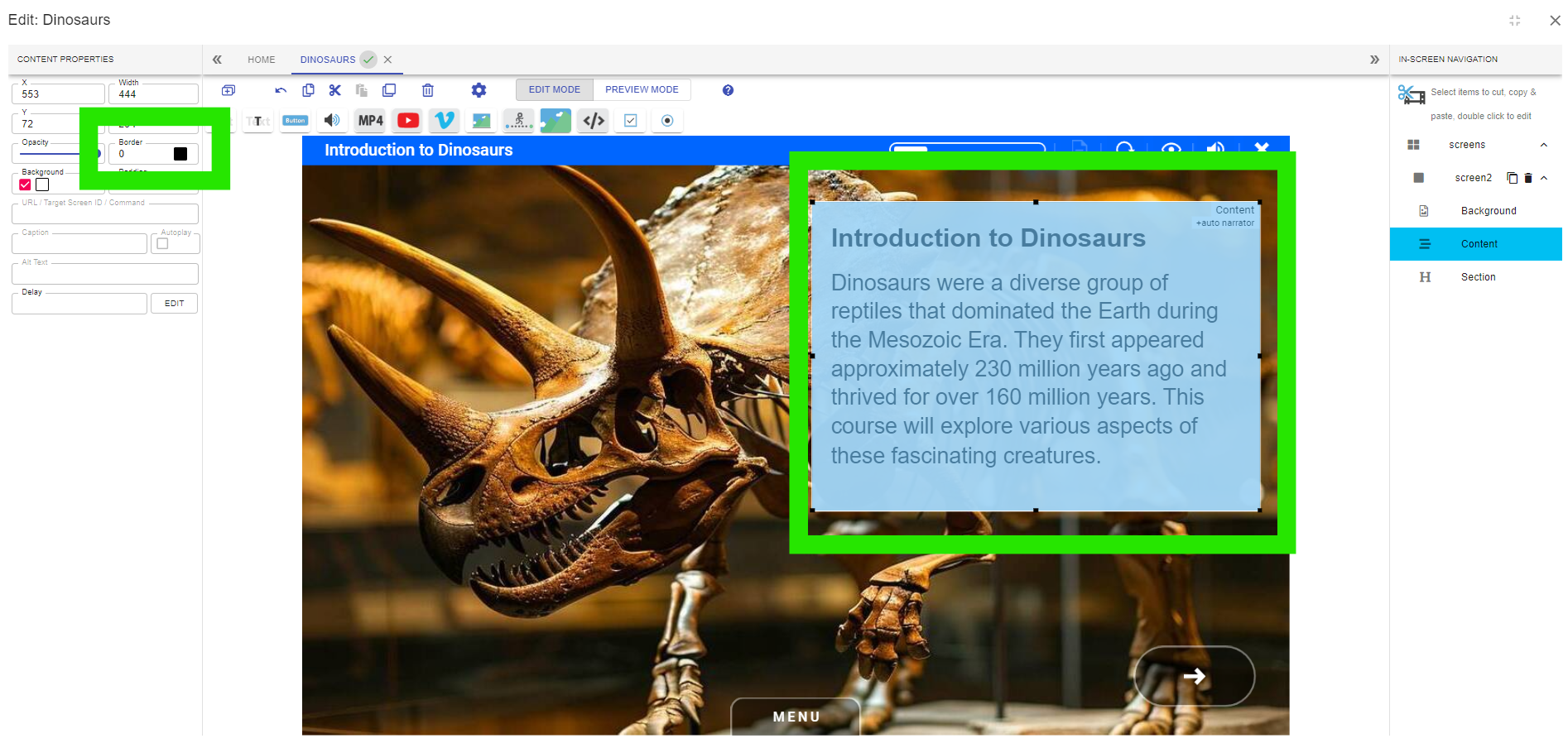
Adjust the border control on the properties tab. You can also change the colour of the border.
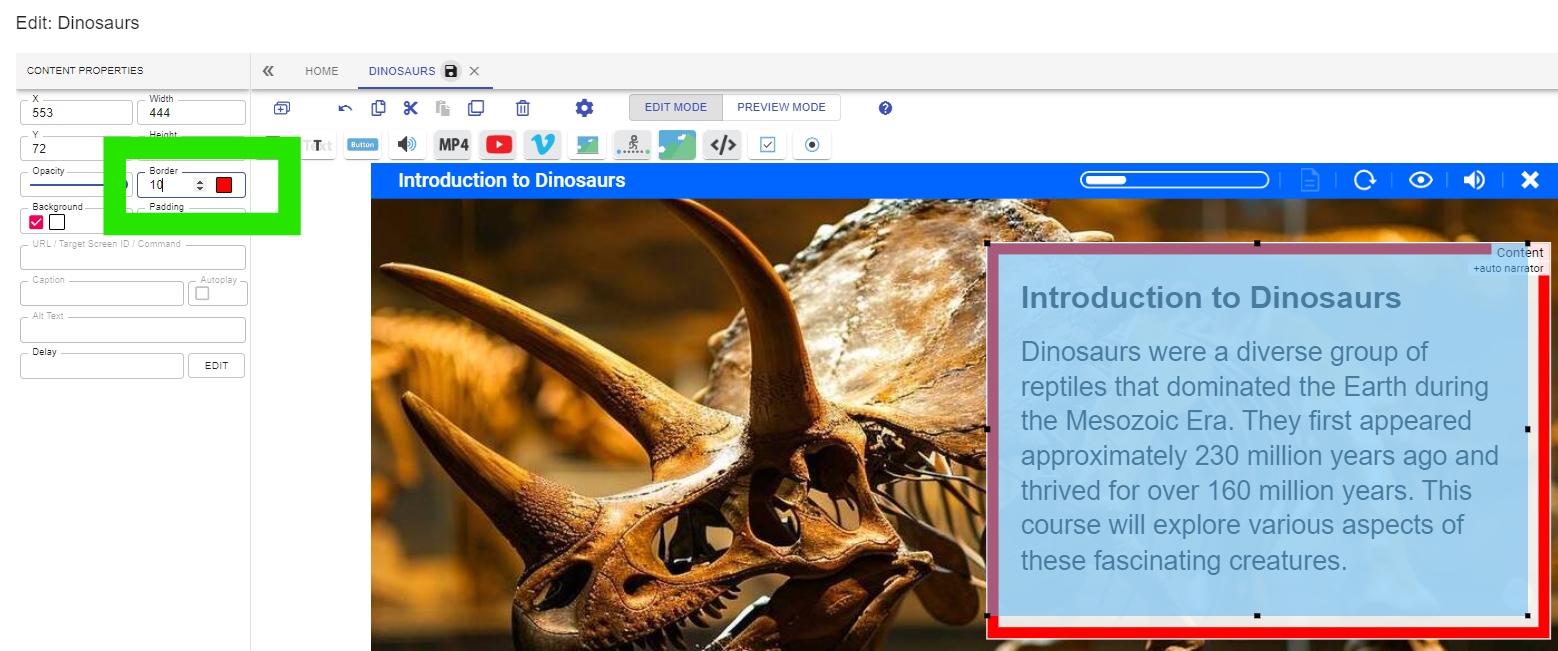
The border will appear, try this on text, video and images.
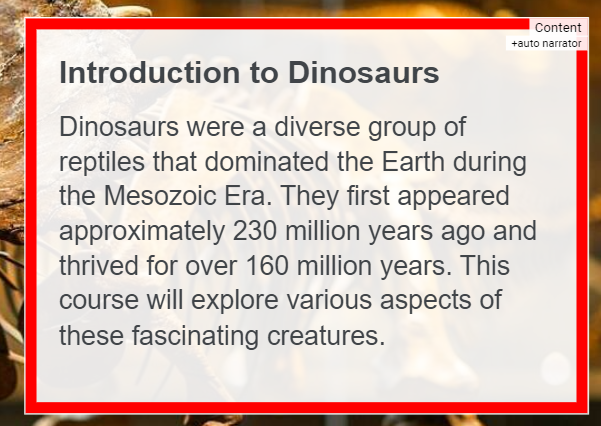
Try using brand colours and matching the colours with the title bar (adjusted using the settings control on the title bar.)
📋 Related articles
- Page:
- Page:
- Page:
- Page:
- Page: