Assign Forms to groups for learners
Forms select system fields and custom fields and collate them into one place for data collection.
These instructions demonstrate one way to add forms to individuals or groups of learners (other than using queries).
Instructions
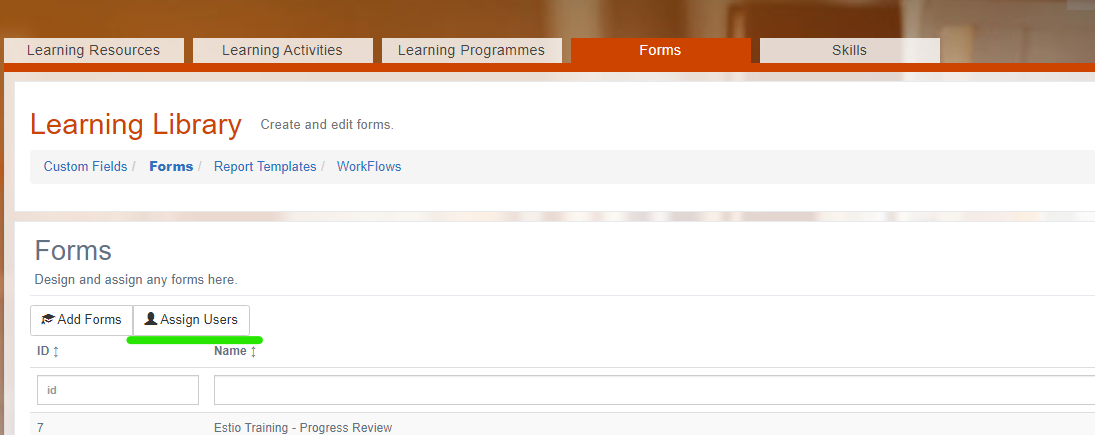
Log in as a Administrator and go to Learning Library › Forms › Form Data.

Select the Assign Users button.
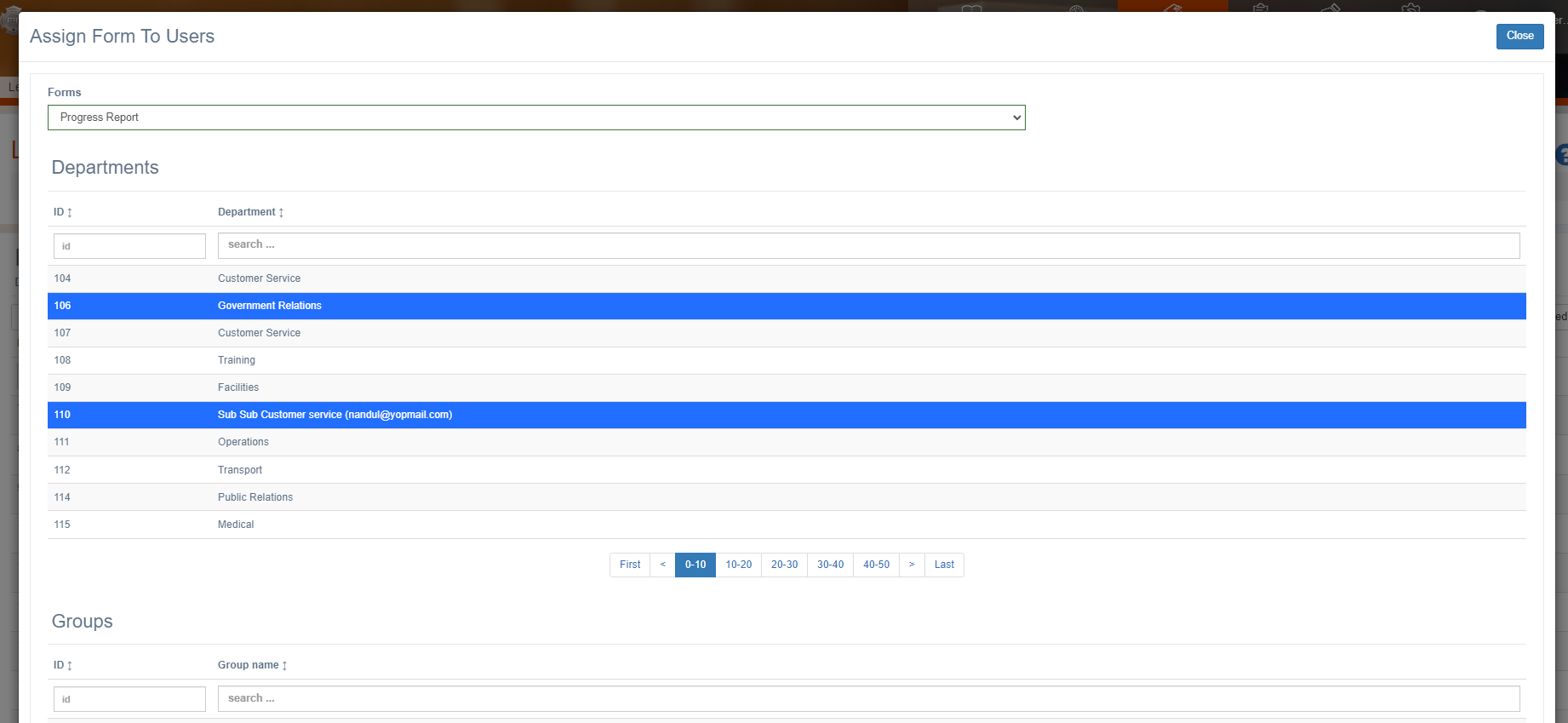
Select the form and then select Departments, Groups, Jobs and Employees to assign learning to.
The forms will not show up on all learner’s accounts immediately, you may need to wait several minutes for these changes to take effect.
Related articles
- Page:
- Page:
- Page:
- Page:
- Page: