Import YouTube Playlist
Open eLMS will automatically play and track YouTube content, no integration is necessary.
There is also the option to import entire playlists from your YouTube library which will add videos and associated metadata (description, author etc.) to Open eLMS when importing.
📘 Instructions
Follow these steps:
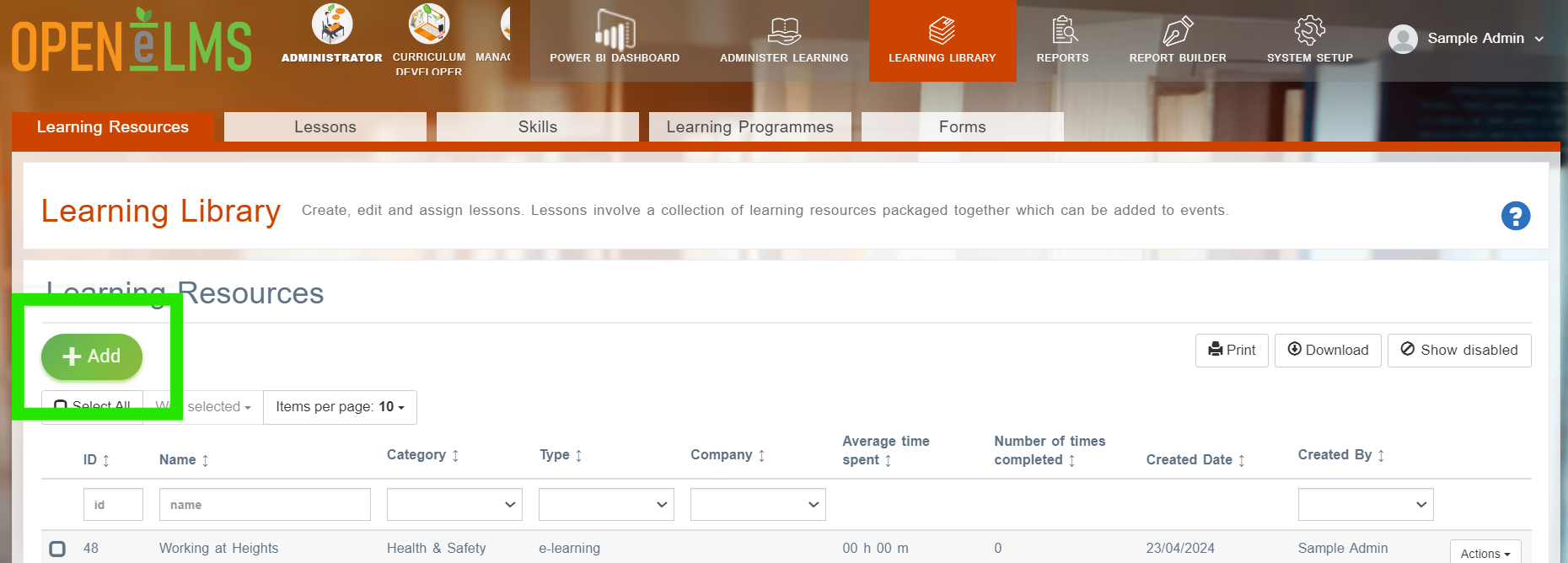
To import YouTube playlists, log in as an Administrator or Curriculum Developer and access the Learning Library > Learning Resources and the Add button.
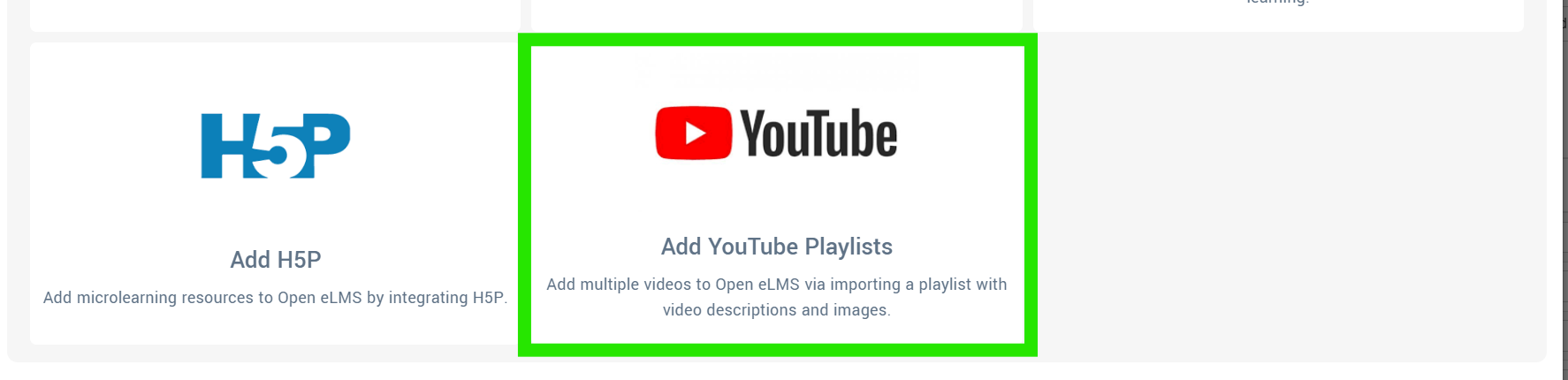
Double click on Add YouTube Playlists.
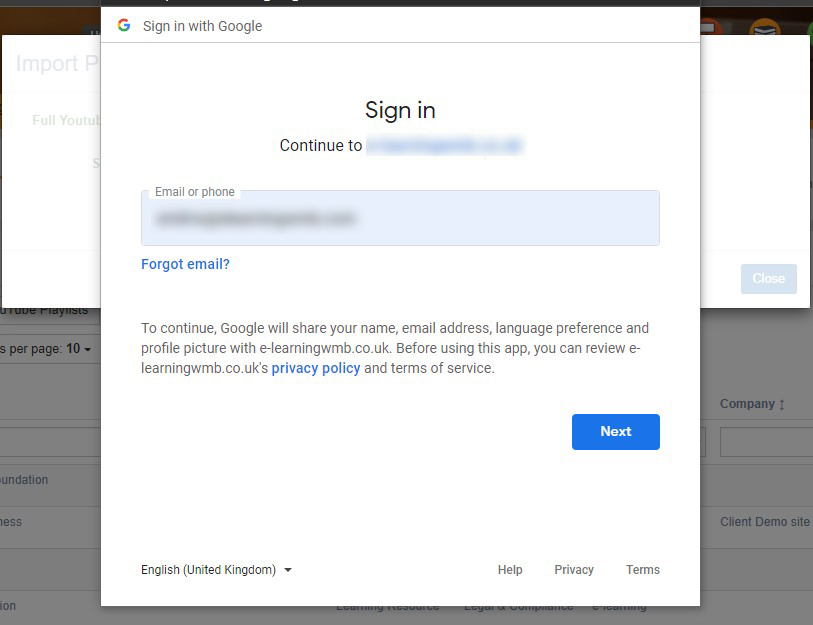
You will then need to sign in to your Google Account to complete the import.
The import will include all meta data on each video in the playlist, including thumbnails and descriptions.
Open eLMS will automatically play and track YouTube content, no integration is necessary.
📋 Related articles
- Page:
- Page:
- Page:
- Page:
- Page: