Set up an automated ftp import
Open eLMS provides the capacity to import HR updates automatically via CRON (server-side) tasks which are ran nightly. This means that the data is kept up to date every
📘 Instructions
Follow these instructions to set up a server-side import …
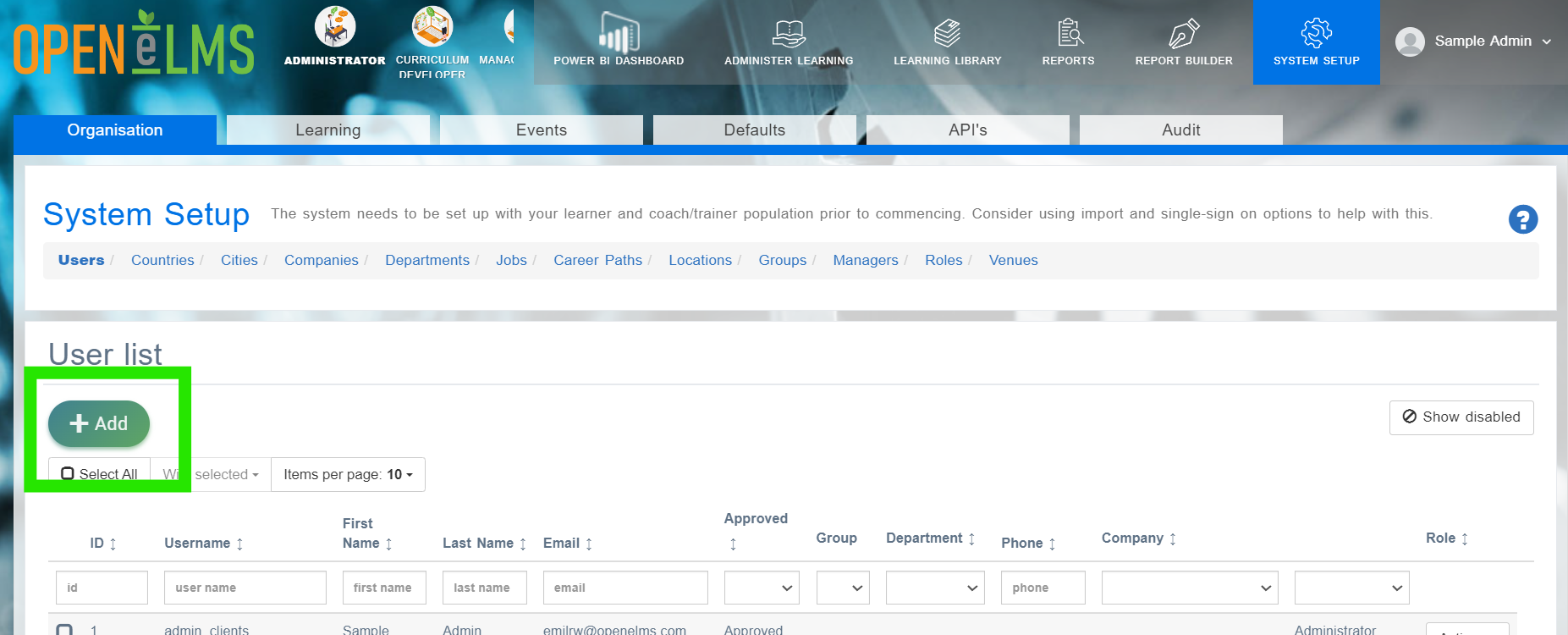
Log in as admin and go to System Setup > Add.
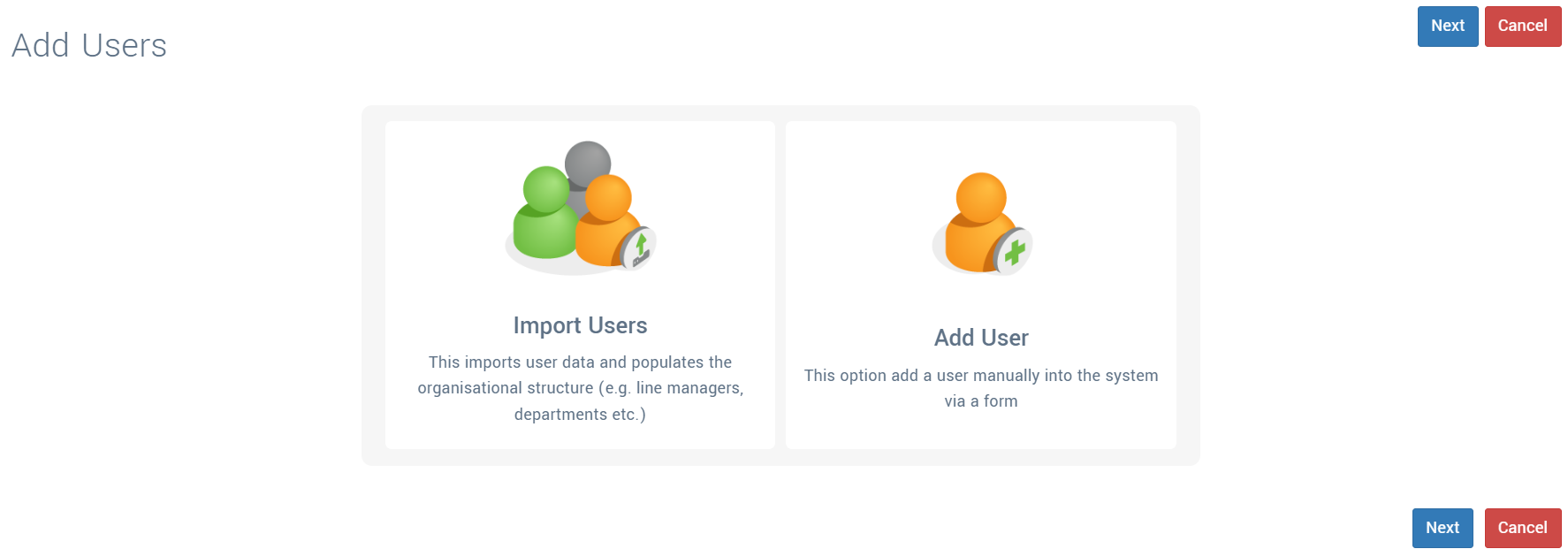
Select to Import Users.
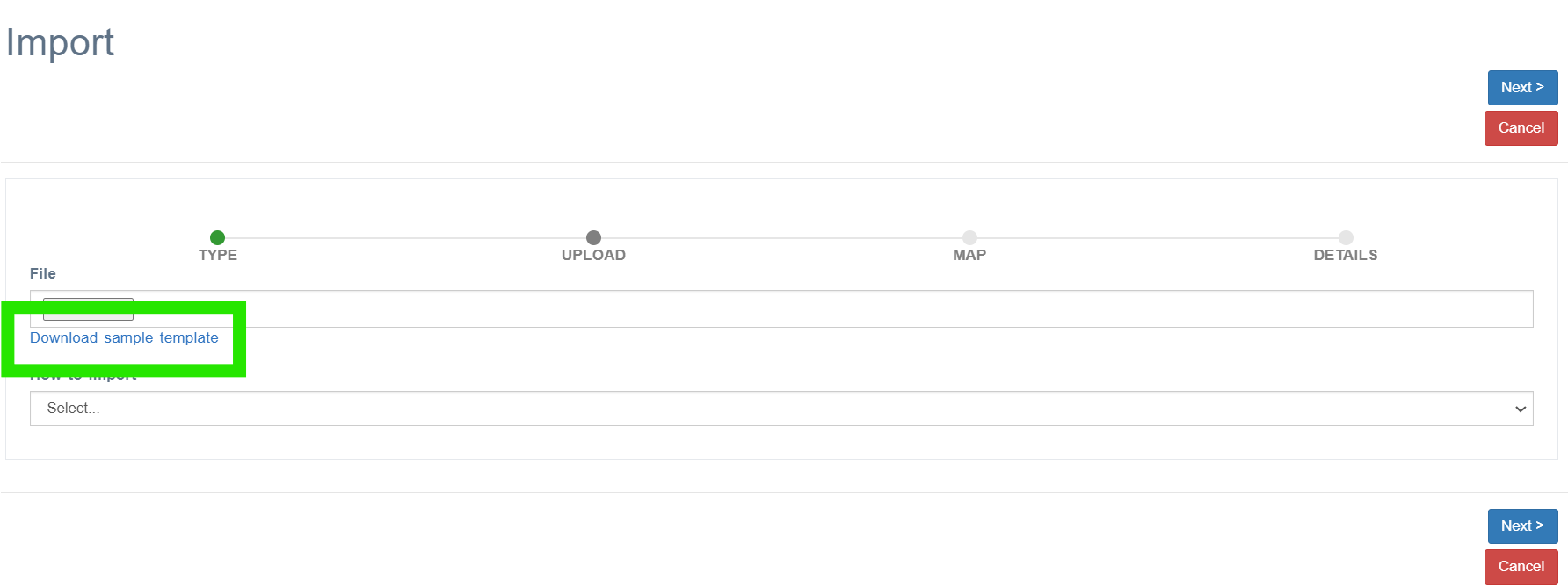
Download the template and use it to Import Disabled Users (disabled any account on the list), Import Deleted Users or Import New Users.
Create a process to export data into those files on a nightly basis and provide ftp details to its location. Send the details to support@openelms.com - you can send any password information separately via your account manager.
eLearning WMB will create a CRON task to import data from that file nightly.
Note deleted accounts can never be returned, chose to delete accounts if unsure.
📋 Related articles
- Page:
- Page:
- Page:
- Page:
- Page: