Add captions to buttons using Open eLMS AI
Any image can be turned into a button by giving it both a target ID and a caption.
📘 Instructions
Follow these steps to add a caption to a button.
Add an image to the screen (we are going to create a button from an image but we could also very easily use the button control provided.) Select the image as shown.
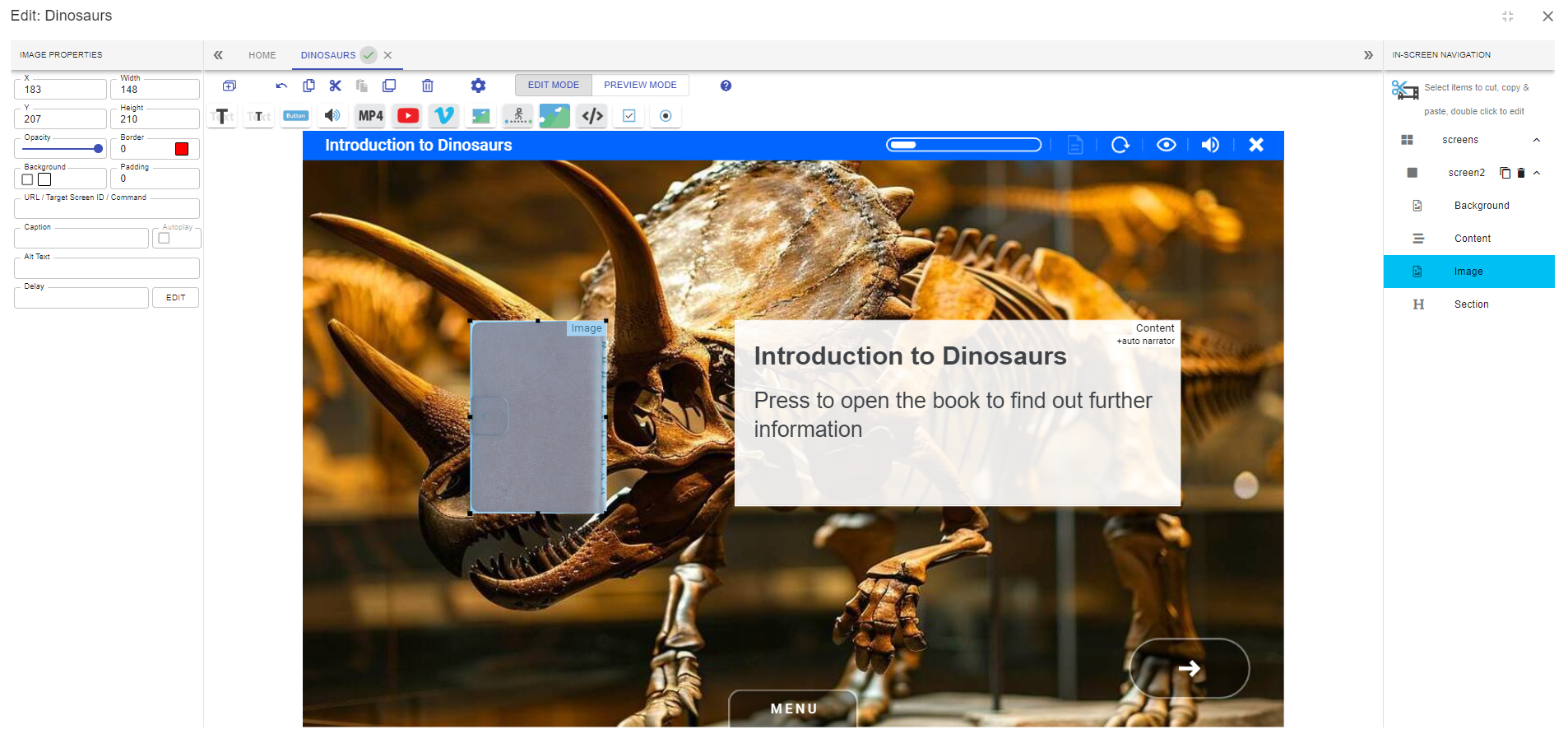
Add a caption to the image in the properties panel.
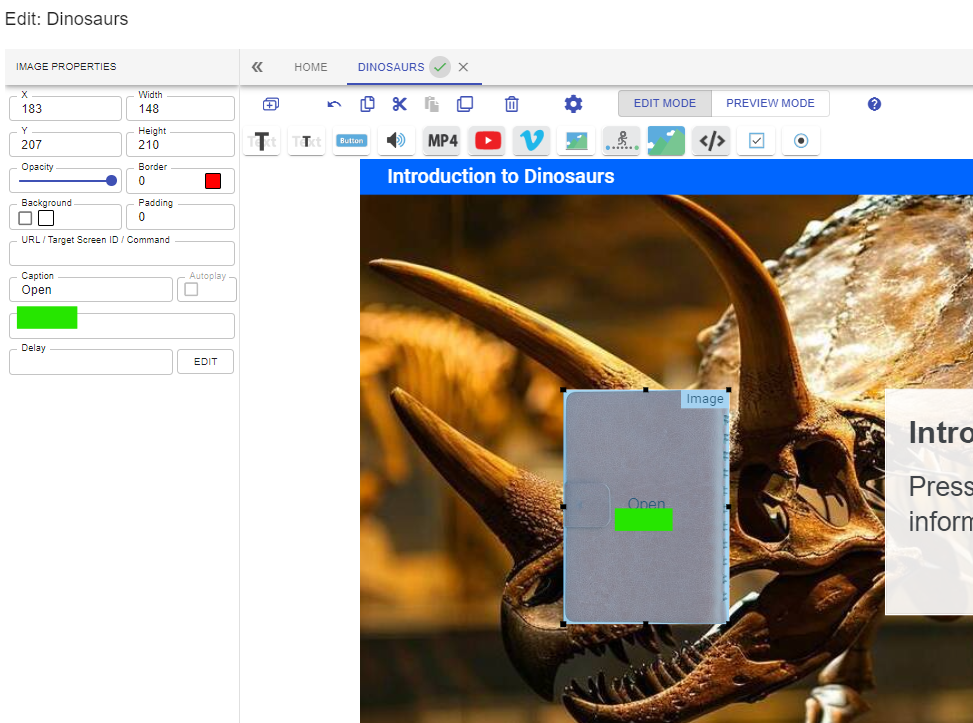
You can now see the caption. Add a target ID for the button to navigate to another part of the eLearning.
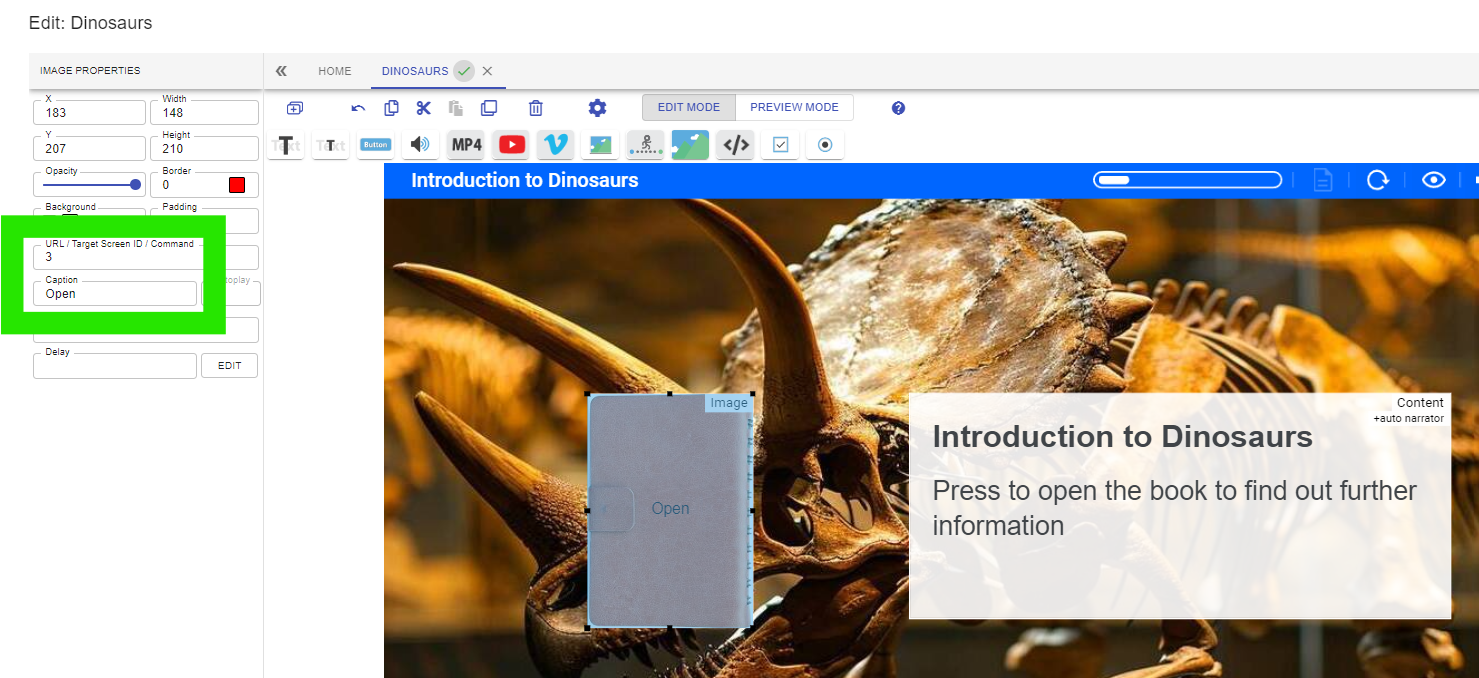
Use the button on the toolbar instead of images if the text is hard to read.
📋 Related articles
- Page:
- Page:
- Page:
- Page:
- Page: