Change Opacity of Media in Open eLMS AI
Media can appear faded out, this might be important if you want to create a ghost-like effect with video presenters or have many layers of media visible at the same time. To do this you will need to adjust the opacity of the object.
📘 Instructions
Follow these steps …
Select the media element you wish to fade.
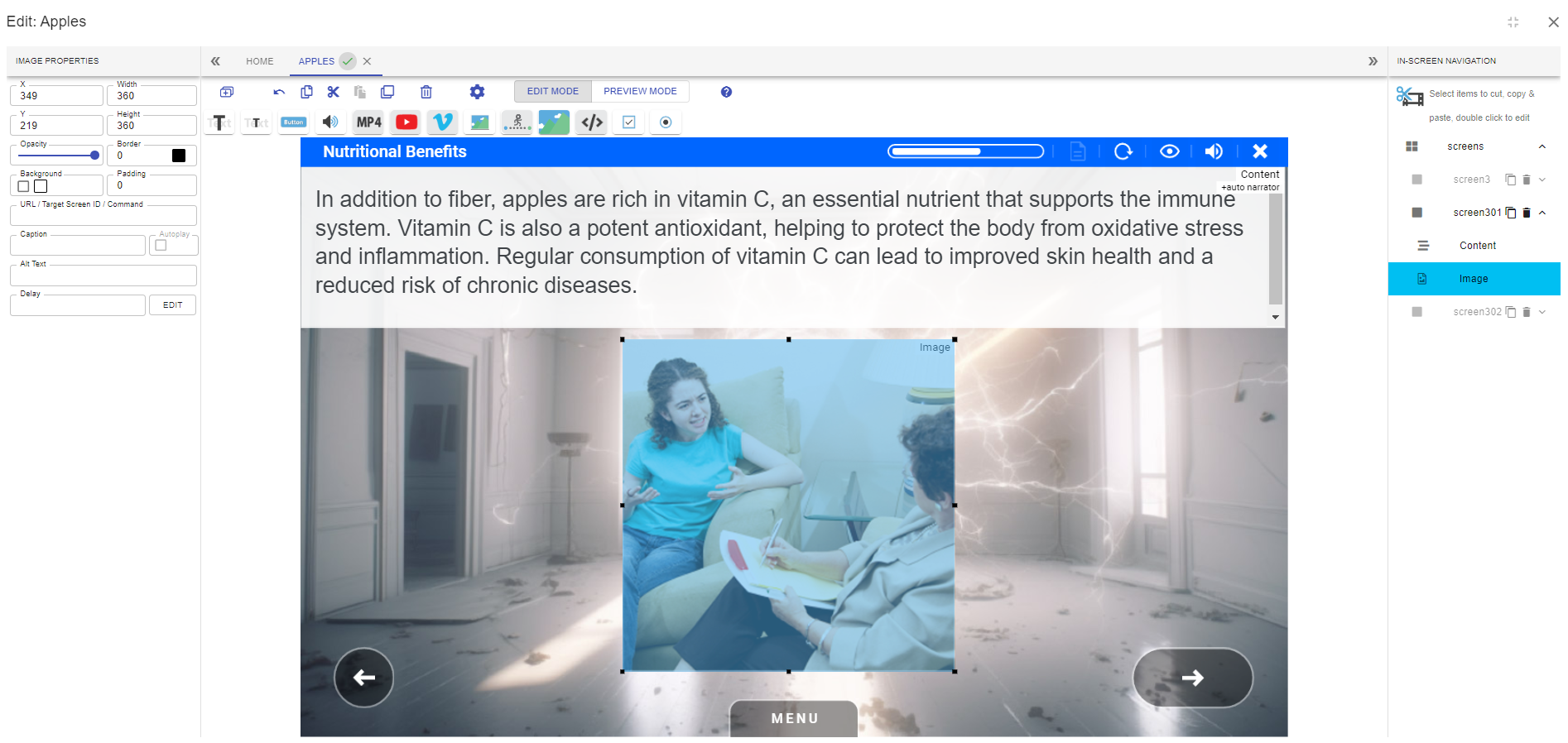
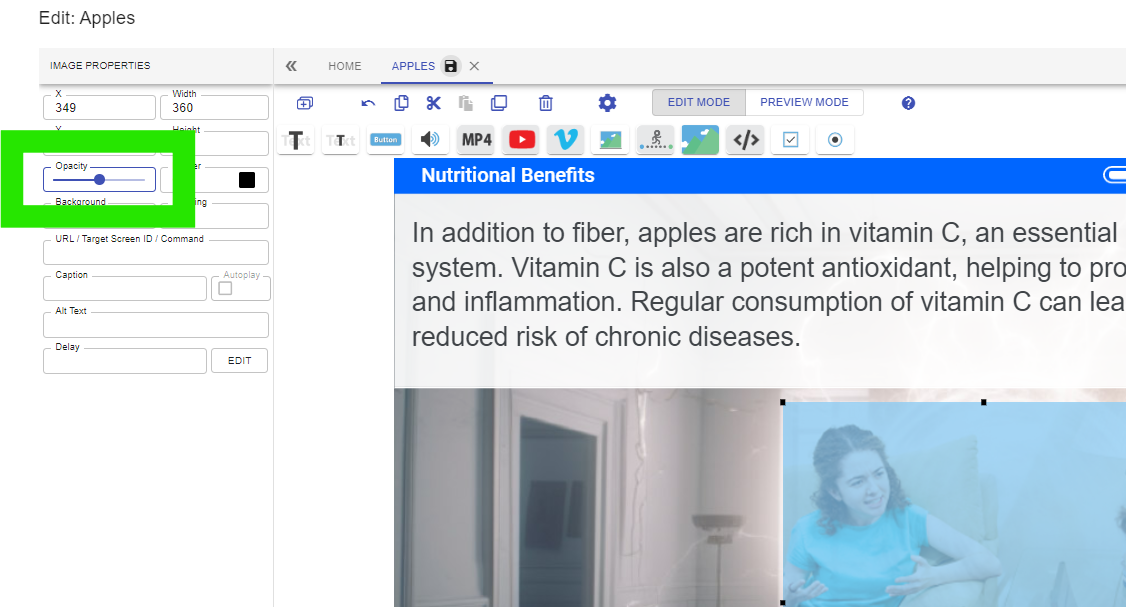
Change the opacity using the slider.
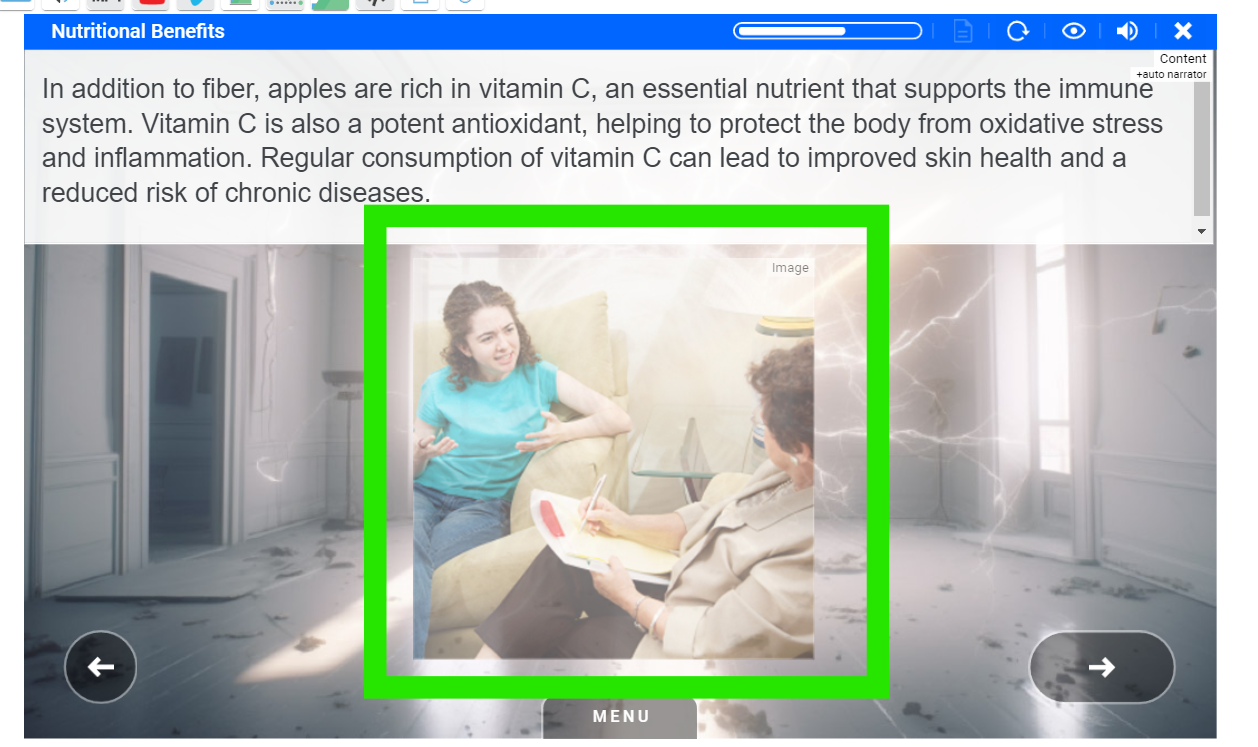
You can see that the selected image now appears faded and translucent.
You cannot fade background images, but do try this effect on other media such as videos.
📋 Related articles
- Page:
- Page:
- Page:
- Page:
- Page: