Add new template using Open eLMS AI Enterprise Version
Open eLMS AI’s Enterprise version allows users to add new screens to any edited course.
📘 Instructions
Follow these step by step instructions …
Open up the eLearning course in the editor and select the new template button on the toolbar.

This will give you a list of templates which you can select from. Select the appropriate template then press OK.
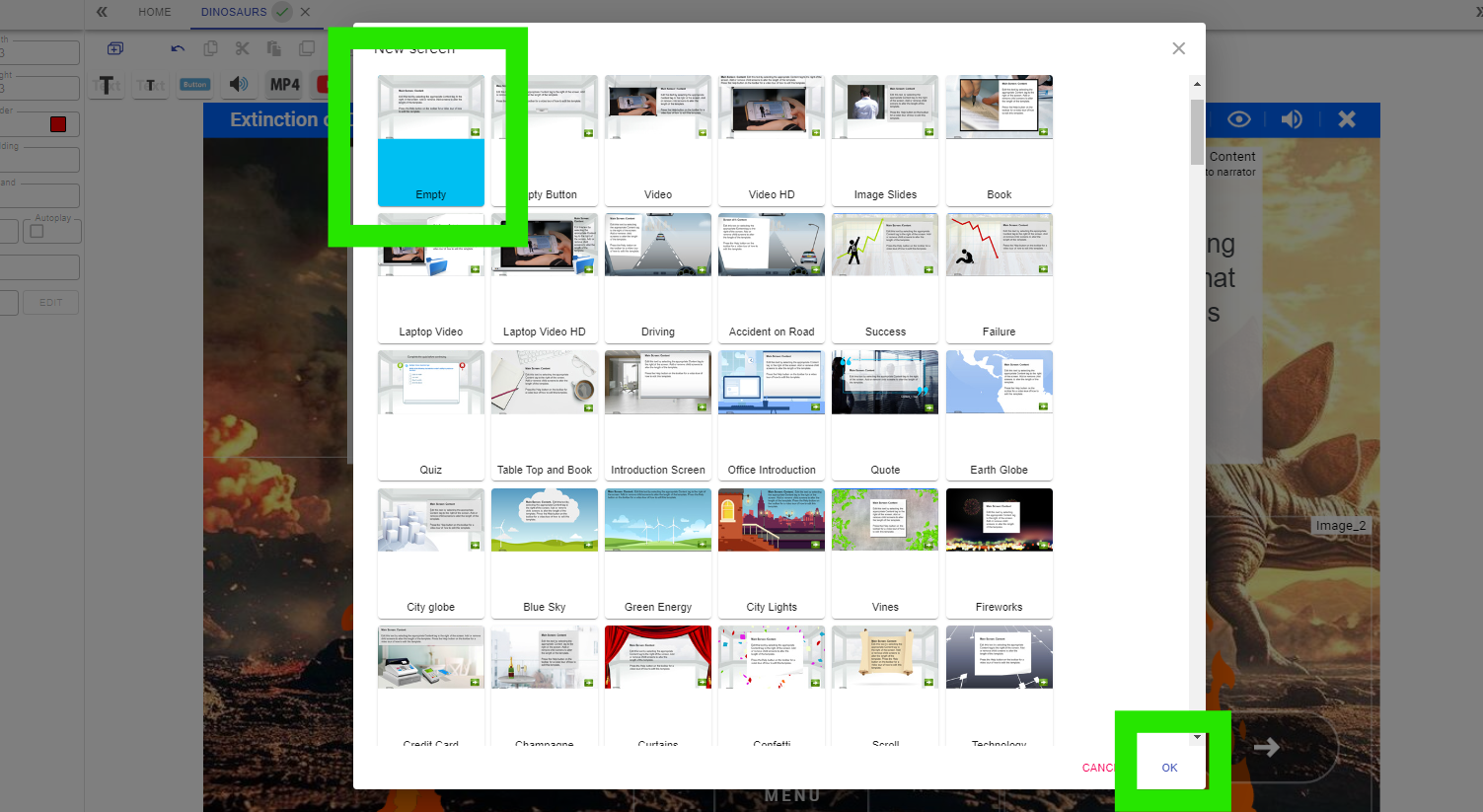
This will add the new template to the eLearning.
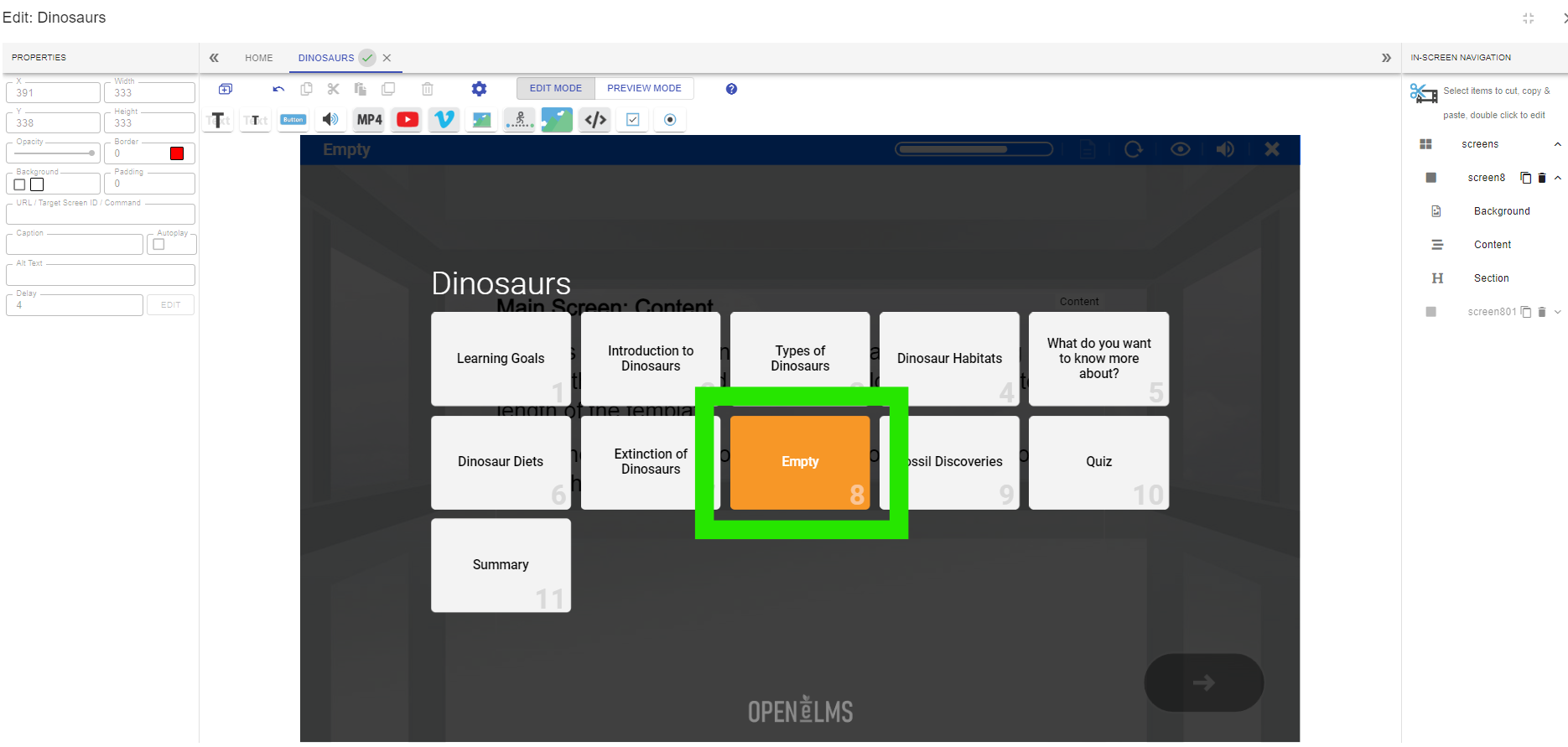
Double-click on the title in the title bar to edit the title.
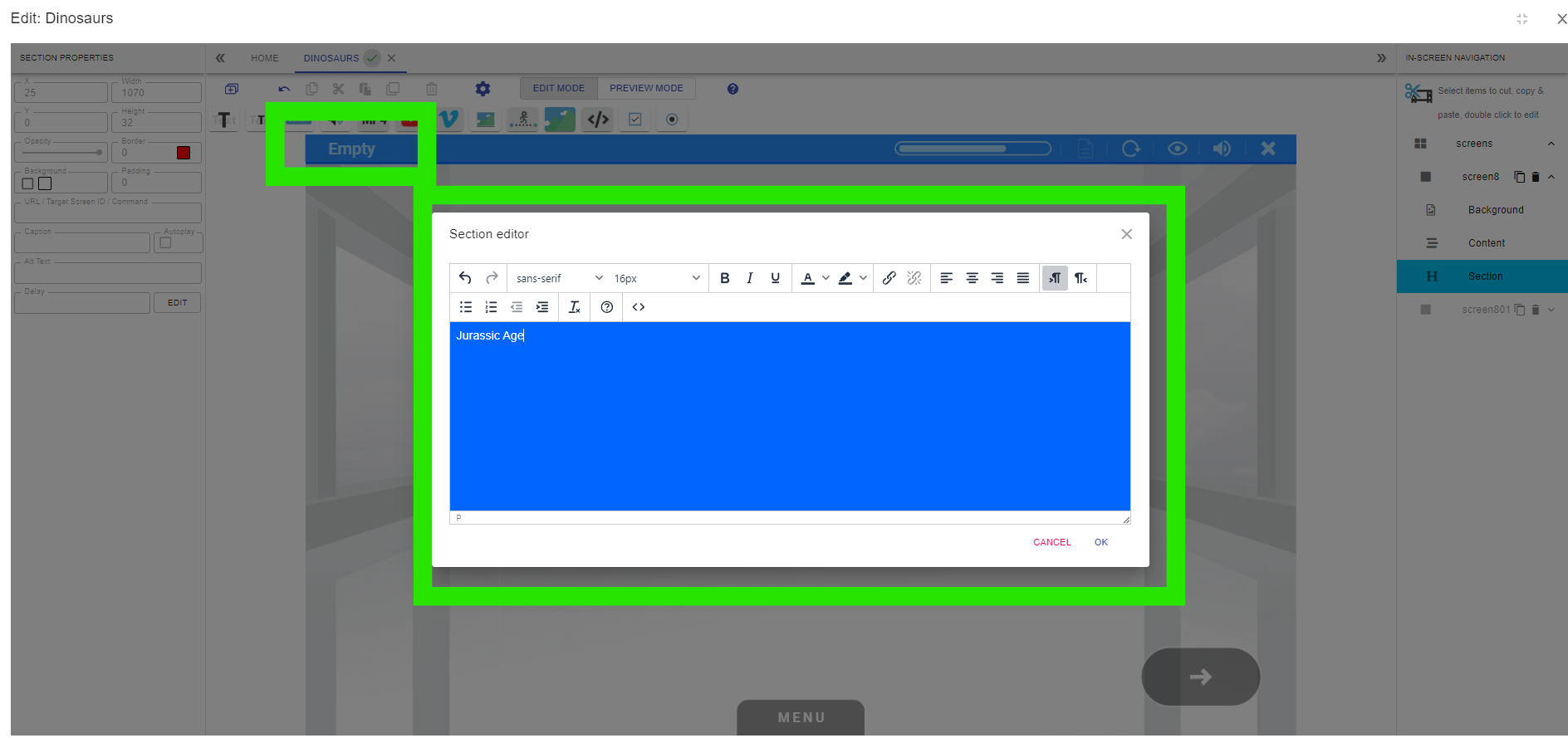
This will also update the menu entry in the navigation.
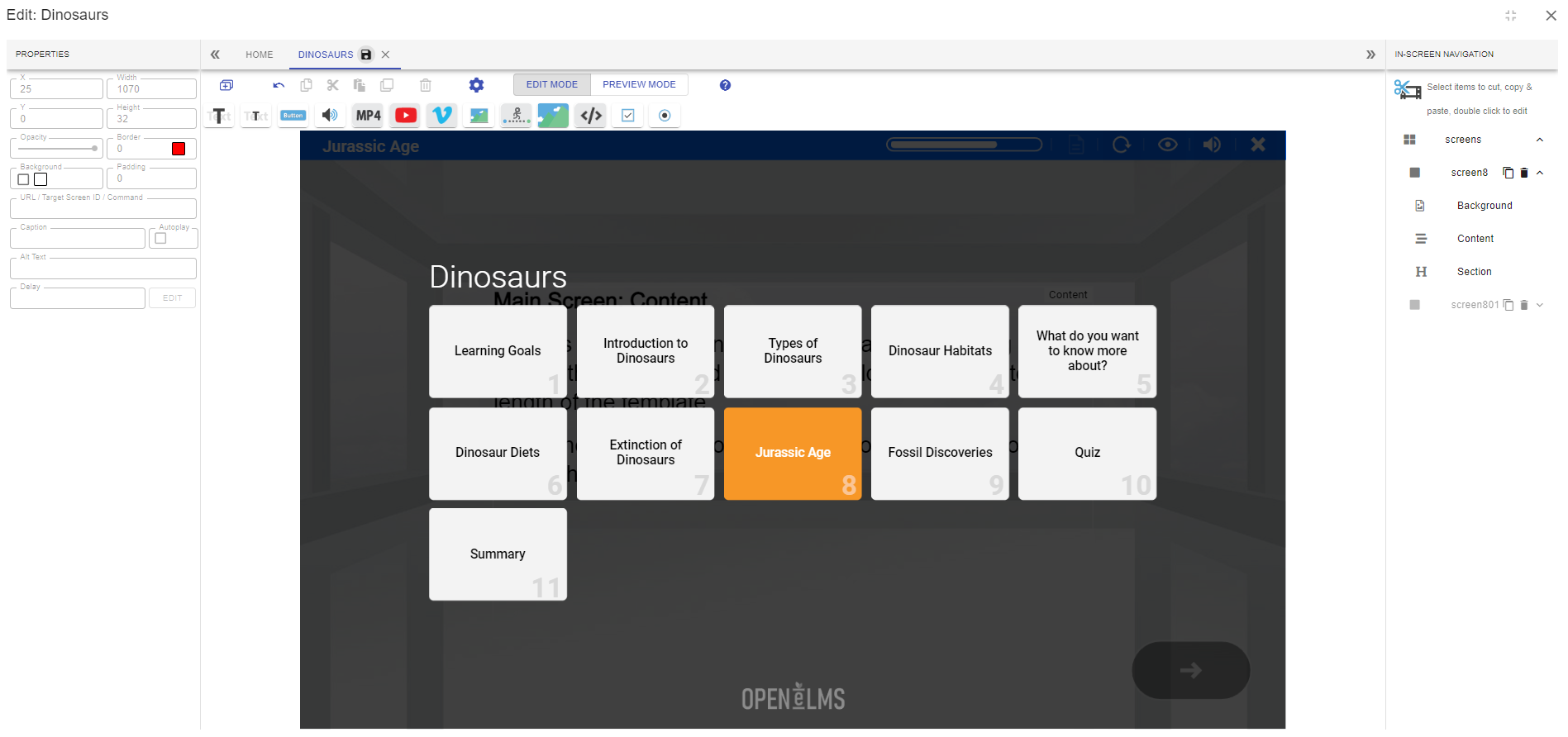
Continue to edit the new screen.
You can search for templates using keyword searches at the top of the screen when selecting templates.
📋 Related articles
- Page:
- Page:
- Page:
- Page:
- Page: