Add background images to eLearning using the Open eLMS AI editor
Background images are the base media for any screen. Open eLMS has a vast array of background images which can be used on any learning screen.
📘 Instructions
Follow these instructions step by step…
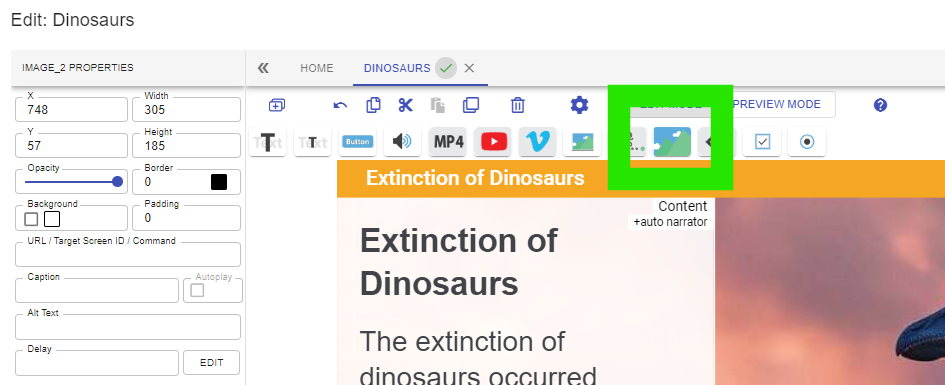
Open the eLearning page you want to add an image to and select the background image button on the toolbar.
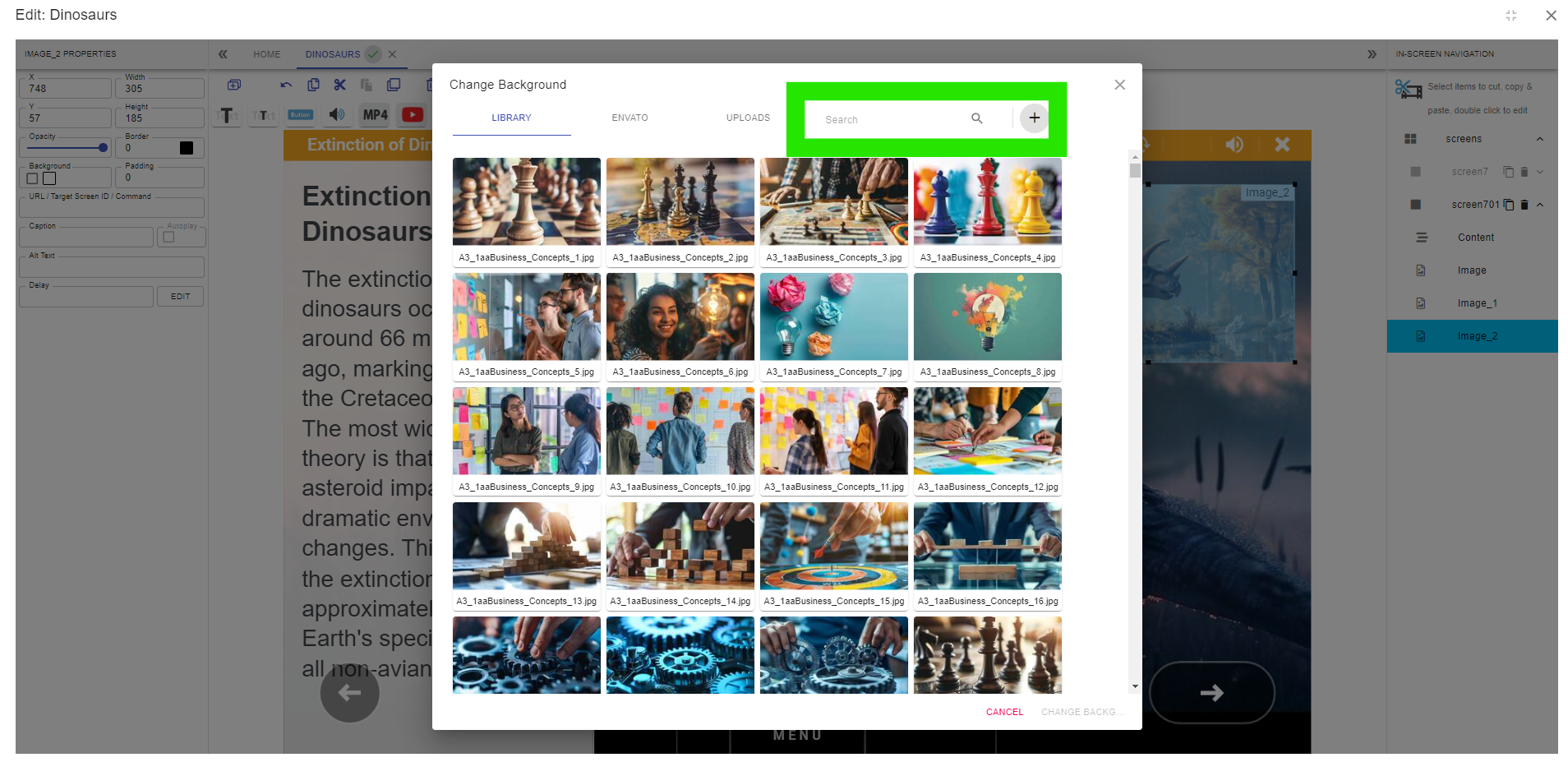
Press the Plus button to upload your own background image or search the 100,000 images on the system’s database.
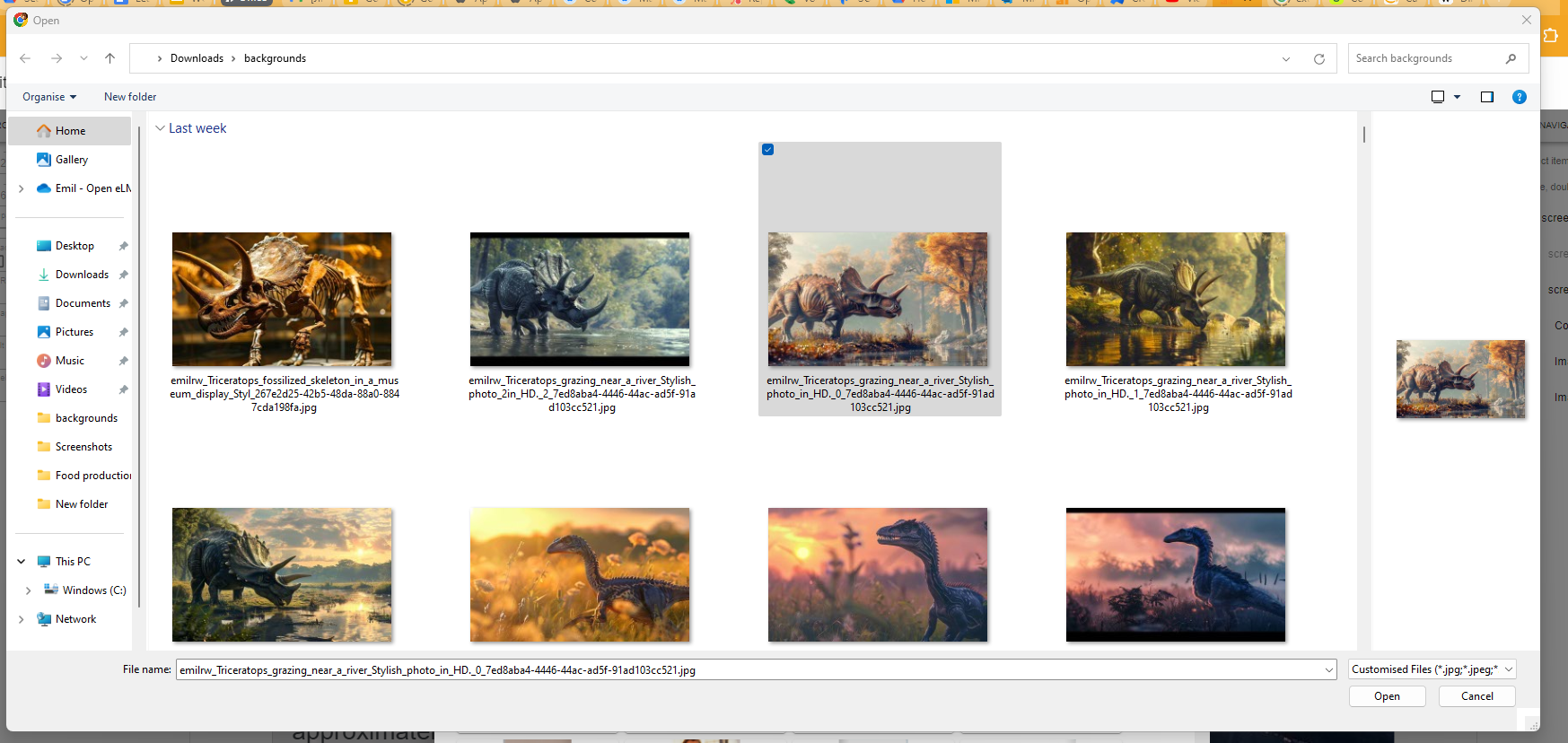
Select the desired background image to upload.
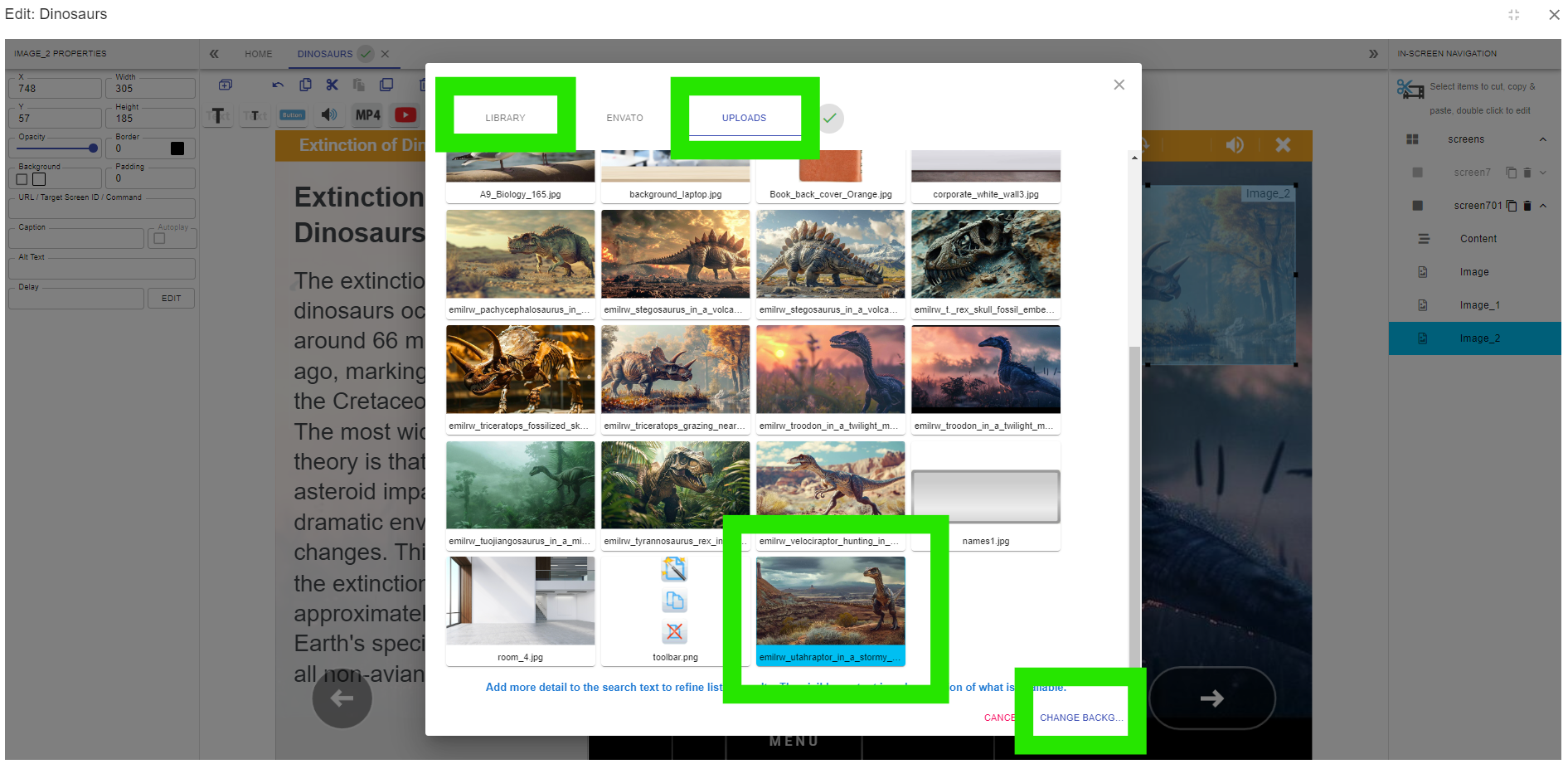
Select the UPLOADS tab (if selecting a new background) OR the LIBRARY tab if selecting from the existing library, and select the uploaded image for inclusion on the page.
The background has now been changed.
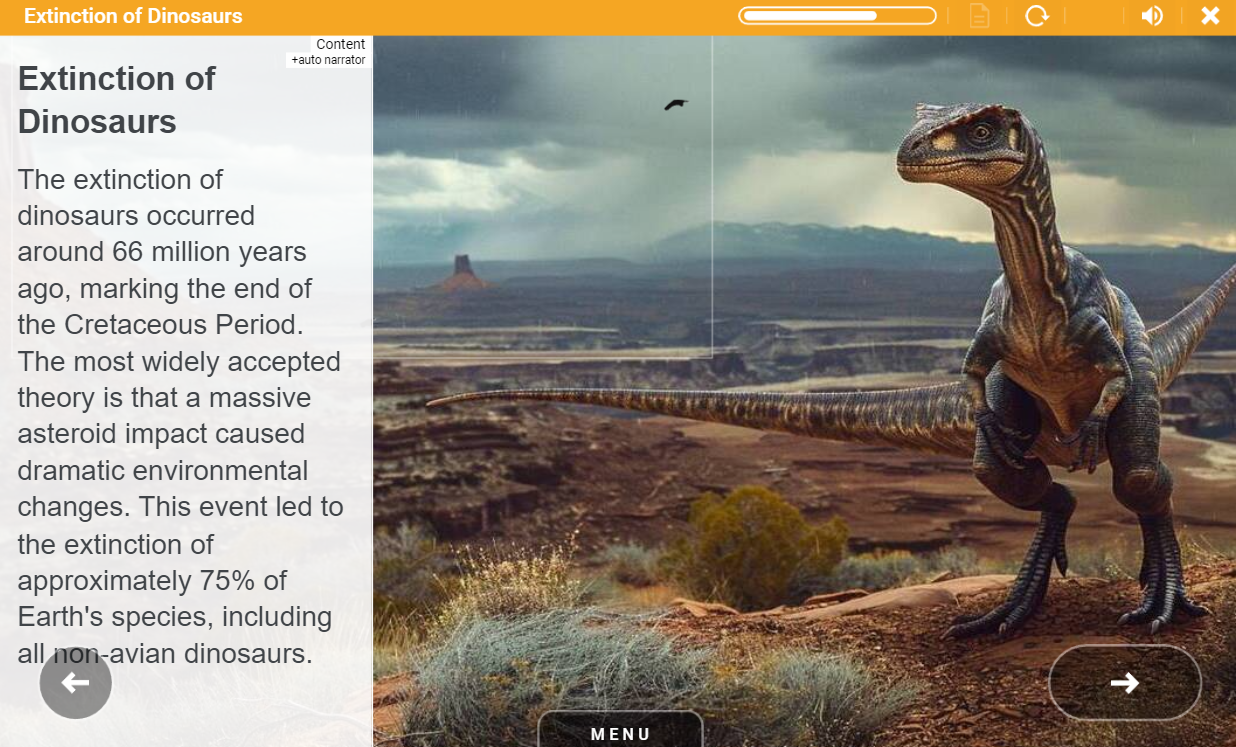
If you wish to create your own backgrounds, save them as JPGs at 1070 pixels wide by 650 pixels tall and save them with a quality level of 70.
📋 Related articles
- Page:
- Page:
- Page:
- Page:
- Page: