Change Rejection Reasons
Administrators can change the reasons managers can select for rejecting a booking request from a learner to do training.
📘 Instructions
To change these default reasons …
Log in as an administrator
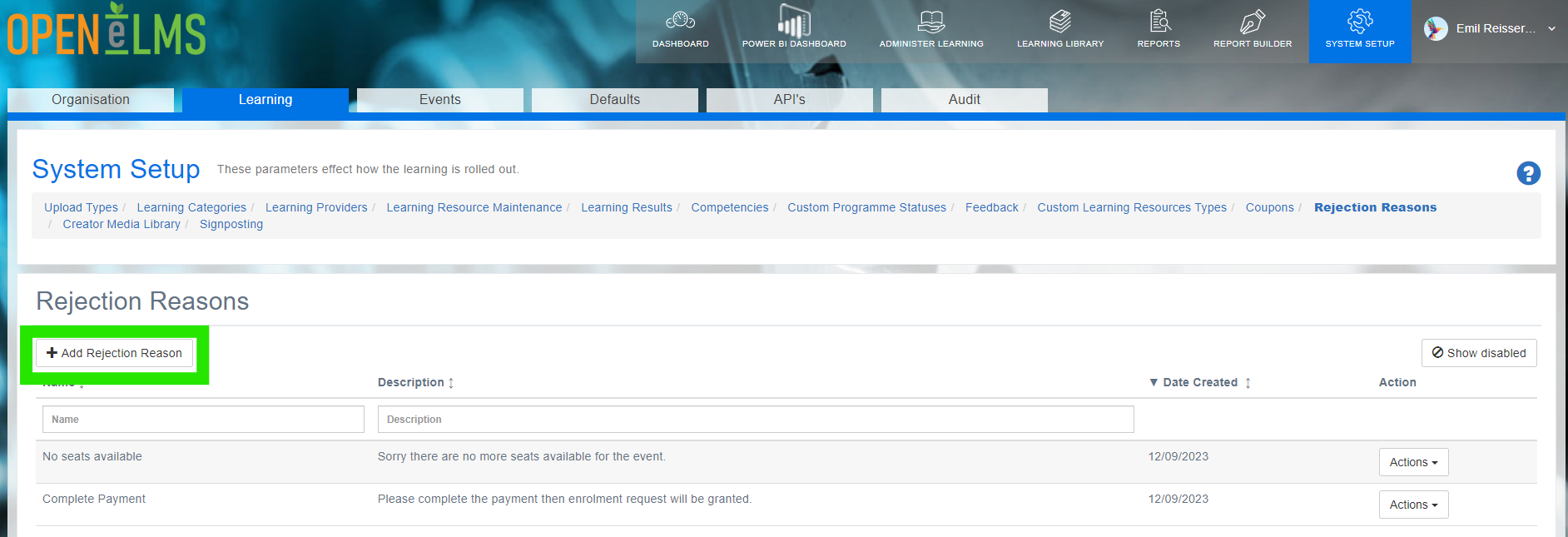
Access System Setup > Learning
Go to Rejection Reasons
Select +Add Rejection Reason and enter the rejection reason.
Go to manage and approve bookings on the Administer Learning
Check the new rejection reason is available when rejecting the event booking.
📋 Related articles
- Page:
- Page:
- Page:
- Page:
- Page: