Import Programmes
Programmes can be imported from any third party Learning Management System or other versions of Open eLMS; this is useful when migrating from a legacy system.
Instructions
Log in as an Administrator and go to Learning Library › Programmes.
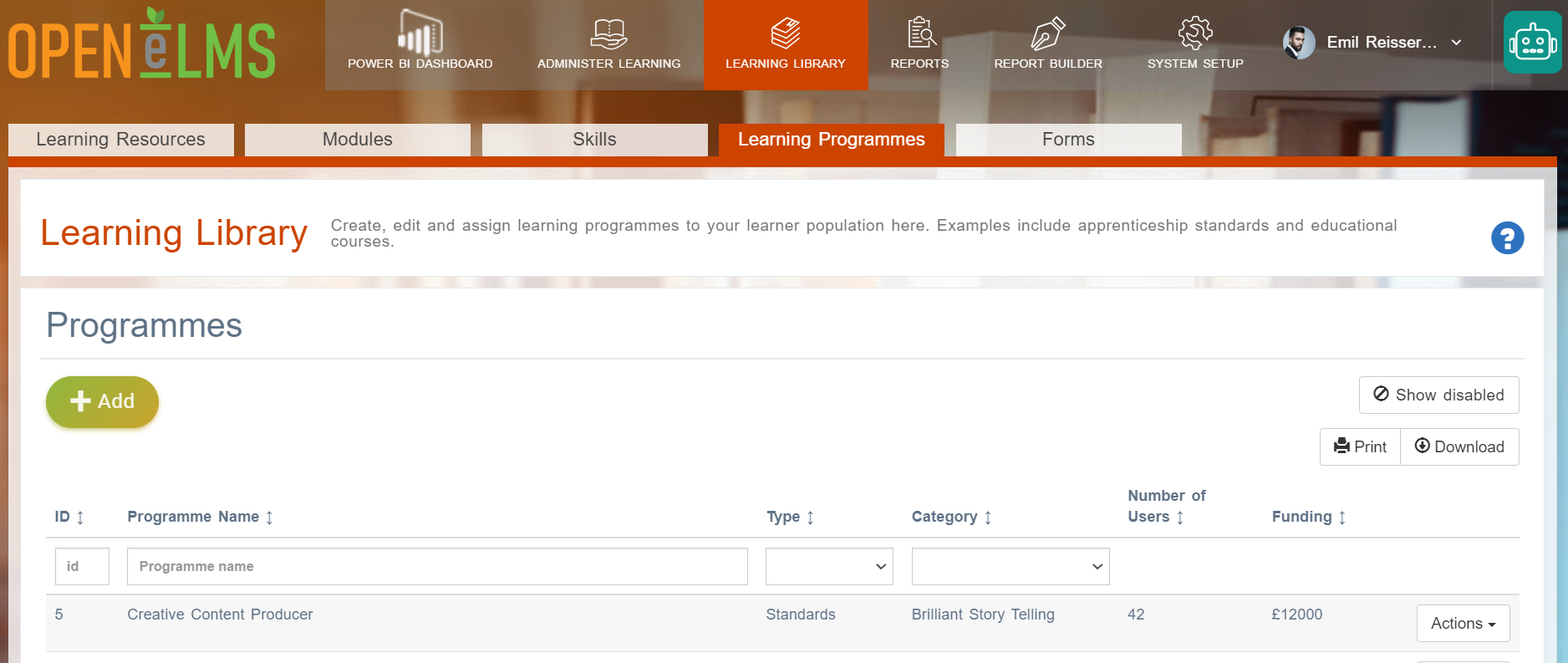
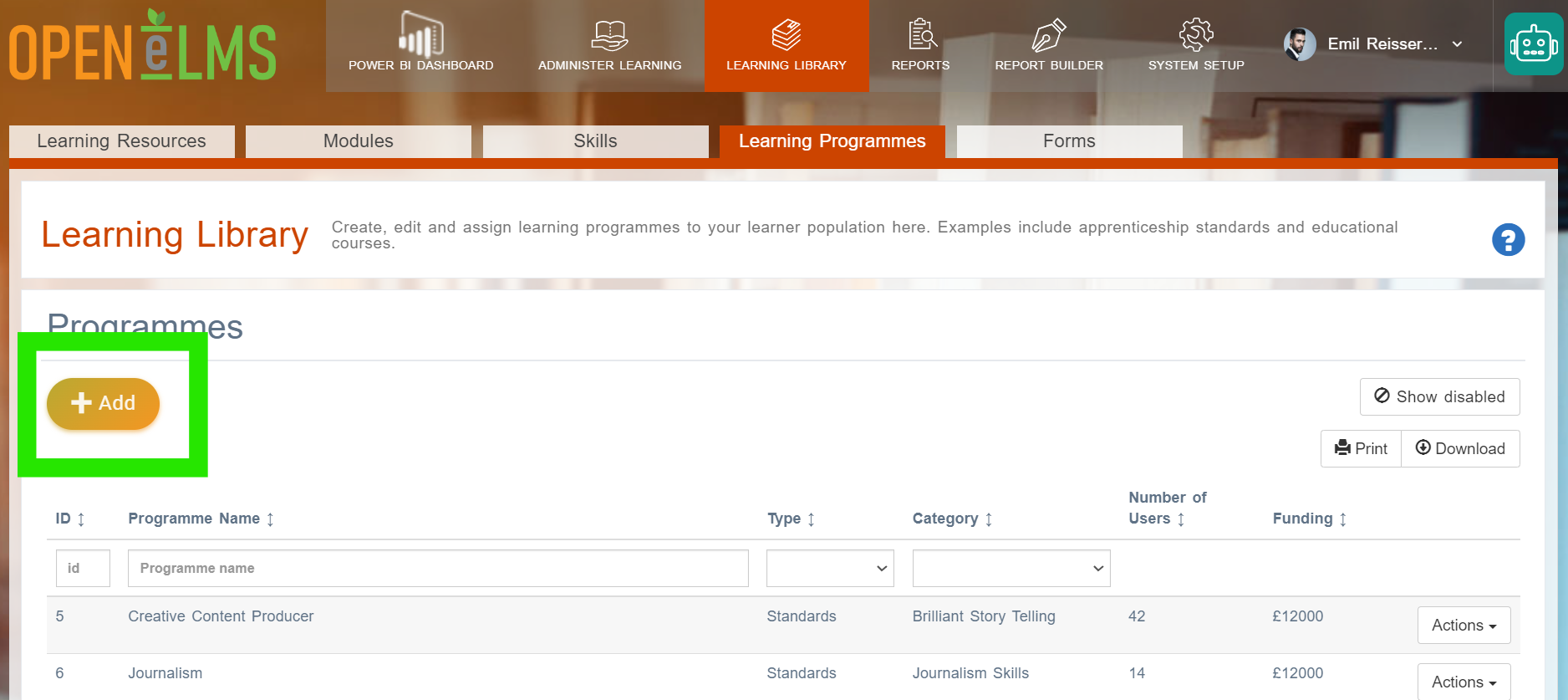
Select the Add button.
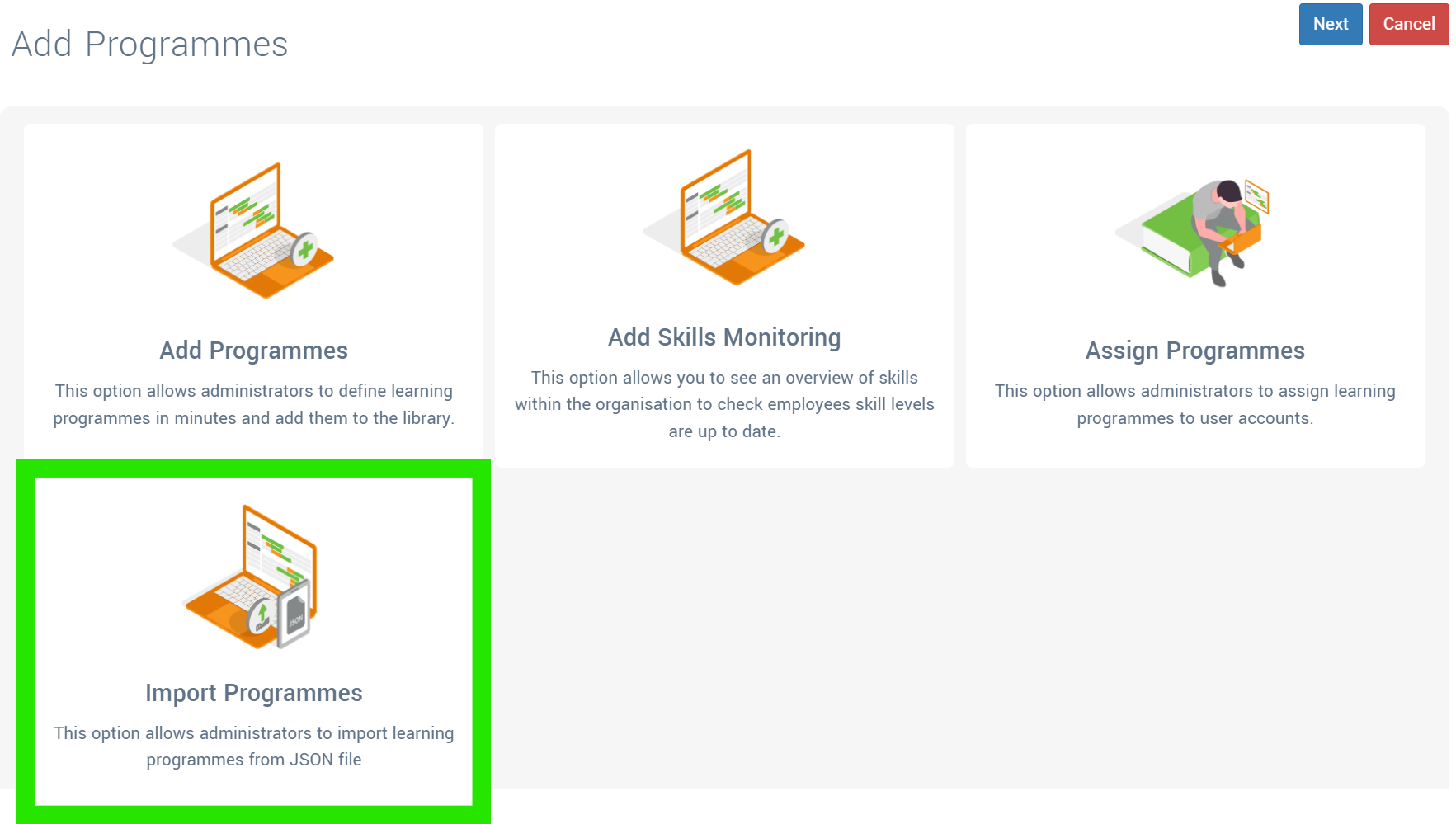
Select the Import Programme button.
Select whether to import an eLearning course with curriculum structure from an existing copy of Open eLMS using the JSON format or (which is more common) to import the header information from an Excel file.
If importing from an Excel file click on the template (use link or press the Download Template) button and complete it entering data into the specified columns. Data must rigidly follow the specified format.
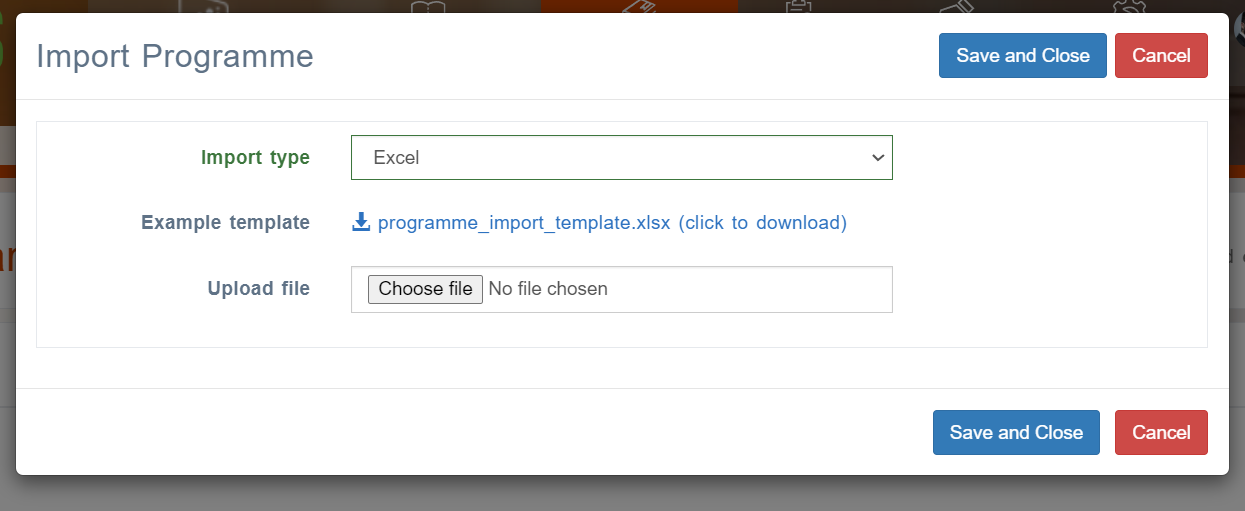
Select Choose file and upload the file.
The system will tell you if the import has been successful.
You may wish to do the following data cleansing operations on the data prior to import.
Field Name | Import Process | Data Cleansing Process on source data | Excel Function on source data |
apprenticeship_standards.route | Programmes | Manually rationalise routes used with a Lookup table. Recommended using no more than 50 routes. | VLOOKUP |
apprenticeship_standards.type | Programmes | Remove special characters and leading/trailing spaces | VLOOKUP to transfer statuses as 'Standards', 'Frameworks', 'Qualifications', 'Skills Monitoring' - the default status is 'Standards'. |
apprenticeship_standards.periodic_repeat_months | Programmes | Convert to integer format | INT(value) |
learning_module_categories.name | Programmes | Manually rationalise categories used with a Lookup table. Recommended using no more than 20 categories. | VLOOKUP |
apprenticeship_standards.completion_months | Programmes | Convert to integer format | INT(value) |
Related articles
- Page:
- Page:
- Page:
- Page:
- Page: