Adding Embed tags within the eLearning using Open eLMS AI's editor
Embed tags allow editors to add any online content such as web pages and media from other internet sites.
📘 Instructions
In this example we will embed a webpage into the eLearning.
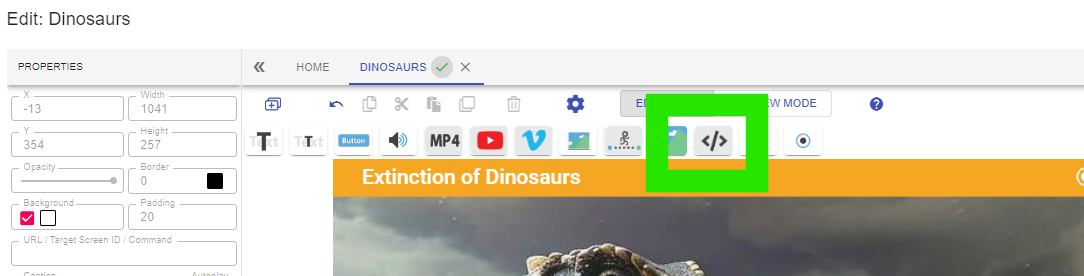
Select the embed tag.
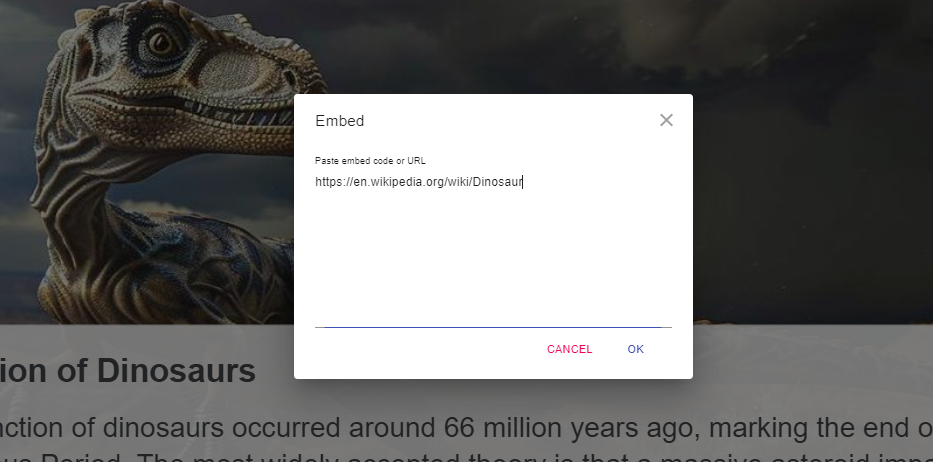
Add the URL of the website you wish to embed or the entire embed code if provided.
Select iframe in the In-screen Navigation tab to highlight it and then drag the embedded page to the right area and resize it.
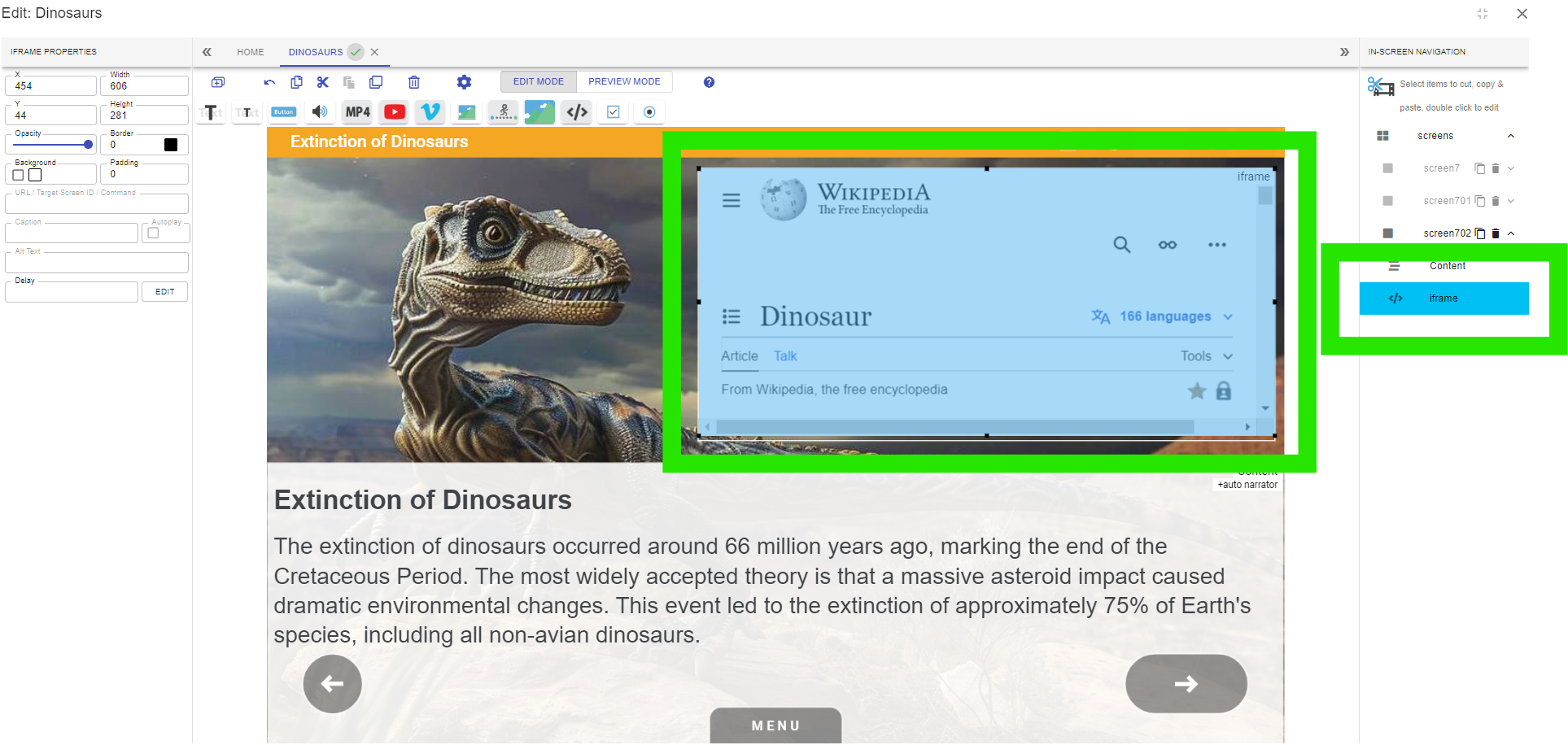
This embedded content can then be used directly within the eLearning.

Since screen real lestate is limited we do not recommend embedding entire webpages. It is preferable to link them to buttons or text links created when editing text.
📋 Related articles
- Page:
- Page:
- Page:
- Page:
- Page: