Add animations to eLearning using the Open eLMS AI editor
Open eLMS eLearning can be livened up by the use of animations. The animation library is constantly growing.
📘 Instructions
Follow these step by step instructions …
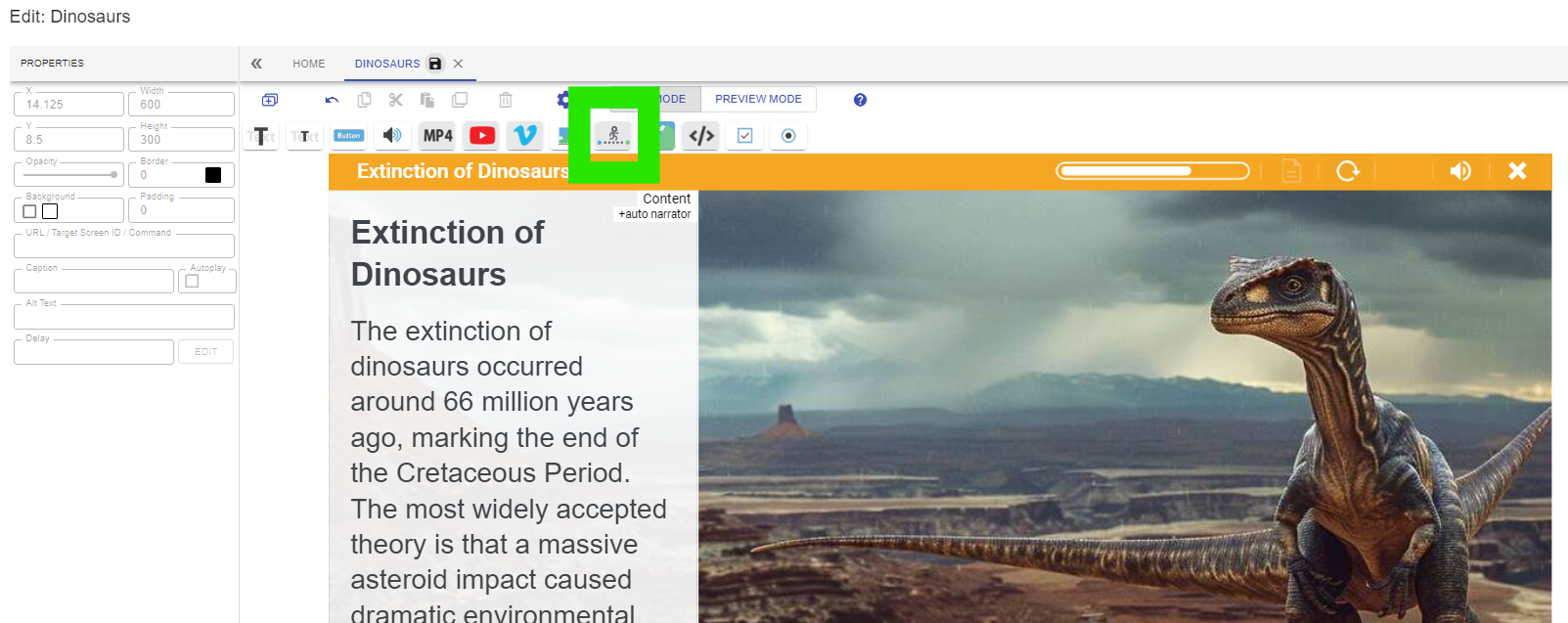
Select the animation button on the toolbar.
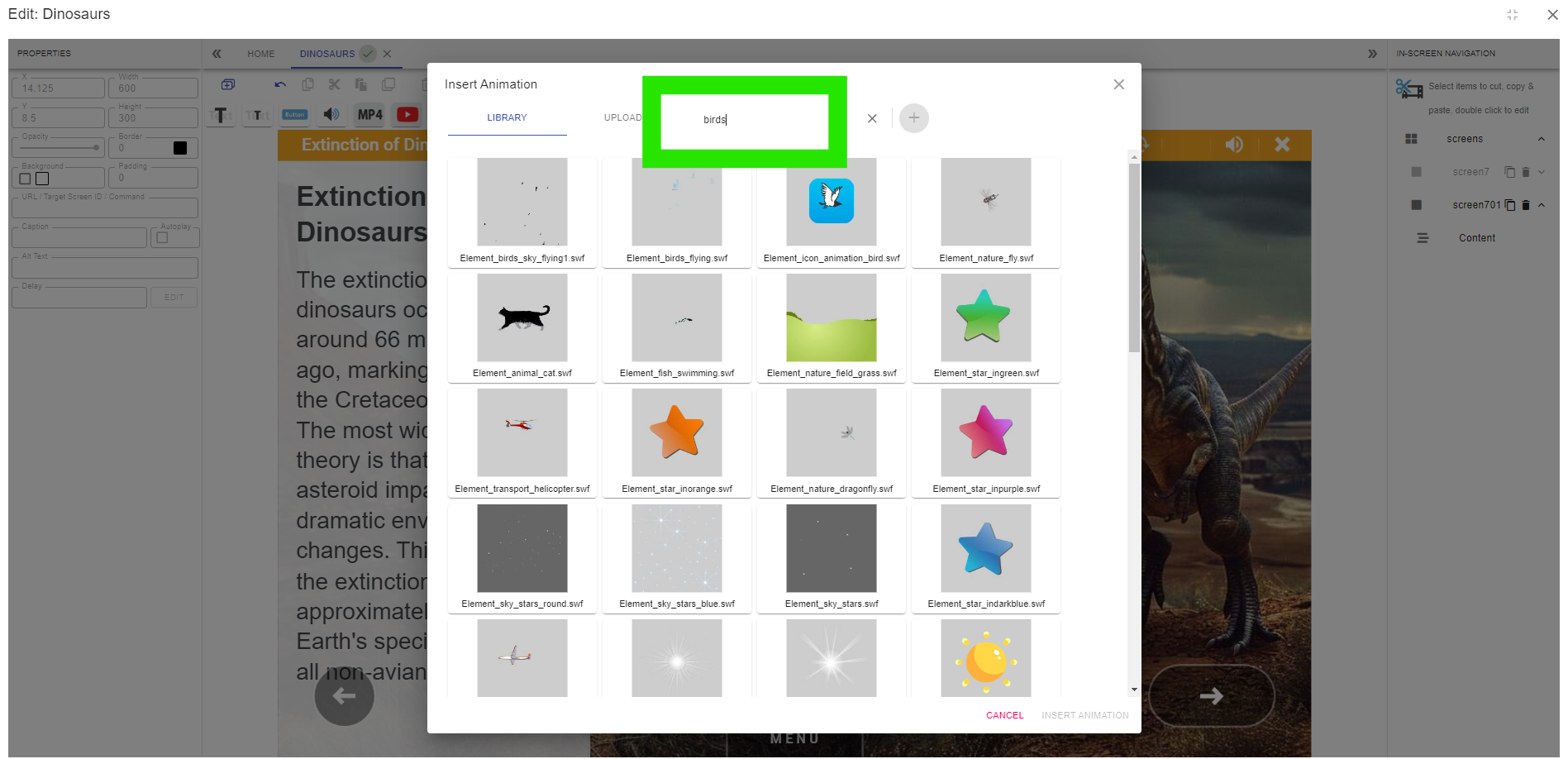
Add a search term for your animation, in this case we will search for birds.
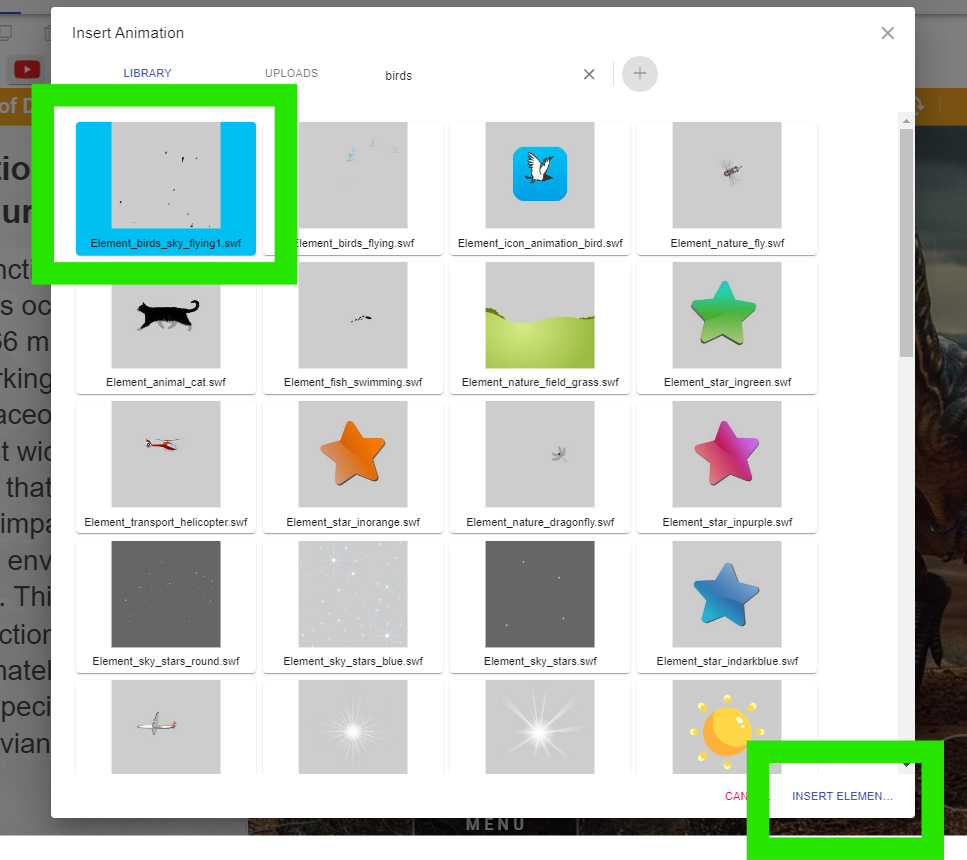
Select the animation you want to use and press INSERT.
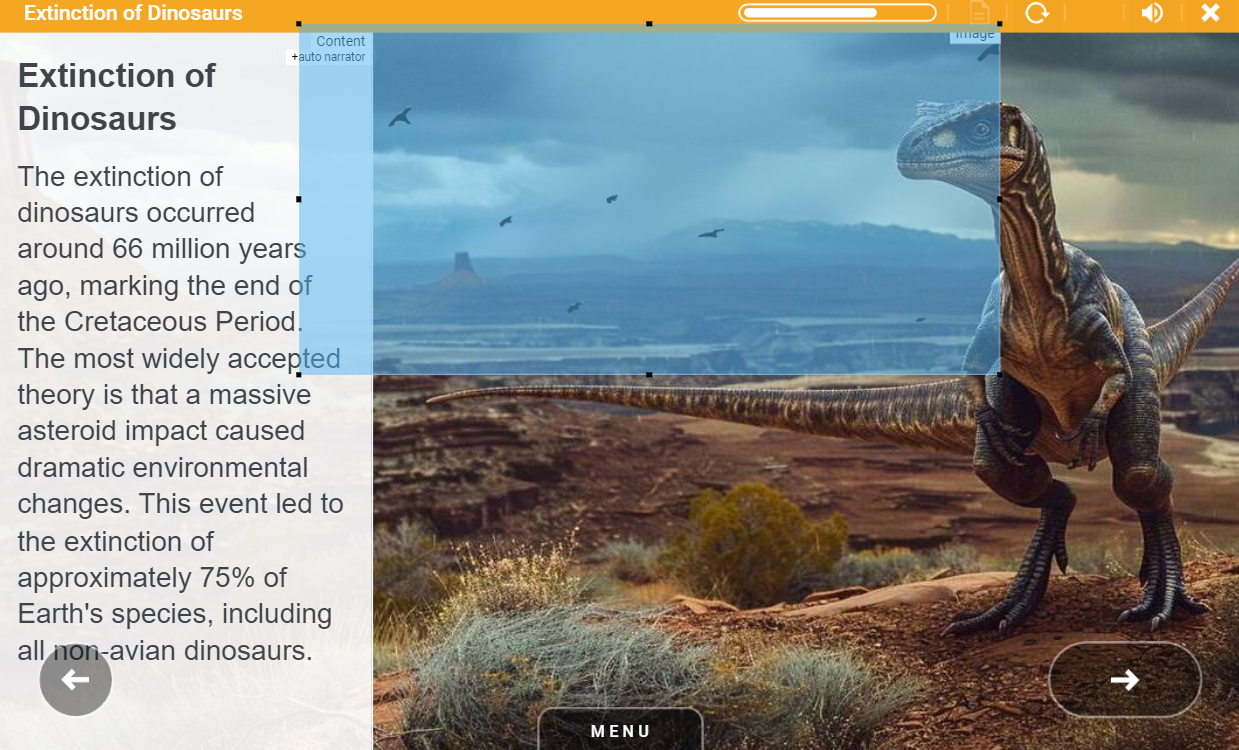
Position the animation so it adds depth and realism to the presentation.
In this example smoke and a sun have also be added to bring the scene alive.
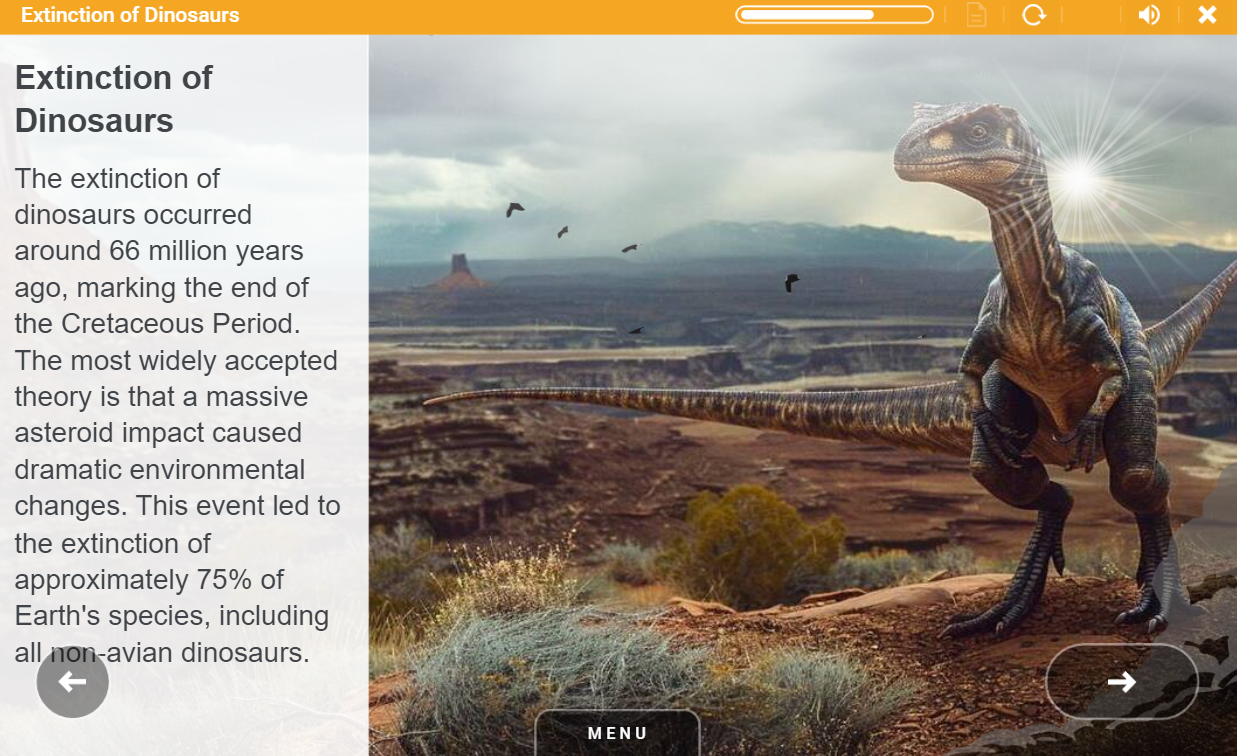
Animations will appear in the top right hand corner of the screen. If there is text over this area then select the animation using the In-Screen Navigation tab, items can then be dragged across the screen so that they are visible.
📋 Related articles
- Page:
- Page:
- Page:
- Page:
- Page: