Add/Edit Departments
The Departments area in Open eLMS enables administrators to define and manage departmental structures within an organization. By creating a clear and organized hierarchy, it becomes easier to allocate learning resources and track progress at the department level. This guide will walk you through the process of adding and editing department information in Open eLMS
📘 Instructions
The Departments area provides a centralized location for managing departmental structures and hierarchies within your organization.
Navigate to the Departments section of the Open eLMS platform. System Setup - Organisation - Departments
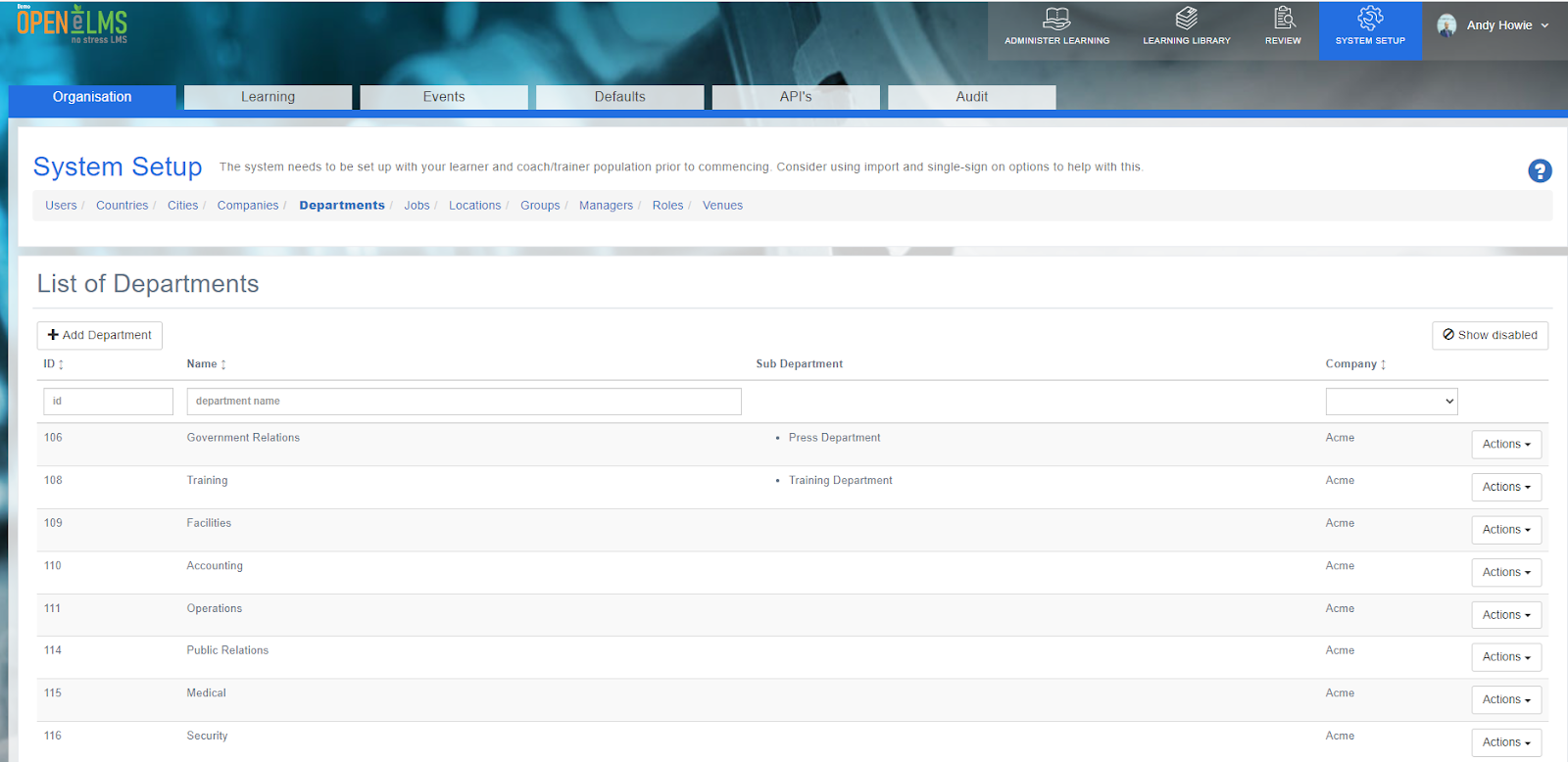
Click on the "Add Department" button.
Fill in the required fields, including the department name and any other relevant information.
If applicable, select a parent department to establish the department hierarchy.
Click "Save" to create the new department.
Once created, the Actions button allows Administrators to edit the information at any time.
📋 Related articles
- Page:
- Page:
- Page:
- Page:
- Page: