Change padding in text
Changing padding will create an internal invisible frame on the text object.
📘 Instructions
Follow these steps to change the padding.
Select the text object.
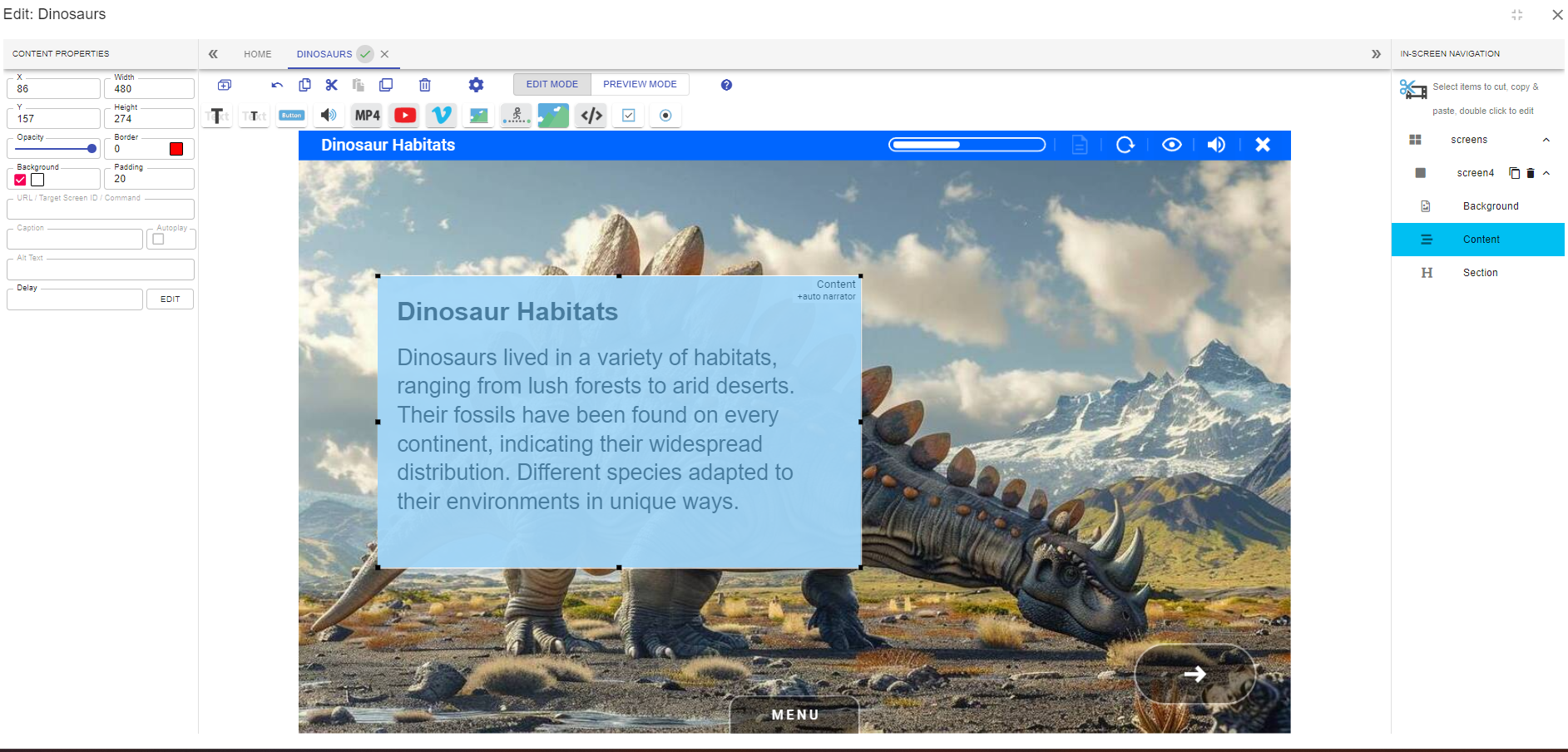
Increase the padding.
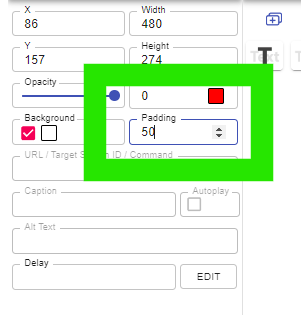
Here you see the increased padding manifested on the text object
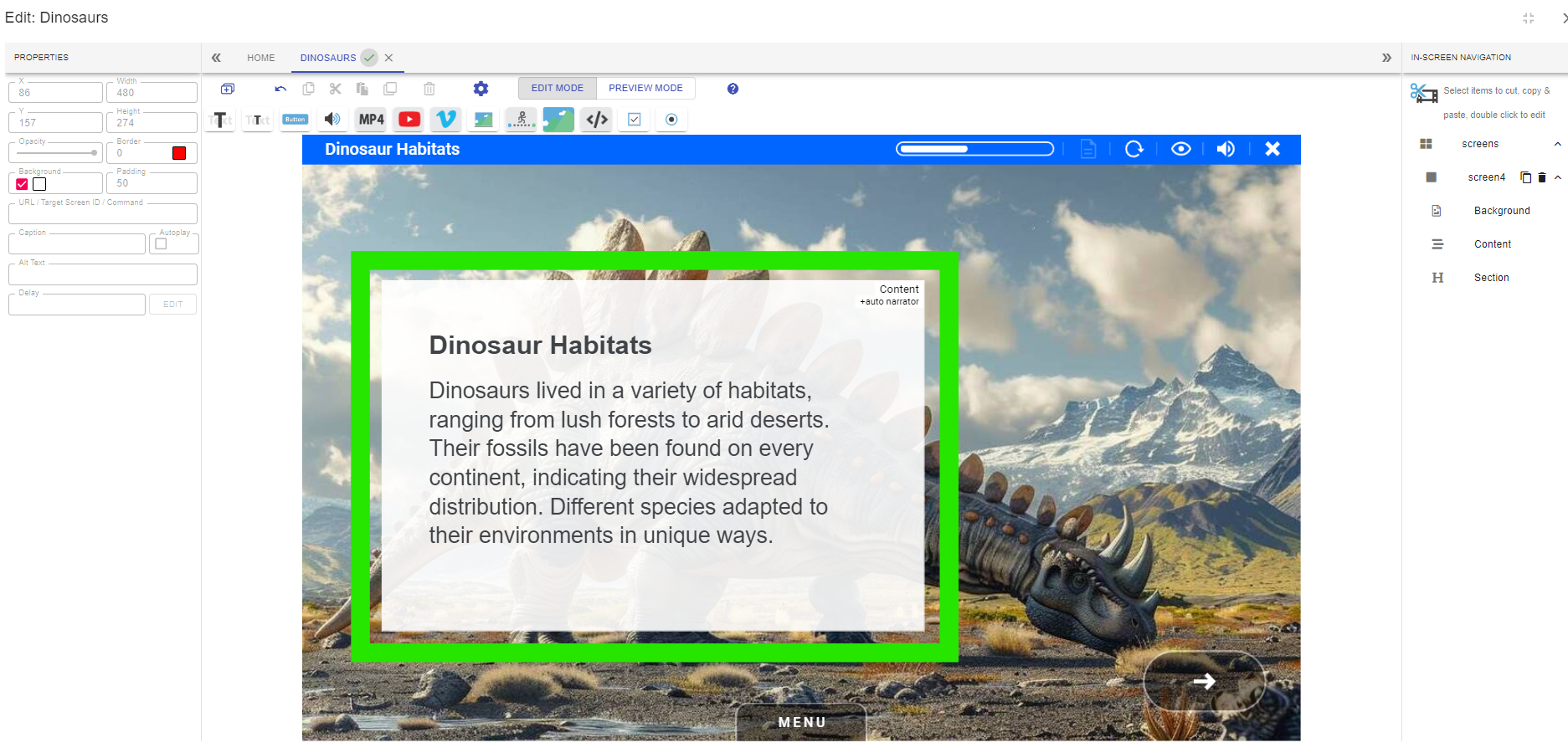
The text object will increase in size with enlarged padding. This may obscure other elements in the background so adjustments may need to be made.
📋 Related articles
- Page:
- Page:
- Page:
- Page:
- Page: