Assign resources to multiple learners (programmes)
This article will explain how you can assign a resource or multiple resources to learners when they are attached to learning programmes.
📘 Instructions
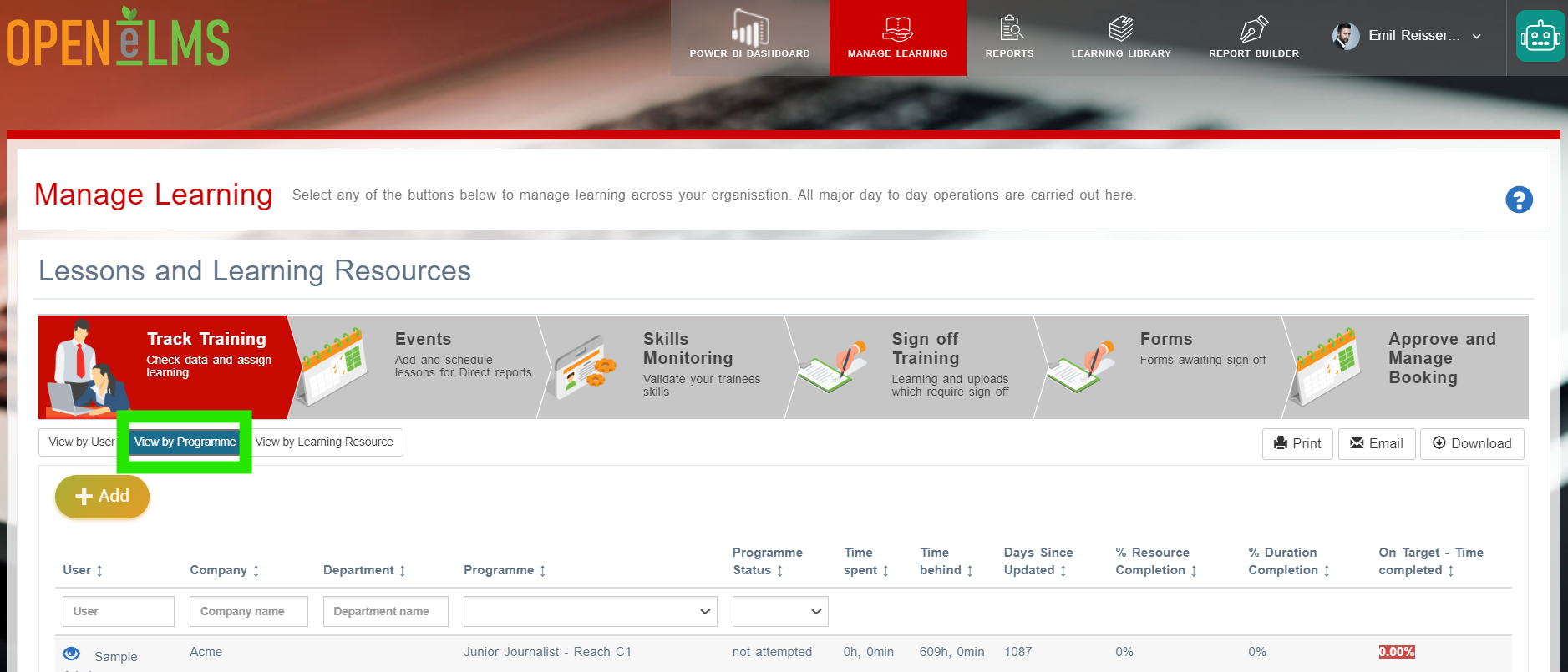
Log in as a manager (coach/trainer/teacher) and go to Track Training.
Click on View by Programme.
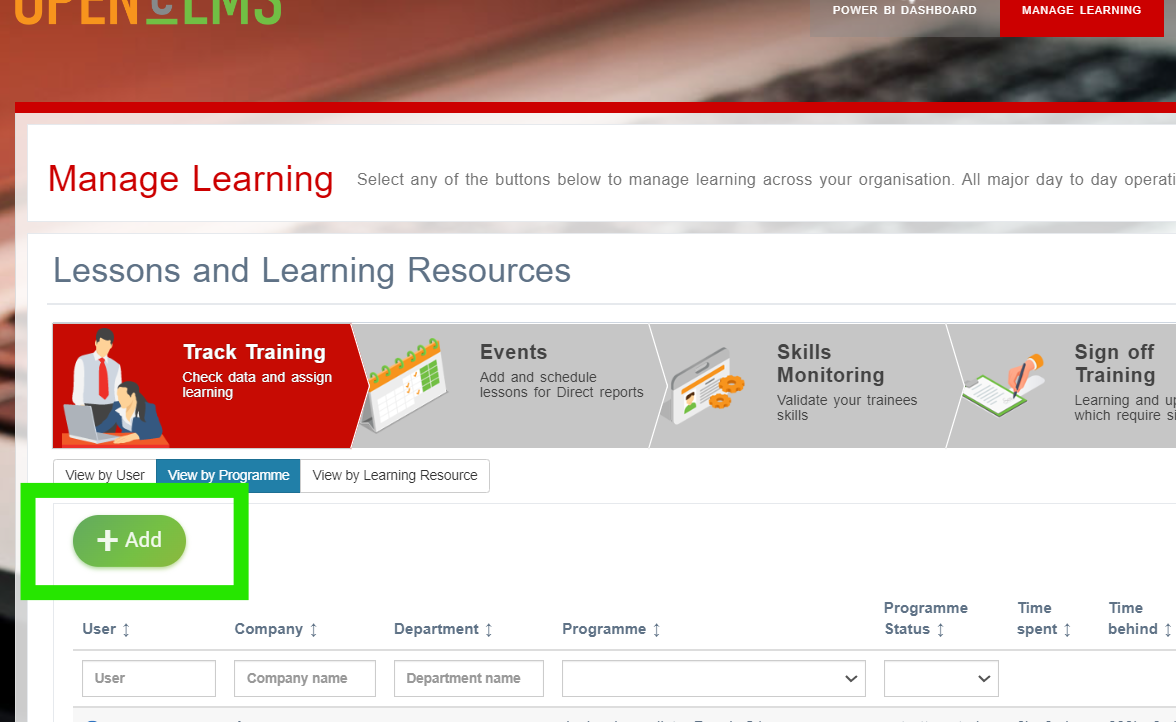
Then click on Add.
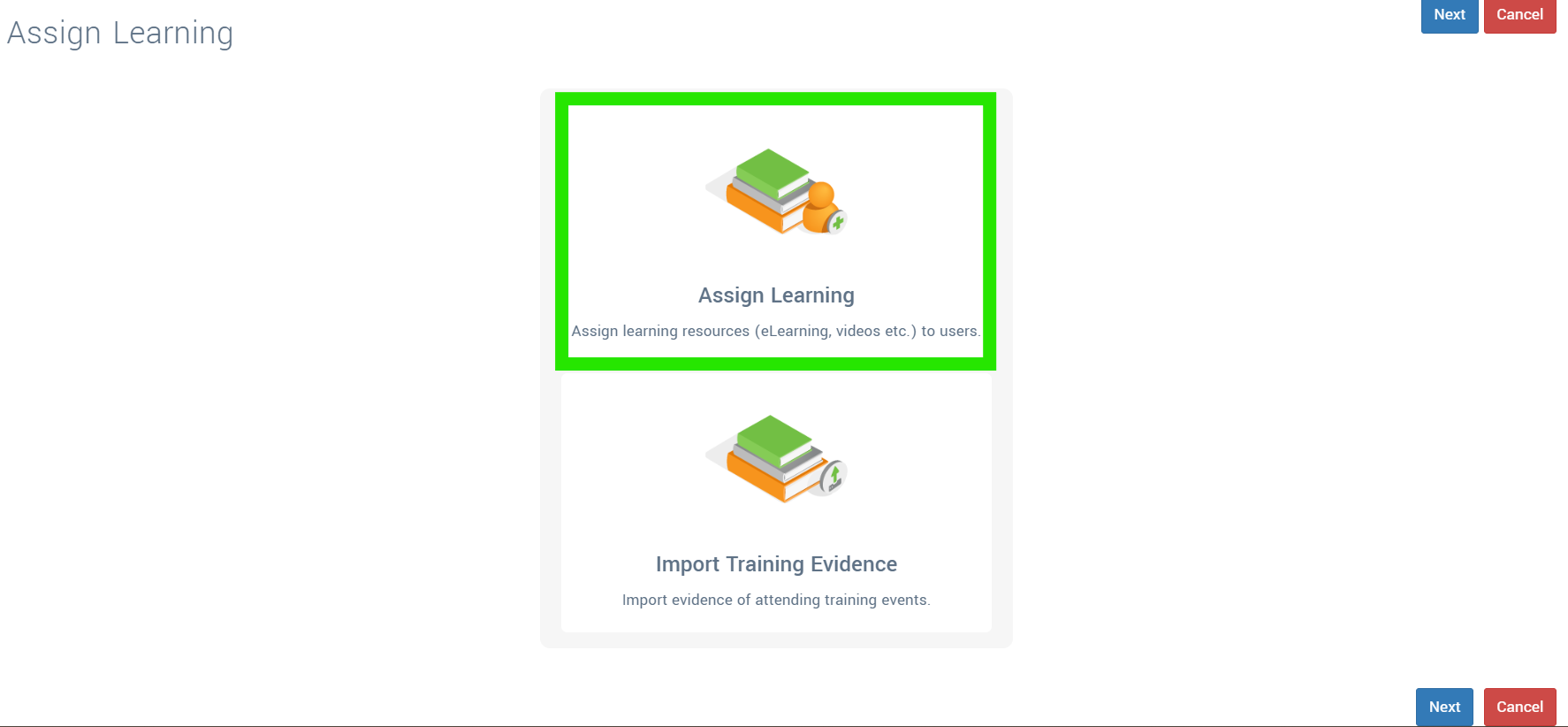
Then Assign Learning.
Either Assign from Learning Library (from your existing library of resources) or Assign one-off project (bespoke a project specifically for a group of learners)
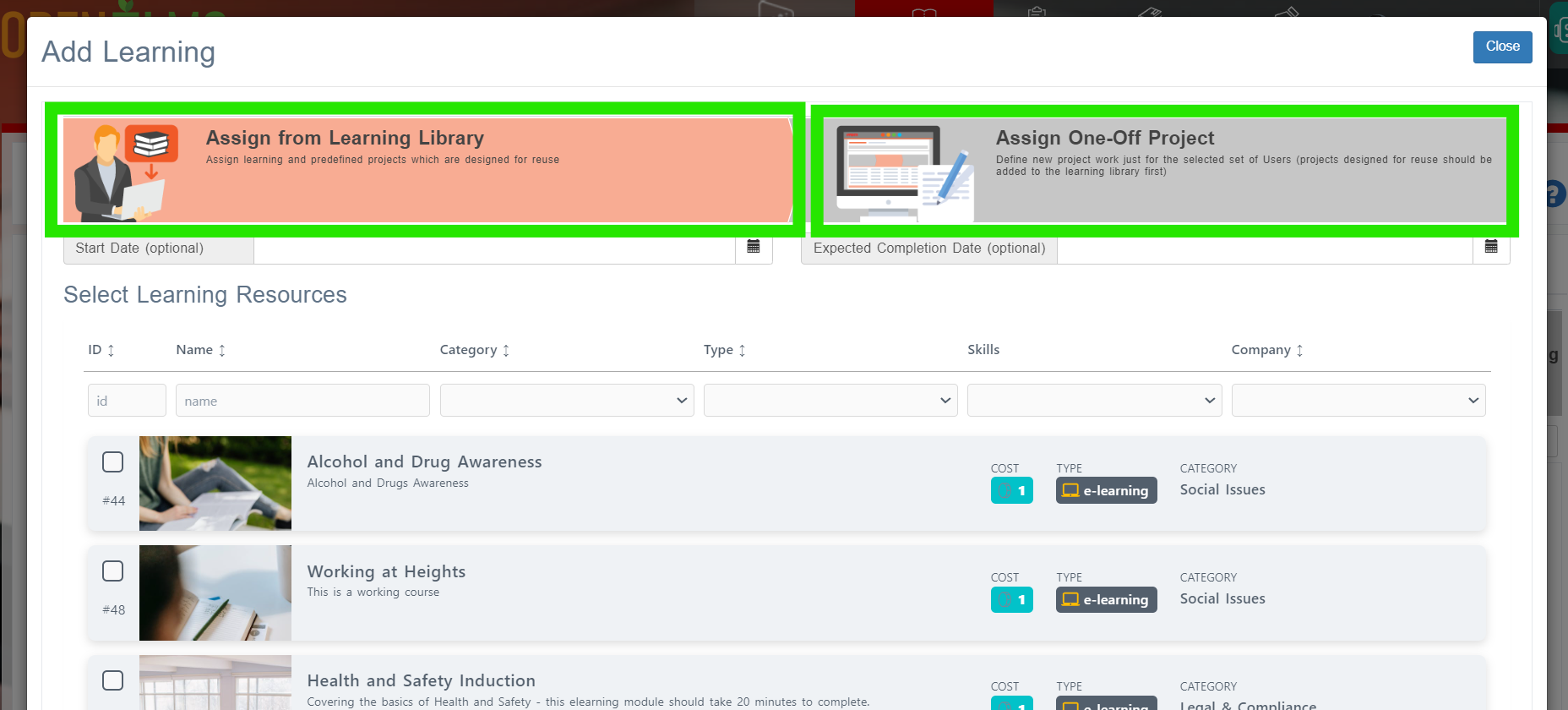
You can then define the start date and expected completion date if required.
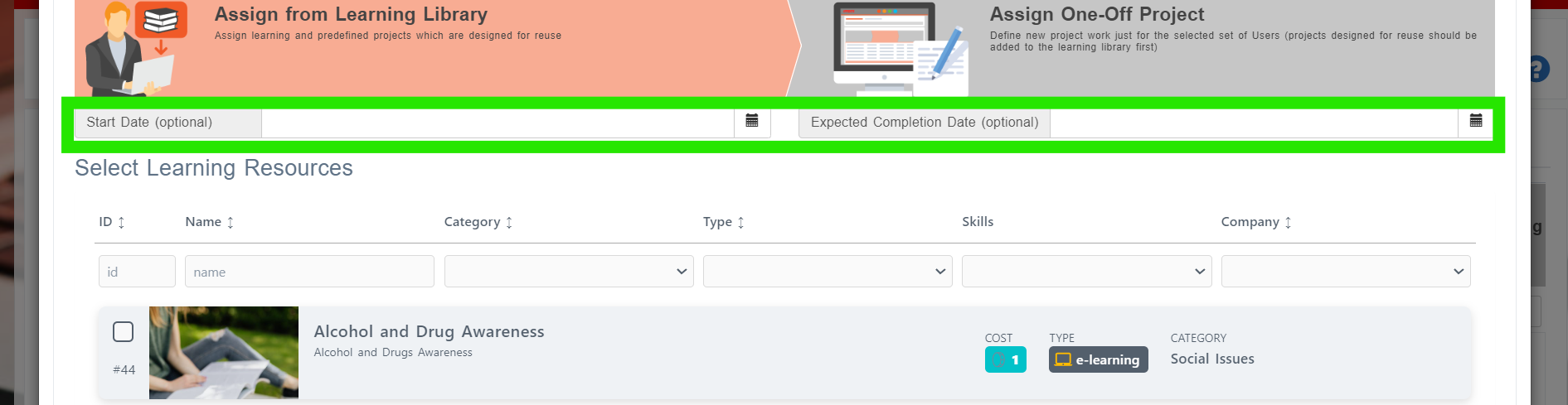
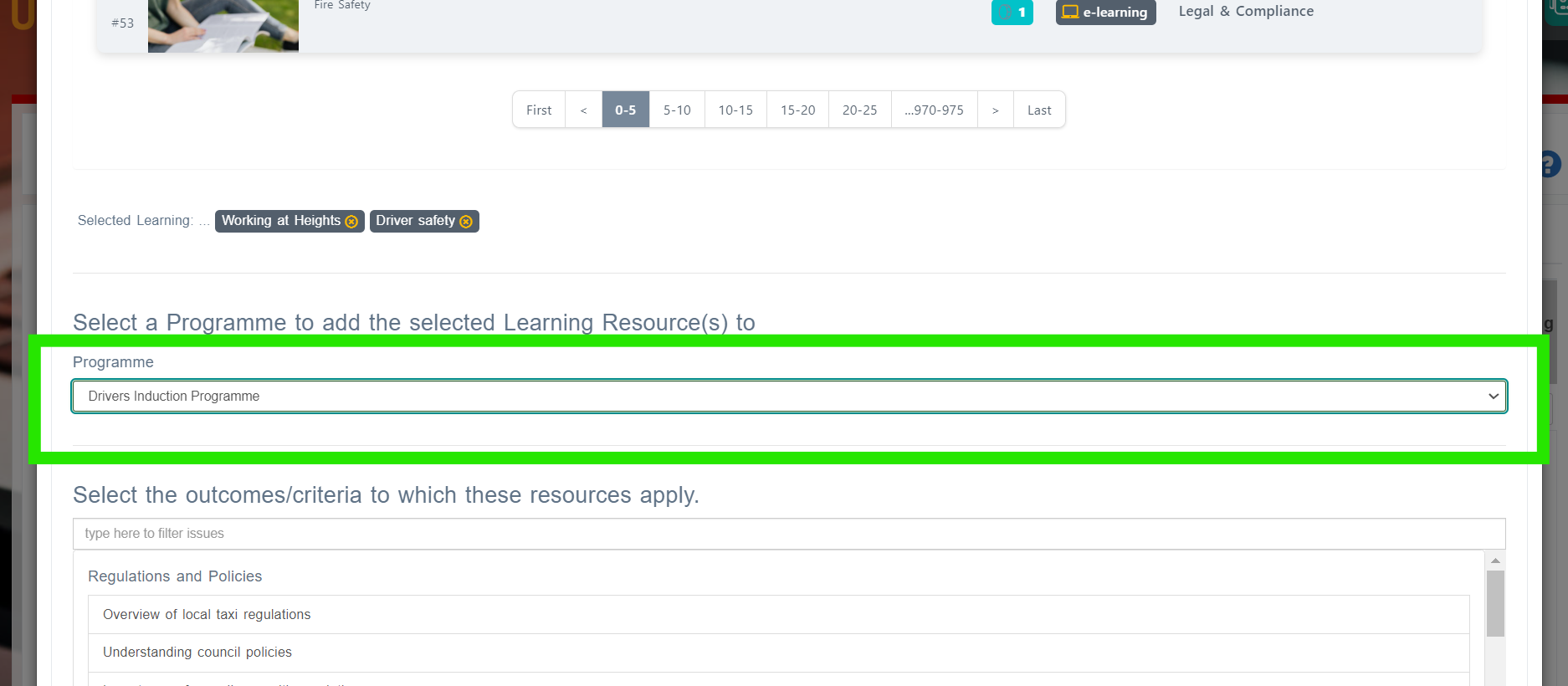
Once selected/created - choose a programme to map the learning to.
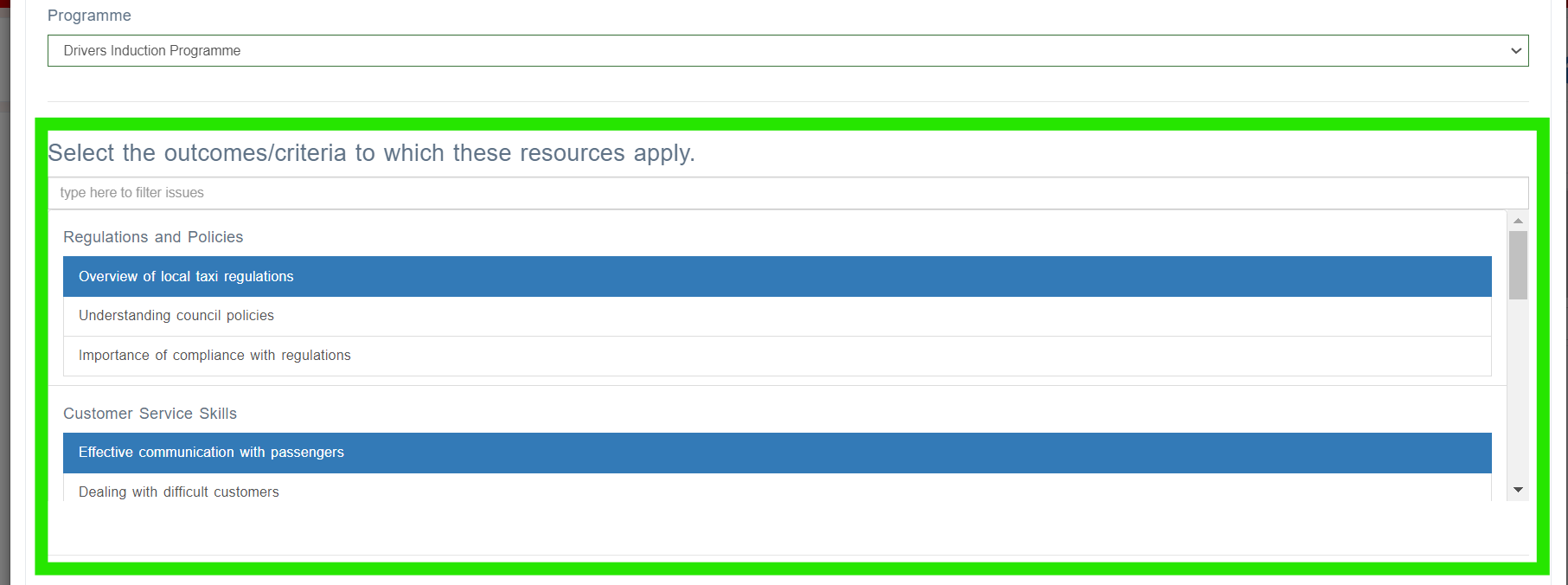
Select which criteria of the programme the resources can be mapped to.
Then select either departments, groups or individual learners you would like to send resources to.
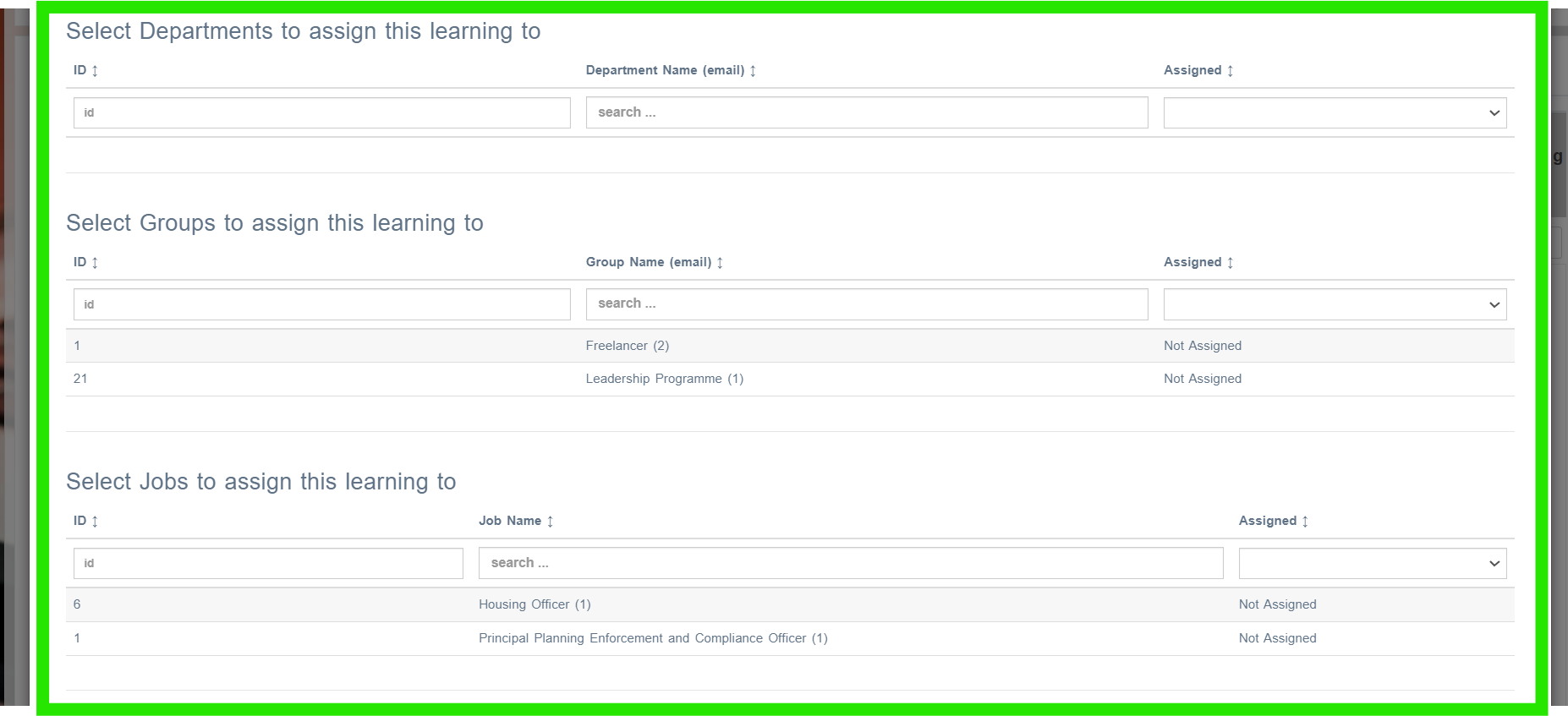
Departments, groups and learners will be listed who are assigned the selected programme). Programmes are assigned only in the Learning Library.
📋 Related articles
- Page:
- Page:
- Page:
- Page:
- Page: