Add Learning Resources to the Library
Open eLMS should be able to accommodate any type of learning from blog entries to Zoom webinars (and everything in between). These resources can be added to a library so they can be reused, saving you time and allowing for incremental improvements in learning materials over time.
Instructions
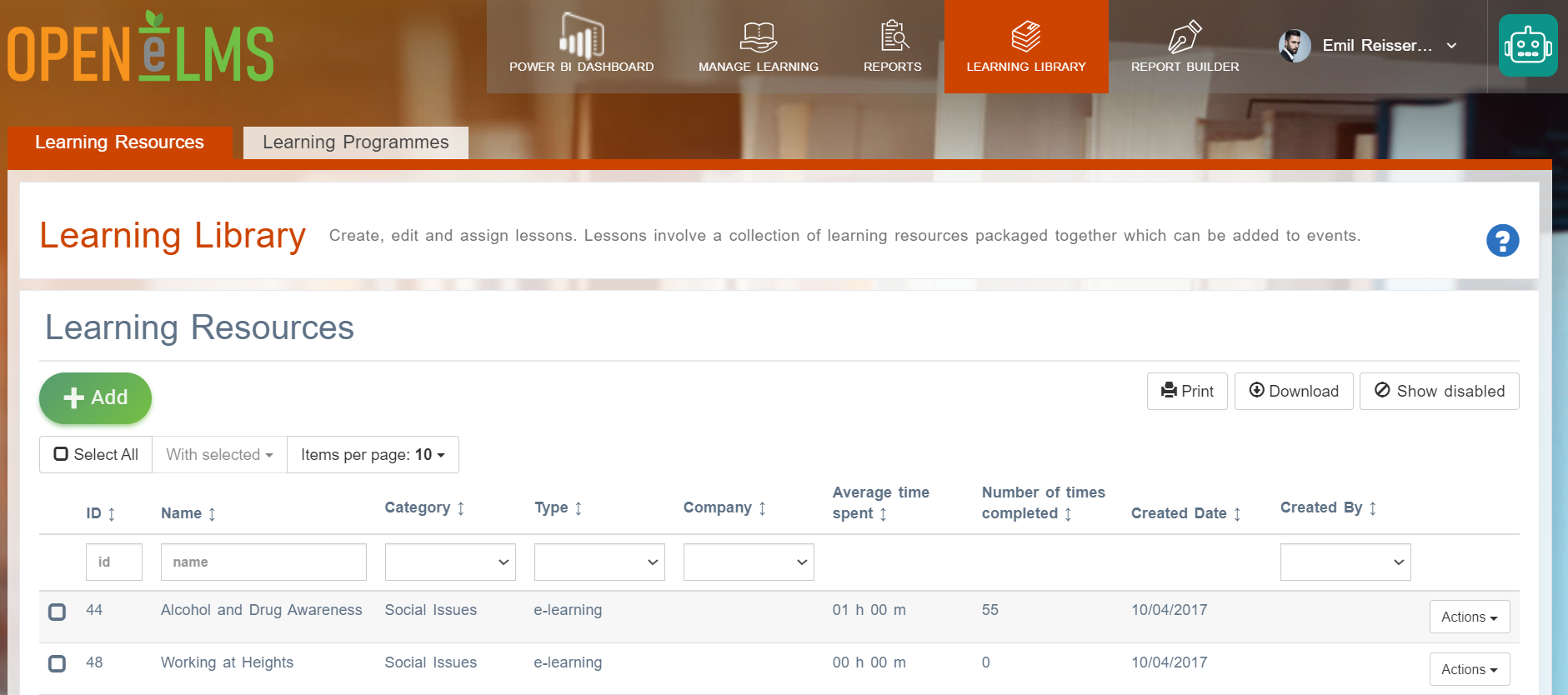
Go to Learning Library › Lessons.
If a Curriculum Developer then press the second Add Learning Resources tab.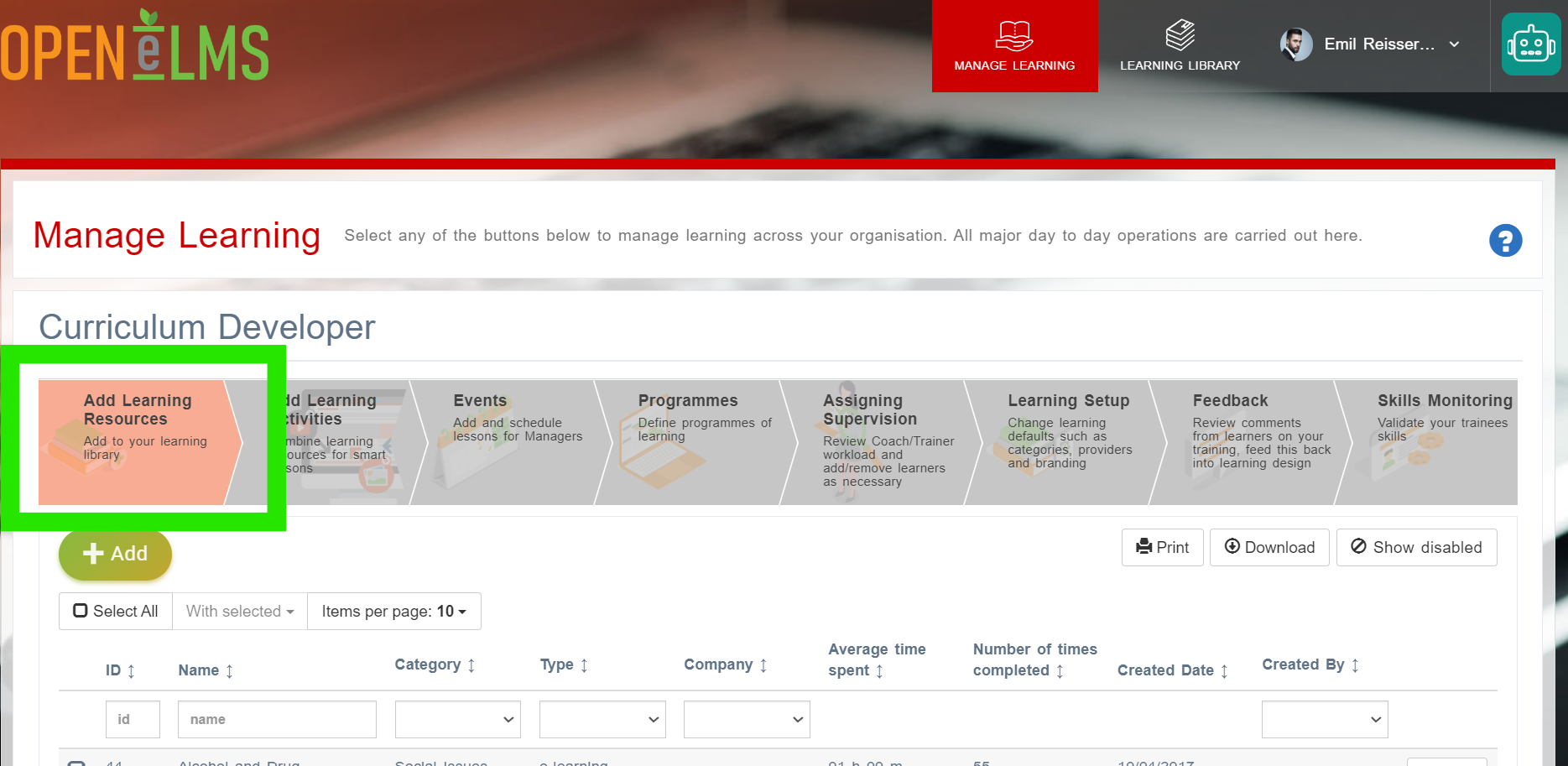
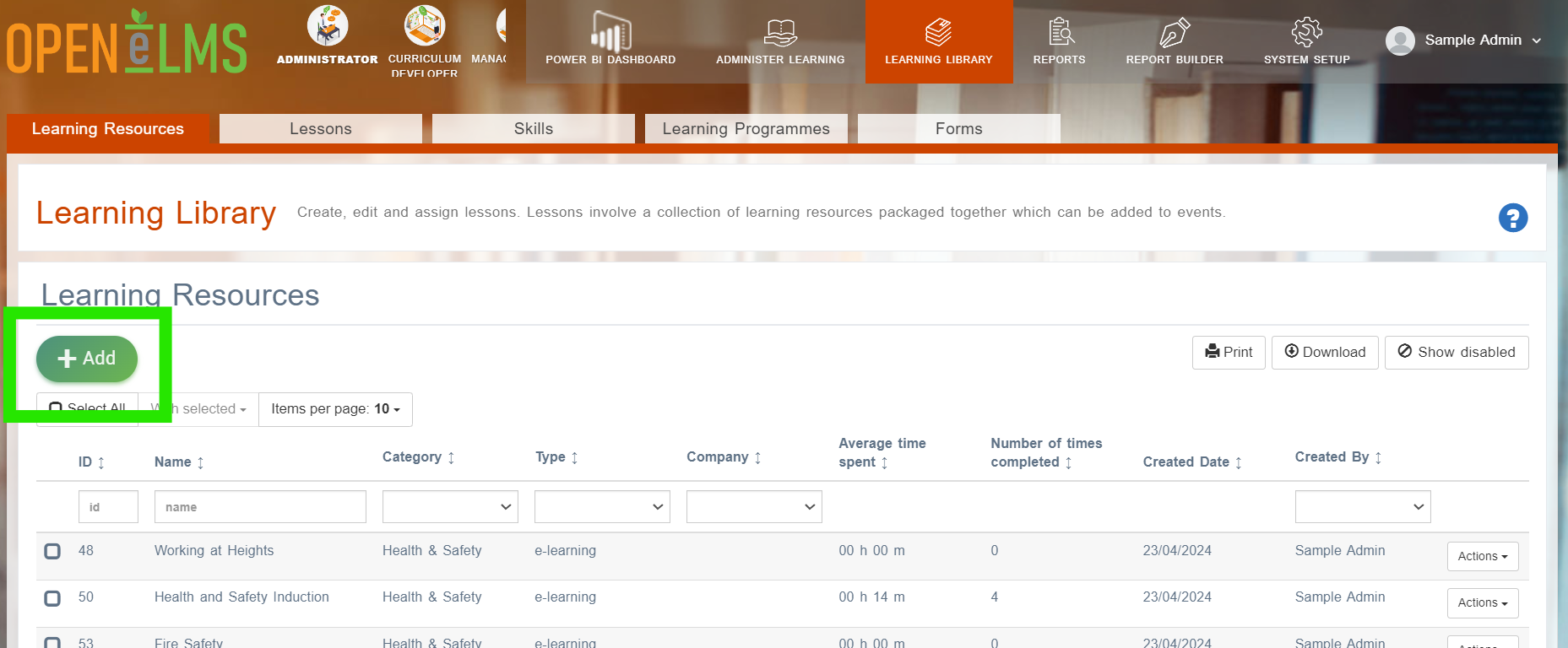
Select the Add option.
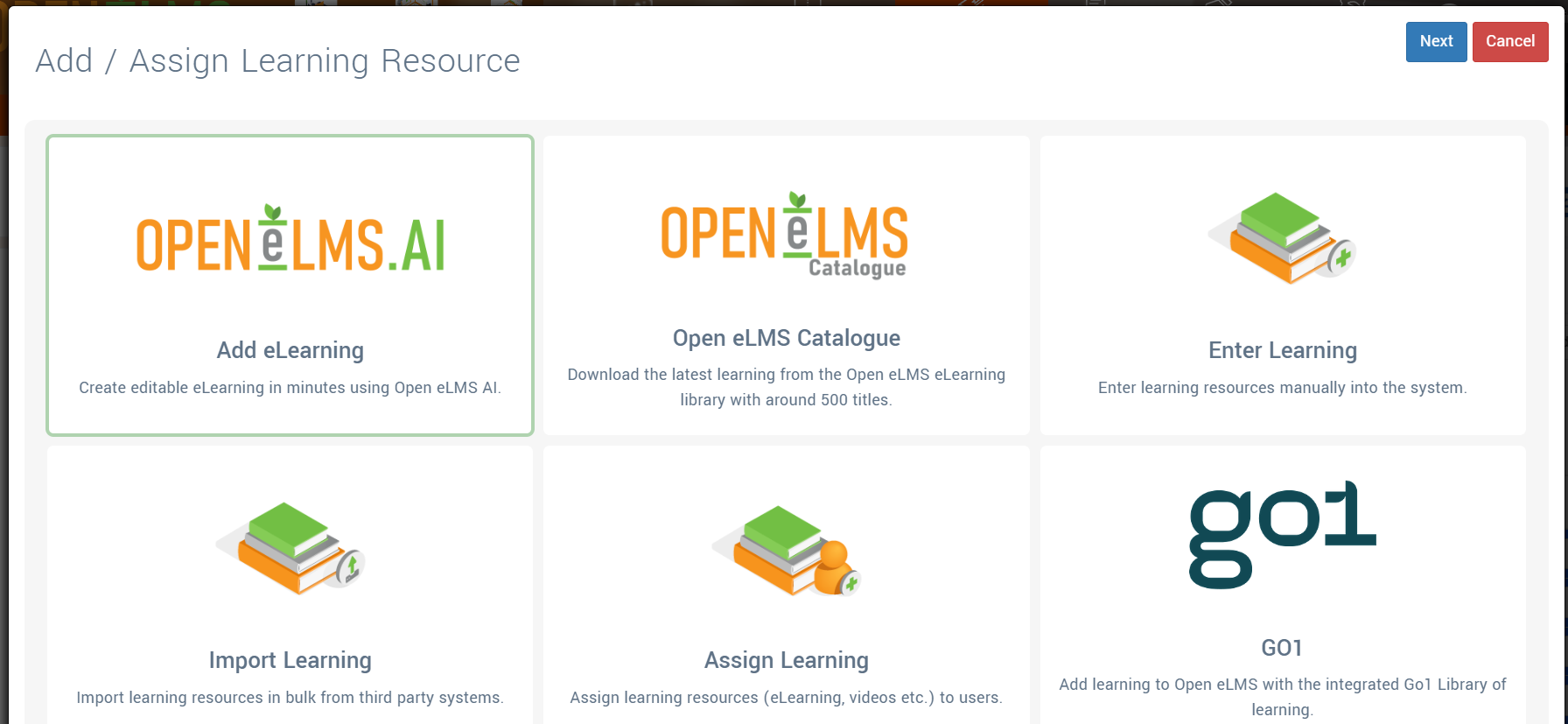
Follow the prompts to add the learning of your choice.
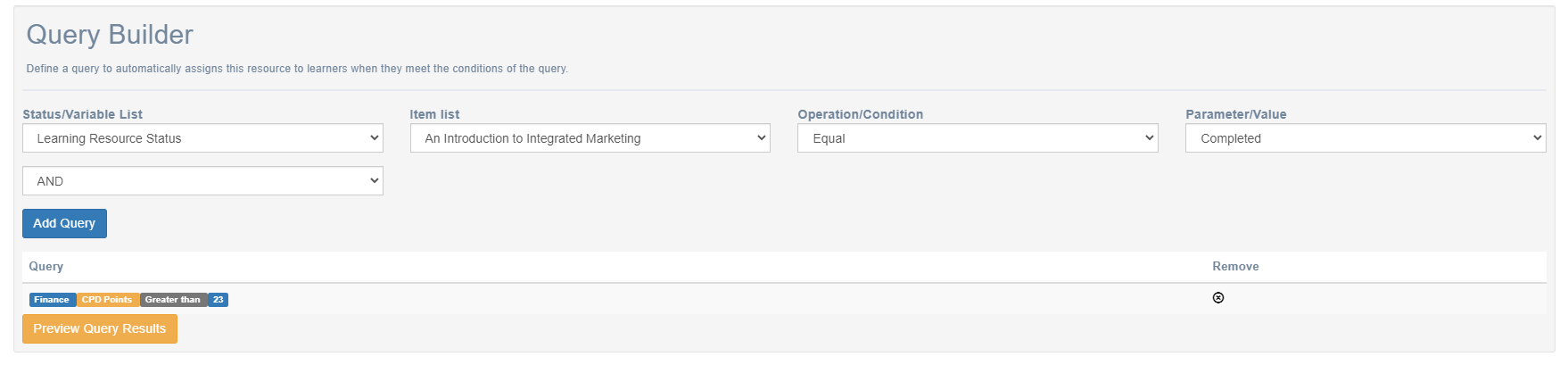
Then complete the information about the learning. Note once the learning has been created, there is the option to add Prerequisite learning resources - which must be completed before the learning can start and a Query Builder which you can define in order to add or remove this learning resource from those to whom the query applies.
Although you can add any learning of your own, you will need an Open eLMS AI licence to create eLearning and an H5P licence to create microlearning. Similarly you can install learning from the remote library if you have a licence to use Open eLMS Catalogue or the Go1 library of 50,000+ learning objects.
Contact partnerships@openelms.com to purchase any of these eLearning content options.
Related articles
- Page:
- Page:
- Page:
- Page:
- Page: