Manage Risk Assessment and Audits
Open eLMS Creator can create risk assessment questionniares/audits which can be applied to any business process (health and safety, induction, finance) to ensure compliance. These audits can be joined on to elearning sessions or ran as stand alone checklists/questionnaires.
Instructions
The results from these audits are sent to relevant managers for action.
If risk assessment data has been collected by the system, then Managers/Trainers/Tutors etc will see the Pending Assessment option on the main timeline.
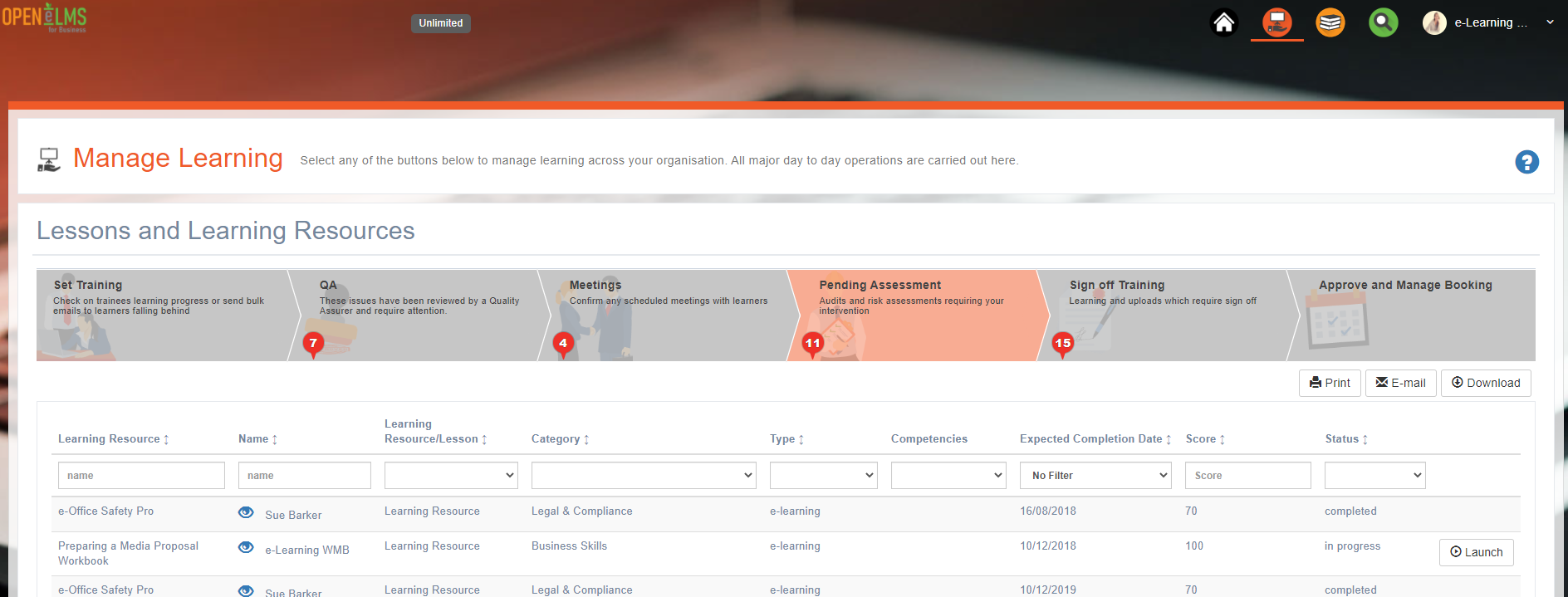
Risk assessment information is listed in this table. You can filter for assessments that are still in progress and edit any assessment by opening the row's Actions menu and choosing Edit.
Edit the assessment information by selecting each identified issue.
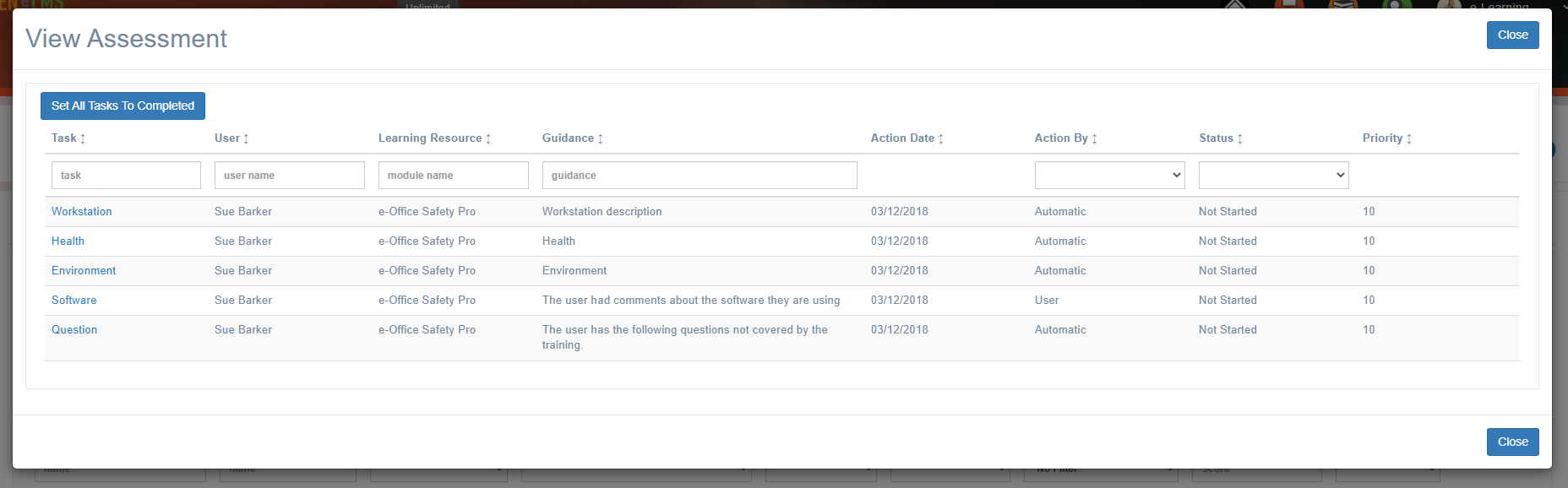
Change the status, reassign the issue to someone else or add comments.
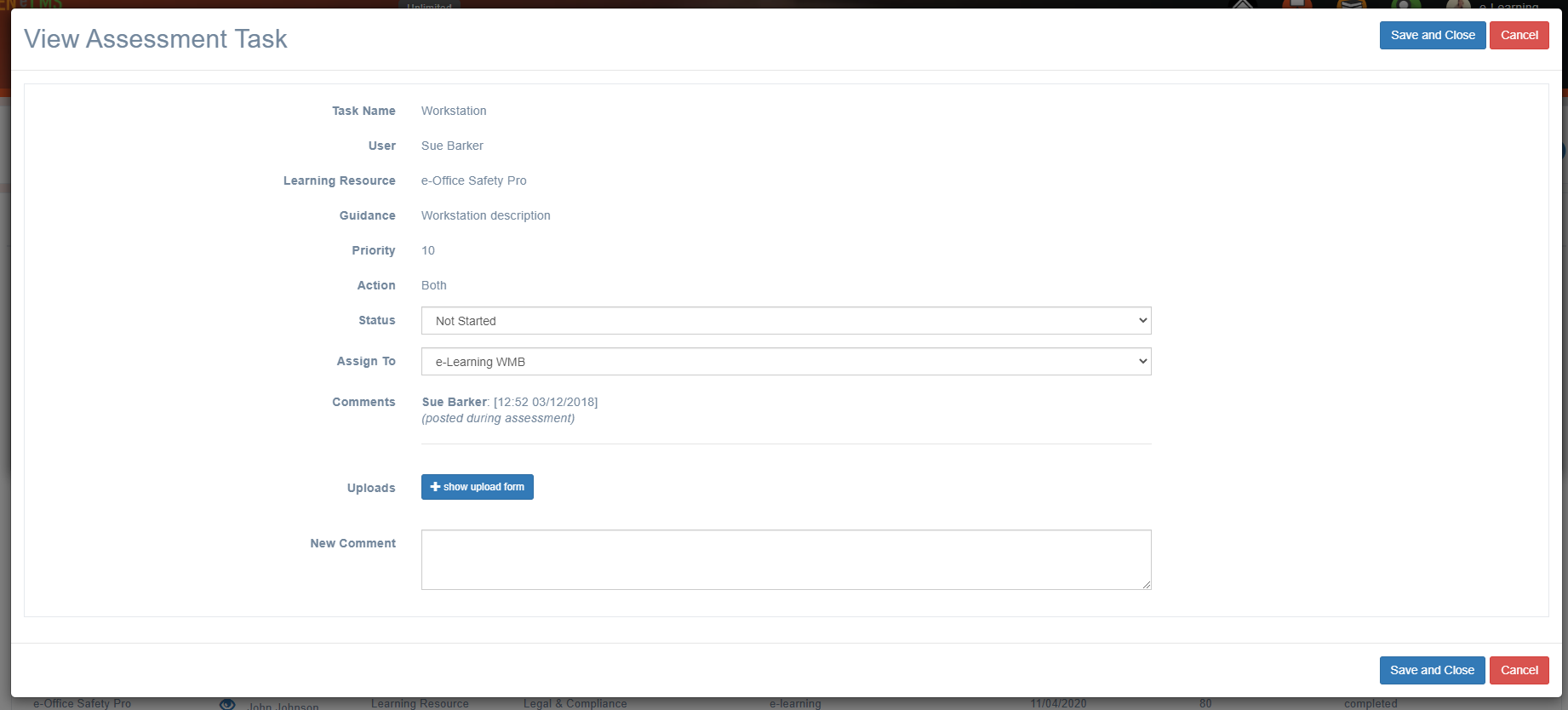
Once the status of all issues are set to ‘Completed’, then the assessment status similarly changes to Completed and it is dealt with.
Related articles
- Page:
- Page:
- Page:
- Page:
- Page: