Delete a topic in eLearning using the Open eLMS AI's editor
Entire topics of learning can be deleted using the Open eLMS AI editor.
📘 Instructions
Follow these instructions
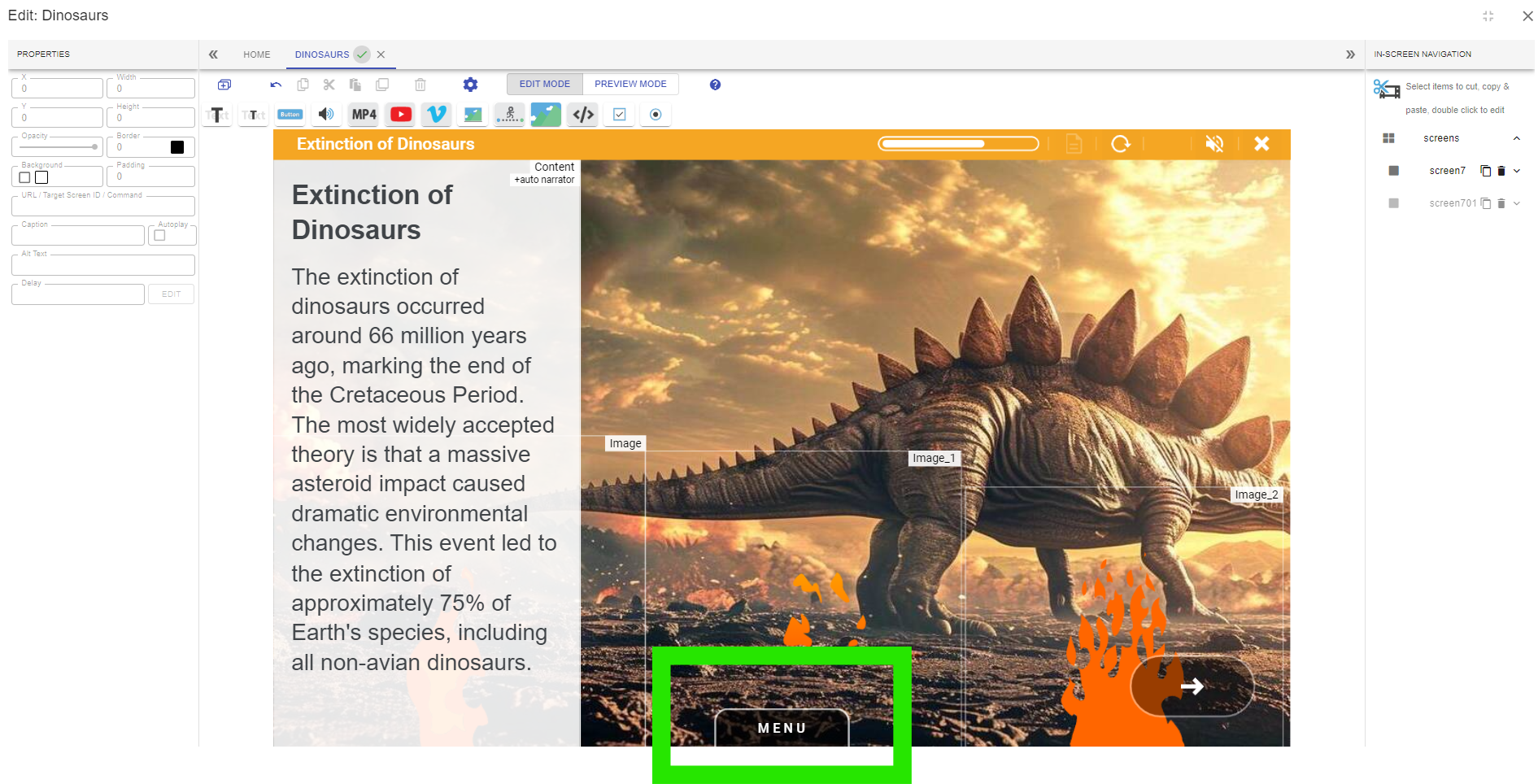
Open the menu by pressing the Menu button at the bottom of the screen.
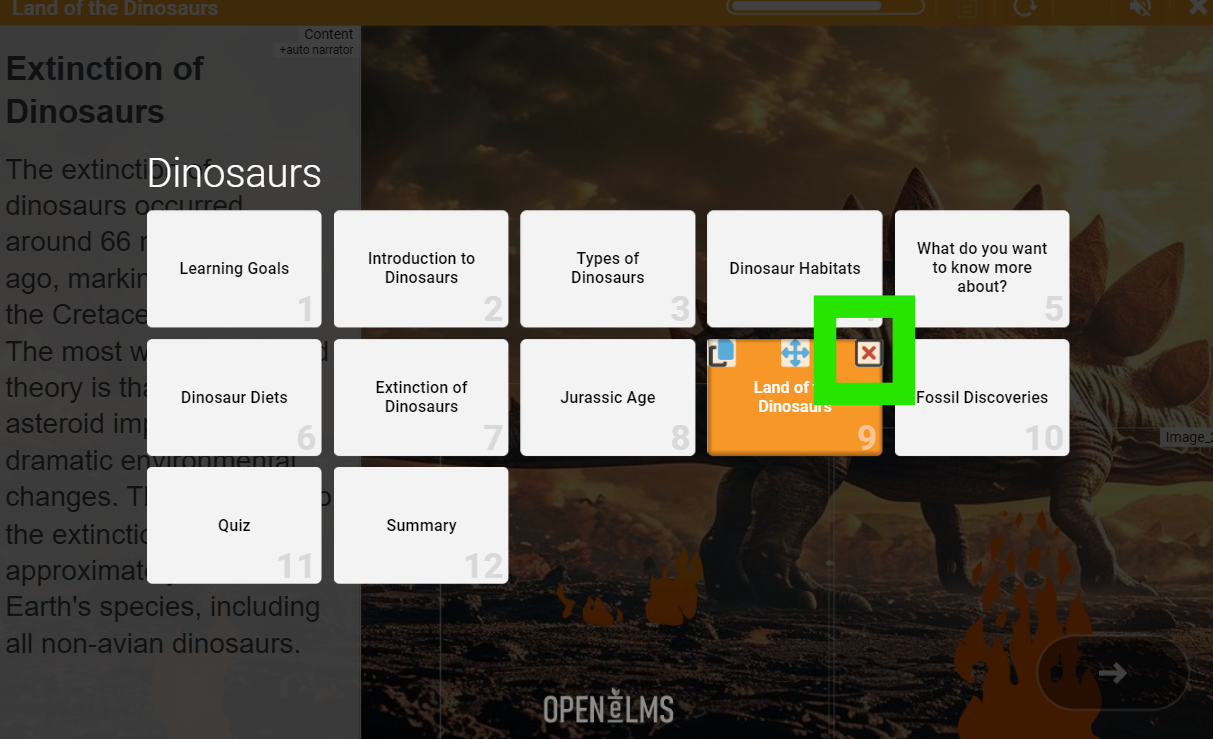
Hover your mouse over the topic you wish to duplicate and select the Delete button.
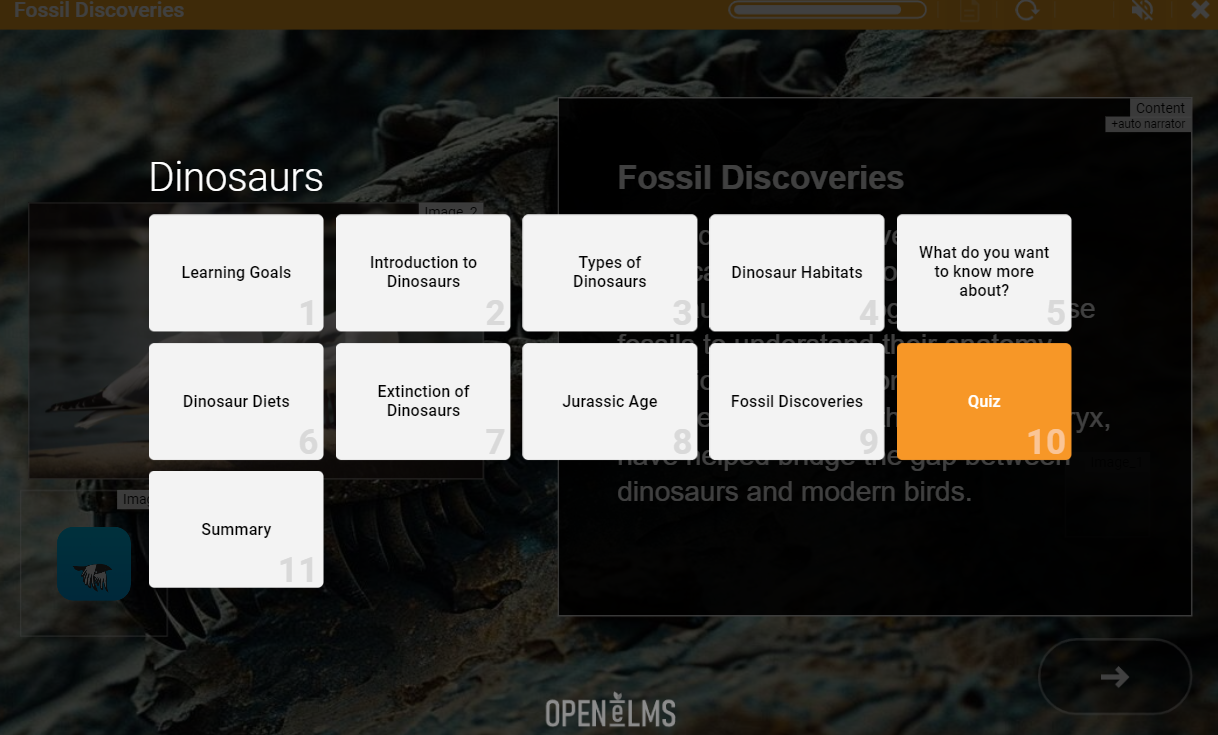
This will remove the topic from the eLearning.
You will need the Enterprise version to add new topics once the eLearning has been created, though sub-screens can be added at any time.
📋 Related articles
- Page:
- Page:
- Page:
- Page:
- Page: