Add Open eLMS AI Editor Resource
Open eLMS AI Editor is the rapid eLearning authoring system which is bundled with Open eLMS AI. Open eLMS AI allows you to produce professional standard eLearning in minutes using AI and is a world first. We have been developing Open eLMS AI Editor for over 15 years so it can author professional standard elearning.
Instructions
Go to Learning Library › Learning Resources.

If a Curriculum Developer then press the second Add Learning Resources tab.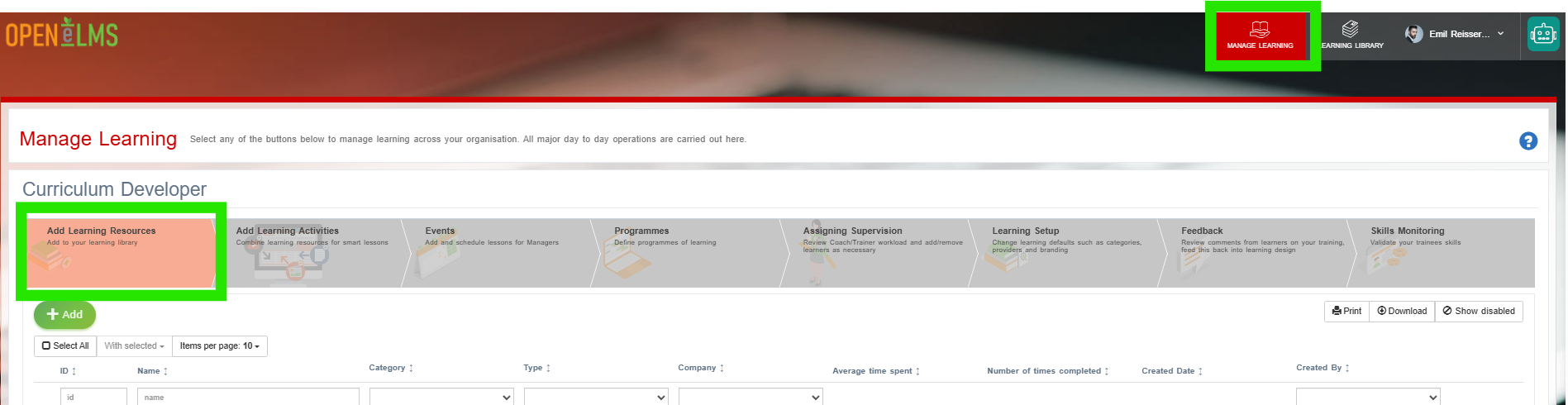
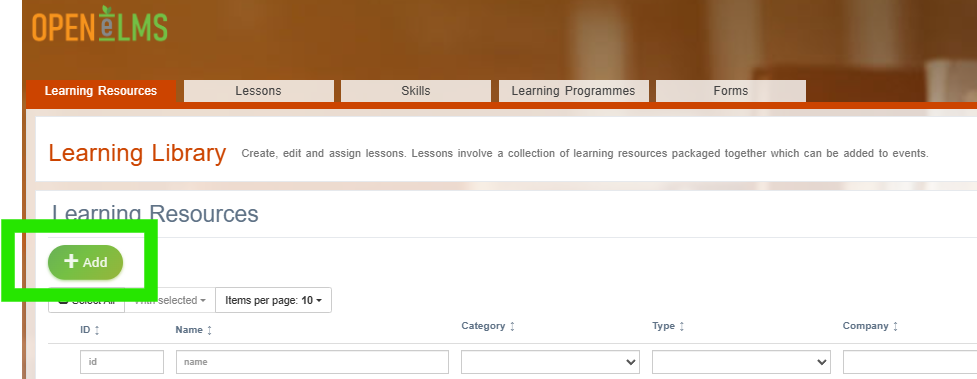
Select the Add button …
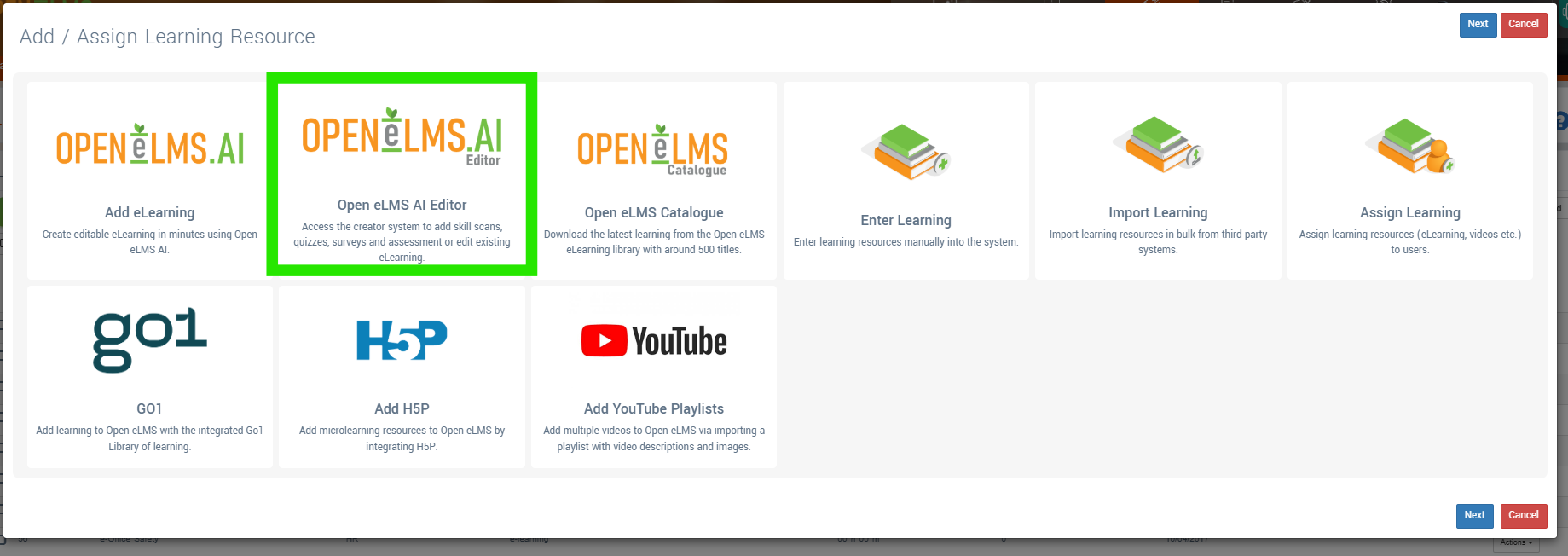
Then the Add Open eLMS AI Editor option - as you can see other options do exist for adding more content.
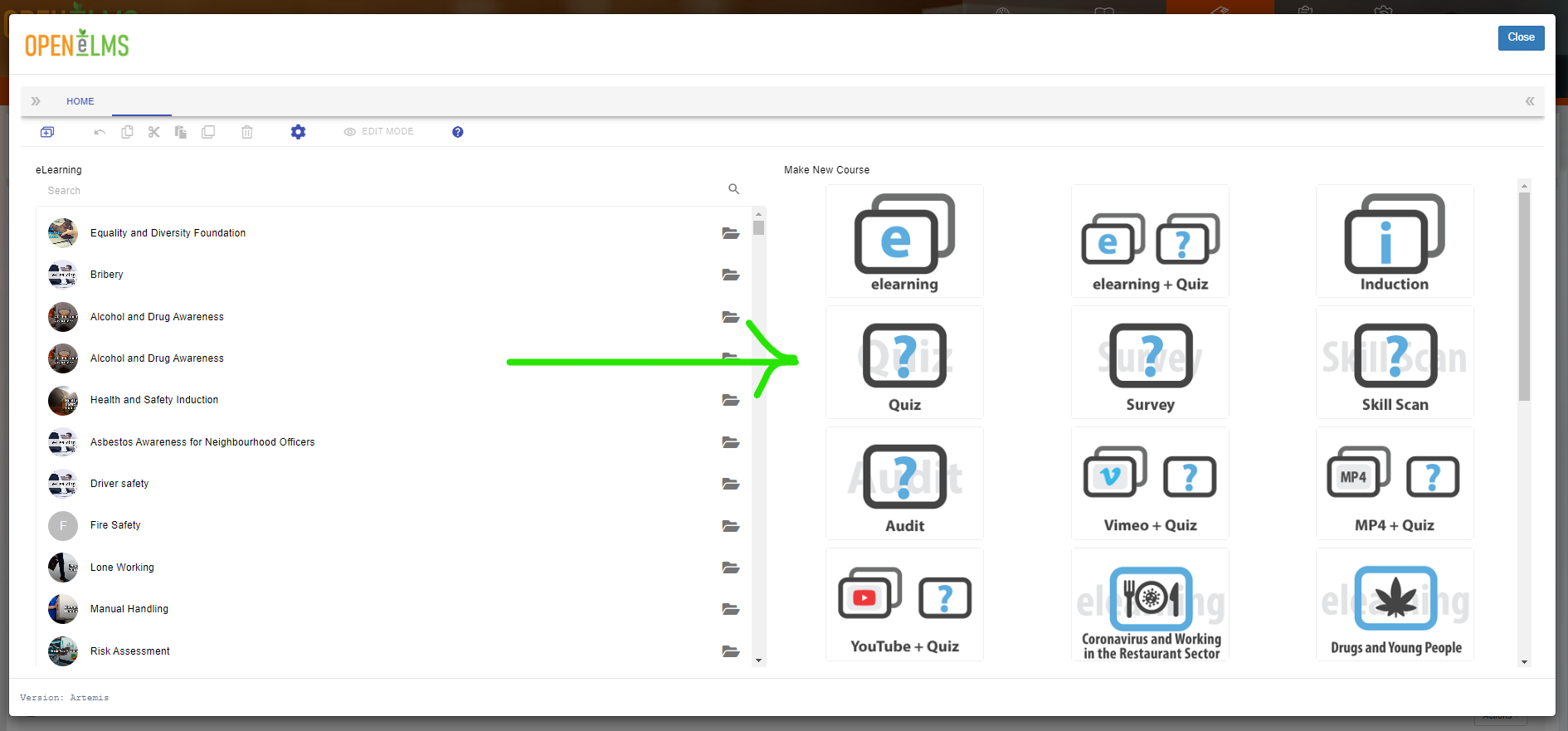
Select from the right hand side of the screen a template you can use to base your eLearning on.
Give your eLearning a new name

Press Done and the course editor will then open up.
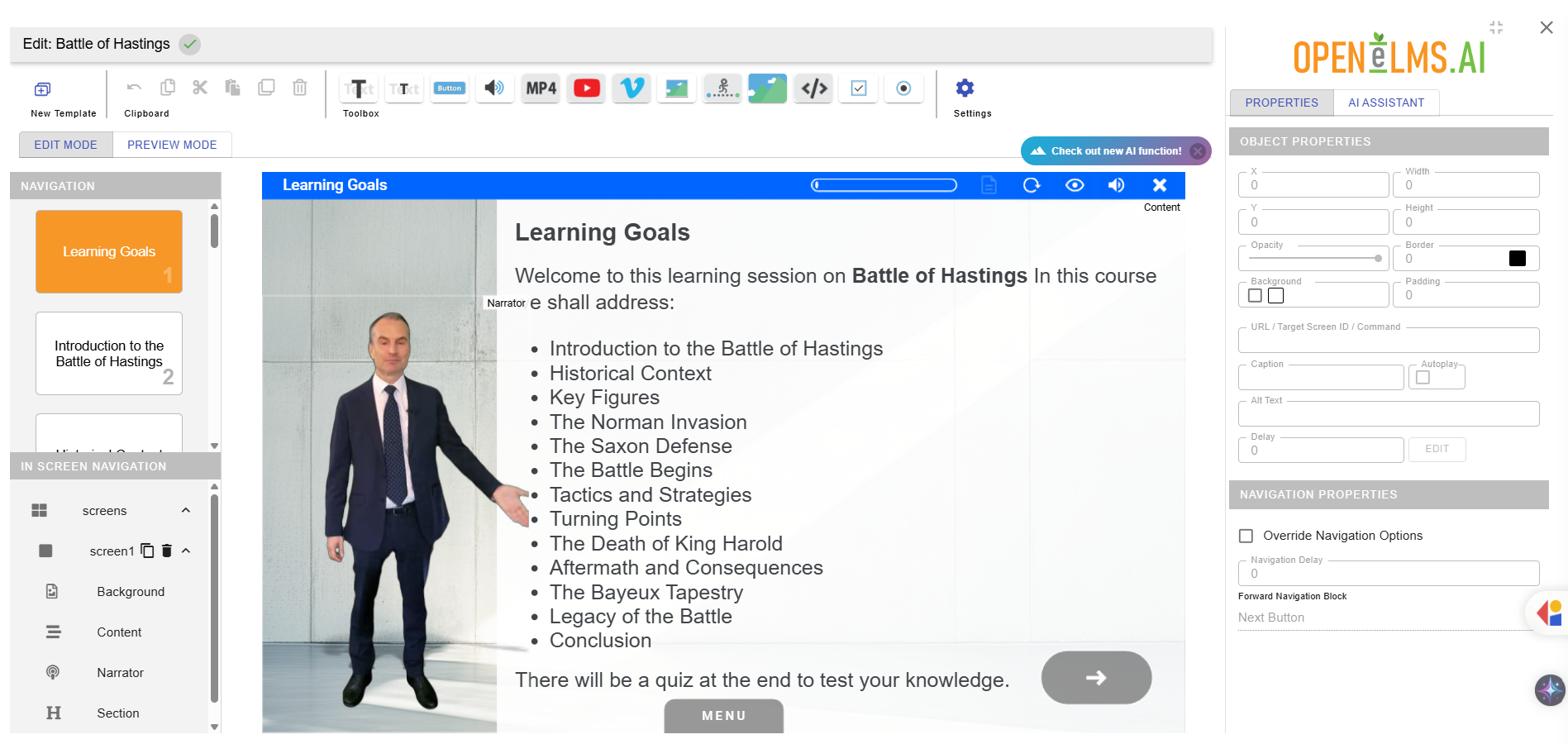
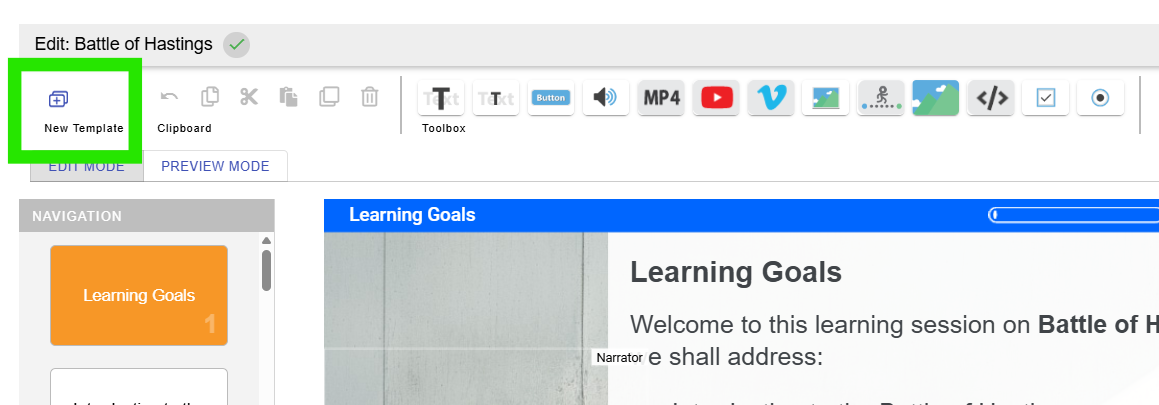
Follow the on-screen instructions to start editing. Press the New Template button to add a new template …
… double click on any text, image or video to edit it (note you can add voiceover to any text object by checking a checkbox when editing) …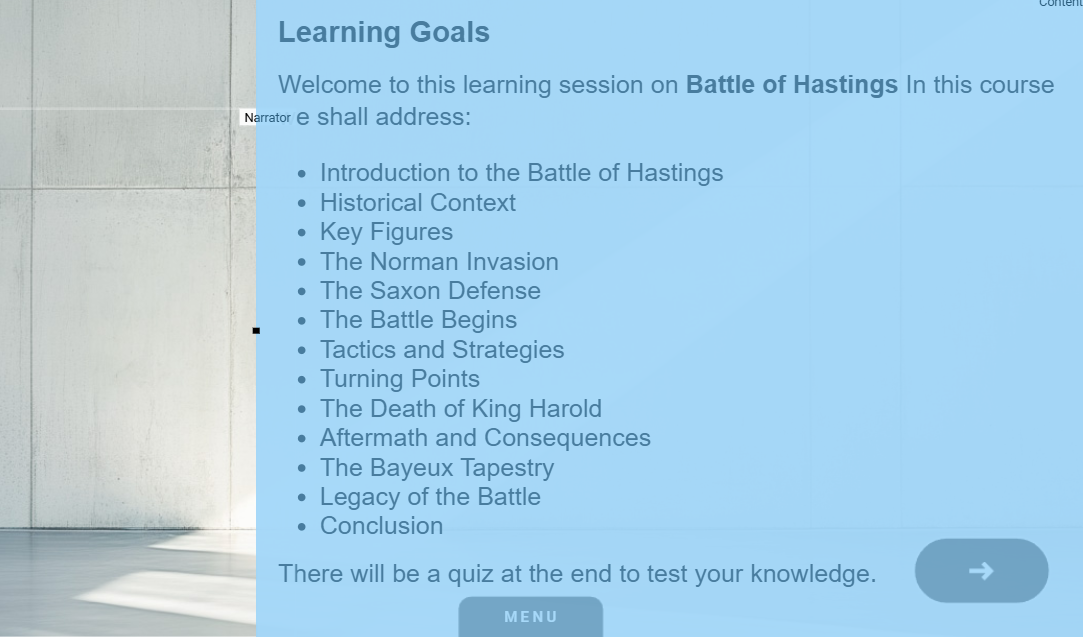
,,,, add new objects to the screen using this tool bar …
… expand a screen by highlighting a screen item and then duplicate it (similarly steps can be remove by cutting them …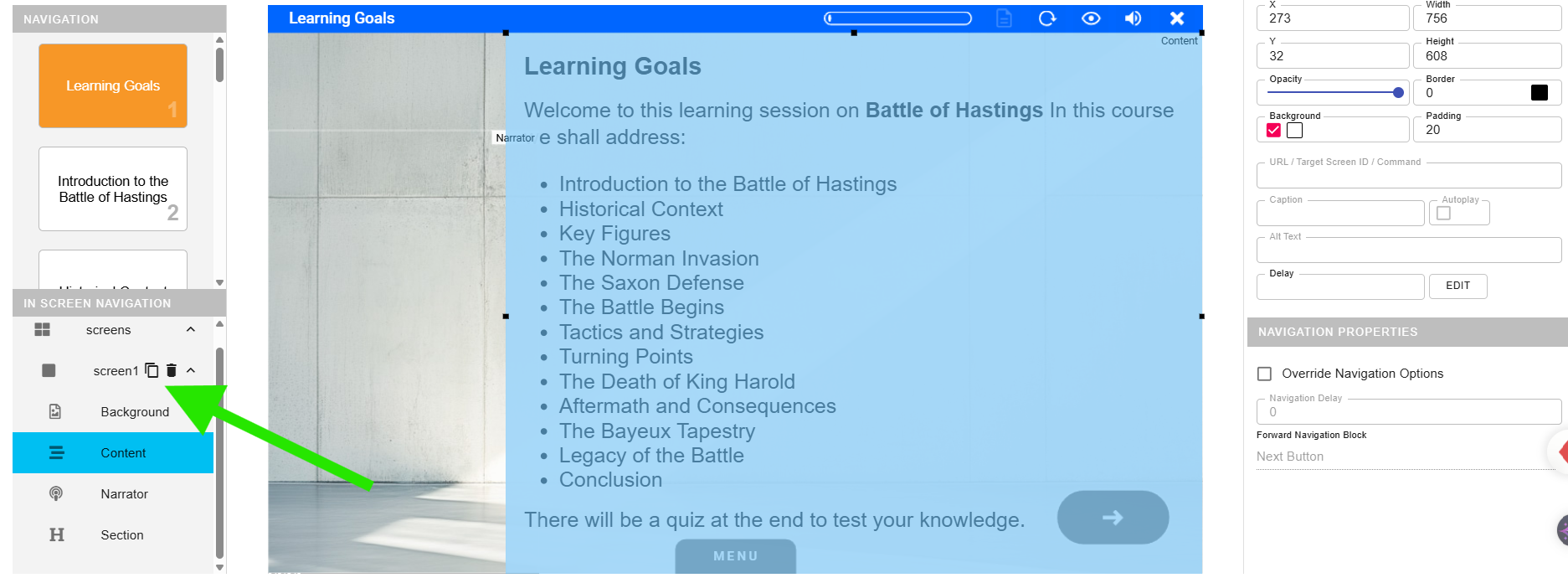
… and select from the menu to delete an entire screen from the eLearning.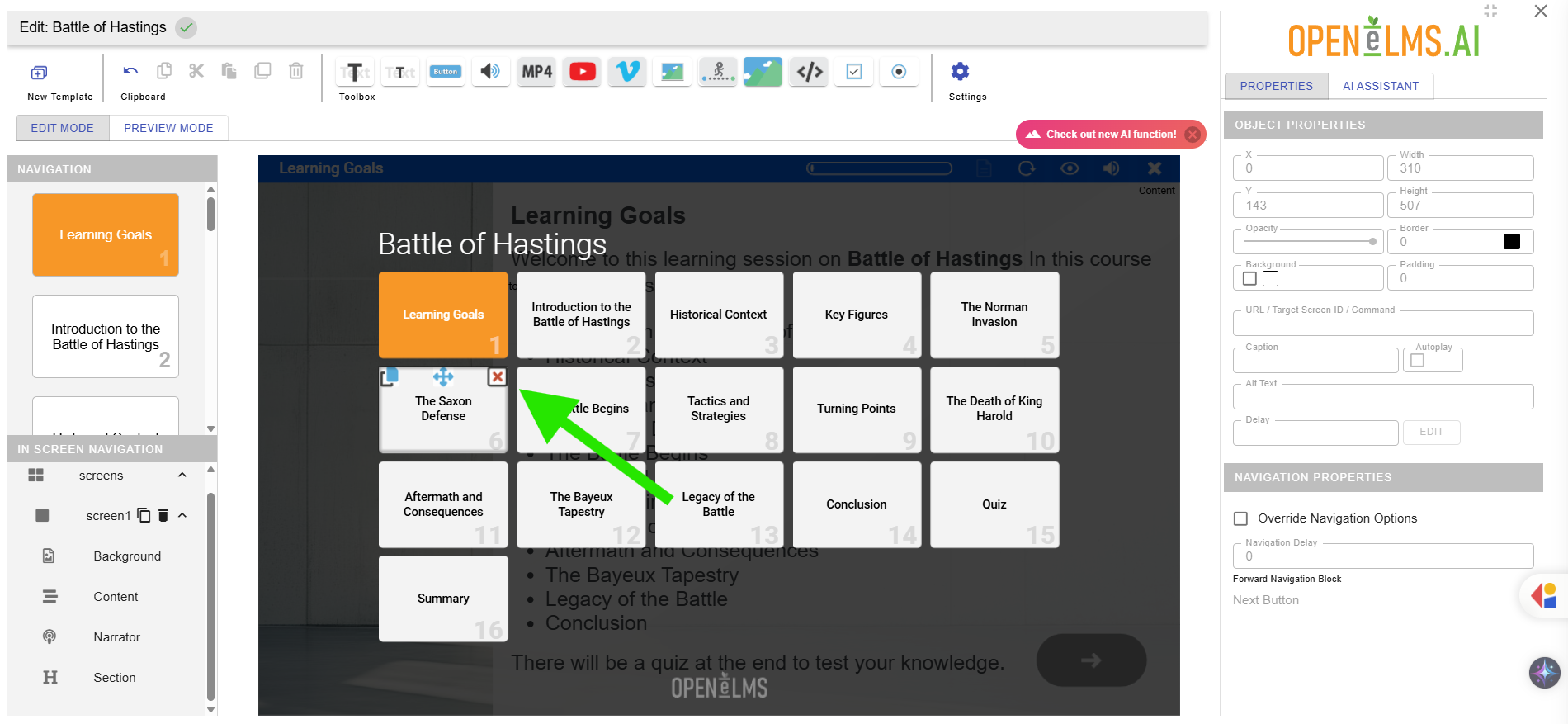
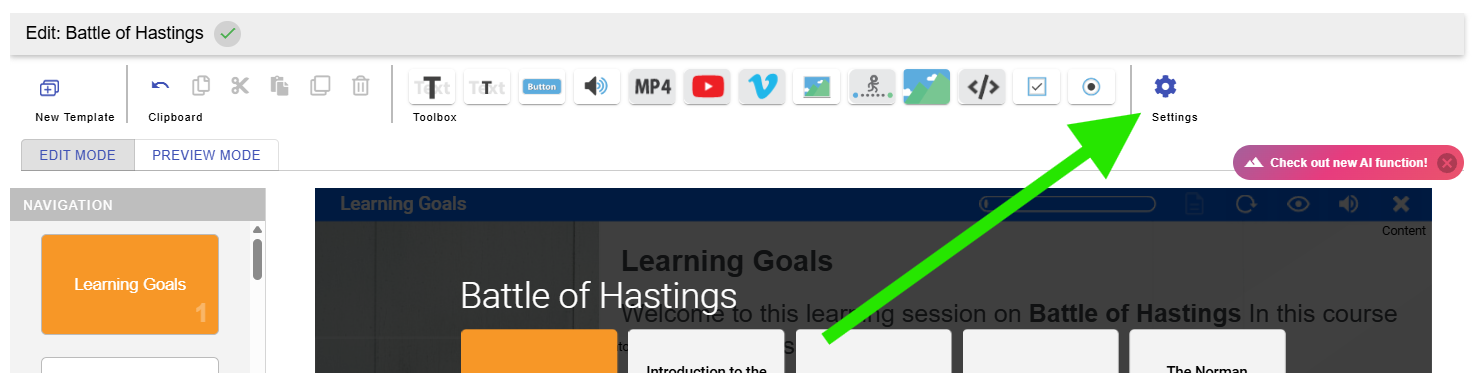
Options here allow you to change settings such as language and the voice of the presenter.
Further help is available in this help video here.
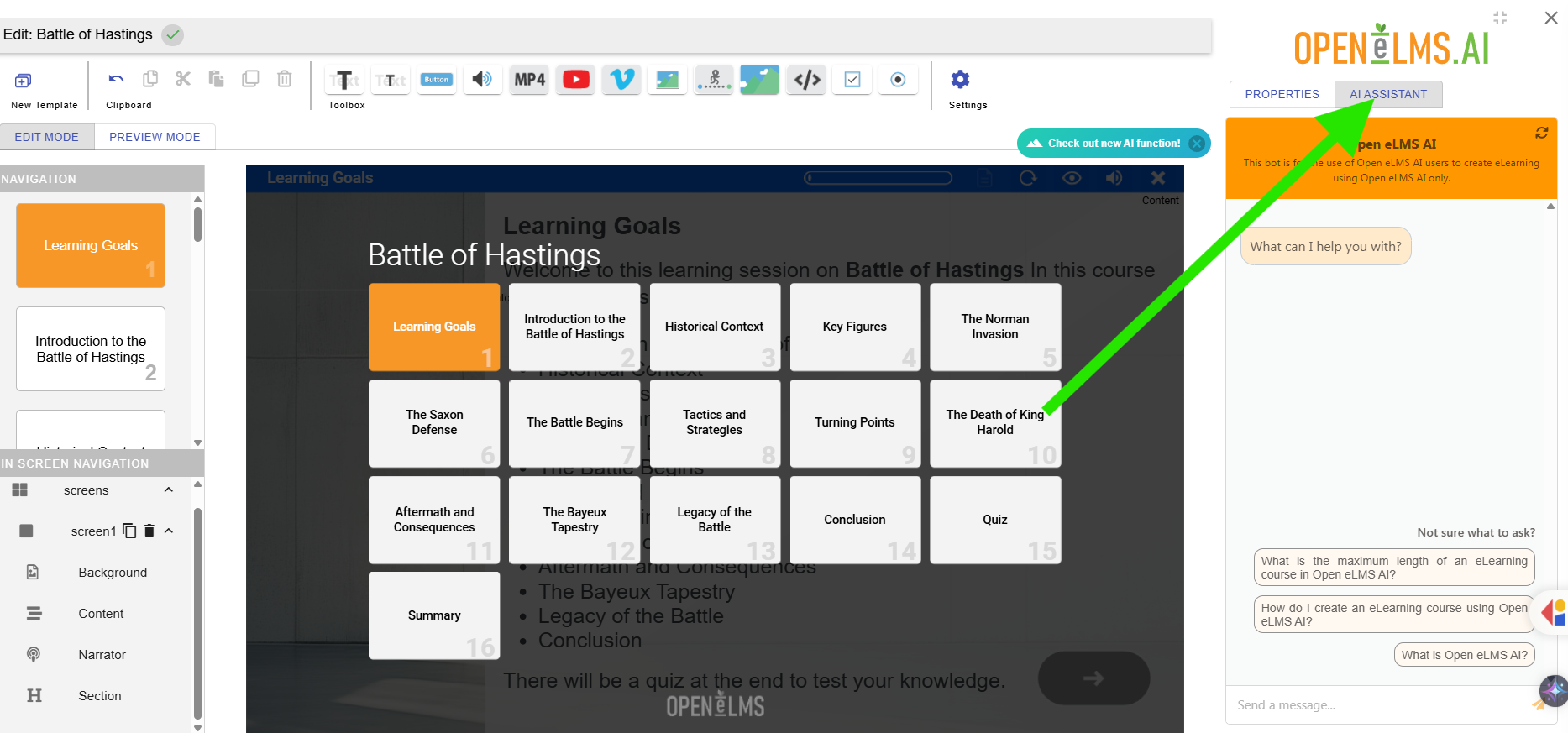
If you do not see Open eLMS AI Editor then you will probably need to purchase a licence for your organisation. Contact support@openelms.com for further information stating the name of your organisation. You may prefer to use Open eLMS AI as a starting point for the creation of elearning, Open eLMS AI Editor can then be used to make final edits.
Related articles
- Page:
- Page:
- Page:
- Page:
- Page: