Edit media using Cut, Copy, Paste, Duplicate and Delete in Open eLMS AI's Editor
The edit buttons on the toolbar allow users to manipulate the media within the eLearning.
📘 Instructions
Follow these steps to edit media in Open eLMS using the toolbar buttons.
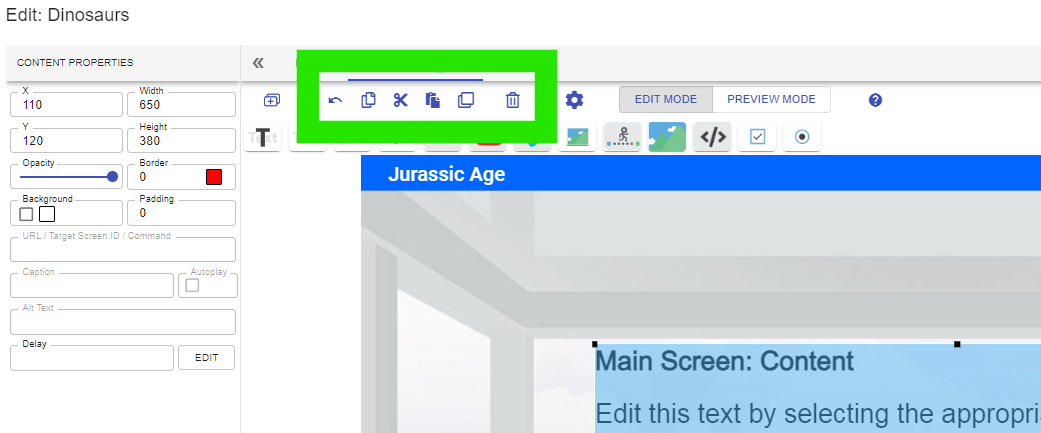
Undo: this button undoes the last action taken by the editor of the system.
Copy: this button allows the user to highlight any media (text, animation, image or video) and copy it for pasting elsewhere in the eLearning.
Cut: this button copies and removes the highlighted media.
Paste: this button allows users to paste any copied media onto the current screen.
Duplicate: this button copies and pastes the highlighted media on to the same screen.
Delete: this button removes the highlighted media.
Copy and paste buttons also are present in the menu and In-screen navigation (right hand panel) for editing in those areas.
📋 Related articles
- Page:
- Page:
- Page:
- Page:
- Page: