Add/Edit Custom Learning Resource Types
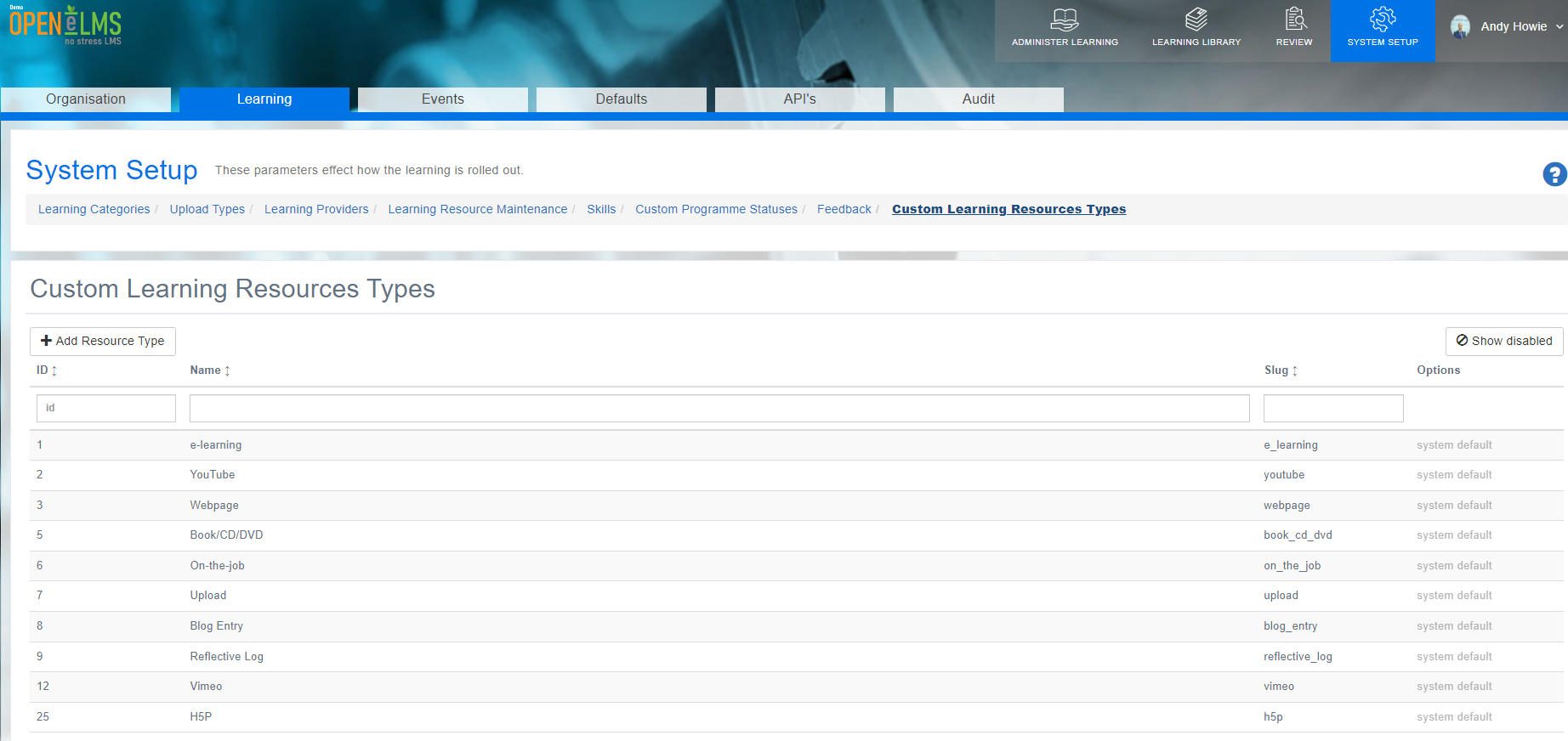
Custom Learning Resource Types allows administrators to create and manage personalized learning resource types, providing greater flexibility in organizing and categorizing content on the platform. Go to System Setup - Learning - Custom Learning Resource Types
📘 Overview
This section displays a table with existing Custom Learning Resource Types, their ID, and an Action button for editing or disabling each resource type. Examples include; e-learning, YouTube, Webpage etc..
When adding or editing a Learning Resource Type, administrators can:
Assign a name to the resource type.
Define fields/parameters, including field names, mandatory status (By Management, By Learner, or Not Mandatory), and field types (text, comment, integer, date, URL, upload, sign-off).
Adjust the order of fields in the form.
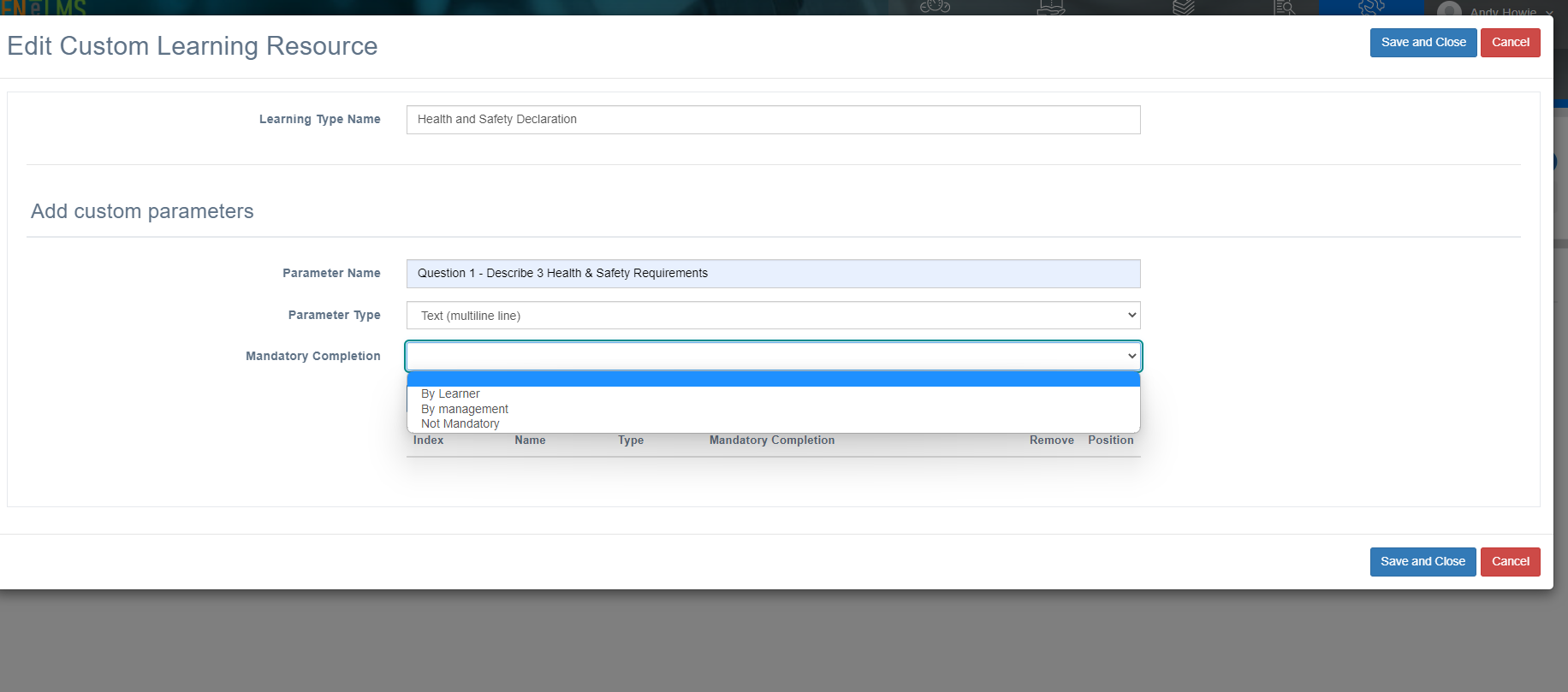
These customizations allow the system to dynamically generate Learning Resource Type forms for both management (Admin > Learning Library > Add Learning Resources) and learners/trainees, tailoring the platform to better meet the organization's specific needs and preferences.
📋 Related articles
- Page:
- Page:
- Page:
- Page:
- Page: