Install from remote library
eLearning content can be imported directly into the Learning Management System form two sources:
Open eLMS Catalogue
Go1 Library
Each library must be purchased prior to its use.
Instructions
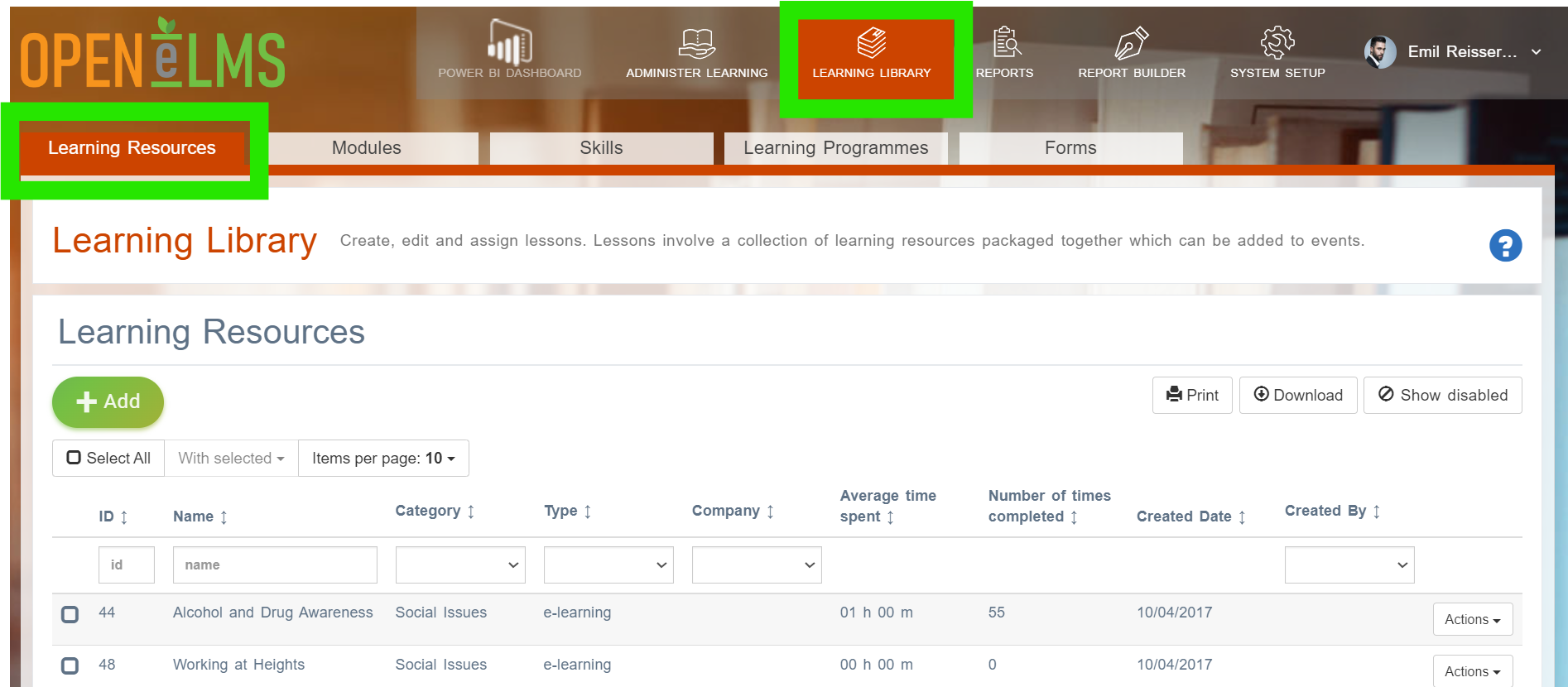
Log in as an Administrator and go to Learning Library › Learning Resources and press Add.
If a Curriculum Developer then press the Add Learning Resources tab.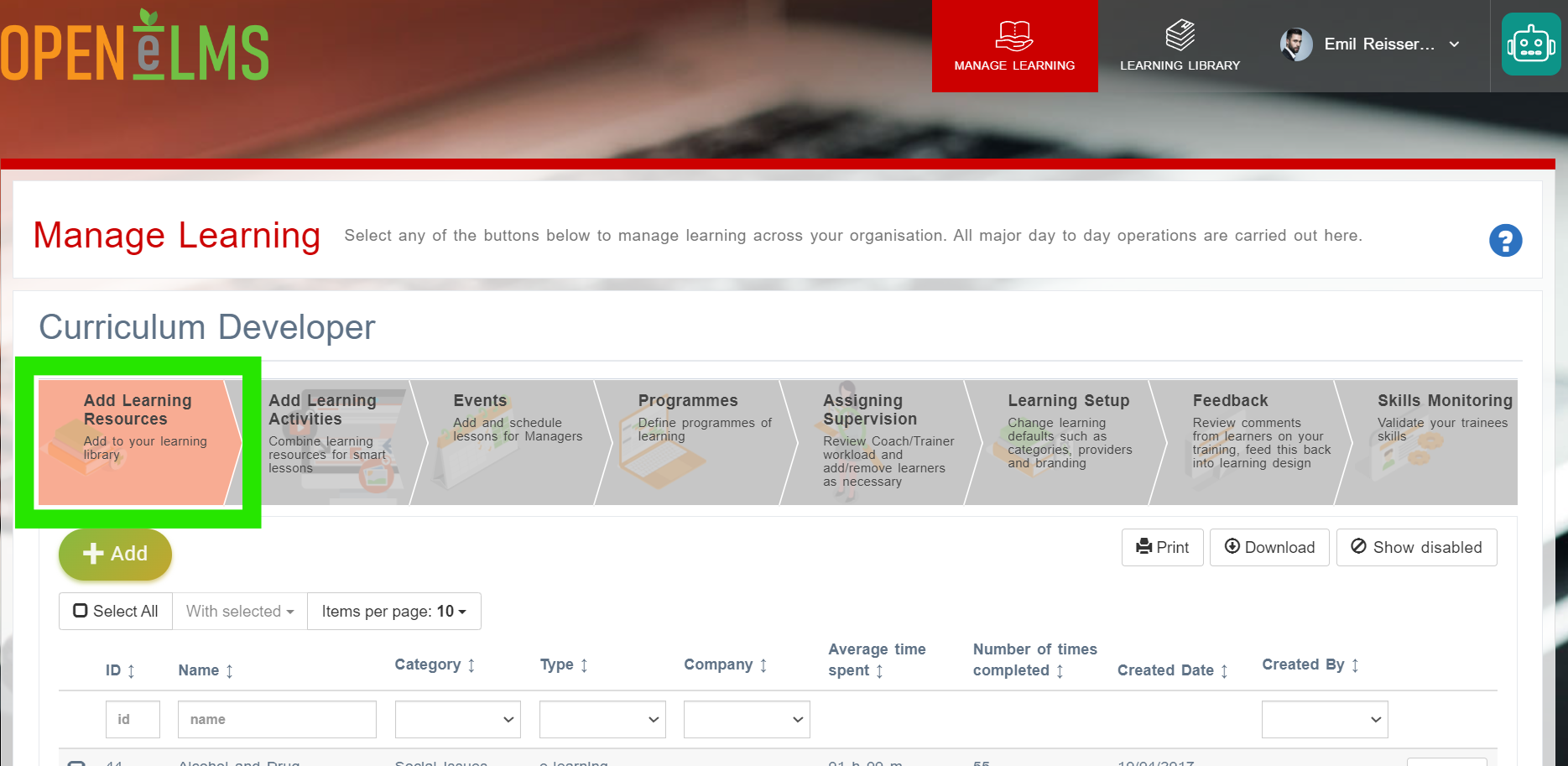
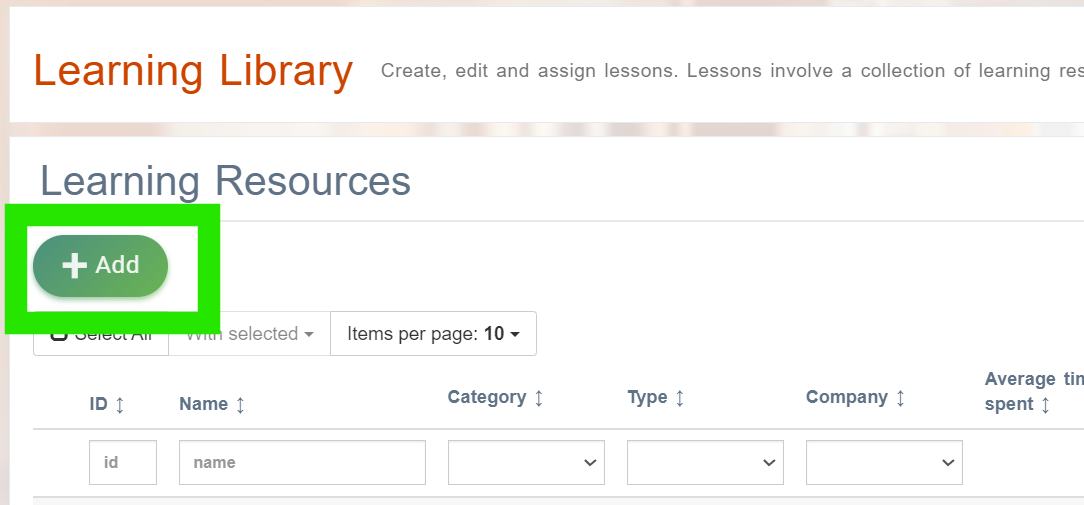
Select the Add button.
Install from remote library button.
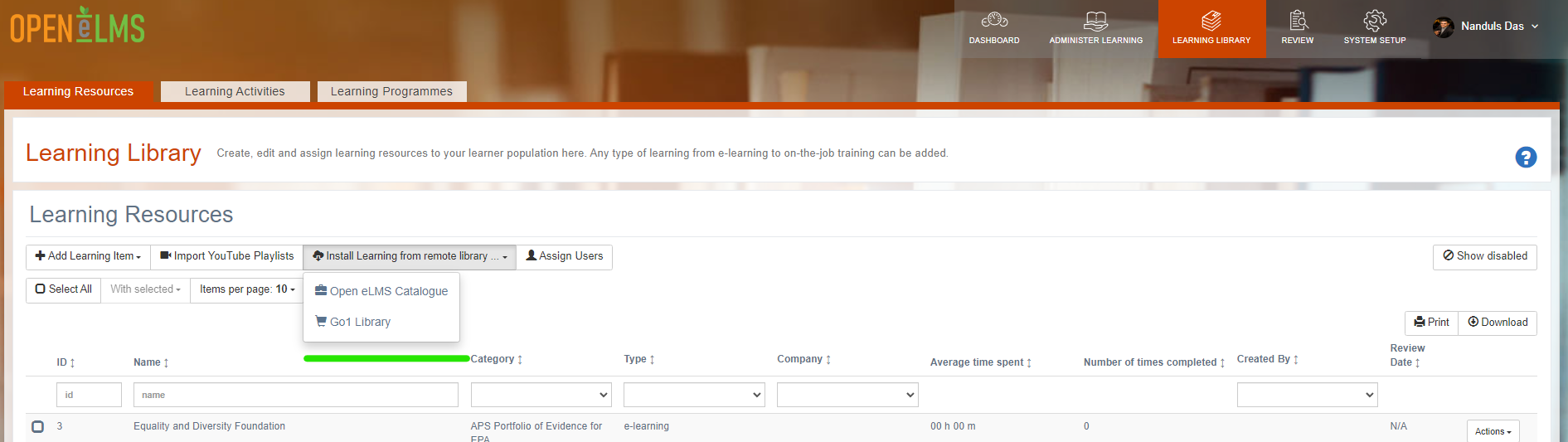
Select Open eLMS Catalogue or Go1 to access external catalogues.
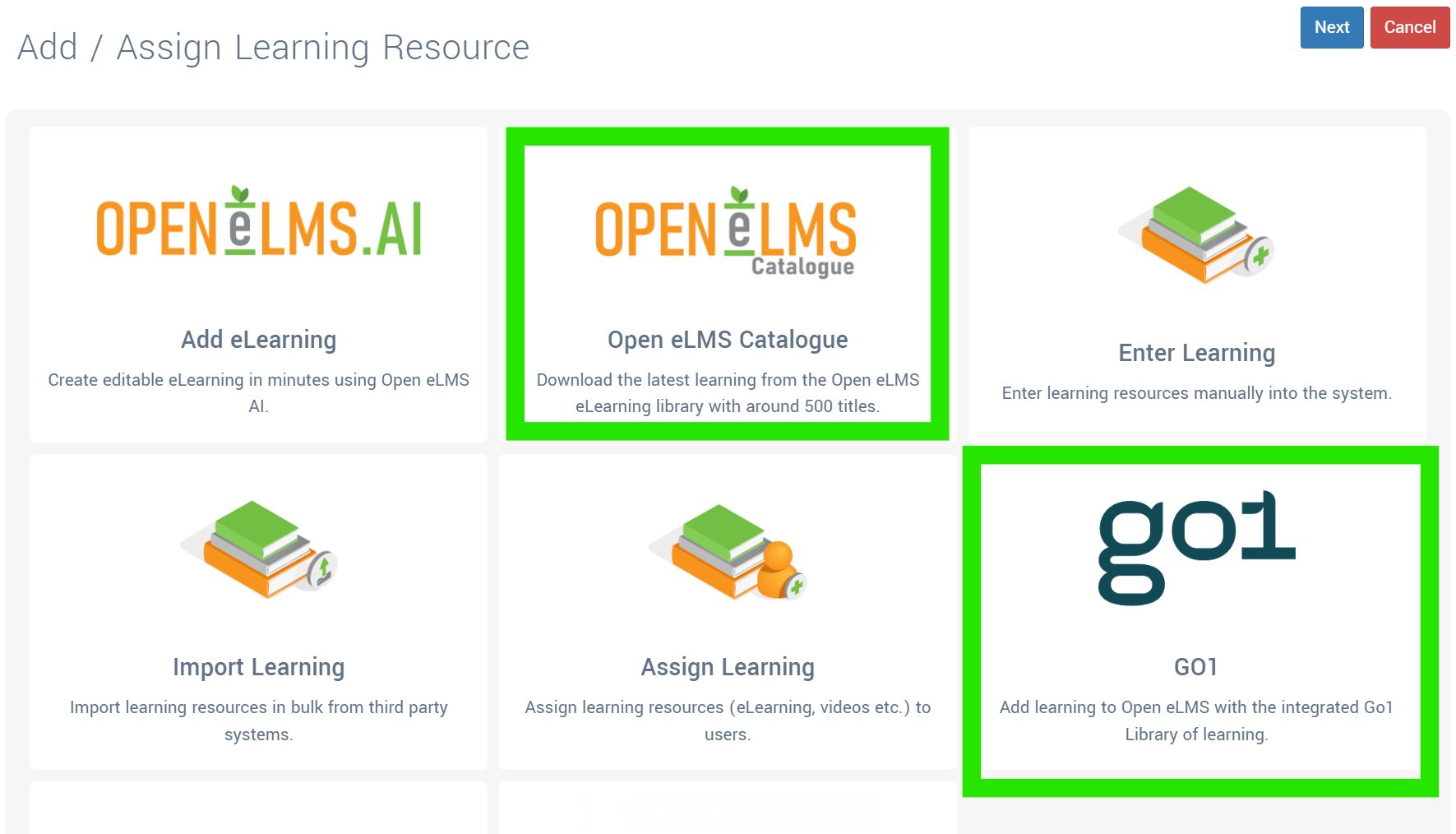
Open eLMS Catalogue courses can be installed into the Learning Library by pressing the Install button.

Open eLMS Catalogue courses can be updated where appropriate by pressing the Update button.
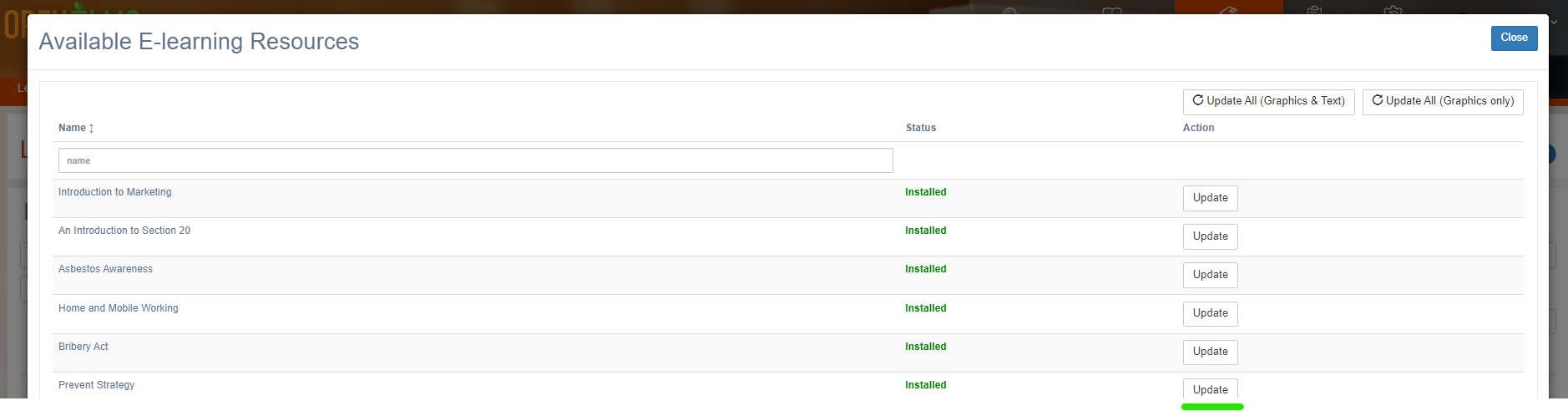
Take care to rename any course you are editing from the Open eLMS Catalogue using the Open eLMS AI editor so it is not overwritten by this update process.
Related articles
- Page:
- Page:
- Page:
- Page:
- Page: