Add Event Types selectable when adding events
Customised Learning Event Types can be created by administrators for the use of management when creating learning events (classroom learning, webinars etc.)
📘 Instructions
Follow these steps …
Log in as a Admin
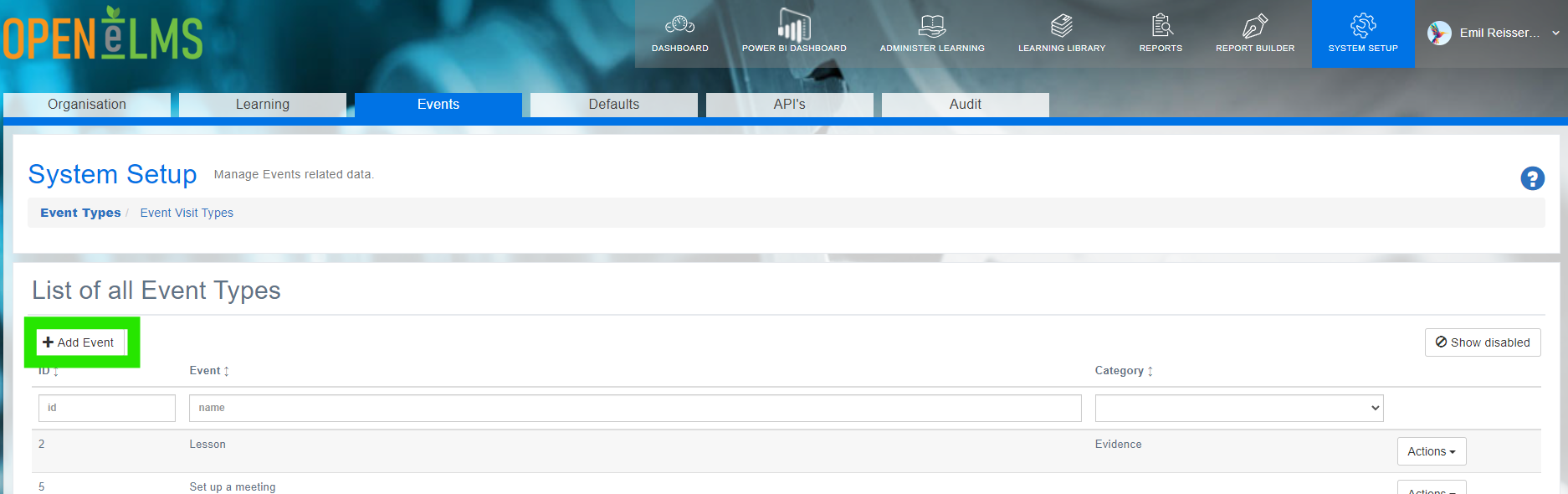
Go to System Setup > Events
Select Add Event Type
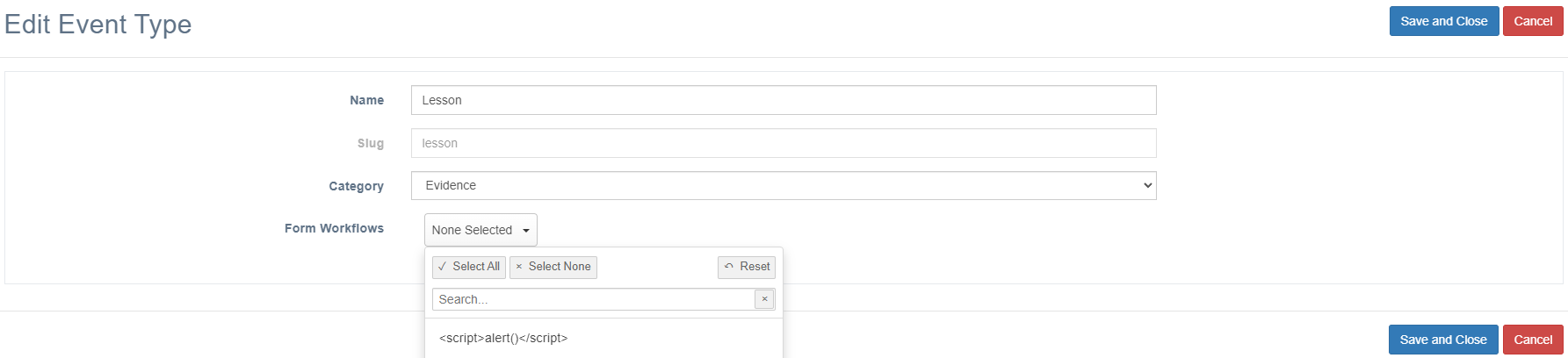
If you want to add forms to the event (some events may have a feedback form etc.) select Assigned Workflows
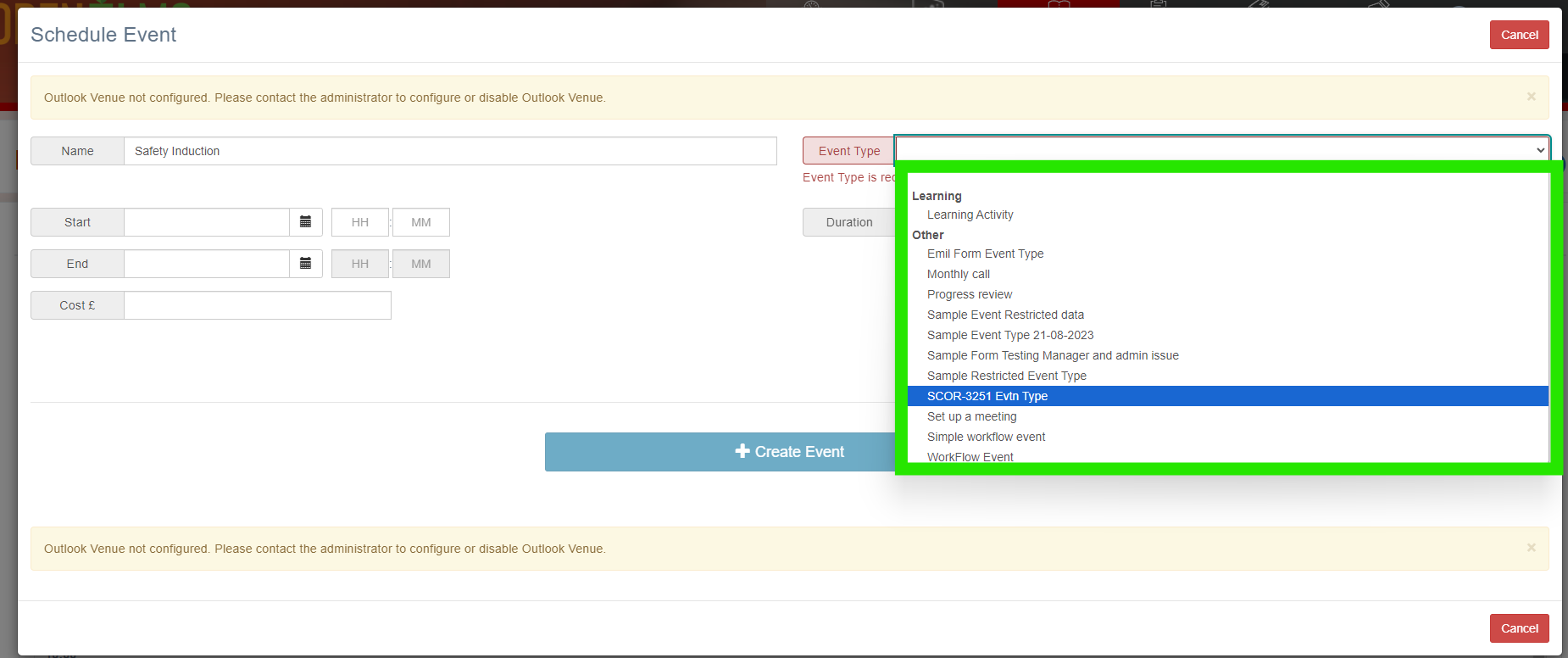
Create an event (as a Manager or Curriculum Developer) - you will see the new event type listed.
Workflows are defined in the Learning Library in the Forms tab - these consist a collection of forms which supply data for selected reports.
📋 Related articles
- Page:
- Page:
- Page:
- Page:
- Page: