Add/Edit Upload Types
Upload Types allow administrators to define and manage different types of evidence that can be applied to uploads on the system. This can help create a more organized and streamlined approach to managing uploaded evidence. This guide will walk you through the process of adding and editing Upload Types in Open eLMS.
📘 Instructions
Navigate to System Setup - Learning - Upload Types
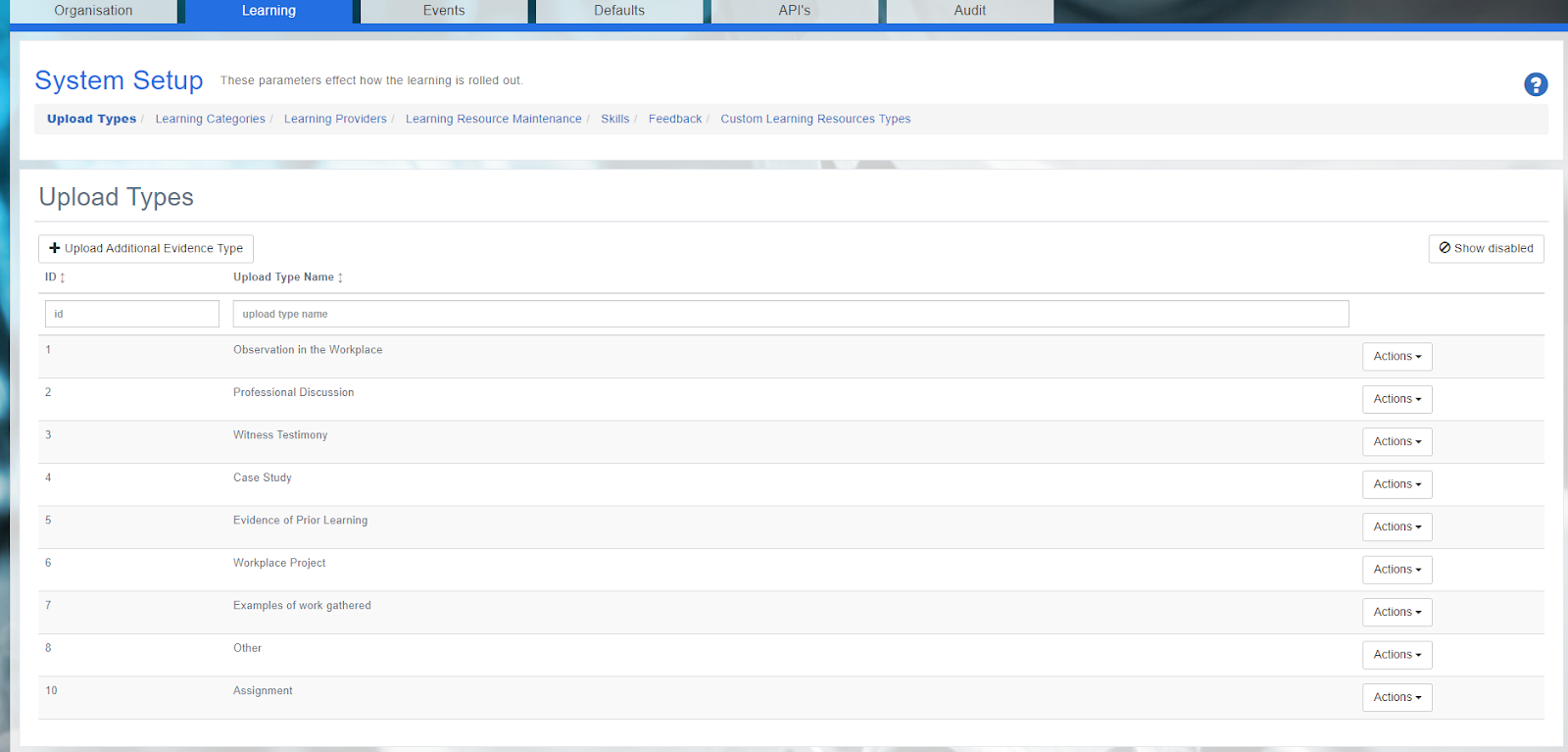
Click on the "Upload Additional Evidence Type" tab.
Fill in the required field.
Click "Save" to create the new Upload Type.
You can use the ‘Actions’ button if you need to edit or delete.
Upload Types refer to the various formats of evidence that users can submit to demonstrate their understanding, skills, or completion of learning activities. These types can include the default ones in the system (e.g. Observation, Professional Discussion, Case Study etc.) or Administrators can add their own. By allowing a range of Upload Types, the platform provides users with the flexibility to showcase their achievements and progress in the format that best represents their work, while also enabling administrators and managers to assess and track learners' performance effectively.
📋 Related articles
- Page:
- Page:
- Page:
- Page:
- Page: