Add alt text to images
Alt text provides image descriptions to the visually impaired. It is vital that these are added to images and animations to meet accessibility requirements.
📘 Instructions
Follow these steps to add alt text.
Select a media object (image or animation).
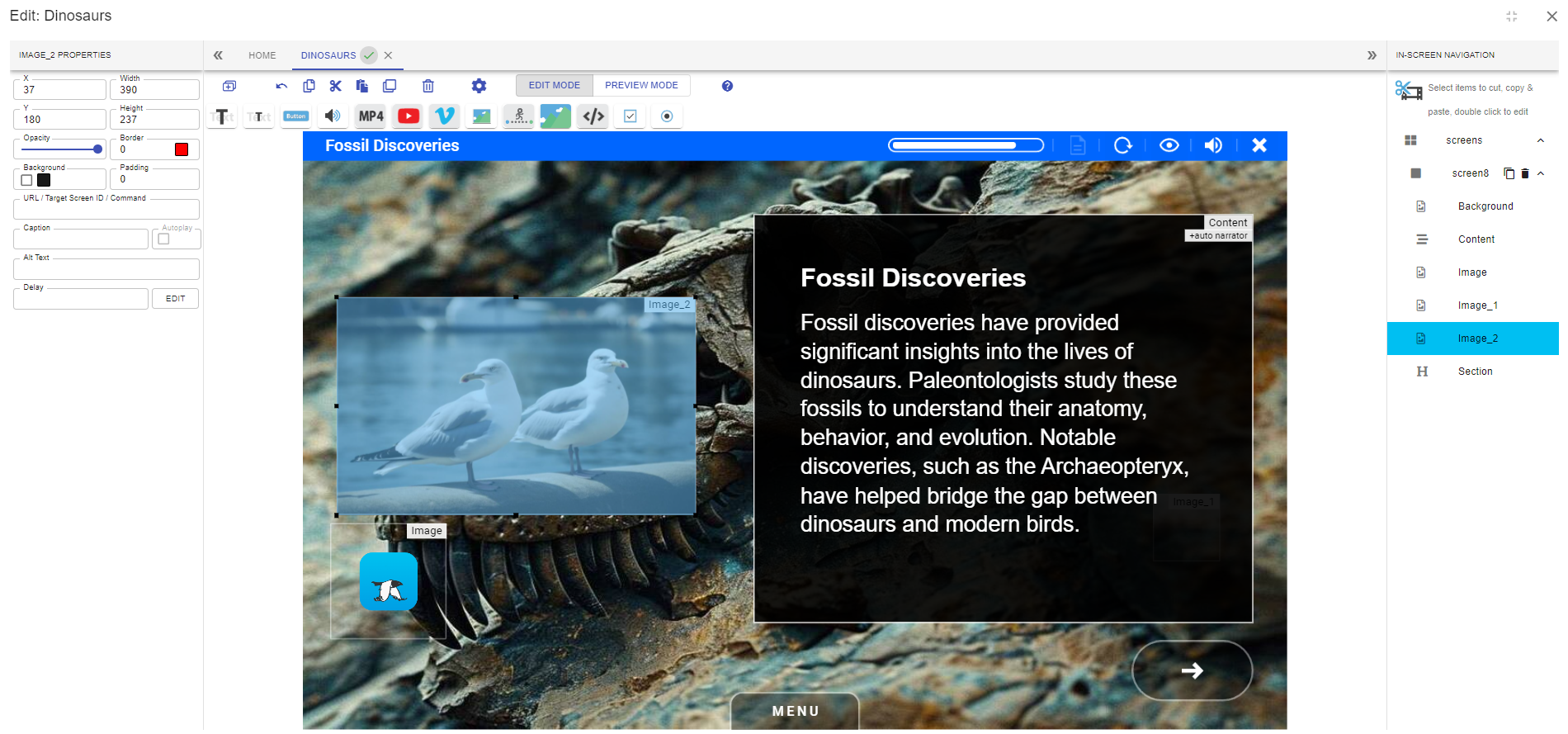
In the properties panel, define the alt text for that object.
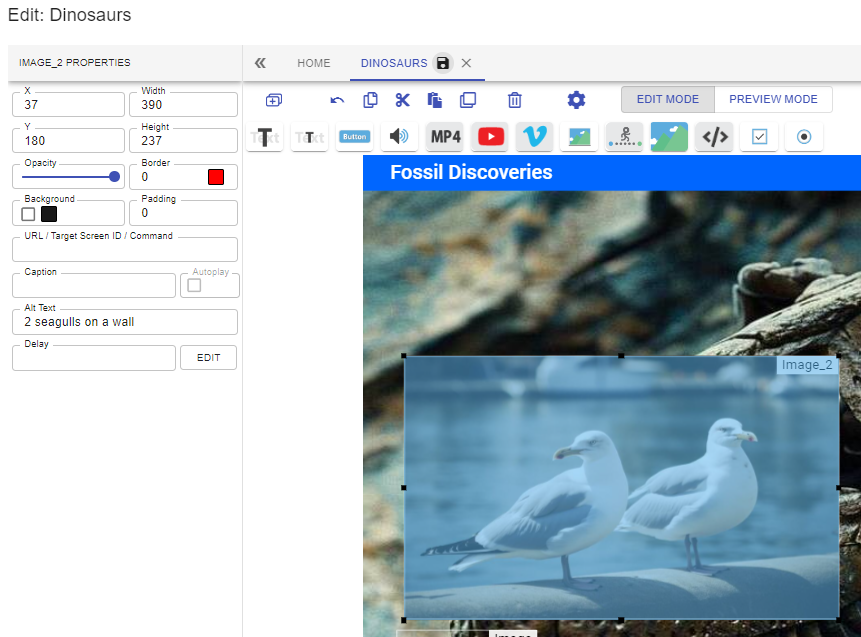
Preview the eLearning in a screen reader, the text will be read out

Open eLMS AI’s editor does not show alt text in preview mode.
📋 Related articles
- Page:
- Page:
- Page:
- Page:
- Page: